
Nova NHT 1102
NOVA NHT 1102 Упутство за употребу тримера
Model: NHT 1102
1. Увод
This manual provides essential instructions for the safe and effective use of your Nova NHT 1102 Trimmer. Please read it thoroughly before first use and retain it for future reference. This cordless trimmer is designed for personal grooming, offering precision trimming with multiple length settings and a long-lasting rechargeable battery.
2. Важна безбедносна упутства
- Do not immerse the trimmer in water or use it near water (e.g., bathtub, shower, sink).
- Држите уређај ван домашаја деце.
- Always check the trimmer for damage before use. Do not use if the blades or housing are damaged.
- Use only the charging cable provided with the trimmer.
- Do not attempt to disassemble or repair the trimmer yourself. Contact qualified service personnel for assistance.
- Ensure your hands are dry when plugging or unplugging the charging cable.
- Чувајте тример на сувом месту када се не користи.
3. Садржај пакета
Проверите да ли су све ставке присутне у пакету:
- Nova NHT 1102 Trimmer
- 3 вођице чешља (1 мм, 2 мм, 3 мм)
- УСБ кабл за пуњење типа Ц
- Четка за чишћење
- Lubricating Oil (may be included)

Image 3.1: Nova NHT 1102 Trimmer with included accessories and packaging.
4. Производ је готовview
Familiarize yourself with the components of your Nova NHT 1102 Trimmer:
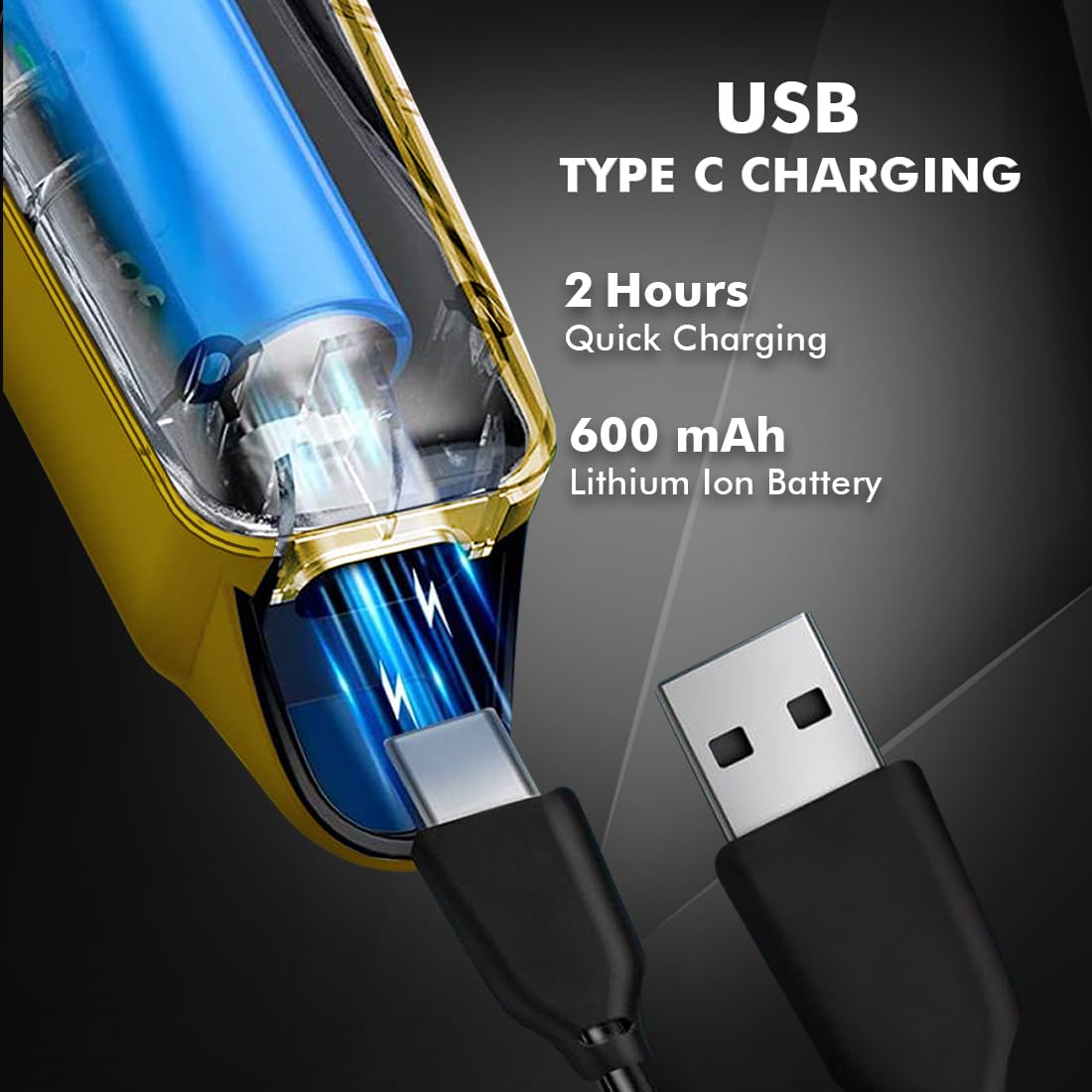
Image 4.1: Key features and components of the Nova NHT 1102 Trimmer.
- Оштрице од нерђајућег челика: Durable and self-sharpening blades for precise cutting.
- Дугме за напајање: Controls power on/off and speed settings.
- Светло индикатора: Displays charging status and operational mode.
- УСБ пуњач: For convenient charging via USB Type-C cable.
- Кука за вешање: За лако складиштење.
- Чешљеви за водиче: Detachable combs for various trimming lengths (1mm, 2mm, 3mm).
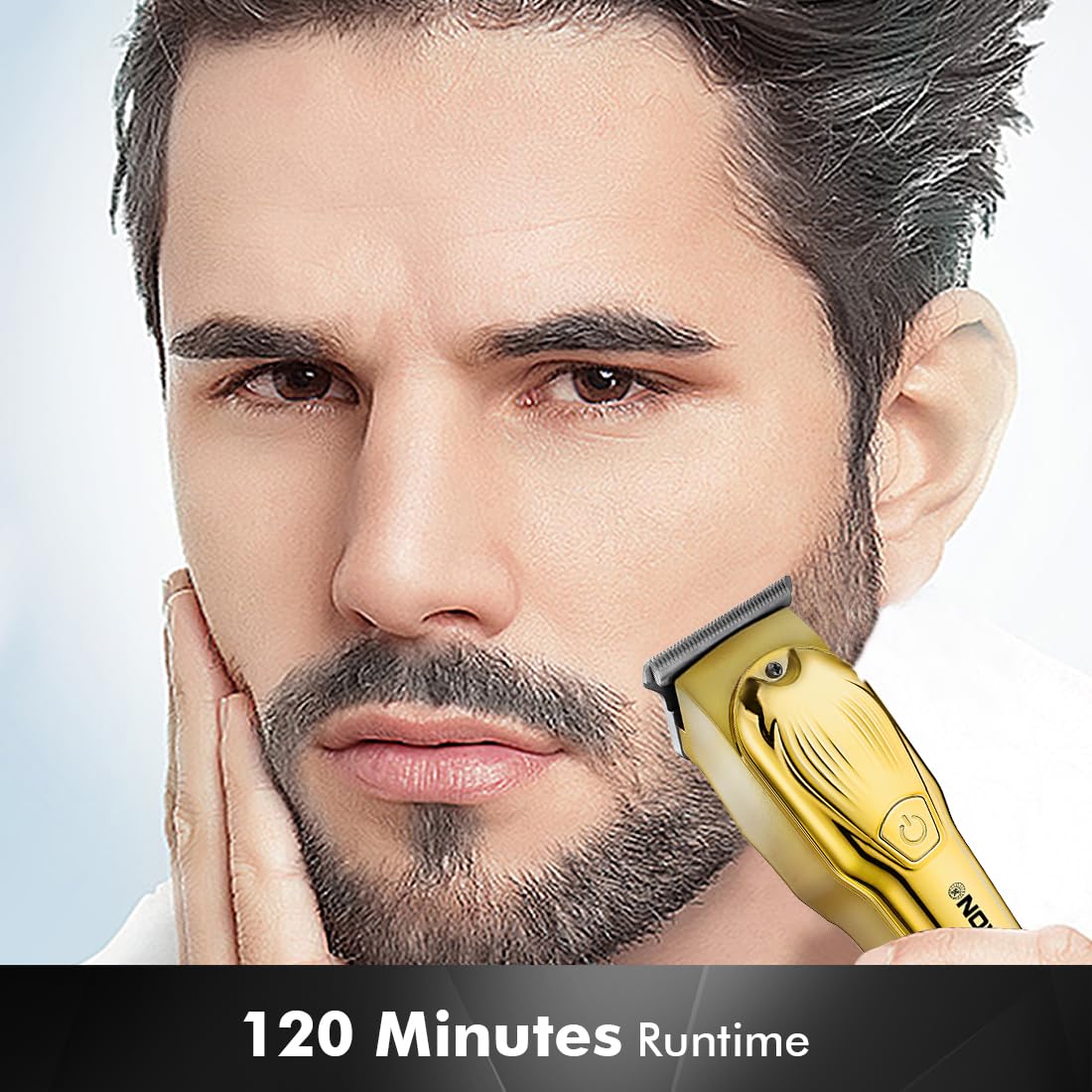
Image 4.2: Detail of the self-sharpening stainless steel blades.
5. Подешавање
5.1 Почетно пуњење
Before first use, fully charge the trimmer. The Nova NHT 1102 Trimmer features a 600 mAh Lithium-Ion battery.
- Connect the USB Type-C charging cable to the trimmer's charging port.
- Укључите други крај USB кабла у компатибилни USB адаптер за напајање (није укључен) или USB порт на рачунару.
- The indicator light will illuminate to show charging is in progress.
- A full charge takes approximately 2 hours, providing up to 120 minutes of cordless runtime.
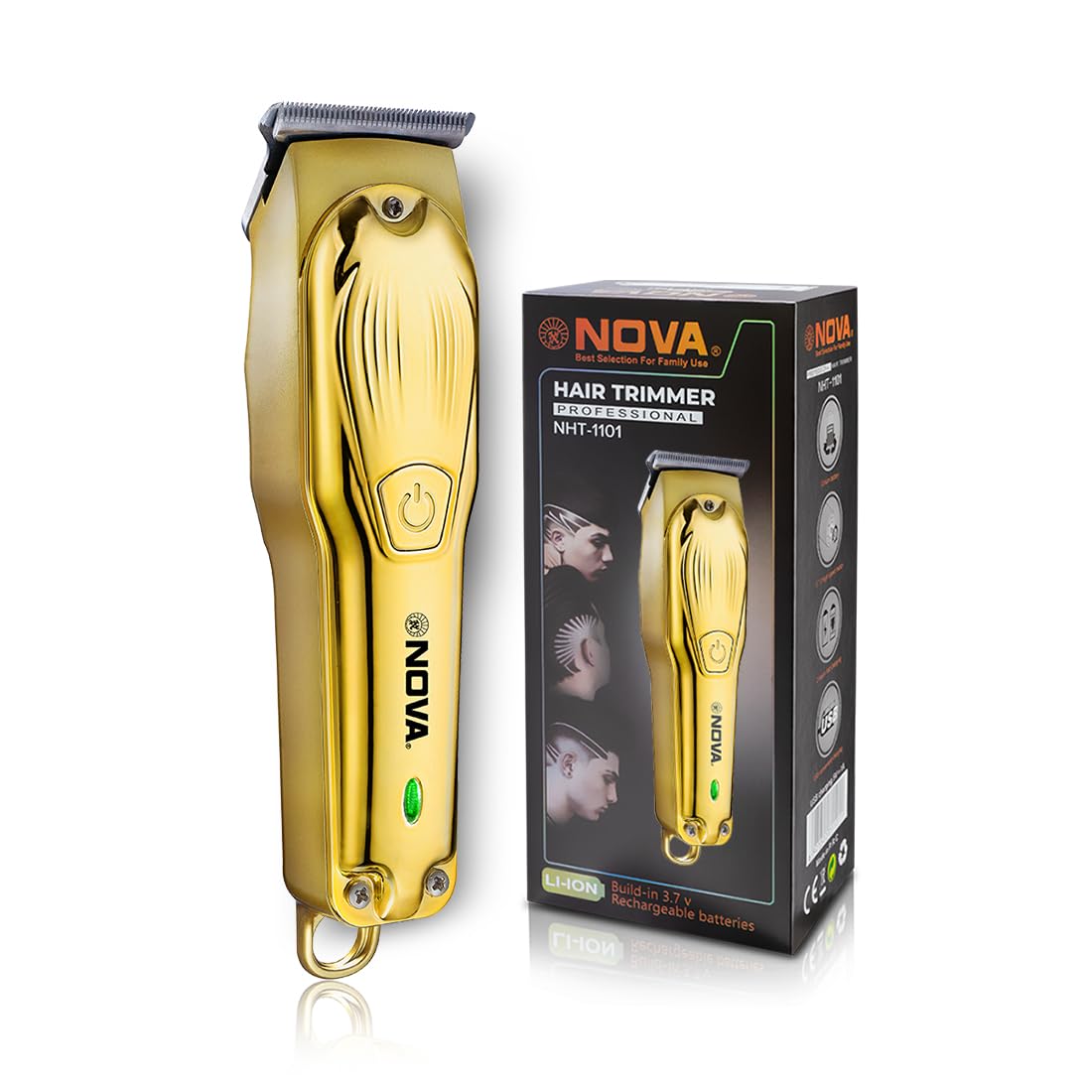
Image 5.1: USB Type-C charging mechanism.
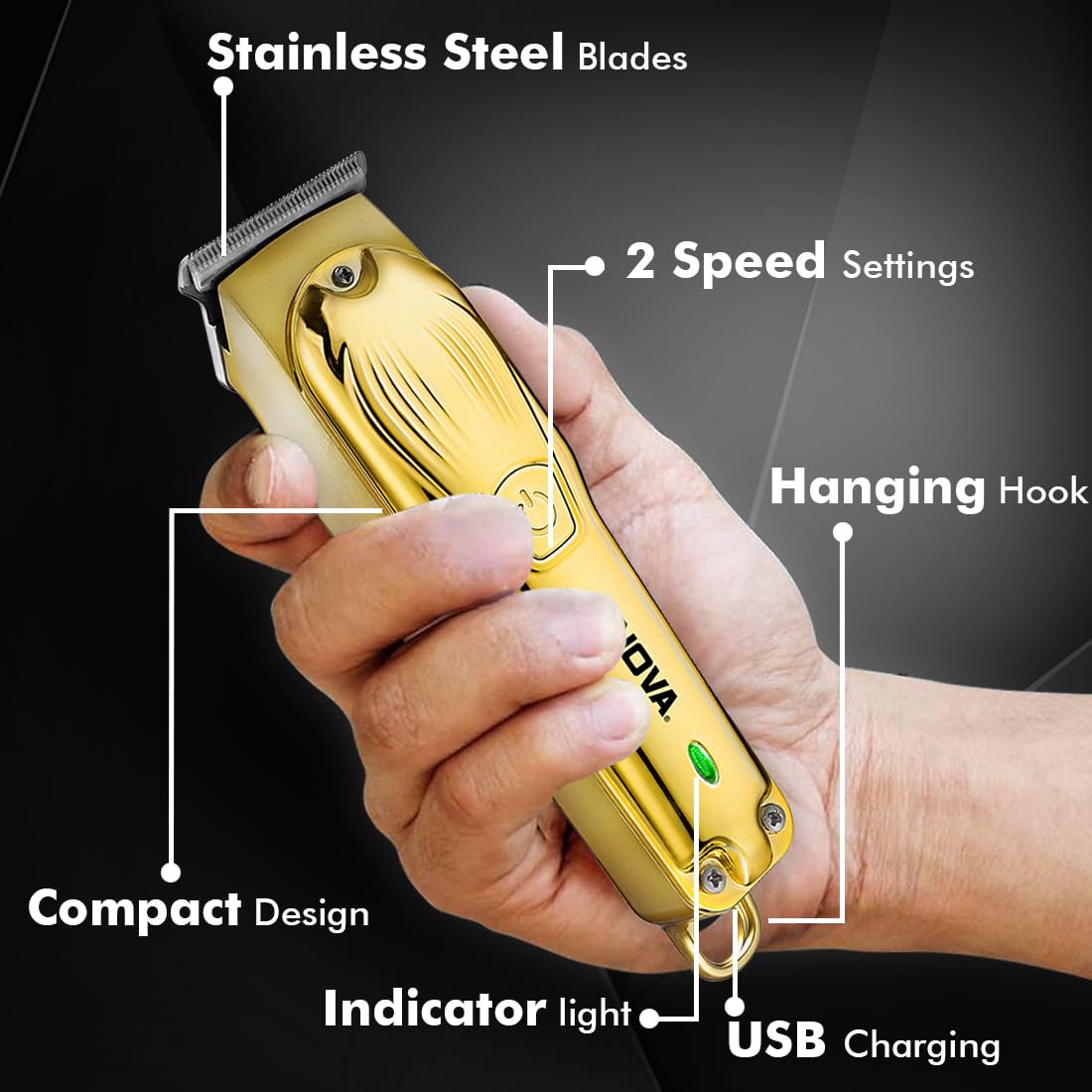
Image 5.2: Trimmer charging via USB Type-C.
5.2 Причвршћивање вођица чешљева
The trimmer comes with 3 guide combs for different hair lengths:
- 1mm comb
- 2mm comb
- 3mm comb
To attach a guide comb, align the comb with the trimmer head and push it firmly until it clicks into place. To remove, gently pull the comb away from the trimmer head.
6. Упутство за употребу
6.1 Turning On/Off and Speed Settings
- To turn the trimmer on, press the power button once. The trimmer will start at the default speed setting.
- To switch between the 2 available speed settings, press the power button again while the trimmer is running.
- To turn the trimmer off, press the power button until it stops.
6.2 Турбо функција
For increased power, activate the Turbo Function:
- While the trimmer is running, double-press the power button to engage the turbo mode.
- Double-press again to return to normal speed.
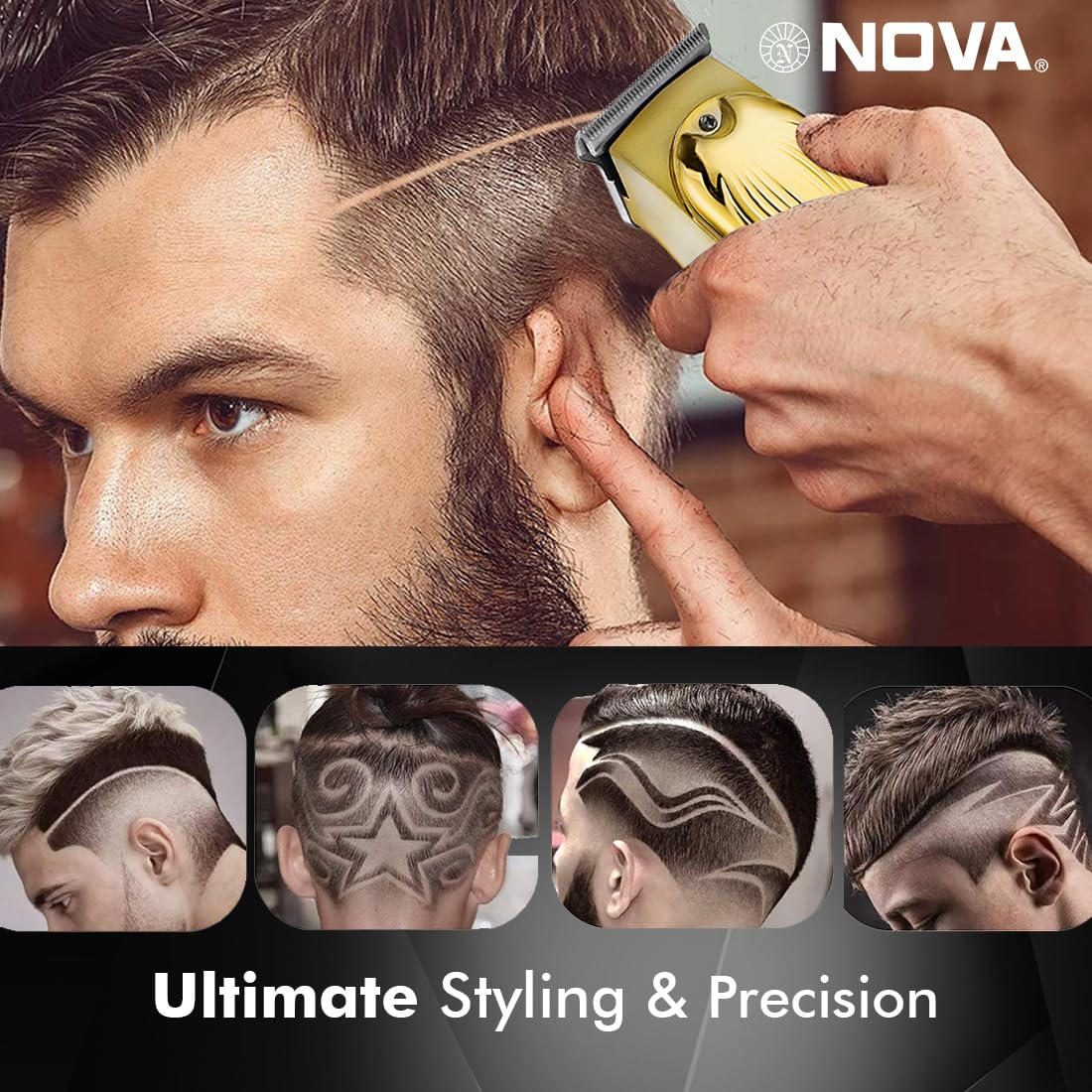
Image 6.1: Illustration of the Turbo Function.
6.3 Обрезивање
Ensure hair is clean and dry before trimming for optimal results.
- Without Guide Comb: For precision trimming and close cuts (0.5mm), use the trimmer without any guide comb attached.
- With Guide Comb: Select the desired guide comb (1mm, 2mm, or 3mm) and attach it securely.
- Hold the trimmer with the blades flat against the skin and move it slowly against the direction of hair growth.
- For best results, stretch the skin taut with your free hand.
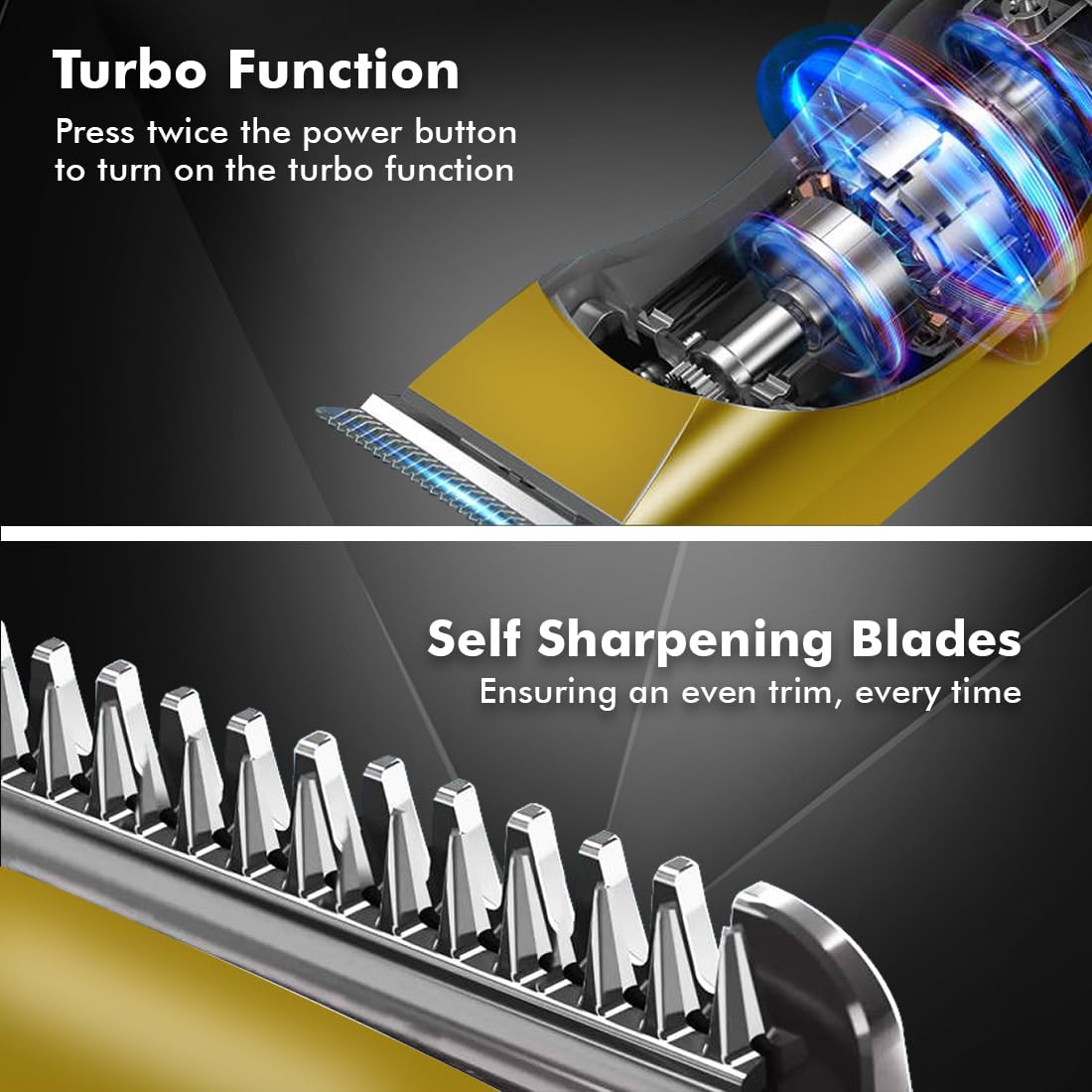
Image 6.2: Demonstrating hair trimming with the device.
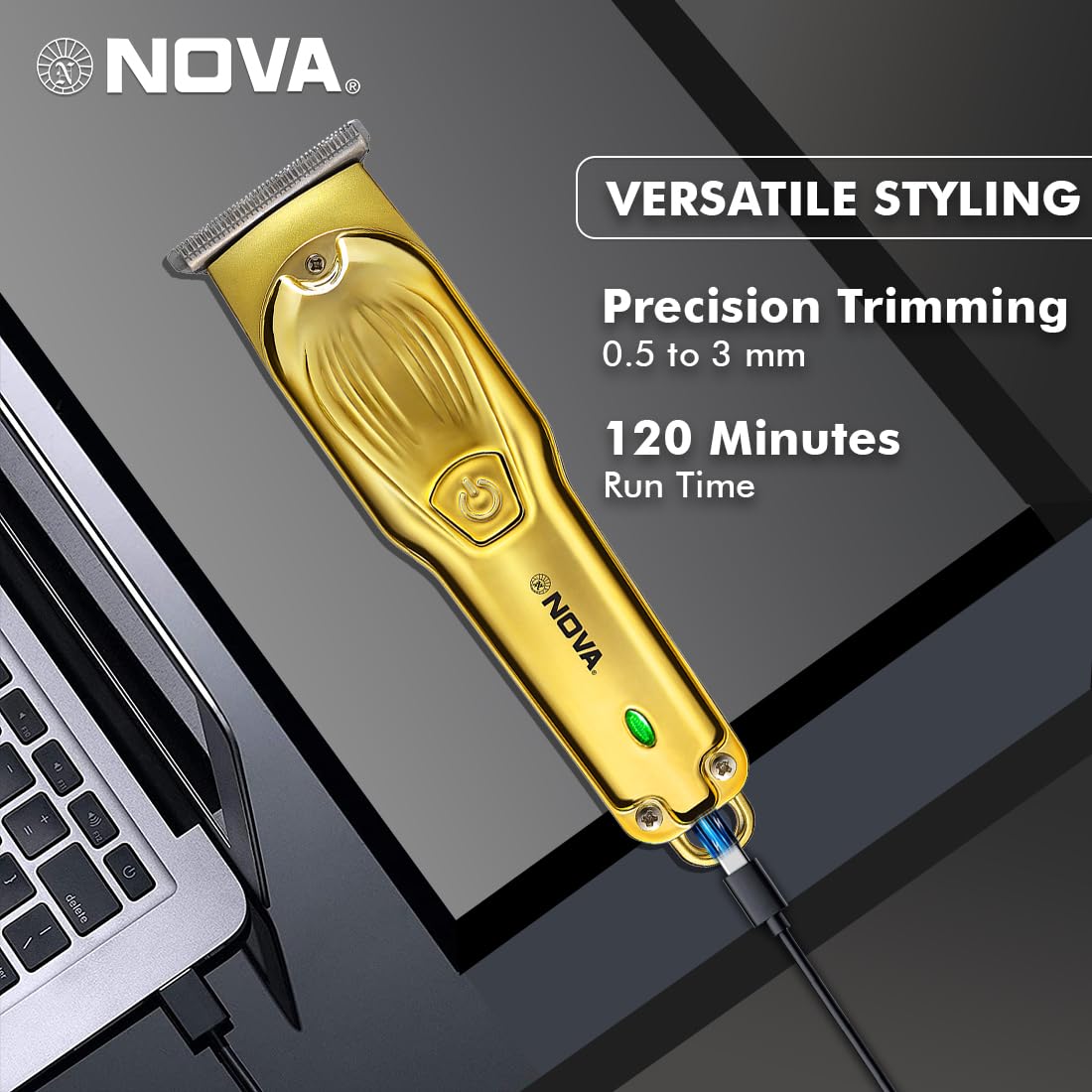
Image 6.3: Demonstrating beard trimming with the device.
7. Одржавање
7.1 Чишћење сечива
Редовно чишћење обезбеђује оптималне перформансе и хигијену.
- Искључите тример и искључите га из извора напајања.
- Carefully remove any attached guide comb.
- Use the provided cleaning brush to remove hair clippings from the blades and the trimmer head.
- The blades are self-sharpening, reducing the need for manual sharpening.
7.2 Подмазивање
To maintain blade performance, apply a small drop of lubricating oil (if included) to the blades after every few uses. Turn the trimmer on for a few seconds to distribute the oil evenly.
7.3 Складиштење
Store the trimmer in a cool, dry place, away from direct sunlight and moisture. Ensure the trimmer is clean and dry before storage.
КСНУМКС. Решавање проблема
| Проблем | Могући узрок | Решење |
|---|---|---|
| Тример се не укључује. | Батерија је испражњена. | Пуните тример најмање 2 сата. |
| Дугме за напајање није правилно притиснуто. | Обавезно чврсто притисните дугме за напајање. | |
| Лоше перформансе сечења. | Сечива су зачепљена косом. | Очистите оштрице четком за чишћење. |
| Лопатице захтевају подмазивање. | Нанесите кап уља за подмазивање на сечива. | |
| Батерија се не пуни. | Кабл за пуњење или адаптер је неисправан. | Пробајте други USB Type-C кабл или адаптер за напајање. |
| Порт за пуњење је оштећен. | Контактирајте корисничку подршку. |
9. Спецификације
| Феатуре | Детаљ |
|---|---|
| Модел | NHT 1102 |
| Бладе Материал | нерђајући челик |
| Дужина резања | 0.5mm (without comb), 1mm, 2mm, 3mm (with guide combs) |
| Тип батерије | Литијум-јонска (600 mAh) |
| Време пуњења | Прибл. 2 сата |
| Рунтиме | До 120 минута |
| Интерфејс за пуњење | УСБ Типе-Ц |
| Подешавања брзине | 2 |
| Посебне карактеристике | Turbo Function, Self-Sharpening Blades, Cordless Operation, Hanging Hook |
| Димензије (Д к Ш к В) | 9 к 11 к 14 цм |
| Тежина артикла | 480 г |
| Произвођач | Nova Manufacturing Hong Kong |
| Земља порекла | Кина |
10. Гаранција и подршка
For detailed warranty information, please refer to the warranty card included with your product or the official Nova website. For technical support, service, or replacement parts, please contact Nova customer service through the contact information provided on your product packaging or the official brand channels.
Ask a question about this manual
Ask about setup, troubleshooting, compatibility, parts, safety, or missing instructions. Manuals+ will review the question and use this page’s manual context to help answer it.