
DOOGEE U11 Android 15 таблет
DOOGEE U11(2025) Android 15 Tablet User Manual
Model: U11 Android 15 Tablet
Увод
This manual provides detailed instructions for the setup, operation, maintenance, and troubleshooting of your DOOGEE U11(2025) Android 15 Tablet. Please read this manual thoroughly before using your device to ensure optimal performance and longevity.
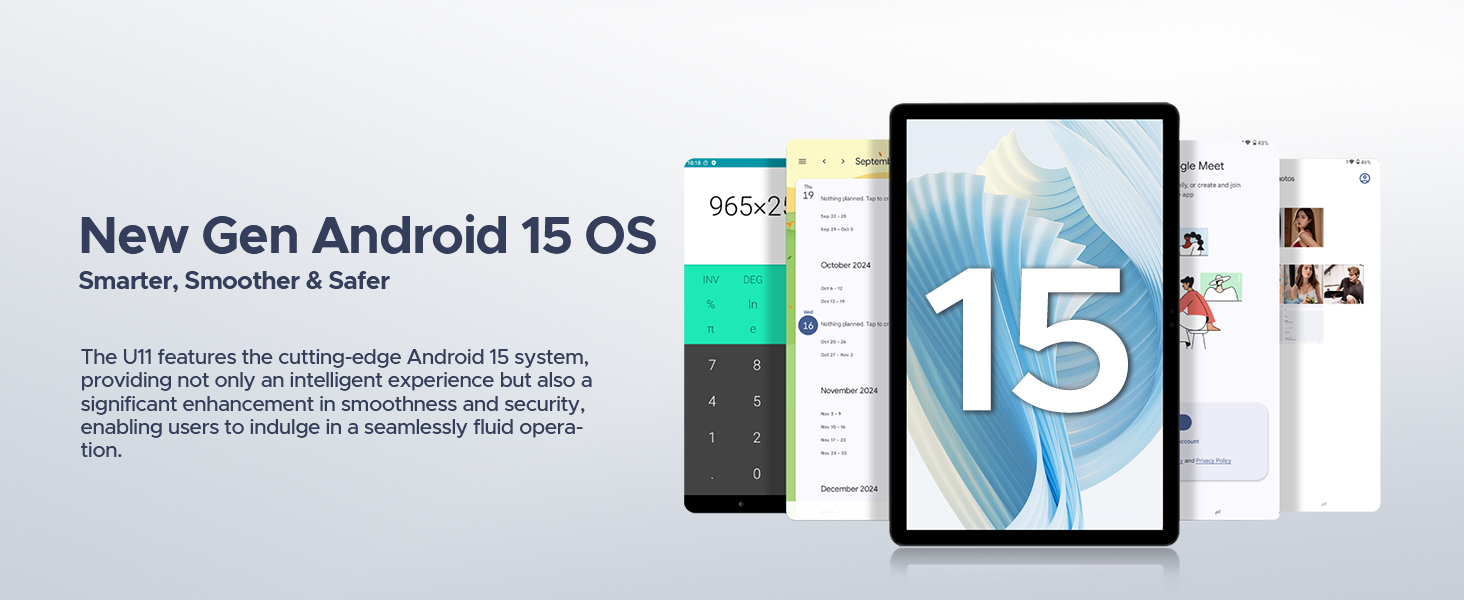
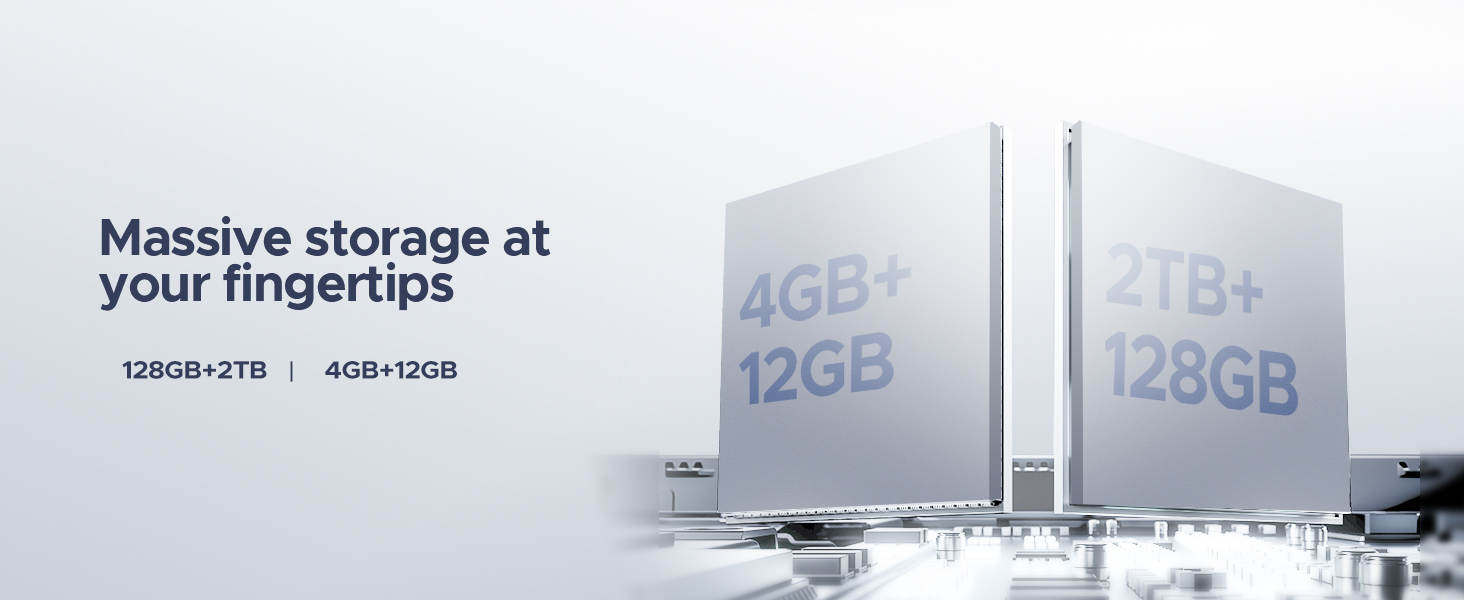
The DOOGEE U11(2025) is an 11-inch tablet featuring the Android 15 operating system, an Octa-Core processor, 16GB RAM (expandable), 128GB ROM (expandable up to 2TB), a 90Hz IPS display, and an 8580mAh battery. It supports Netflix 1080P, Bluetooth 5.0, and 5G WiFi.
Производ је завршенview
Familiarize yourself with the physical components and key features of your DOOGEE U11(2025) tablet.

Слика 1: Предње и задње view of the DOOGEE U11(2025) Android 15 Tablet, highlighting its sleek design and camera module.

Слика 2: Diagram illustrating key features such as the Octa-core processor, 8580mAh battery, 128GB storage with 2TB expansion, 11-inch IPS display, 13MP main camera, 5MP front camera, and Smart PA 128 dB Dual Speaker.
Физичке компоненте
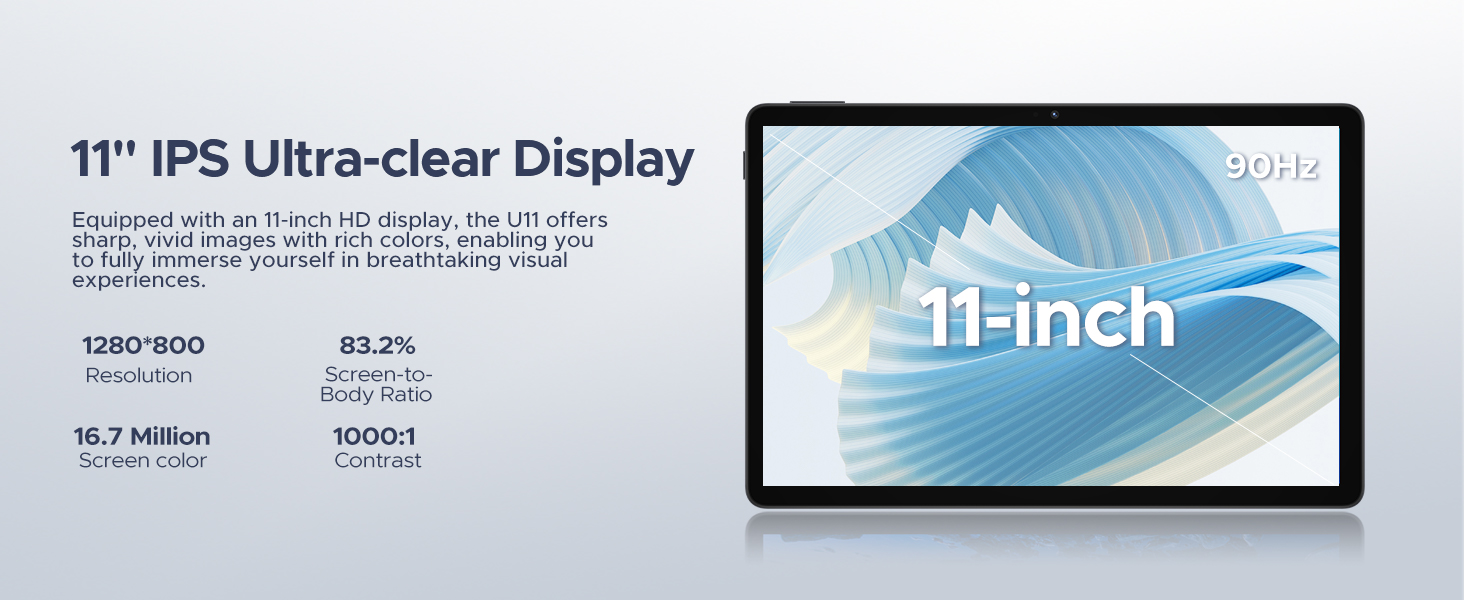
- Приказ: 11-inch IPS Ultra-clear Display with 90Hz refresh rate.
- камере: Главна камера од 13 МП (задња) и предња камера од 5 МП.
- говорници: Smart PA 128 dB Dual Speakers for enhanced audio.
- Портови: 1x Type-C port, 1x 3.5mm AUX headphone jack, 1x SD card port.
- Дугмад: Дугме за напајање, дугмад за појачавање/стишавање јачине звука.
Водич за подешавање
1. Прво укључивање
- Притисните и држите Дугме за напајање located on the side of the tablet until the DOOGEE logo appears.
- The tablet will boot up and guide you through the initial setup process.
2. Избор језика и региона
- Изаберите жељени језик са листе.
- Choose your region for accurate time zone and local settings.
3. Ви-Фи веза
- Изаберите своју Wi-Fi мрежу са листе доступних.
- Enter the Wi-Fi password if prompted. The tablet supports both 5G and 2.4G Wi-Fi networks.
4. Подешавање Google налога
- Пријавите се са својим постојећим Google налогом или креирајте нови. Ово је неопходно за приступ Google Play продавници и другим Google услугама.
5. Пренос података (опционо)
- You may choose to transfer data from a previous device during this step. Follow the on-screen instructions.
6. Security Setup
- Set up a screen lock method (PIN, pattern, password, or Face ID). The DOOGEE U11 supports Face Unlock for convenient access.
Видео 1: This video demonstrates the unboxing and initial setup process of the DOOGEE U11 tablet, including powering on and navigating the initial settings. It highlights the tablet's lightweight design and responsive display.
Управљање таблетом
Navigation and Gestures
- Додирните: Touch the screen once to select an item or open an app.
- Дуго притисните: Touch and hold an item to reveal more options.
- Превуците: Drag your finger across the screen to scroll or navigate between pages.
- Зумирање штипкањем прстију: Користите два прста да бисте увећали или умањили слике или web странице.
Прилагођавање почетног екрана
- Додај виџете: Long press on an empty area of the home screen, then select "Widgets" to add useful tools like clocks or weather.
- Промени позадину: Long press on an empty area, then select "Wallpaper & style" to customize your background.
Видео 2: This video showcases the smooth operation and responsiveness of the DOOGEE U11 tablet, demonstrating app navigation, settings adjustments, and general user interface fluidity.
Multitasking and Productivity
- Режим подељеног екрана: Open a recent app, tap its icon at the top of the window, and select "Split screen" to use two apps simultaneously.
- Канцеларија ВПС-а: The tablet comes with built-in WPS Office, allowing you to create and edit documents, spreadsheets, and presentations.
Слика 3: The DOOGEE U11 tablet displaying WPS Office applications, demonstrating its capability for productivity tasks.
Entertainment and Media
- стриминг: Enjoy 1080P streaming on platforms like Netflix, YouTube, HBO, and Amazon Prime Video with Widevine L1 support.
- Играње: The Octa-Core processor and 90Hz display provide a smooth gaming experience.
- ФМ радио: Plug in headphones to use the built-in FM radio function.
Батерија и пуњење
The DOOGEE U11 is equipped with an 8580mAh high-capacity battery designed for extended use.
- Пуњење: Use the provided Type-C cable and power adapter to charge the tablet.
- Трајање батерије: Expect long hours of video watching, music playback, and web прегледавање.
- Обрнуто пуњење: The tablet supports reverse charging, allowing you to charge other devices in emergencies.
Слика 4: Infographic detailing the impressive battery life of the 8580mAh battery, including standby, music playback, video watching, and web сати прегледања.
Слика 5: Image showing the DOOGEE U11 tablet providing reverse charging to another mobile device, illustrating its utility in emergencies.
Одржавање и њега
- Чишћење: Користите меку крпу која не оставља влакна за чишћење екрана и кућишта. Избегавајте јаке хемикалије.
- Ажурирања софтвера: Редовно проверавајте и инсталирајте системска ажурирања како бисте осигурали оптималне перформансе и безбедност.
- Управљање складиштем: Utilize the new Memory Manager features to clean junk files, delete duplicates, and manage large fileс да бисте ослободили простор.
- температура: Avoid exposing the tablet to extreme temperatures or direct sunlight for prolonged periods.
Решавање проблема
| Проблем | Могући узрок | Решење |
|---|---|---|
| Таблет се не укључује | Слаба батерија; Пад система | Пуните таблет најмање 30 минута. Притисните и држите дугме за напајање 10-15 секунди да бисте га поново покренули. |
| Проблеми са Ви-Фи везом | Incorrect password; Router issues; Out of range | Потврдите лозинку. Рестартујте рутер. Приближите се извору Wi-Fi мреже. |
| Апликације се руше или замрзавају | Insufficient RAM; App bug; Too many background apps | Затворите апликације у позадини. Обришите кеш меморију/податке апликације. Ажурирајте апликацију или системски софтвер. |
| Споро перформансе | Too many apps; Low storage; Outdated software | Free up storage using Memory Manager. Uninstall unused apps. Update system software. |
Спецификације
| Феатуре | Детаљ |
|---|---|
| Модел | DOOGEE U11(2025) Android 15 Tablet |
| Оперативни систем | Андроид 15 |
| Процесор | T606 Octa-Core |
| Дисплаи | 11-inch IPS, 1280*800 Pixels, 90Hz Refresh Rate |
| РАМ | 16GB (4GB + 12GB RAM expansion) |
| Интерна меморија | 128ГБ РОМ |
| Екпандабле Стораге | Up to 2TB via MicroSD/TF card |
| Батерија | Литијум полимер 8580мАх |
| Главна камера | 13МП |
| Предња камера | 5МП |
| Повезивање | Wi-Fi 5G & 2.4G, Bluetooth 5.0, AGPS |
| Портс | Type-C, 3.5mm AUX, SD card slot |
| Димензије | 10.12 к 6.68 к 0.31 инча (26 к 17 к 0.8 цм) |
| Тежина | 1.94 фунти (537 г) |
Гаранција и подршка
Информације о гаранцији
The DOOGEE U11(2025) Android 15 Tablet comes with a 2-годишња ограничена гаранцијаОва гаранција покрива производне недостатке и кварове при нормалној употреби. Молимо вас да сачувате доказ о куповини за потребе подношења захтева за гаранцију.
A 30-дневна гаранција поврата новца and free return policy are also available from the seller.
Корисничка подршка
For technical assistance, troubleshooting, or warranty inquiries, please contact DOOGEE customer support. They offer 24/7 one-on-one online support.
- Подршка на мрежи: Погледајте званични DOOGEE webсајт за контакт информације и ресурсе за подршку.
- Подршка продавцима: For purchase-related issues, contact the seller "yingyuankeji08" through Amazon's messaging system.
Слика 6: Image detailing DOOGEE's customer service commitments, including 30-day money-back guarantee, 2-year limited warranty, and 24/7 online support.
Ask a question about this manual
Ask about setup, troubleshooting, compatibility, parts, safety, or missing instructions. Manuals+ will review the question and use this page’s manual context to help answer it.