
Увод
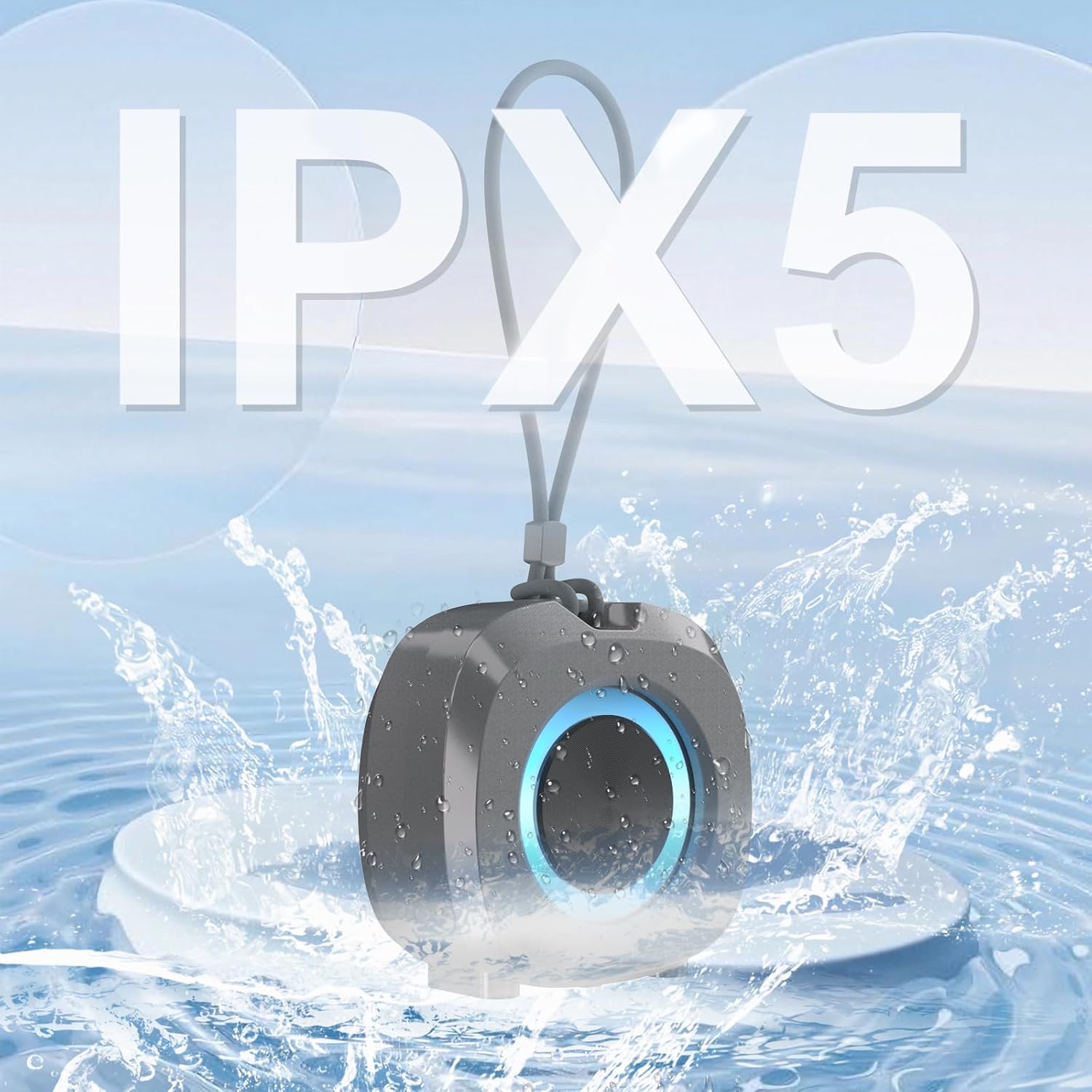
Welcome to your new ZZB WP-03B Portable Bluetooth Speaker. This manual provides detailed instructions for setup, operation, and maintenance to ensure you get the best experience from your device. The speaker delivers powerful, balanced stereo sound with deep bass, features TWS (True Wireless Stereo) functionality, IPX5 water resistance, and integrated lights for an enhanced audio-visual experience. Its compact design and long 12-hour playtime make it ideal for various indoor and outdoor activities.
Шта је у кутији
- ZZB WP-03B Portable Bluetooth Speaker
- Повер Цабле
- Упутство за употребу
Производ је завршенview
Упознајте се са компонентама и контролама звучника.
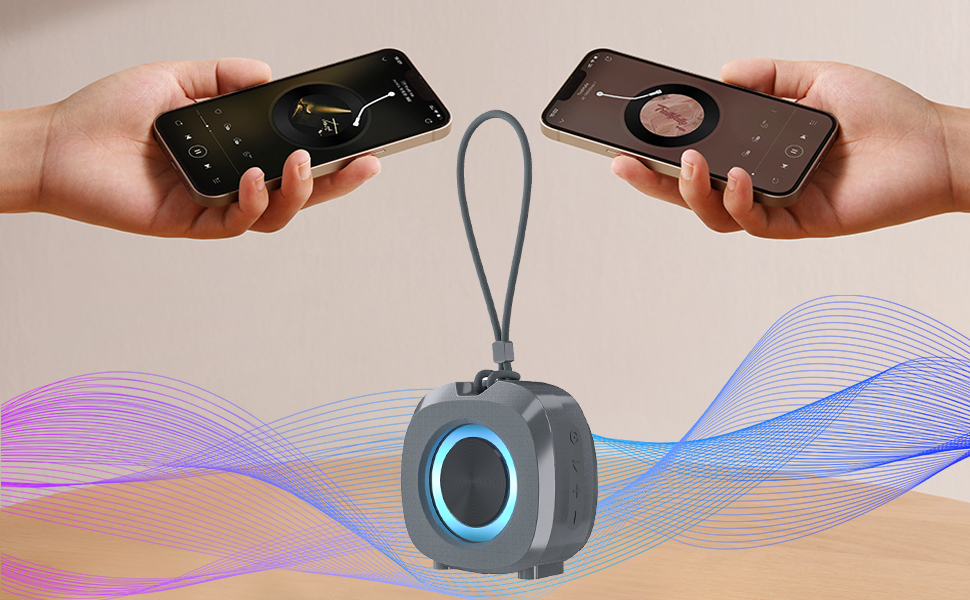
Image: The ZZB WP-03B speaker showcasing its IPX5 water resistance with water splashing around it.
Слика: Фронт view of the ZZB WP-03B speaker, highlighting its compact design and speaker grille.

Слика: Са стране view of the speaker, detailing the control buttons for power, volume, and playback.
Контролна дугмад и портови:
- Дугме за напајање: Притисните и држите да укључите/искључите.
- Дугме „+“: Press to increase volume; press and hold for next track.
- Дугме „-“: Press to decrease volume; press and hold for previous track.
- Дугме за репродукцију/паузу: Press to play/pause music, answer/end calls; double-press for TWS pairing.
- Порт за пуњење: УСБ-Ц порт за пуњење звучника.
- AUX-in порт: 3.5mm input for wired audio connection.
- TF-SD Card Slot: For playing music directly from a memory card.

Image: The speaker attached to a backpack, demonstrating its portable design and integrated strap.
Сетуп
Пуњење звучника
Before initial use, ensure the speaker is fully charged to maximize battery life.
- Connect the provided power cable to the charging port on the speaker.
- Повежите други крај кабла са УСБ адаптером за напајање (није укључен) или УСБ портом рачунара.
- The charging indicator light will illuminate during charging. It will turn off or change color when fully charged.
Блуетоотх упаривање
Connect your speaker wirelessly to your Bluetooth-enabled device.
- Press and hold the Power button to turn on the speaker. A voice prompt or indicator light will confirm it is on.
- Звучник ће аутоматски ући у режим упаривања путем Bluetooth-а, што је назначено трепћућим LED светлом.
- На свом уређају (паметном телефону, таблету итд.) омогућите Блутут и потражите доступне уређаје.
- Select "WP-03B" (or similar model name) from the list of devices.
- Once paired, the speaker will provide an audible confirmation, and the LED light will become solid.
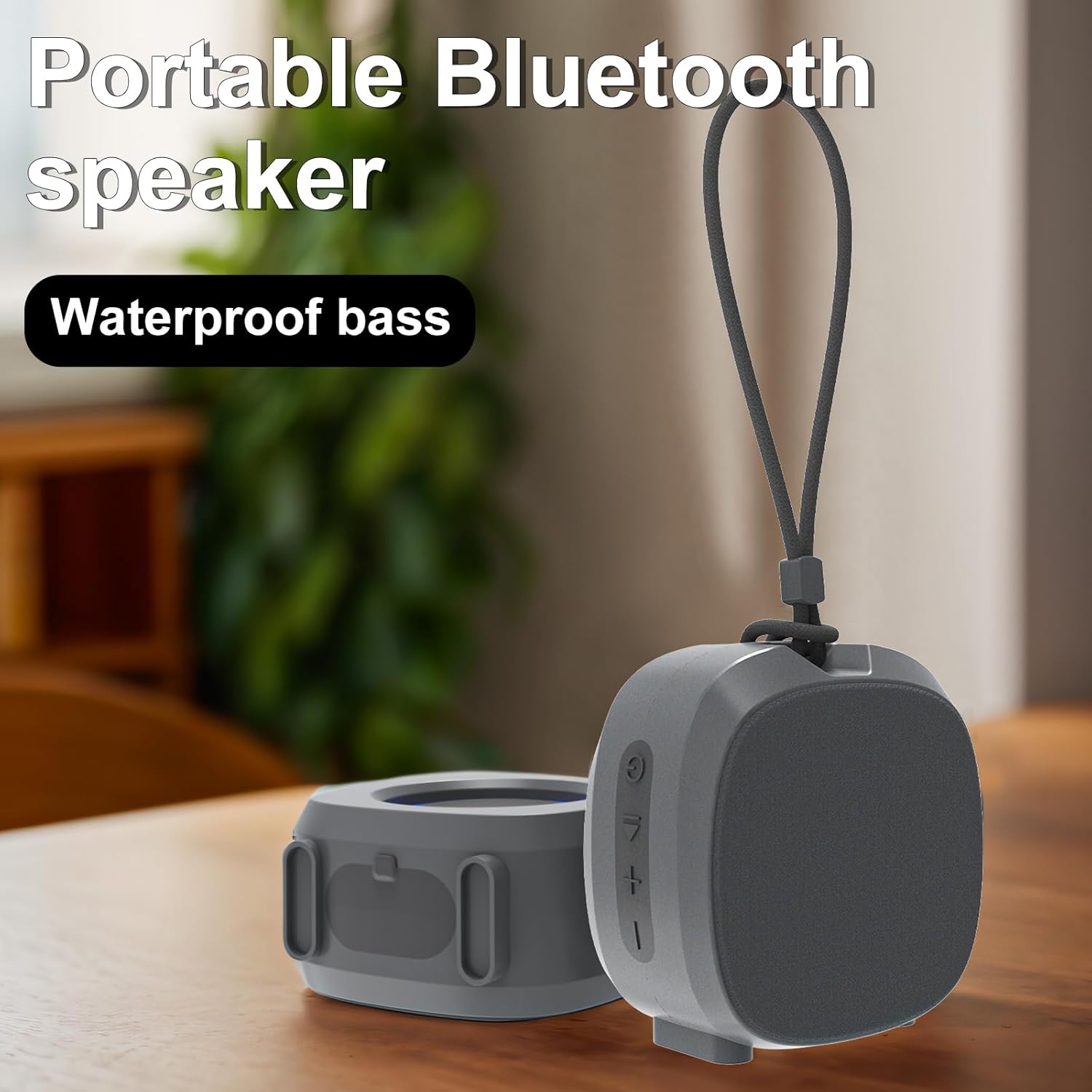
Image: A smartphone displaying a music player interface, wirelessly connected to the ZZB WP-03B speaker.
Упутство за употребу
Основне функције
- Укључивање/искључивање: Притисните и држите дугме за напајање.
- Пусти/паузирај: Притисните дугме Плаи/Паусе једном.
- Појачавање звука: Притисните дугме „+“.
- Смањивање јачине звука: Притисните дугме „-“.
- Следећа нумера: Притисните и држите дугме „+“.
- Претходни запис: Притисните и држите дугме „-“.
- Одговори/заврши позив: Press the Play/Pause button once during an incoming call.
- Одбиј позив: Press and hold the Play/Pause button during an incoming call.
ТВС (Труе Вирелесс Стерео) упаривање
To achieve a stereo sound experience, you can pair two WP-03B speakers together.
- Уверите се да су оба звучника укључена и да нису повезана ни са једним Bluetooth уређајем.
- On one speaker (this will be the primary speaker), double-press the Play/Pause button. It will enter TWS pairing mode.
- The two speakers will automatically connect to each other. An audible prompt will confirm successful TWS pairing.
- Once TWS paired, connect your device to the primary speaker via Bluetooth as described in the "Bluetooth Pairing" section.
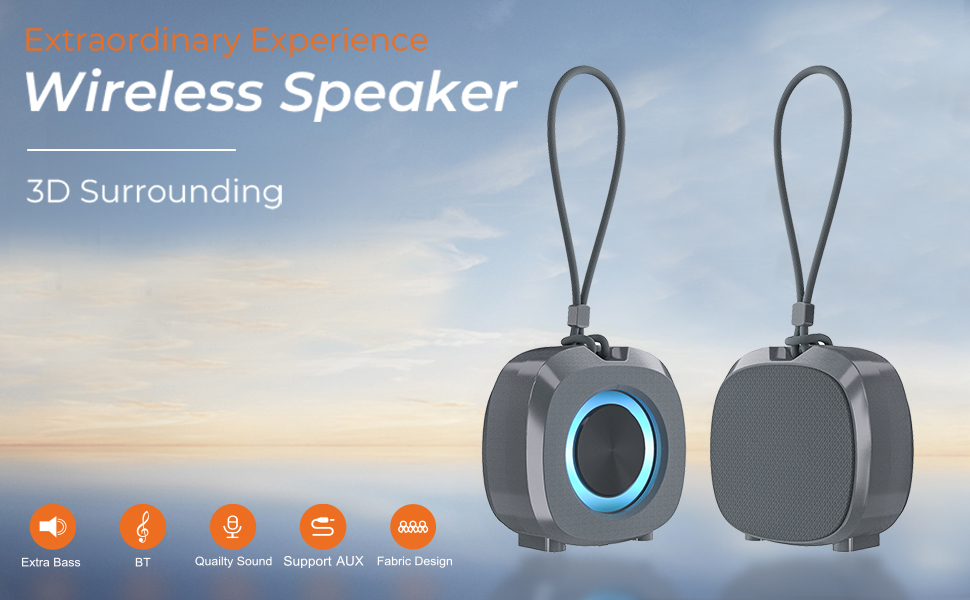
Image: Two ZZB WP-03B speakers demonstrating TWS pairing for a wider stereo soundstage.
Лигхтинг Еффецтс
The speaker features integrated color lights that automatically synchronize with the beat of the music, enhancing the atmosphere.
АУКС-ин режим
Connect non-Bluetooth devices using a 3.5mm audio cable (not included) to the AUX-in port. The speaker will automatically switch to AUX mode.
TF-SD Card Mode
Insert a TF-SD card into the designated slot. The speaker will automatically detect and play audio fileс са картице.
Одржавање
- Одржавајте звучник чистим тако што ћете га брисати меком, сувом крпом.
- Избегавајте употребу јаких хемикалија или абразивних средстава за чишћење.
- Чувајте звучник на хладном и сувом месту када се не користи.
- Ensure the charging port cover is securely closed to maintain IPX5 water resistance.
Решавање проблема
| Проблем | Могући узрок | Решење |
|---|---|---|
| Звучник се не укључује | Ниска батерија | Потпуно напуните звучник. |
| Не могу да упарим преко Bluetooth-а | Звучник није у режиму упаривања / Bluetooth уређаја је искључен / Предудаљено | Ensure speaker is in pairing mode (flashing LED). Turn on Bluetooth on your device. Move speaker and device closer. |
| Нема звука | Volume too low / Paused / Incorrect source | Increase volume on speaker and device. Press Play. Check if AUX or TF-SD card is inserted. |
| Лош квалитет звука | Low battery / Obstructions / Too far apart | Charge the speaker. Remove obstructions between speaker and device. Move closer. |
| ТВС упаривање не успева | Speakers already paired to another device / Not in TWS pairing mode | Disconnect speakers from any other Bluetooth devices. Ensure both are in TWS pairing mode. |
Спецификације
| Феатуре | Детаљ |
|---|---|
| Назив модела | ВП-03Б |
| Бранд | ЗЗБ |
| Спеакер Типе | Преносиви звучник |
| Боја | Греи |
| Димензије производа | 1.6"Д к 2.9"Ш к 3"В |
| Тежина артикла | 6 унци |
| Водоотпорна оцена | ИПКС5 |
| Технологија повезивања | Блуетоотх 5.3 |
| Блуетоотх домет | До 100 стопа |
| Максимална излазна снага звучника | 10 Ваттс |
| Режим аудио излаза | Стерео |
| Батерија | 1 литијум јон (укључено) |
| Плаитиме | До 12 сати |
| Укључене компоненте | Повер Цабле |
Гаранција и подршка
For warranty information or technical support, please refer to the contact details provided on the product packaging or visit the official ZZB webсајту. Сачувајте рачун о куповини за гаранције.