
Svikou HL110YP
Svikou 11" Touchscreen 2-in-1 Convertible Laptop User Manual
Model: HL110YP
Увод
The Svikou 11" Touchscreen 2-in-1 Convertible Laptop is designed for versatility and performance, suitable for both business and student use. Its compact and flexible design allows for seamless transitions between laptop, tent, stand, and tablet modes, adapting to various tasks and environments.
Кључне карактеристике:
- Portable 360° Touchscreen Design: Experience unmatched flexibility with the 11-inch mini touchscreen that supports full 360° flip capability, allowing seamless transitions between laptop, tent, stand, and tablet modes.
- Intel Celeron N100 Power: Powered by the latest Intel 12th Gen Celeron N100 processor, this laptop delivers enhanced speed and performance with 4 cores and 4 threads, reaching up to 3.4 GHz.
- Stunning 1080P Display: Immerse yourself in vibrant visuals with the 16:10, 1920x1200 full HD IPS display, boasting 100% sRGB color accuracy for brilliant and true-to-life images.
- Fast and Efficient Storage: With 16GB of high-speed DDR4 RAM and up to 512GB or 1TB SSD storage, enjoy lightning-fast performance for all your tasks.
- Innovative Backlit Keyboard & Versatile Touchpad: Features a sleek ultra-thin scissor-switch keyboard with responsive, illuminated keys and a unique elliptical touchpad for volume and screen brightness control.
- Enhanced Connectivity & HD Camera: Stay connected with dual-band WiFi (2.4G/5G) and Bluetooth 4.2. Includes a 2MP HD camera, USB 3.0 ports, Type-C port, mini HDMI, DC power, and audio jack.
- Pre-installed Win 11 Pro & MS Office 2019: Get started right out of the box with Windows 11 Pro and Microsoft Office 2019 pre-installed.

The Svikou 11" 2-in-1 Convertible Laptop.
Шта је у кутији
Your Svikou 2-in-1 laptop package includes the following items:
- 11 inch N100 2 IN 1 YOGA LAPTOP

Unboxing the Svikou 2-in-1 Laptop and its accessories.

All components included with your Svikou laptop.
Водич за подешавање
Follow these steps to set up your new Svikou 2-in-1 laptop:
- Почетно укључивање: Connect the laptop to the power adapter using the DC power port. Press the power button located on the side of the device to turn it on.
- Подешавање система Windows 11 Pro: Your laptop comes with Windows 11 Pro and MS Office 2019 pre-installed. Follow the on-screen prompts to complete the initial Windows setup, including language, region, and network settings.
- Повежите периферне уређаје: Utilize the available USB 3.0 ports, Type-C port, and audio jack to connect external devices such as the included wireless mouse, headphones, or other accessories.
- Употреба оловке: The touchscreen supports stylus input. Use the provided stylus for precise navigation, drawing, or note-taking directly on the screen.

Готовоview портова за повезивање лаптопа.
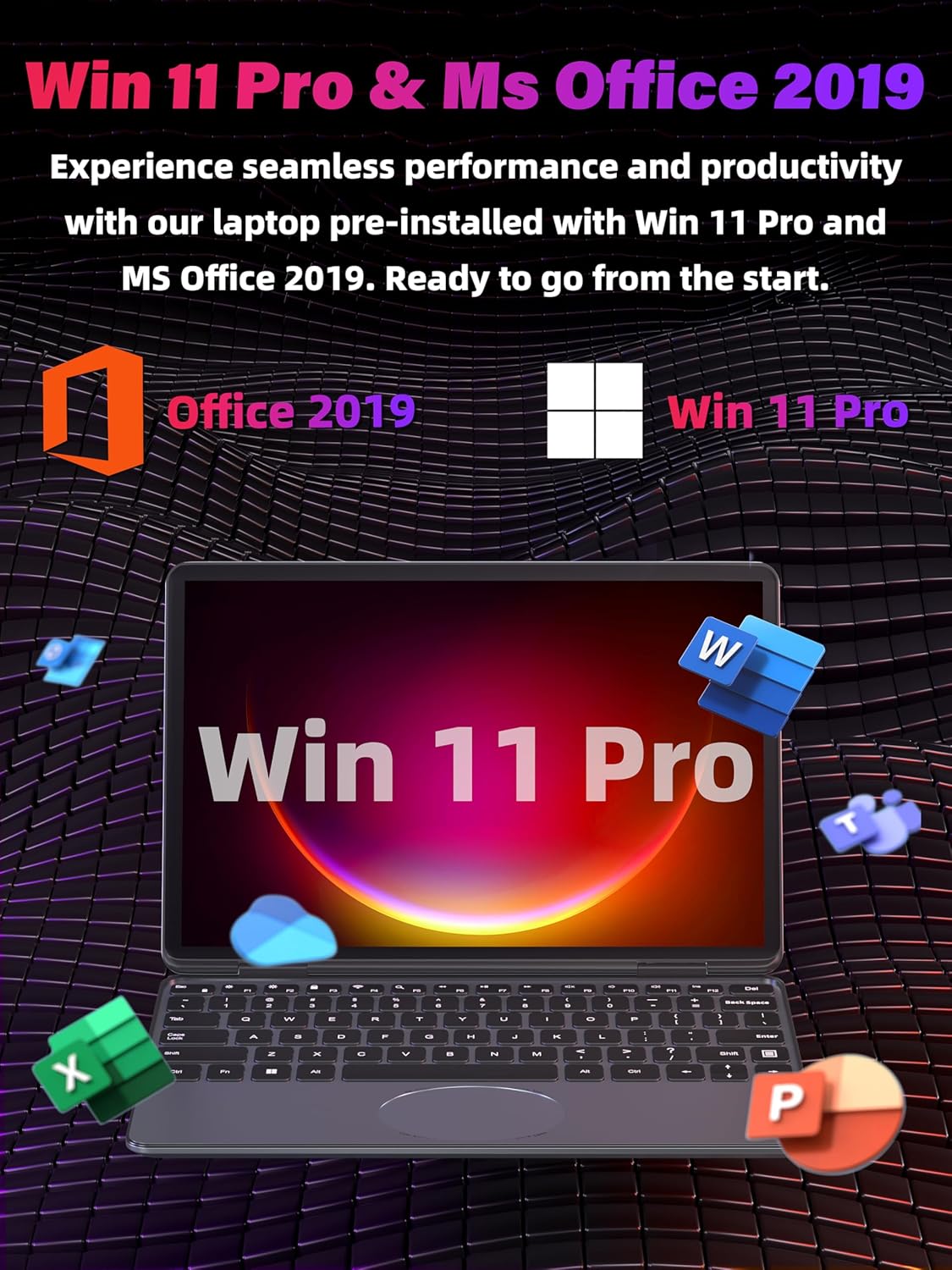
Windows 11 Pro and MS Office 2019 are pre-installed for immediate use.
Управљање лаптопом
The Svikou 2-in-1 laptop offers multiple ways to interact with your device:
360° Convertible Design
The unique hinge allows the laptop to transform into various modes:
- Режим лаптопа: Traditional setup for typing and productivity.
- Режим шатора: Идеално за гледање видео записа или презентација у ограниченом простору.
- Режим стајања: Идеално за апликације засноване на додиру и конзумирање медија.
- Режим таблета: Fully folded for a portable tablet experience, great for browsing or drawing with the stylus.

The laptop's versatile 360° hinge allows for multiple usage modes.
Тастатура и додирна табла
The laptop features a backlit keyboard for comfortable typing in any lighting condition. The oval touchpad is multifunctional, allowing you to control volume and screen brightness with intuitive gestures.

The backlit keyboard and oval touchpad offer enhanced control.
Приказ и визуелни елементи
The 11-inch Full HD IPS display provides a vibrant and clear visual experience with 1920x1200 resolution and 100% sRGB color accuracy. The touchscreen is highly responsive for smooth interaction.

The responsive 11-inch touchscreen supports stylus input.
Перформансе и мултитаскинг
Equipped with an Intel Celeron N100 CPU and 16GB DDR4 RAM, the laptop ensures smooth multitasking and efficient performance for various applications, from document editing to light gaming.

Efficient multitasking with powerful processing and ample RAM.
Званични видео производа
Званична видео презентација производаasing the Svikou 11-inch N100 gray laptop's features and versatility.
Техничке спецификације
| Феатуре | Спецификација |
|---|---|
| Бранд | Свикоу |
| Назив модела | HL110YP |
| Величина екрана | 11 инча |
| Процесор | Intel Celeron N100 (1.7 GHz, 4 Cores) |
| РАМ | 16 ГБ ДДР4 |
| Хард Дриве | 512 ГБ ССД |
| Оперативни систем | Виндовс 11 Про |
| графичка картица | Интегрисано |
| Повезивање | Dual-band WiFi (2.4G/5G), Bluetooth 4.2 |
| Портс | 2x USB 3.0, 1x Type-C, 1x mini HDMI, DC Power, Audio Jack |
| Камера | 2MP HD Camera (30fps) |
| Тежина артикла | 3.17 фунти |
| Димензије производа | 10.11 к 0.78 к 6.95 инча |
| Извор напајања | Баттери Поверед |
Одржавање и њега
To ensure the longevity and optimal performance of your Svikou laptop, please follow these maintenance guidelines:
- Чишћење: Користите меку крпу која не оставља влакна за чишћење екрана и спољашњости. За тврдокорне мрље, дampБлаго навлажите крпу водом или средством за чишћење екрана. Избегавајте јаке хемикалије.
- Одржавање батерије: To maximize battery life, avoid fully discharging the battery frequently. It's recommended to keep the battery charge between 20% and 80% when possible. Store the laptop in a cool, dry place if not used for extended periods.
- Ажурирања софтвера: Редовно проверавајте и инсталирајте ажурирања за Windows и ажурирања драјвера како бисте осигурали стабилност, безбедност и перформансе система.
- Складиштење: Keep the SSD free from excessive unnecessary files to maintain fast performance. Consider external storage for large media files.
- вентилација: Ensure the laptop's vents are not obstructed to prevent overheating. Use the laptop on a flat, hard surface.
Решавање уобичајених проблема
Ево решења за неке уобичајене проблеме на које можете наићи:
- Лаптоп се не укључује: Ensure the power adapter is securely connected and the outlet is working. If the battery is completely drained, it might take a few minutes of charging before the laptop powers on.
- Нема Wi-Fi везе: Проверите да ли је Wi-Fi омогућен у подешавањима система Windows. Поново покрените рутер и лаптоп. Уверите се да су драјвери ажурирани.
- Споре перформансе: Close unnecessary applications running in the background. Check for sufficient free space on the SSD. Run a virus scan.
- Екран осетљив на додир не реагује: Restart the laptop. Ensure the screen is clean and free from debris. Check for any pending driver updates for the touchscreen.
- Позадинско осветљење тастатуре не ради: Check the function keys (Fn + F5 or similar, refer to keyboard symbols) to toggle the backlight. Ensure drivers are updated.
Ако наиђете на проблеме који нису овде обрађени, погледајте одељак Гаранција и подршка за помоћ.
Гаранција и подршка
Your Svikou 2-in-1 laptop comes with a One Year Warranty Service provided by the seller, Fashion-digital. For any inquiries or support needs, please contact customer service.
Информације о подршци:
- Служба за кориснике: 24/7 support is available.
- Повраћај и замена: Free returns and exchanges are offered.

Dedicated 24/7 Customer Service for your convenience.

Worry-free purchase with comprehensive support and warranty.
Ask a question about this manual
Ask about setup, troubleshooting, compatibility, parts, safety, or missing instructions. Manuals+ will review the question and use this page’s manual context to help answer it.