
VANTRUE E360, E2 Rear Camera
Vantrue E360, E2 Rear Camera Instruction Manual
Model: E360, E2 Rear Camera | Brand: VANTRUE
1. Увод
The Vantrue E360, E2 Rear Camera is an accessory designed to expand the recording capabilities of your existing Vantrue E360 or E2 dash camera system. This rear camera provides 2.7K Super HD video recording, offering enhanced clarity for capturing license plates and road signs from the rear of your vehicle. Equipped with STARVIS technology, WDR (Wide Dynamic Range), and an F1.8 fixed lens, it ensures superior performance even in low-light conditions. Its 160° wide-angle lens helps to minimize blind spots, providing comprehensive coverage for improved safety and peace of mind.
2. Шта је у кутији
Након отварања паковања, проверите да ли су све следеће компоненте укључене:
- Vantrue E360, E2 Rear Camera
- 20ft Extended Cable (USB-C to USB-C)
- Adhesive Mount with 3M Sticker

Image: The Vantrue E360, E2 Rear Camera, its 20ft extended cable, and an adhesive mount.
3. Подешавање и инсталација
The Vantrue E360, E2 Rear Camera is designed for straightforward installation. It connects directly to your Vantrue E360 or E2 front dash camera.
3.1 Монтирање задње камере
- Choose an optimal location on your rear windshield, typically at the top center, ensuring a clear view and avoiding obstruction from the defroster lines.
- Clean the chosen area thoroughly to ensure the adhesive mount adheres properly.
- Peel off the protective film from the 3M adhesive sticker on the camera mount.
- Firmly press the camera mount onto the cleaned area of the windshield for at least 30 seconds. Allow the adhesive to cure for a few hours before routing cables.

Image: Detail of the adhesive mount for the rear camera, showing its adjustable angle.
3.2 Повезивање камере
- Carefully route the 20ft extended cable from the rear camera along the vehicle's headliner, down the side pillars, and towards the location of your Vantrue E360 or E2 front dash camera. Tuck the cable neatly into the vehicle's trim for a clean installation.
- Connect one end of the extended cable to the rear camera and the other end to the designated rear camera port on your Vantrue E360 or E2 front dash camera.
- Once connected, the front dash camera should automatically detect the rear camera and begin recording simultaneously.

Image: Cable routing diagram for the rear camera installation.

Image: Rear camera installed on the vehicle's back window.
4. Упутство за употребу
The Vantrue E360, E2 Rear Camera operates in conjunction with your main Vantrue E360 or E2 dash camera. Once connected, it will automatically begin recording when the main unit is powered on.
4.1 2.7K Super HD Recording
The rear camera captures video at 2592x1944P resolution at 24 frames per second (FPS). This high resolution ensures that details such as license plates and road signs are clearly visible in the recorded footage. The 160° wide view angle provides extensive coverage of the area behind your vehicle.

Image: Visual comparison of 1080P vs. 2.7K Super HD recording quality.
4.2 Enhanced WDR and Super Night Vision
The camera features Enhanced WDR (Wide Dynamic Range) and Super Night Vision capabilities, powered by STARVIS technology and an F1.8 aperture lens. These technologies work together to optimize video quality in challenging lighting conditions, such as bright sunlight, tunnels, or low-light environments at night. This ensures that footage remains clear and detailed, capturing critical information regardless of the time of day or ambient light.
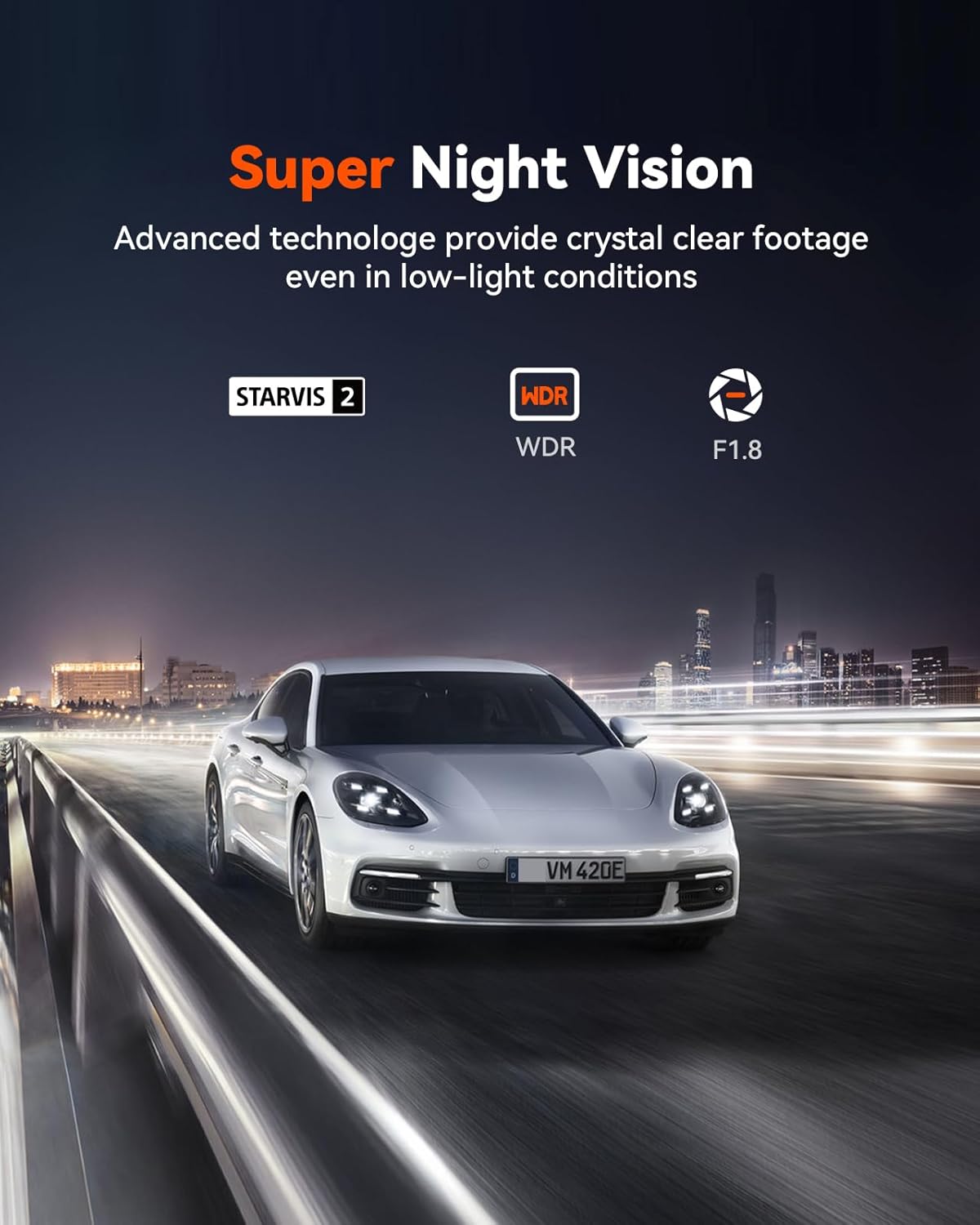
Image: Demonstration of Super Night Vision capabilities.
5. Одржавање
To ensure optimal performance and longevity of your Vantrue E360, E2 Rear Camera, follow these maintenance guidelines:
- Одржавајте сочиво чистим: Regularly wipe the camera lens with a soft, lint-free cloth to remove dust, smudges, or dirt that could affect video clarity.
- Проверите кабловске везе: Periodically inspect the connection between the rear camera and the main dash cam to ensure it is secure and free from damage.
- Монтажа монитора: Ensure the adhesive mount remains firmly attached to the windshield. If it loosens, re-secure it or replace the adhesive.
- Ажурирања софтвера: Check the Vantrue official website for any available firmware updates for your main E360/E2 dash cam, as these may include improvements for the rear camera's performance.
КСНУМКС. Решавање проблема
If you encounter issues with your Vantrue E360, E2 Rear Camera, refer to the following common problems and solutions:
| Проблем | Могући узрок | Решење |
|---|---|---|
| Задња камера није детектована / Нема видео преноса | Loose cable connection; Incorrect port; Faulty cable. | Ensure the cable is securely plugged into both the rear camera and the main dash cam. Verify it's connected to the correct rear camera port. Try a different cable if available. |
| Blurry or unclear rear video | Dirty lens; Condensation on windshield; Camera not focused (unlikely for fixed lens). | Clean the camera lens and the area of the windshield where the camera is mounted. Ensure no obstructions are blocking the view. |
| Intermittent recording | Loose connection; SD card issues in main unit. | Check all cable connections. Ensure the main dash cam's SD card is functioning correctly and has sufficient space. |
If the problem persists after attempting these solutions, please contact Vantrue Customer Support for further assistance.
7. Спецификације
| Феатуре | Детаљ |
|---|---|
| Димензије производа | 2 к 1.7 к 1.2 инча |
| Тежина артикла | 6.1 унци |
| Технологија повезивања | УСБ |
| Посебна карактеристика | Automatic Incident Detection, Parking Monitor (features of main E360/E2 unit when connected) |
| Боја | Црно |
| Оријентација | Позади |
| Тип услуге возила | Bus, Car, Minivan, Truck |
| Резолуција снимања видео записа | 2.7K (2592x1944P) @ 24FPS |
| Тип монтаже | Windshield Mount (Adhesive) |
| Поље View | 160 степени |
8. Гаранција и подршка
VANTRUE is committed to providing high-quality products and excellent customer service.
- Продужена гаранција: Enjoy an 18-month extended warranty on your product.
- Политика враћања: A 30-day return policy is available for your convenience.
- Корисничка подршка: Dedicated 24-hour customer support is available to assist you with any inquiries or issues.
For support, please contact us via:
- Емаил: суппорт@вантруе.нет
- Телефон: 510-666-4086

Image: Vantrue Warranty & Service information.
Ask a question about this manual
Ask about setup, troubleshooting, compatibility, parts, safety, or missing instructions. Manuals+ will review the question and use this page’s manual context to help answer it.