
1. Увод
This manual provides instructions for the installation, operation, and maintenance of your ADATA Legend 860 PCIe Gen4 x4 M.2 2280 Solid State Drive (SSD). The Legend 860 is designed to offer high-speed storage performance for compatible desktop computers, laptops, and Sony PlayStation 5 consoles.

Слика 1.1: Предња страна view of the ADATA Legend 860 M.2 SSD, showing the ADATA logo and model name on the heat spreader.
2. Садржај пакета
Проверите да ли ваш пакет садржи следеће ставке:
- ADATA Legend 860 PCIe Gen4 x4 M.2 2280 SSD (Solid State Drive NVMe)
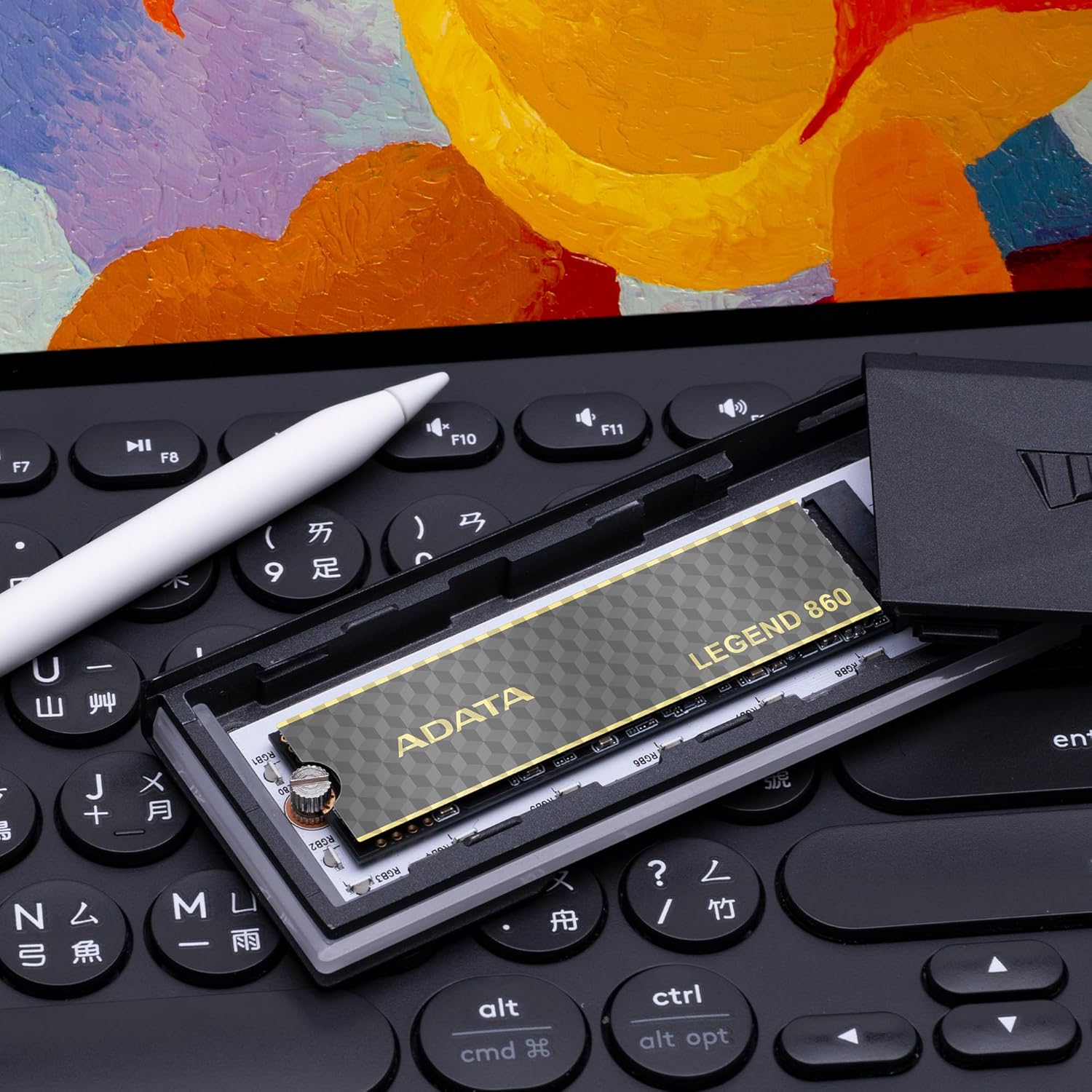
Image 2.1: Retail packaging for the ADATA Legend 860 SSD, displaying the product and its capacity.
3. Подешавање и инсталација
Before installation, ensure your system is powered off and disconnected from the power source. It is recommended to wear an anti-static wrist strap to prevent electrostatic discharge (ESD) damage.
3.1. Desktop/Laptop Installation
- Пронађите M.2 слот: Identify an available M.2 slot on your motherboard. The Legend 860 is a 2280 form factor SSD, requiring a compatible M.2 2280 slot.
- Уметните SSD: Gently insert the ADATA Legend 860 SSD into the M.2 slot at a 30-degree angle. Ensure the gold contacts are fully seated.
- Безбедан SSD: Press the SSD down until it is parallel with the motherboard. Secure it with the M.2 screw provided with your motherboard or system.
- Затвори систем: Reassemble your computer and reconnect the power.

Image 3.1: The ADATA Legend 860 SSD correctly installed in an M.2 slot on a computer motherboard.
3.2. PlayStation 5 (PS5) Installation
The ADATA Legend 860 is compatible with the PlayStation 5 console for storage expansion. Refer to the official PlayStation 5 user guide for detailed instructions on how to open the console and access the M.2 expansion slot. Ensure the SSD meets all PS5 requirements, including physical dimensions and performance specifications.
- Prepare PS5: Power off your PS5 console and disconnect all cables. Allow it to cool down.
- Уклоните поклопац: Carefully remove the PS5 console cover to expose the expansion slot.
- Access M.2 Slot: Unscrew and remove the expansion slot cover.
- Уметните SSD: Insert the ADATA Legend 860 SSD into the expansion slot. Align the notch on the SSD with the ridge on the expansion slot.
- Безбедан SSD: Secure the SSD with the screw and spacer provided with your PS5 console.
- Поново саставите: Replace the expansion slot cover and the PS5 console cover. Reconnect all cables and power on the console.
- Format SSD: Follow the on-screen prompts on your PS5 to format the newly installed SSD.
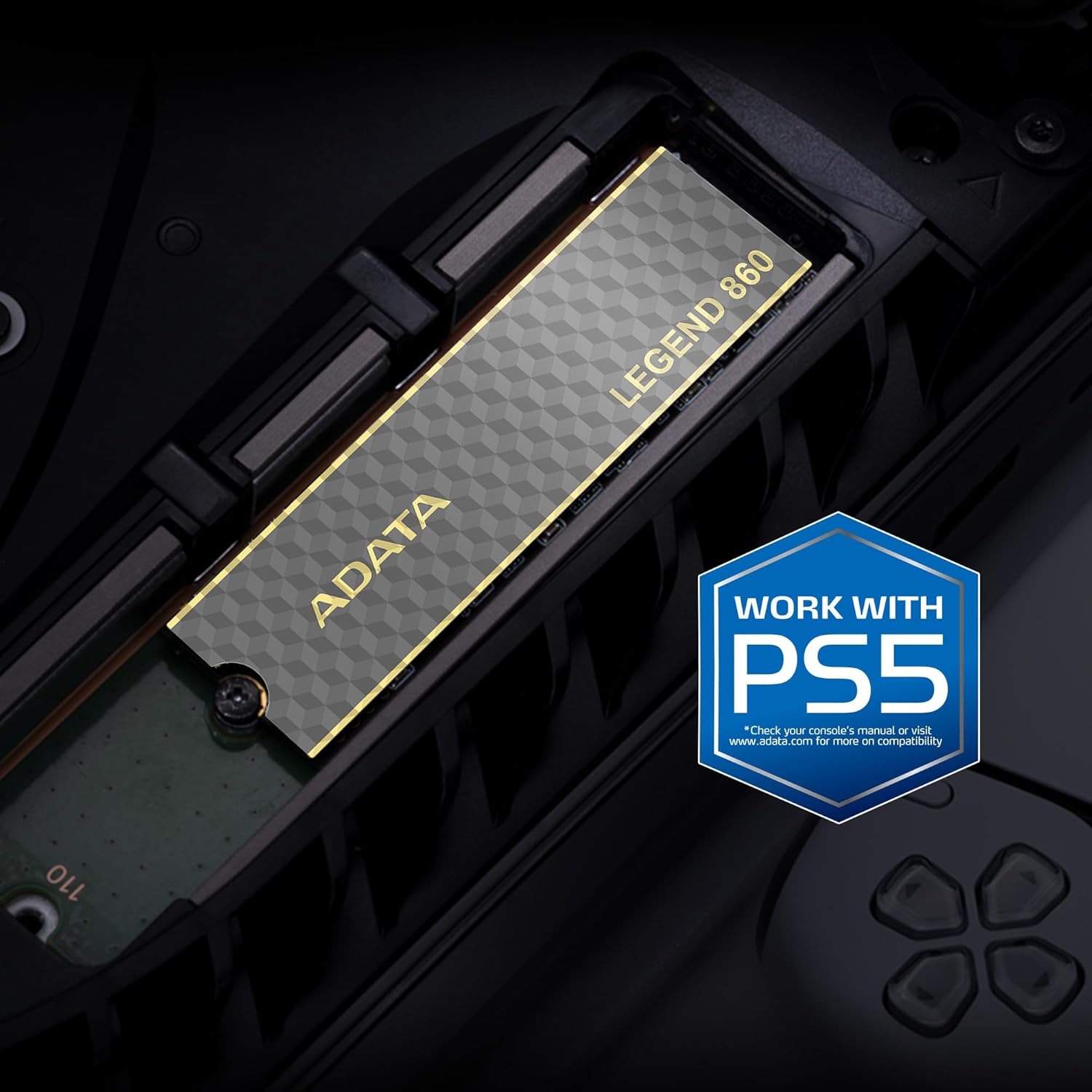
Image 3.2: The ADATA Legend 860 SSD installed within the M.2 expansion slot of a PlayStation 5 console.
4. Управљање SSD-ом
After successful installation, your operating system (Windows, macOS, Linux) or PlayStation 5 console should detect the new storage device. You may need to initialize and format the SSD before it can be used for data storage.
4.1. Initializing and Formatting (Windows)
- Open Disk Management: Right-click on the Start button and select "Disk Management."
- Иницијализација диска: Locate your new SSD (it may appear as "Disk 1" or similar and be marked as "Unallocated"). Right-click on the disk number and select "Initialize Disk." Choose GPT (GUID Partition Table) for modern systems.
- Create New Simple Volume: Right-click on the "Unallocated" space on your new SSD and select "New Simple Volume." Follow the wizard to assign a drive letter and format the drive (NTFS is recommended for Windows).
4.2. Performance Considerations
The ADATA Legend 860 utilizes PCIe Gen4 x4 interface for high-speed data transfer. Actual performance may vary depending on your system's hardware, software, and usage patterns. Ensure your motherboard supports PCIe Gen4 for optimal speeds. The SSD also features SLC caching and Host Memory Buffer (HMB) for improved responsiveness.
5. Одржавање
To ensure the longevity and optimal performance of your ADATA Legend 860 SSD, consider the following maintenance practices:
- Ажурирања фирмвера: Periodically check the official ADATA webсајт за ажурирања фирмвера за ваш SSD. Ажурирања фирмвера могу побољшати перформансе, стабилност и компатибилност.
- TRIM команда: Ensure your operating system has TRIM enabled. TRIM helps maintain the performance of SSDs over time by allowing the operating system to inform the SSD which data blocks are no longer in use and can be wiped.
- Избегавајте пуни капацитет: While SSDs perform well even when nearly full, maintaining some free space (e.g., 10-15%) can help sustain optimal performance and extend lifespan.
- Резервна копија података: Regularly back up important data to another storage device. While SSDs are reliable, no storage device is immune to failure.
- LDPC Data Protection: The Legend 860 incorporates Low Density Parity Check (LDPC) error correction, which enhances data integrity and transmission accuracy.
КСНУМКС. Решавање проблема
If you encounter issues with your ADATA Legend 860 SSD, refer to the following common troubleshooting steps:
- ССД није откривен:
- Ensure the SSD is correctly seated in the M.2 slot.
- Check your motherboard's BIOS/UEFI settings to confirm the M.2 slot is enabled and configured correctly (e.g., PCIe mode).
- Verify that your motherboard supports M.2 NVMe SSDs.
- For PS5, ensure the console cover is properly reattached and the SSD is secured.
- Споре перформансе:
- Confirm your system's M.2 slot supports PCIe Gen4 speeds. If it's a Gen3 slot, the SSD will operate at Gen3 speeds.
- Ensure your operating system is up-to-date and TRIM is enabled.
- Check for background processes that might be consuming disk I/O.
- Ensure the SSD is not excessively full.
- Оштећење података/грешке:
- Run a disk check utility (e.g., CHKDSK on Windows).
- Update SSD firmware.
- Ensure proper system cooling to prevent overheating, which can affect SSD stability.
7. Спецификације
| Феатуре | Спецификација |
|---|---|
| Назив модела | ЛЕГЕНДА 860 |
| Број модела | SLEG-860-2000GCS |
| Капацитет дигиталног складиштења | 2000 GB (2 TB) |
| Хард Диск Интерфаце | ПЦИе Ген4 к4 |
| Форм Фацтор | М.2 2280 |
| Брзина читања (макс.) | До 6000 МБ/с |
| Брзина писања (макс.) | До 5000 МБ/с |
| НАНД Фласх | 3Д НАНД |
| Исправљање грешака | LDPC (Low Density Parity Check) |
| Карактеристике | SLC Caching, Host Memory Buffer (HMB), Shock Resistant |
| Компатибилни уређаји | Desktop PCs, Laptops, Sony PlayStation 5 |
| Димензије (Д x Ш x В) | 5.51" x 1.57" x 0.31" (приближно 140 мм x 40 мм x 7.9 мм) |
| Тежина артикла | 11 грама |
8. Гаранција и подршка
ADATA Technology Co., Ltd. provides a limited warranty for its products. For specific warranty terms, conditions, and duration applicable to your ADATA Legend 860 SSD, please refer to the warranty information included with your product packaging or visit the official ADATA webсајту.
For technical support, driver downloads, firmware updates, or further assistance, please visit the official ADATA support webсајт:
ADATA Official Support Webсајту
When contacting support, please have your product model number (SLEG-860-2000GCS) and proof of purchase readily available.