
1. Производ је готовview
The EBTOOLS Head Mounted Video Camera is a compact and versatile device designed for capturing high-quality video and photos. Featuring a high-sensitivity CMOS sensor, it records 4K video at up to 60 frames per second and captures stunning 42MP photos. Its 120° wide-angle lens, coupled with EIS Anti-Shake technology, ensures stable and clear footage. The camera supports mobile app control via Wi-Fi for real-time viewing and editing, and offers various mounting options for diverse activities.
2. Садржај пакета
- 1 x EBTOOLS Head Mounted Video Camera
- 1 x Headband Bracket
- 1 к крпа за чишћење
- 2 к лепљиве налепнице
- 6 x Mounting Accessories (various types)
- 1 к Упутство за употребу

Figure 2.1: The EBTOOLS Head Mounted Video Camera and its complete set of accessories.
3. Техничке спецификације
- Тип артикла: Head Mounted Video Camera
- Материјал: АБС
- Величина производа: Приближно 103x29x27 мм / 4.1x1.1x1.1 инча
- Сензор слике: CMOS High Sensitivity Sensor
- Објектив: 120° Large Wide Angle HD Lens
- Видео резолуција: 4K (30/60fps), Backward Compatible
- Резолуција фотографије: 42M, 30M, 25M, etc., Backward Compatible
- Режим рада: Physical Keys, Mobile APP Operating
- Бежична повезаност: Built-in Wi-Fi Hotspot
- аудио: Built-in Speaker, Built-in Microphone
- Видео формат: MP4 H.264 Protocol
- Frekvencija izvora svetlosti: 50ХЗ/60ХЗ
- Проширење складишног простора: External Small Memory Card (Maximum Support 8-512GB, Искључено)
- УСБ интерфејс: Тип Ц
- Тип батерије: 2200mAh Li-Ion Battery (Built-in)
- Континуирано видео снимање: Approximately 5 hours (6-7 hours without Wi-Fi)
- Подржани системи: For Windows, For OS X, For Linux
4. Почетак рада (Подешавање)
- Напуните камеру: Connect the camera to a power source using the provided Type-C USB cable. The indicator light will show charging status.
- Уметните меморијску картицу: Locate the memory card slot (supports 8-512GB, not included). Gently insert a compatible micro SD card until it clicks into place.
- Укључено: Press and hold the power button for a few seconds until the indicator light illuminates.
- Attach Mounting Accessories: Choose the appropriate mounting accessory for your activity. For head-mounted use, attach the camera to the headband bracket. For other uses, utilize the various GoPro-compatible mounts or adhesive stickers.

Figure 4.1: The camera attached to the headband for hands-free recording.
5. Упутство за употребу
5.1 Основни рад
- Укључивање/искључивање: Притисните и држите дугме за напајање.
- Започни/Заустави снимање: Press the record button once to start, press again to stop.
- Сними фотографију: While in standby or recording mode, short press the photo button to capture an image.
5.2 Mobile App Connection (Wi-Fi)
The camera features a built-in Wi-Fi hotspot for seamless connection to its dedicated mobile application. This allows for real-time viewing, remote control, video editing, and sharing.
- Download the official camera app from your device's app store.
- Укључите камеру.
- On your mobile device, go to Wi-Fi settings and connect to the camera's Wi-Fi hotspot (SSID usually starts with 'H88_').
- Open the camera app. The app should automatically detect and connect to the camera.

Figure 5.1: Real-time video preview and control via the mobile app.
5.3 Video and Photo Modes
- 4K 60FPS Video: Capture ultra-high-definition video for crisp, detailed footage.
- 42MP Photos: High-resolution still images for clear and vibrant shots.
- Time-lapse Video Recording: Condense long events into short, engaging videos.
- Слов Мотион Видео: Capture fast-paced action in smooth slow motion (2X/4X/8X options available).
- Лооп Рецординг: Аутоматски пребришите најстарије files when the memory card is full, ideal for continuous recording.
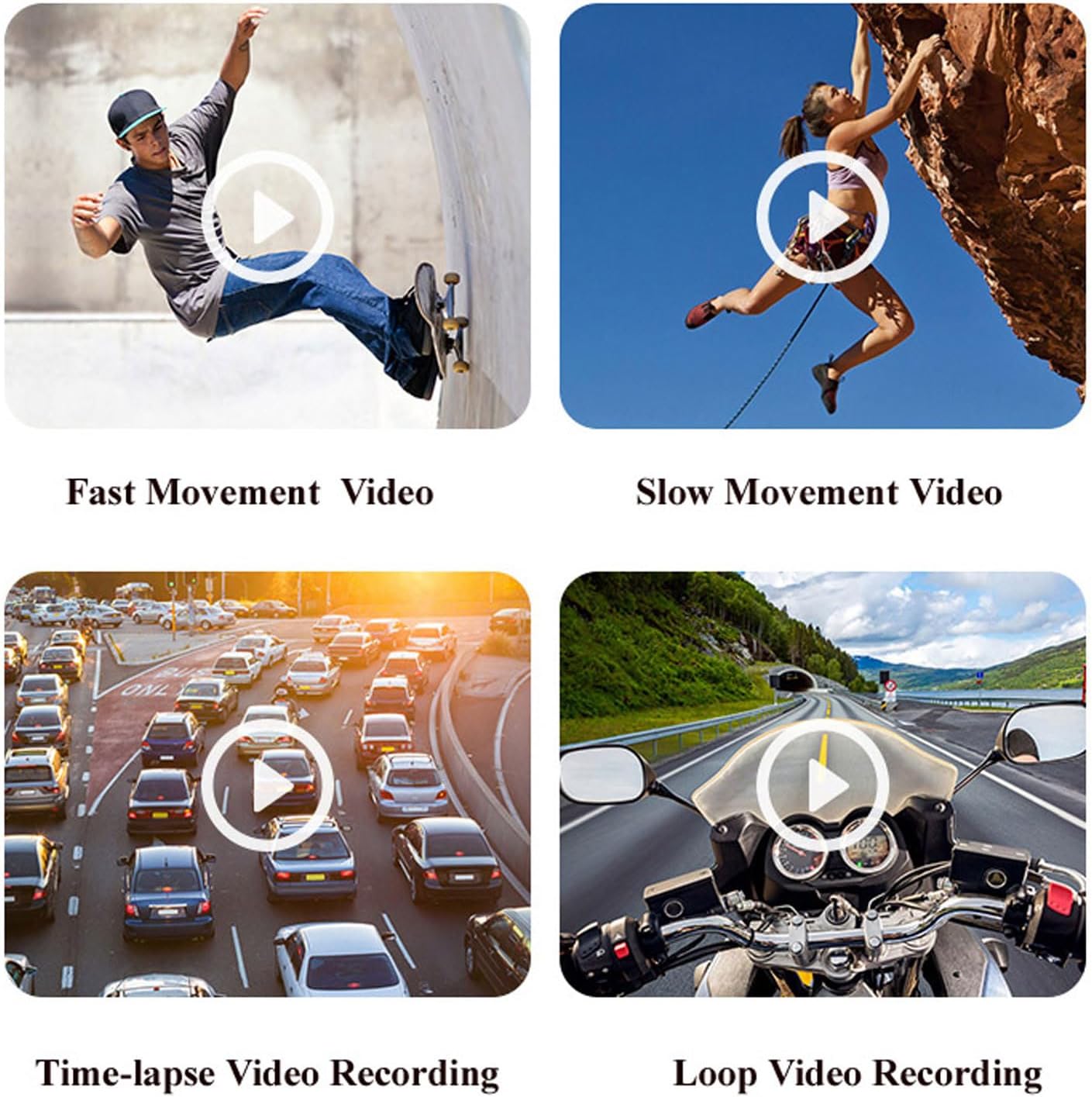
Слика 5.2: Прamples of various video recording modes.
5.4 EIS Anti-Shake Function
The camera features EIS (Electronic Image Stabilization) with a 2-axis stabilizer to deliver stable and smooth video, even during dynamic activities. This technology intelligently detects and corrects jitter, providing clear footage comparable to professional stabilization systems.

Слика 5.3: Визуелно поређење footage with and without EIS Anti-Shake.
5.5 Horizontal and Vertical Screen Switching
Through the mobile app, you can easily switch between horizontal and vertical screen orientations, adapting your content for various short video platforms.
5.6 Функционалност камере у аутомобилу
The camera can be used as a dash cam, offering features like collision sensing which automatically locks current recording video when a collision is detected. It supports continuous power via Type-C USB for extended use in a vehicle.
6. Трајање батерије и пуњење
The camera is equipped with a built-in 2200mAh Li-Ion battery, providing approximately 5 hours of continuous video recording. Without Wi-Fi enabled, the battery life can extend to about 6-7 hours. It supports Type-C fast charging and can be charged using external mobile power banks or laptops, allowing for simultaneous charging and recording.

Figure 6.1: The camera's battery capacity and approximate usage time.
7. Media Exampлес
Испод су екamples of the camera's capabilities in various scenarios.
Video 7.1: A short demonstration of the Head Mounted Video Camera in action, capturing outdoor activities.
Видео 7.2: Фуtage demonstrating the camera's performance in low-light conditions and its anti-shake capabilities while moving.
8. Одржавање и њега
- Чишћење: Use the provided cleaning cloth to gently wipe the lens and camera body. Avoid harsh chemicals or abrasive materials.
- Складиштење: Чувајте камеру на хладном и сувом месту, даље од директне сунчеве светлости и екстремних температура.
- Одржавање батерије: За оптималан век трајања батерије, избегавајте често потпуно пражњење батерије. Редовно је пуните, чак и ако се не користи дуже време.
- Водоотпорно кућиште: If using the waterproof case, ensure it is properly sealed before submerging the camera in water. Regularly check the seals for wear and tear.
КСНУМКС. Решавање проблема
- Камера се не укључује: Уверите се да је батерија напуњена. Прикључите се на извор напајања и покушајте поново.
- Не могу да се повежем са апликацијом: Verify the camera's Wi-Fi is enabled and your mobile device is connected to the camera's Wi-Fi network. Restart both the camera and the app.
- Лош видео квалитет: Check the selected video resolution in the app settings. Ensure the lens is clean and free from smudges.
- Грешка меморијске картице: Ensure the memory card is properly inserted and is not full. Try formatting the card (this will erase all data) or using a different compatible card.
- Кратак век трајања батерије: Ensure Wi-Fi is turned off when not in use, as it consumes more power. Reduce video resolution if extended recording time is needed.
10. Гаранција и подршка
For warranty information, technical support, or service inquiries, please refer to the contact details provided by the manufacturer, EBTOOLS, or your retailer. Keep your purchase receipt as proof of purchase for warranty claims.