
Увод
Thank you for choosing the Haomuren K1 Mini Portable Bluetooth Karaoke Machine. This manual provides essential information for the safe and efficient operation of your new device. Please read it thoroughly before use and retain it for future reference.
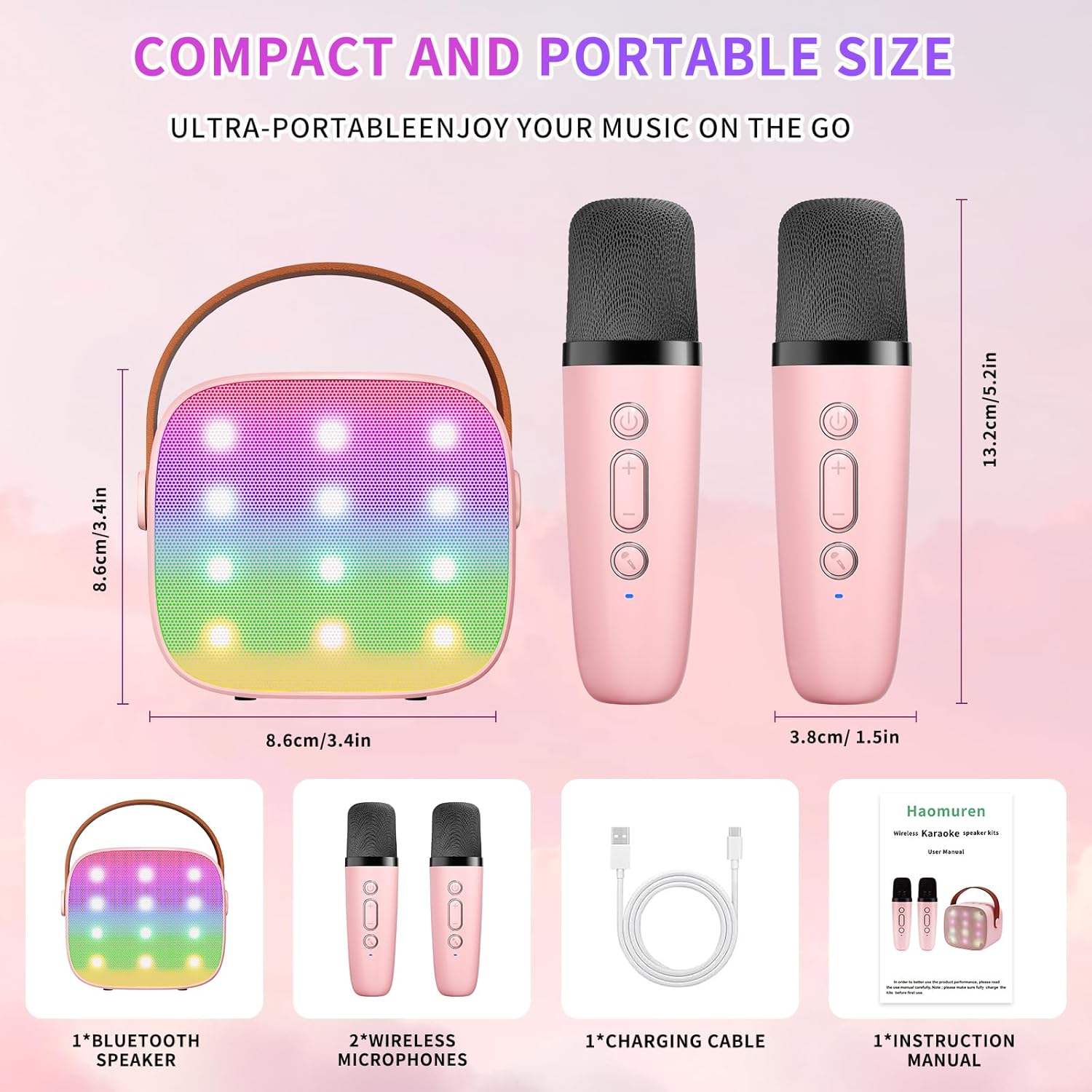
Шта је у кутији
- Karaoke Machine (Speaker) x 1
- Бежични микрофон к 2
- Тип-Ц кабл за пуњење к 1
- Упутство за употребу к 1
Сетуп
1. Пуњење уређаја
Before initial use, fully charge the karaoke machine and both microphones. Use the provided Type-C charging cable.
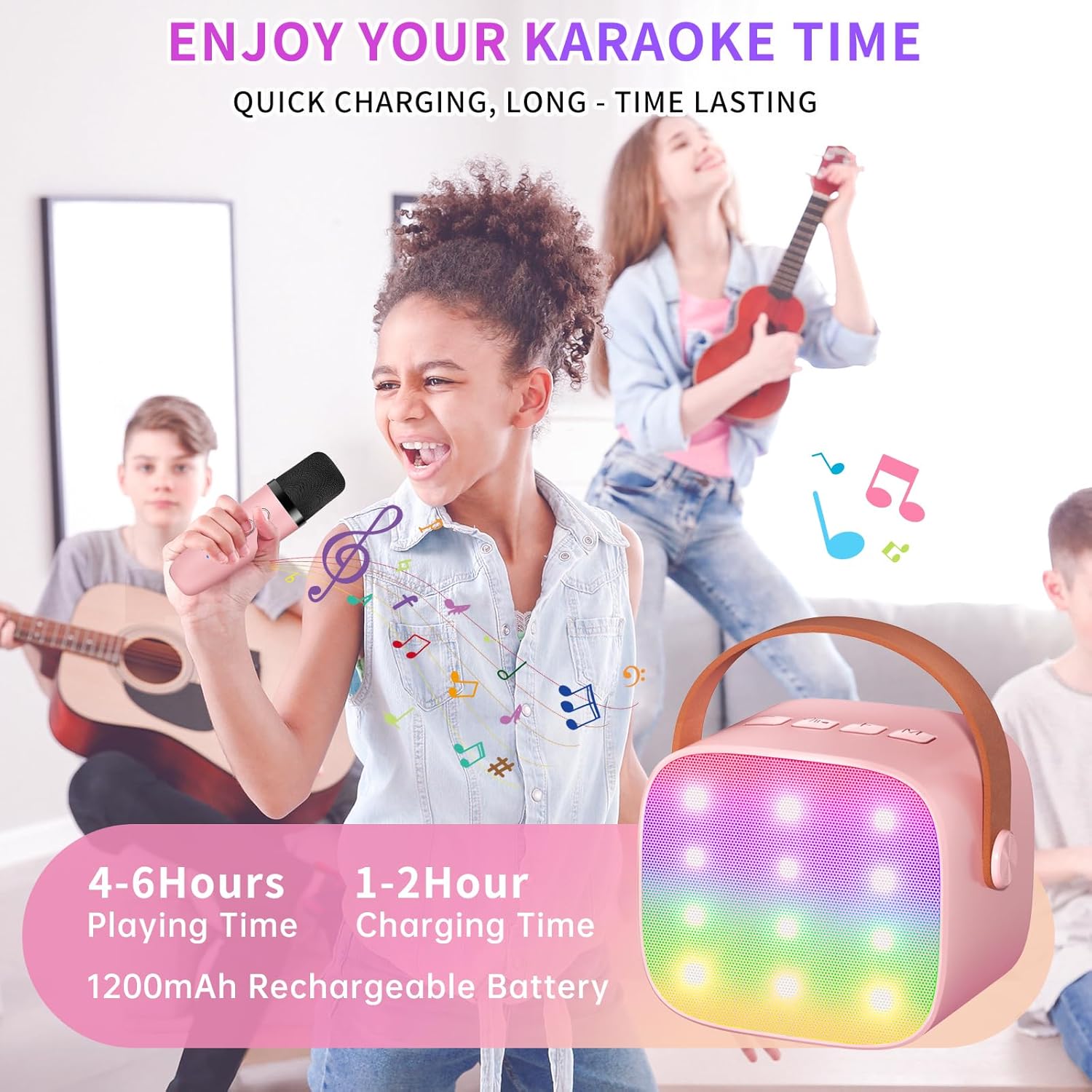
- говорник: Connect the Type-C cable to the speaker's charging port. The speaker has an 1800mAh battery and typically charges in 1-2 hours.
- микрофони: Connect the Type-C cable to the charging port at the bottom of each microphone. Each microphone has a 600mAh battery.

2. Укључивање/искључивање
- говорник: Press and hold the power button on the top panel of the speaker until the LED lights illuminate.
- микрофони: Press and hold the power button on each microphone until the blue indicator light turns on.
3. Блуетоотх упаривање
The speaker and microphones are designed for instant pairing. Once both are powered on, they should automatically connect. To connect the speaker to an external device (smartphone, tablet, PC):
- Ensure the karaoke machine speaker is powered on and in Bluetooth mode (indicated by a voice prompt).
- On your external device, enable Bluetooth and search for available devices.
- Select "K1" (or similar model name) from the list to pair. A confirmation sound will indicate successful pairing.

Упутство за употребу
1. Контроле звучника
The speaker features intuitive buttons on its top panel:
- Утишавање (-): Decreases the speaker volume.
- Napajanje/Pusti/Pauza: Short press to play/pause music. Long press to power on/off the speaker.
- Јачина звука (+): Increases the speaker volume.
- Режим (М): Switches between different input modes (Bluetooth, TF Card).
- Контрола ЛЕД светла: Short press to cycle through 6 different LED lighting modes.
- Original Vocal/Accompaniment: Press this button to remove or restore original vocals from a song, allowing you to sing along to the instrumental track.

2. Microphone Controls
Each wireless microphone has the following controls:
- Дугме за напајање: Притисните и држите да бисте укључили/искључили микрофон.
- Јачина звука (+): Повећава јачину звука микрофона.
- Утишавање (-): Смањује јачину звука микрофона.
- Дугме за мењање гласа: Short press to cycle through 5 different voice effects.

3. Voice Changing Modes
The microphones offer 5 unique voice effects to enhance your karaoke experience:
- Оригинал Воице
- Фемале Воице
- Мушки глас
- Баби Воице
- Монстер Воице
4. ЛЕД светла
The speaker features built-in LED lights with 6 dynamic modes that synchronize with the music, creating an immersive atmosphere. Use the dedicated LED Light Control button on the speaker to cycle through these modes.

5. Music Playback Options
The Haomuren K1 supports various music playback methods:
- Блуетоотх: Connect wirelessly to your smartphone, tablet, or PC.
- ТФ картица: Insert a TF (MicroSD) card into the designated slot on the back of the speaker to play stored music files.
- Излаз за слушалице: Use the 3.5mm headphone jack for private listening.
Одржавање
- Чишћење: Користите меку, суву крпу за чишћење спољашњости звучника и микрофона. Не користите течна средства за чишћење или абразивне материјале.
- Складиштење: Уређај чувајте на хладном и сувом месту, даље од директне сунчеве светлости и екстремних температура.
- Одржавање батерије: To prolong battery life, avoid fully discharging the device frequently. Charge the device regularly, even if not in use for extended periods.
Решавање проблема
- Нема звука из звучника:
- Ensure the speaker is powered on and charged.
- Check the speaker's volume level.
- Verify that the speaker is correctly paired via Bluetooth to your device.
- If using a TF card, ensure it is inserted correctly and contains compatible audio files.
- Микрофон не ради:
- Ensure the microphone is powered on and charged.
- Check the microphone's volume level.
- Confirm the microphone is automatically paired with the speaker.
- Блуетоотх прекид везе:
- Ensure the speaker and your device are within the effective Bluetooth range (typically 10 meters).
- Turn off and restart both the speaker and your device, then attempt to re-pair.
- Check for any interference from other wireless devices.
- Изобличен звук:
- Смањите јачину звука и на звучнику и на повезаном уређају.
- Ensure the microphones are not too close to the speaker to avoid feedback.
- Проверите извор звука да ли има проблема са квалитетом.
Спецификације
| Феатуре | Спецификација |
|---|---|
| Бранд | Хаомурен |
| Број модела | K1 |
| Тип монтаже | Таблетоп |
| Извор напајања | Баттери Поверед |
| Тип конектора | 3.5mm headphone, Type-C Charging |
| Материјал | акрилонитрил бутадиен стирен (АБС) |
| Тежина артикла | 14.9 унци |
| Број канала | 2 |
| Аудио улаз | Бежични микрофони |
| Фреквенцијски одзив | 10 КХз |
| Димензије производа | 3.7 к 4.1 к 4.3 инча |
| Батерије | Потребне су 1 ААА батерије (укључене) |
| Технологија повезивања | Bluetooth, USB, Wireless |
Гаранција и подршка
Haomuren is committed to providing high-quality audio products. Your K1 Mini Portable Bluetooth Karaoke Machine comes with the following:
- Бесплатна замена: In case of product defects.
- 365 дана гаранције: Covering manufacturing defects and malfunctions.
- техничка подршка: Dedicated support is available for any operational questions or issues.
For further assistance, please contact Haomuren customer service through your purchase platform or visit the official Haomuren webсајту.