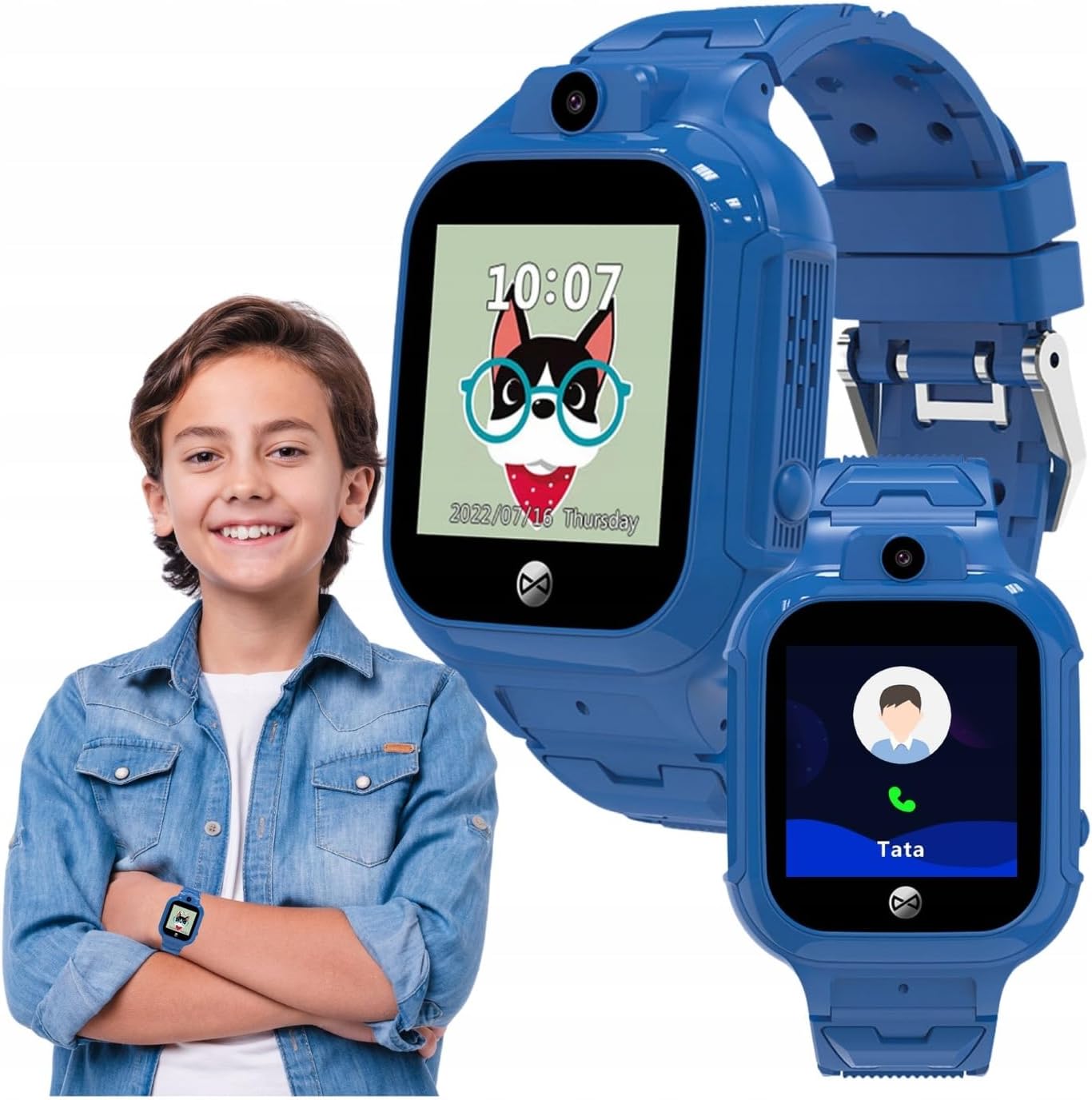
This manual provides comprehensive instructions for the FOREVER Smart Watch Kids See Me! 3 KW-320. This device is designed to keep children connected and safe, offering communication features, real-time tracking, and engaging activities. Please read this manual thoroughly before using the watch to ensure proper operation and safety.
Кључне карактеристике укључују:
Комуникација: Voice and video calls, voice messages, and parent-controlled contacts.
Праћење локације: Precise GPS, LBS, and Wi-Fi tracking with safety zone alerts.
СОС дугме: Quick emergency call function.
Прилагођавање: Multiple watch faces and trendy colors.
Праћење активности: Encourages physical activity and learning.
Child-Friendly Technology: Facial recognition for unlocking and secure access.
Шта је у кутији
Upon unboxing your FOREVER Smart Watch Kids See Me! 3 KW-320, please ensure all the following items are present:
FOREVER Smart Watch Kids See Me! 3 KW-320
Упутство за употребу
пуњач
SIM Card tool
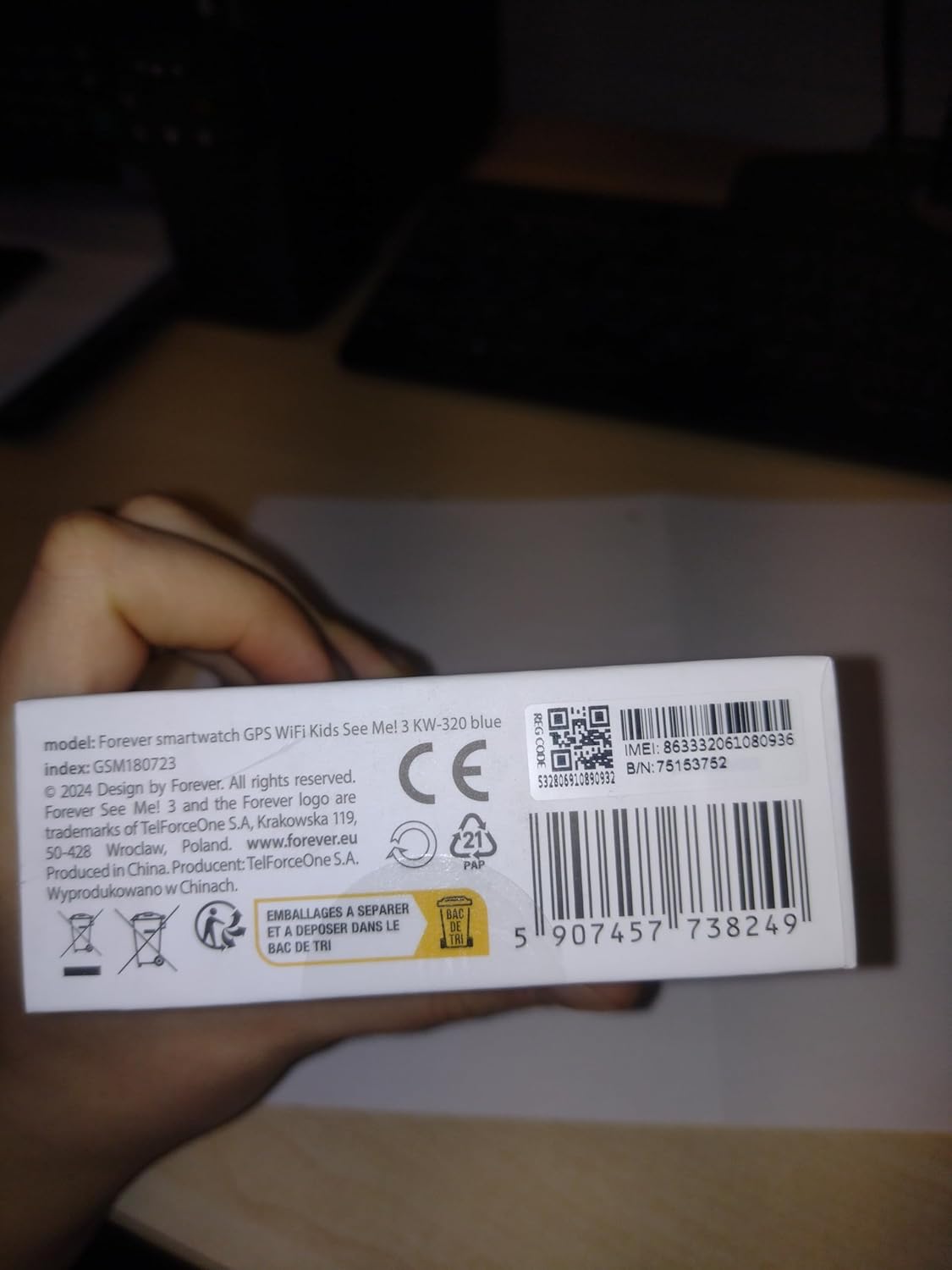
Image: The retail box for the FOREVER Smart Watch Kids See Me! 3 KW-320, indicating the included accessories.
Водич за подешавање
1. Почетно пуњење
Before first use, fully charge the watch. Connect the charger to the watch's charging port and plug it into a power source. The watch screen will indicate charging status.
Image: Close-up of the watch's charging contacts on the back.
2. Инсталација СИМ картице
The watch requires a Nano SIM card for communication and GPS features. Use the provided SIM card tool to open the SIM card slot. Insert the Nano SIM card with the gold contacts facing up, ensuring it is correctly seated. Close the slot securely.
Image: The side of the watch with the SIM card slot clearly visible.
3. App Pairing and Configuration
Download the dedicated FOREVER app on your smartphone (compatible with Android and iOS). Register an account and follow the in-app instructions to pair your child's watch. This app allows you to manage contacts, set safety zones, monitor location, and configure watch settings.
Image: A smartphone displaying the companion application for the watch, showing options for activities, chat, map, and settings.
4. Setting Up Contacts and SOS Numbers
Within the app, add trusted contacts that your child can call or receive calls from. Configure up to three SOS numbers. In an emergency, pressing the SOS button on the watch will cycle through these numbers until one is answered.
Image: A child with a minor injury, demonstrating the need for quick communication, alongside a close-up of the watch's contact list.
Управљање сатом
Упућивање и примање позива
Your child can initiate calls to pre-approved contacts directly from the watch. Incoming calls from approved numbers will be displayed on the watch screen. The watch supports both voice and video calls.
Image: A child wearing the watch, with an inset showing the watch's calling interface.
Using the SOS Function
In an emergency, the child can press and hold the SOS button (usually located on the side of the watch) to activate the emergency call sequence. The watch will automatically dial the pre-set SOS numbers until a connection is made.
Location Tracking (GPS, LBS, Wi-Fi)
Родитељи могу view the child's real-time location through the companion app. The watch uses a combination of GPS, LBS (Location Based Service via cellular towers), and Wi-Fi positioning for accurate tracking. You can also set up safety zones, and receive alerts if the child enters or leaves these designated areas.
Image: Children gathered together, symbolizing the watch's ability to help parents check their child's surroundings.
Camera and Photo Functions
The watch is equipped with a camera, allowing the child to take photos. These photos can often be viewed on the watch or uploaded to the companion app for parents to see.
Image: A child in a classroom, with the watch displaying educational games, highlighting its learning and activity features.
Activity Tracking and Games
The watch includes features to track daily activity, such as steps. It also offers playful and educational games to keep children engaged.
Откључавање препознавањем лица
For enhanced security and ease of use, the watch supports facial recognition to unlock the screen, ensuring only the child can access its features.
Одржавање
Чишћење сата
Редовно бришите сат меком, сувом крпом. За тврдокорну прљавштину, благо дamp Може се користити тканина. Избегавајте јаке хемикалије или абразивне материјале.
Водоотпорност (IP65)
The FOREVER Smart Watch KW-320 has an IP65 rating, meaning it is protected against dust ingress and low-pressure water jets from any direction. It is suitable for everyday use and splashes but should not be submerged in water or used for swimming.
Баттери Царе
To prolong battery life, avoid extreme temperatures. Charge the watch fully when indicated by the low battery warning. Do not leave the watch uncharged for extended periods.
Решавање проблема
Проблем
Могући узрок
Решење
Сат се не укључује
Слаба батерија; Дугме за напајање није довољно дуго притиснуто.
Charge the watch for at least 30 minutes. Press and hold the power button for 5-10 seconds.
Не могу да упућујем/примам позиве
No SIM card; SIM card not active; Poor network signal; Contacts not set up in app.
Ensure SIM card is correctly inserted and active. Check network coverage. Add contacts via the app.
Нетачна ГПС локација
Weak GPS signal (indoors/dense areas); Reliance on LBS/Wi-Fi.
Move to an open area for better GPS signal. Ensure Wi-Fi is enabled on the watch for improved indoor positioning.
App not connecting to watch
Incorrect pairing; Network issues; App outdated.
Re-pair the watch with the app. Check internet connection on both devices. Update the app to the latest version.
Спецификације
Феатуре
Детаљ
Број модела
КВ-320
Величина екрана
1.4 инча
Дисплаи Типе
ЛЦД
Технологија повезивања
Ви-Фи, Блуетоотх
Праћење локације
GPS, LBS, Wi-Fi
Утор за СИМ картицу
Нано СИМ
Капацитет батерије
800 Милиamp Сати (литијум-јонска)
Оцена водоотпорности
ИП65
Посебне карактеристике
Touchscreen, Voice Call, SOS Button, Activity Tracker, GPS, Facial Recognition
Димензије производа
КСНУМКС к КСНУМКС к КСНУМКС цм; КСНУМКС г
Гаранција и подршка
For warranty information and technical support, please refer to the official FOREVER webсајт или контактирајте њихову корисничку службу. Сачувајте рачун као доказ о куповини.
Manufacturer: TelForceOne
Ask a question about this manual
Ask about setup, troubleshooting, compatibility, parts, safety, or missing instructions. Manuals+ will review the question and use this page’s manual context to help answer it.