
1. Увод
This manual provides detailed instructions for the setup, operation, and maintenance of your TMY Native 1080P Mini Projector. Please read this manual thoroughly before using the projector to ensure proper function and longevity.
2. Шта је у кутији
- TMY Native 1080P Mini Projector
- Ремоте Цонтрол
- Повер Цорд
- ХДМИ кабл
- Упутство за употребу
- Комплет за чишћење
3. Производ је готовview
The TMY Native 1080P Mini Projector is designed for versatile home entertainment, offering native 1080P resolution and various connectivity options in a compact form factor.

3.1 Портови за повезивање
The projector features multiple ports for connecting various devices:

- ХДМИ порт: For connecting devices such as TV sticks, PCs, gaming consoles, and DVD players.
- УСБ порт: За повезивање УСБ дискова за репродукцију медија files.
- 3.5 мм аудио прикључак: For connecting external wired speakers or headphones.
- Улазна снага: За повезивање кабла за напајање.
4. Подешавање
4.1 Постављање
Position the projector on a stable, flat surface. The projection distance can range from 1.5 meters to 5 meters, producing a screen size from 40 inches to 200 inches. Ensure there are no obstructions between the projector and the projection surface.
4.2 Прикључак за напајање
- Прикључите кабл за напајање на улазни порт за напајање пројектора.
- Укључите други крај кабла за напајање у утичницу.
4.3 Почетно укључивање
Press the power button on the projector or the remote control to turn on the device. The indicator light will illuminate.
4.4 Фокус и корекција трапезоидног изобличења
To achieve a clear and rectangular image, adjust the focus ring and keystone correction dial located on the projector. The projector supports ±15° vertical keystone correction.

5. Упутство за употребу
5.1 Повезивање уређаја
The projector offers multiple ways to connect your devices:

5.1.1 ХДМИ веза
Connect your device (e.g., TV Stick, PC, gaming console) to the projector's HDMI port using an HDMI cable. Select the corresponding HDMI input source from the projector's menu.
5.1.2 УСБ веза
Insert a USB drive into the USB port. Navigate to the media player function in the projector's menu to browse and play files.
5.1.3 WiFi Connection (Screen Mirroring)
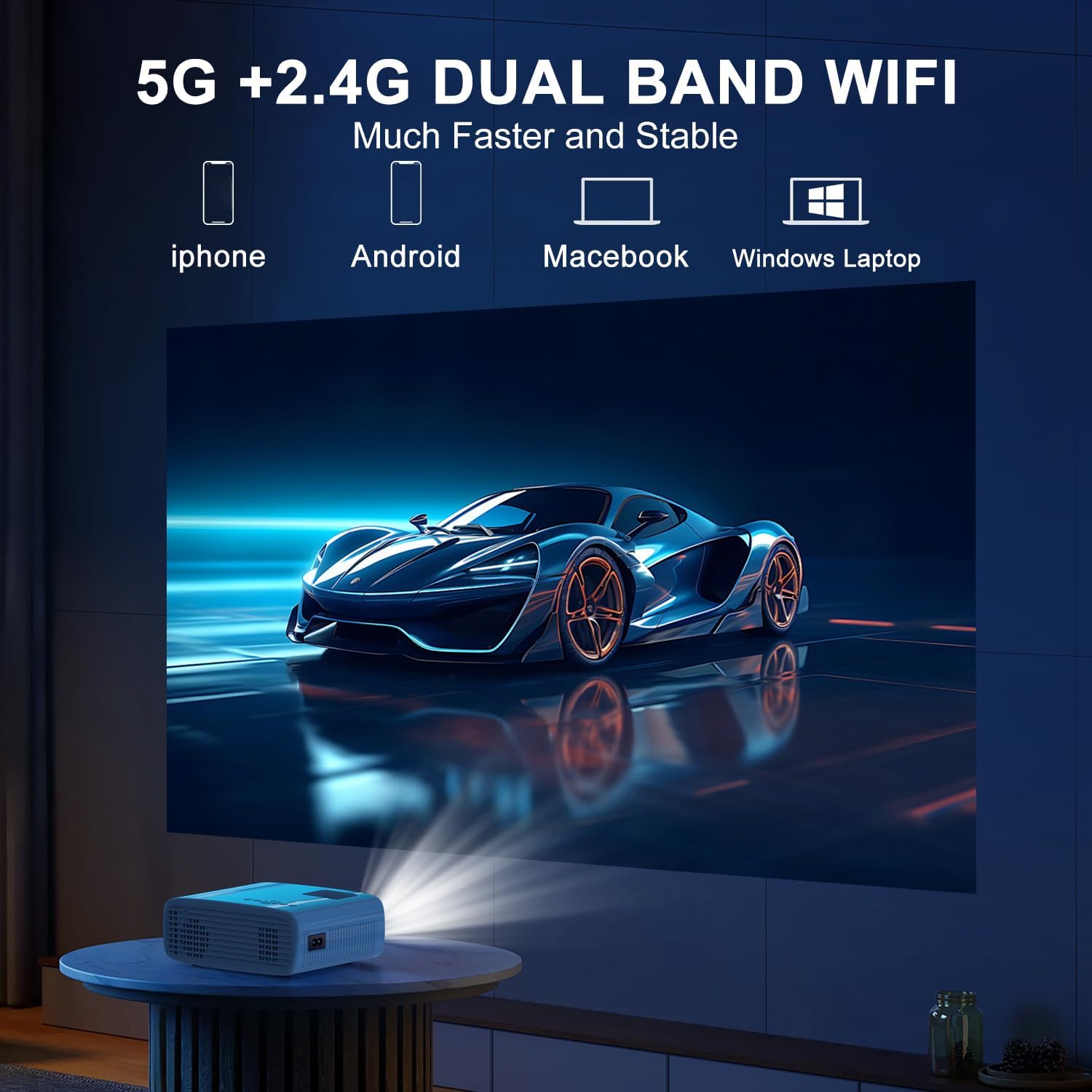
The projector supports 5G/2.4G dual-band WiFi for wireless screen mirroring from compatible smartphones, tablets, and laptops. Access the WiFi settings in the projector's menu to connect to your home network and initiate screen mirroring.

5.1.4 Блуетоотх веза
The projector features two-way Bluetooth 5.2 technology. It can connect to external Bluetooth speakers or headphones for audio output. Additionally, it can function as a Bluetooth speaker itself, allowing you to connect your smartphone or tablet to play audio through the projector's built-in speakers.
Напомена:
- Bluetooth does not support screen mirroring with your phone.
- When connecting to external Bluetooth speakers, ensure the speaker is in pairing mode.
5.2 Функција зумирања
The projector includes a 100% to 50% zoom function, allowing you to adjust the screen size digitally without physically moving the projector. This feature is accessible through the projector's menu settings.
5.3 Навигација кроз мени
Use the remote control to navigate through the projector's on-screen menu. The menu allows you to select input sources, adjust picture settings (brightness, contrast, color), sound settings, and other system configurations.
6. Одржавање
6.1 Чишћење
- Објектив: Use the provided cleaning cloth or a soft, lint-free cloth to gently wipe the projector lens. Avoid abrasive materials.
- Екстеријер: Обришите спољашњост пројектора меком, сувом крпом. Не користите течна средства за чишћење или раствараче.
- Вентилациони отвори: Periodically check and clean the air vents to ensure proper airflow and prevent overheating.
6.2 Складиштење
When not in use, store the projector in a cool, dry place, away from direct sunlight and extreme temperatures. Use the original packaging or a protective case to prevent dust accumulation and damage.
КСНУМКС. Решавање проблема
- Нема напајања: Ensure the power cord is securely connected to both the projector and the power outlet. Check if the power outlet is functional.
- Нема слике: Verify that the correct input source is selected in the projector's menu. Check all cable connections (HDMI, USB).
- Замућена слика: Adjust the focus ring on the projector until the image is clear. Ensure the projection distance is within the recommended range.
- Слика није правоугаона: Use the keystone correction dial to adjust the image until it appears rectangular.
- Нема звука: Check the volume settings on both the projector and the connected device. If using external speakers, ensure they are properly connected and powered on.
- Sound/Video Lag: For screen mirroring, ensure a stable WiFi connection. For wired connections, try a different cable or port. Note that Bluetooth does not support screen mirroring and may introduce slight audio delay with external speakers.
- прегревање: Ensure the projector's air vents are not blocked. Operate the projector in a well-ventilated area.
8. Спецификације
| Феатуре | Спецификација |
|---|---|
| Бранд | ТМИ |
| Модел | B0DMW2G124 |
| Резолуција екрана | Native 1920 x 1080 (1080P) |
| Технологија повезивања | 3.5 мм прикључак, Блутут 5.2, ХДМИ, УСБ, Ви-Фи (5 Г/2.4 Г) |
| Посебне карактеристике | 50%-100% Zoom, Built-In Cooling System, Two-way Bluetooth, Wi-Fi Ready |
| Препоручена употреба | Гејминг, Кућни биоскоп |
| Тежина артикла | 2.51 фунти |
| Димензије пакета | 9.09 к 8.7 к 4.17 инча |
| Боја | Бела+црна |
9. Гаранција и подршка
For warranty information or technical support, please refer to the warranty card included in your product packaging or contact TMY customer service directly. Contact details can typically be found on the official TMY webсајту или путем ваше платформе за куповину.