
Увод
This manual provides detailed instructions for the safe and effective use of your Bewinner 5K 72MP HD Digital Camera. Please read this manual thoroughly before operating the camera and retain it for future reference. This camera is designed for capturing high-resolution photos and videos with features like dual cameras, a 2.8-inch screen, timelapse photography, and 18X digital zoom.
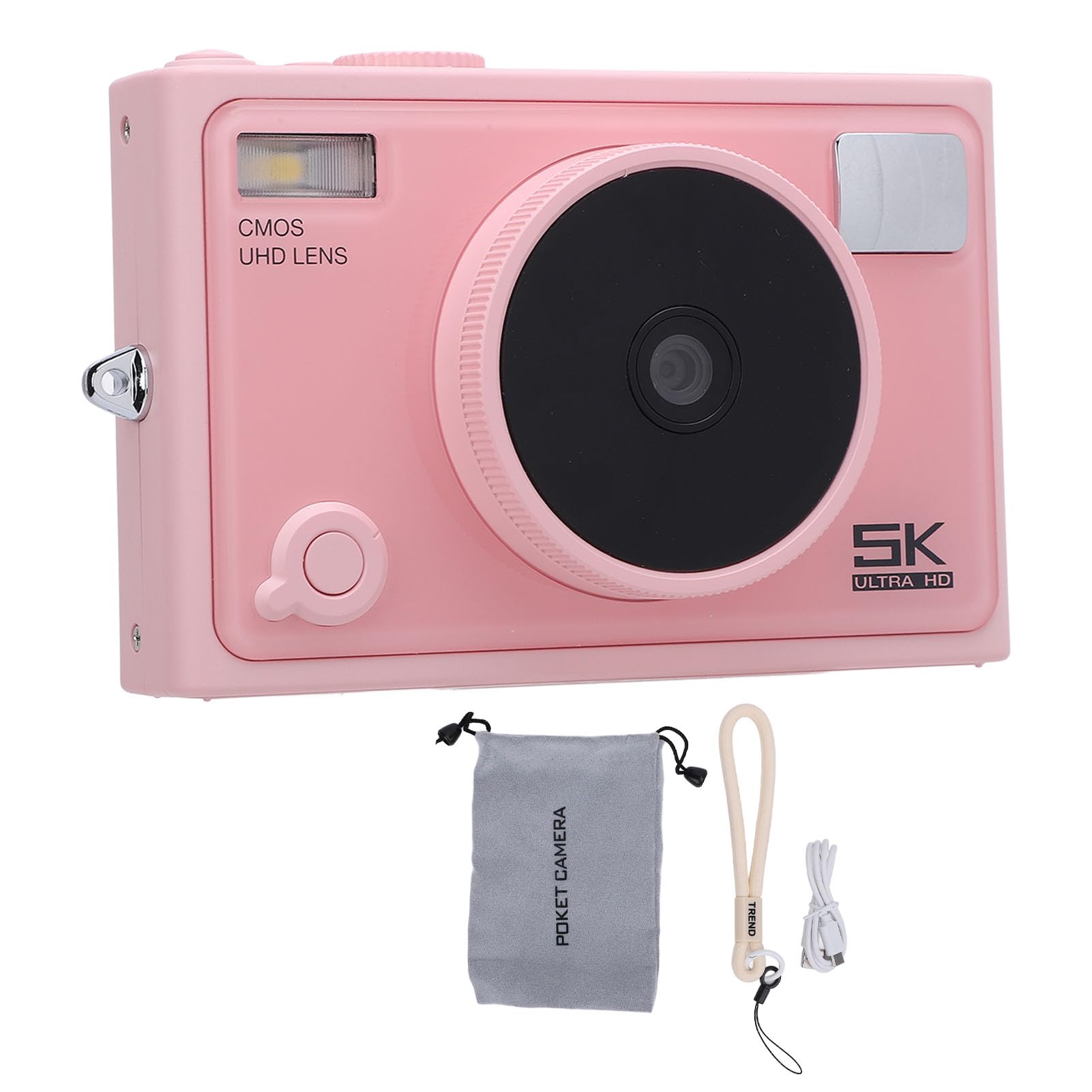
Слика: Фронт view of the Bewinner 5K 72MP HD Digital Camera.
Безбедносне информације
- Не излажите камеру води или влази.
- Избегавајте испуштање камере или њено излагање јаким ударцима.
- Држите камеру даље од директне сунчеве светлости и високих температура.
- Use only the specified battery type (NP-40) and charger.
- Не покушавајте да растављате или модификујете камеру.
- Чувати ван домашаја мале деце.
Садржај пакета
Проверите да ли су све ставке присутне у пакету:
- 1 x 5K Digital Camera
- 1 x Camera Strap
- 1 к УСБ кабл
- 1 к Упутство за употребу
- 1 x Camera Pouch
Note: A standard memory card is not included and must be purchased separately. The camera supports up to 128GB.
Производ је завршенview
The Bewinner 5K 72MP HD Digital Camera offers a range of features for capturing high-quality images and videos:
- 5K 72MP Resolution: Capture crisp details with 5K 72MP resolution for photos and professional 5K videos.
- 18Кс дигитални зум: Magnify your subjects with 18 times digital zoom.
- 2.8-инчни ХД екран: View your shots clearly on the 2.8-inch HD screen with enhanced light transmission and color reproduction.
- Бежична повезаност: Connect to smartphones or tablets for remote control and instant sharing of photos and videos.
- Special Effects Filters: Apply various photography filters for creative styles.
- Timelapse and Slow Motion: Explore creative possibilities with built-in timelapse and slow motion photography modes.
- 1300mAh High Capacity Battery: Enjoy extended usage with the included 1300mAh lithium-ion battery.
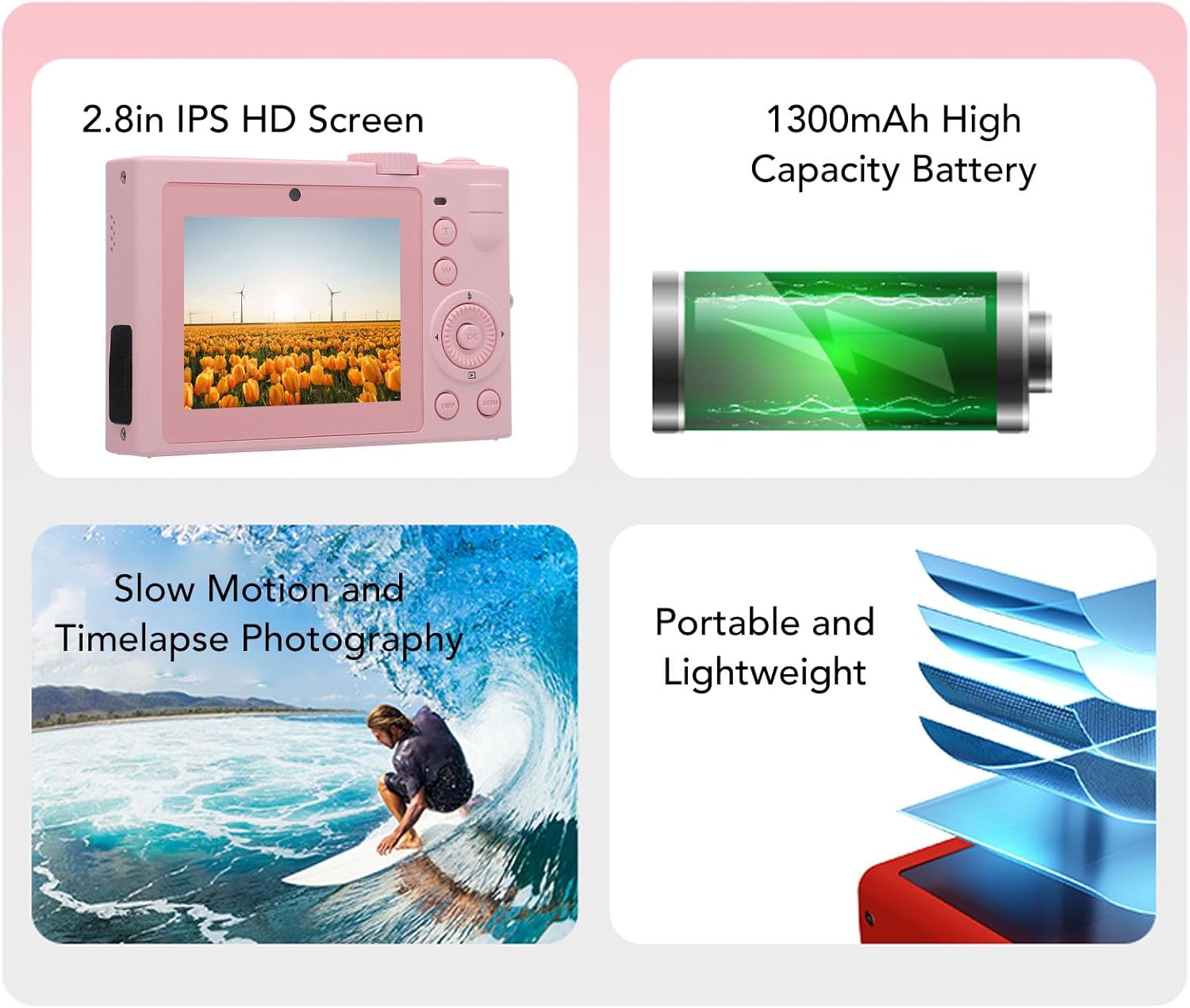
Слика: Прекоview of key camera features including screen, battery, and photography modes.
Сетуп
1. Инсталација батерије
- Пронађите поклопац одељка за батерију на дну камере.
- Померите резу да бисте отворили поклопац.
- Insert the NP-40 lithium-ion battery (1300mAh) into the compartment, ensuring the correct polarity.
- Затворите поклопац одељка за батерије док не кликне чврсто.
2. Уметање меморијске картице
- Locate the memory card slot, typically near the battery compartment or on the side.
- Insert a standard memory card (up to 128GB, not included) into the slot with the contacts facing the correct direction. Push until it clicks into place.
- Да бисте је уклонили, поново нежно гурните картицу унутра док не искочи.
3. Пуњење батерије
- Повежите камеру са извором напајања помоћу приложеног УСБ кабла.
- Индикаторска лампица пуњења ће се упалити. Искључиће се или променити боју када се пуњење заврши.

Слика: Са стране view of the camera, highlighting the USB port for charging and data transfer.
Упутство за употребу
1. Укључивање/искључивање
Press and hold the power button (usually located on the top or side) to turn the camera on or off. The camera is ready to use upon power on.

Слика: Позади view of the camera, showing the 2.8-inch HD screen and control buttons.
2. Основна фотографија
- Избор режима: Use the mode dial or menu to select between photo and video modes.
- Зумирање: Use the zoom buttons (often marked 'W' for wide and 'T' for telephoto) to adjust the 18X digital zoom.
- Фокус: The camera typically features automatic focus.
- Окидач: Press the shutter button halfway to focus, then fully to capture a photo.
3. Видео снимање
- Switch to video mode.
- Press the record button (often marked with a red dot) to start and stop recording 5K video.
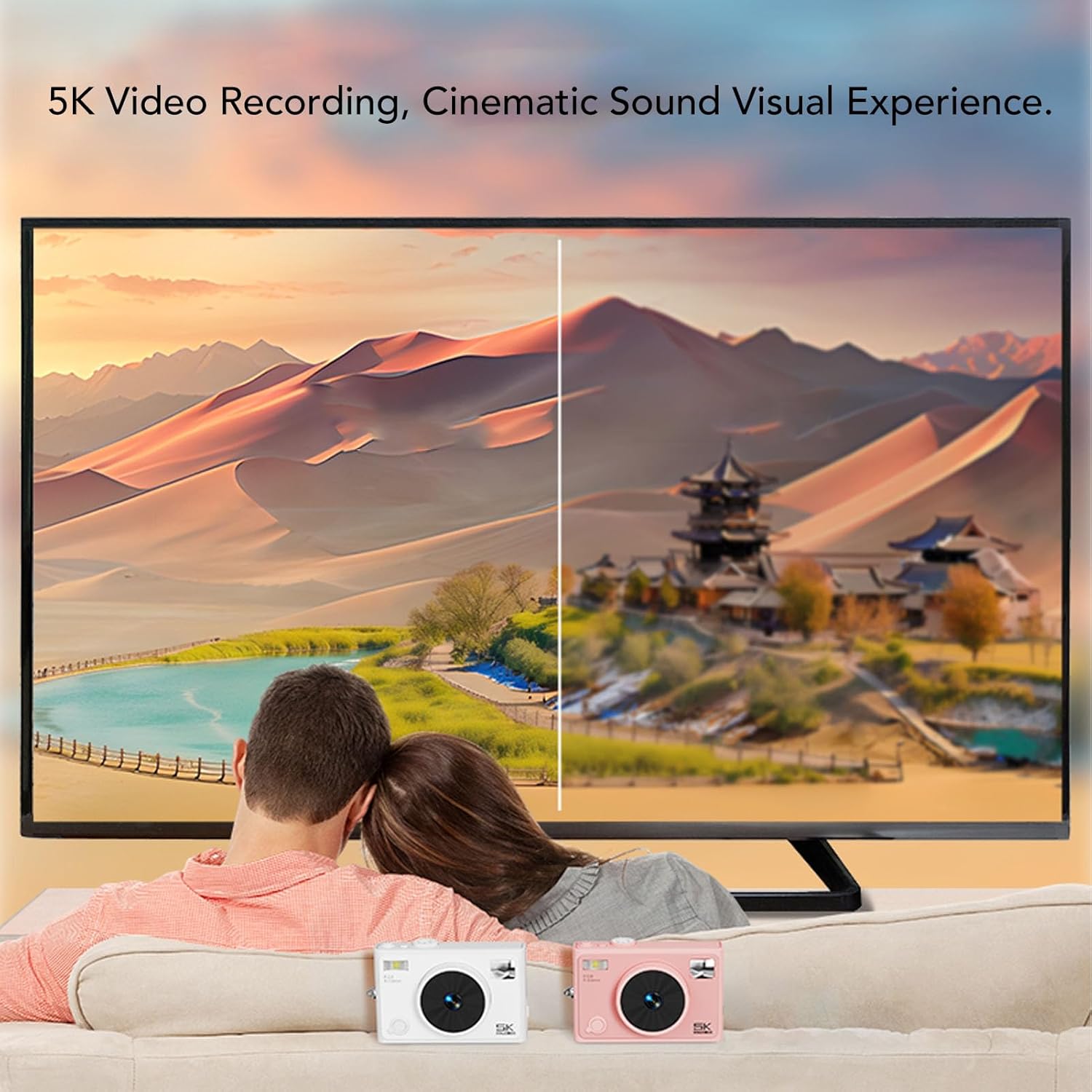
Image: Illustrates the 5K video recording capability, showing playback on a large screen.
4. Special Effects and Modes
- Филтери: Access the menu to apply various special effects filters to your photos.
- Timelapse Photography: Set the interval and duration for timelapse sequences through the camera settings.
- Успорени снимак: Select slow motion mode for capturing dynamic scenes in slow motion.

Слика: прamples of special effects filters that can be applied to photos.
5. Бежично повезивање
- Activate the wireless fidelity function in the camera settings.
- On your smartphone or tablet, search for the camera's wireless network and connect.
- Use the dedicated camera application (if available) for remote control, photo transfer, and viewинг.

Image: Illustration of the camera's wireless connectivity features, including remote photography and wireless transmission to a smartphone.
Одржавање
- Чишћење: Користите меку, суву крпу за чишћење кућишта фотоапарата. За објектив користите специјализовану крпу и раствор за чишћење објектива.
- Складиштење: When not in use, store the camera in a cool, dry place, preferably in the provided camera pouch, away from dust and extreme temperatures.
- Одржавање батерије: Remove the battery if the camera will not be used for an extended period. Charge the battery periodically to maintain its lifespan.
Решавање проблема
| Проблем | Могући узрок | Решење |
|---|---|---|
| Камера се не укључује. | Батерија је испражњена или неправилно уметнута. | Напуните батерију. Уверите се да је батерија уметнута са исправним поларитетом. |
| Не могу да снимам фотографије/видео записе. | Меморијска картица је пуна, закључана или није уметнута. | Insert a memory card. Check if the card is locked. Delete unnecessary files or format the card. |
| Лош квалитет слике. | Објектив је прљав, недовољно осветљења или су подешавања погрешна. | Clean the lens. Ensure adequate lighting. Adjust camera settings as needed. |
| Бежична веза није успела. | Wireless function is off, or incorrect pairing. | Ensure wireless function is enabled on the camera. Re-attempt pairing with your device. |
Спецификације
| Бранд | Бевиннер |
| Назив модела | Bewinnerc1dy9uoiqb-12 |
| Максимална резолуција слике | 72 МП |
| Максимална видео резолуција | 5K |
| Оптицал Зоом | 18 к |
| Величина екрана | 2.8 инча |
| Тип батерије | Lithium Ion Battery (NP-40) |
| Капацитет батерије | 1300мАх |
| Подршка за складиштење | Up to 128GB Standard Memory Card (Not Included) |
| Технологија повезивања | Wireless Fidelity (Wi-Fi) |
| Боја | Пинк |
Гаранција и подршка
For warranty information and technical support, please refer to the documentation included with your purchase or visit the official Bewinner webсајт. Сачувајте доказ о куповини за потребе гаранције.