
1. Увод
This manual provides detailed instructions for the setup, operation, customization, and maintenance of your Xtrike Me GM314 RGB Gaming Mouse. Please read this manual thoroughly before using the product to ensure optimal performance and longevity.
The Xtrike Me GM314 is a wired gaming mouse featuring a 7200 DPI optical sensor, 7 programmable buttons, and customizable RGB lighting, designed for personal computer use.
2. Производ је готовview
Familiarize yourself with the components of your Xtrike Me GM314 RGB Gaming Mouse.
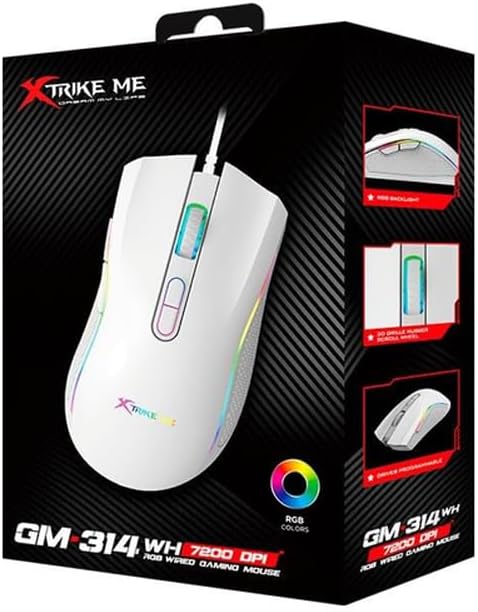
Слика 2.1: Врх view of the GM314 Gaming Mouse.

Слика 2.2: Под углом view showing scroll wheel and DPI buttons.
The mouse features a comfortable design with a textured grip on the sides. It includes a scroll wheel, left and right click buttons, two DPI adjustment buttons, and two side buttons for enhanced functionality.
3. Подешавање
3.1. Садржај пакета
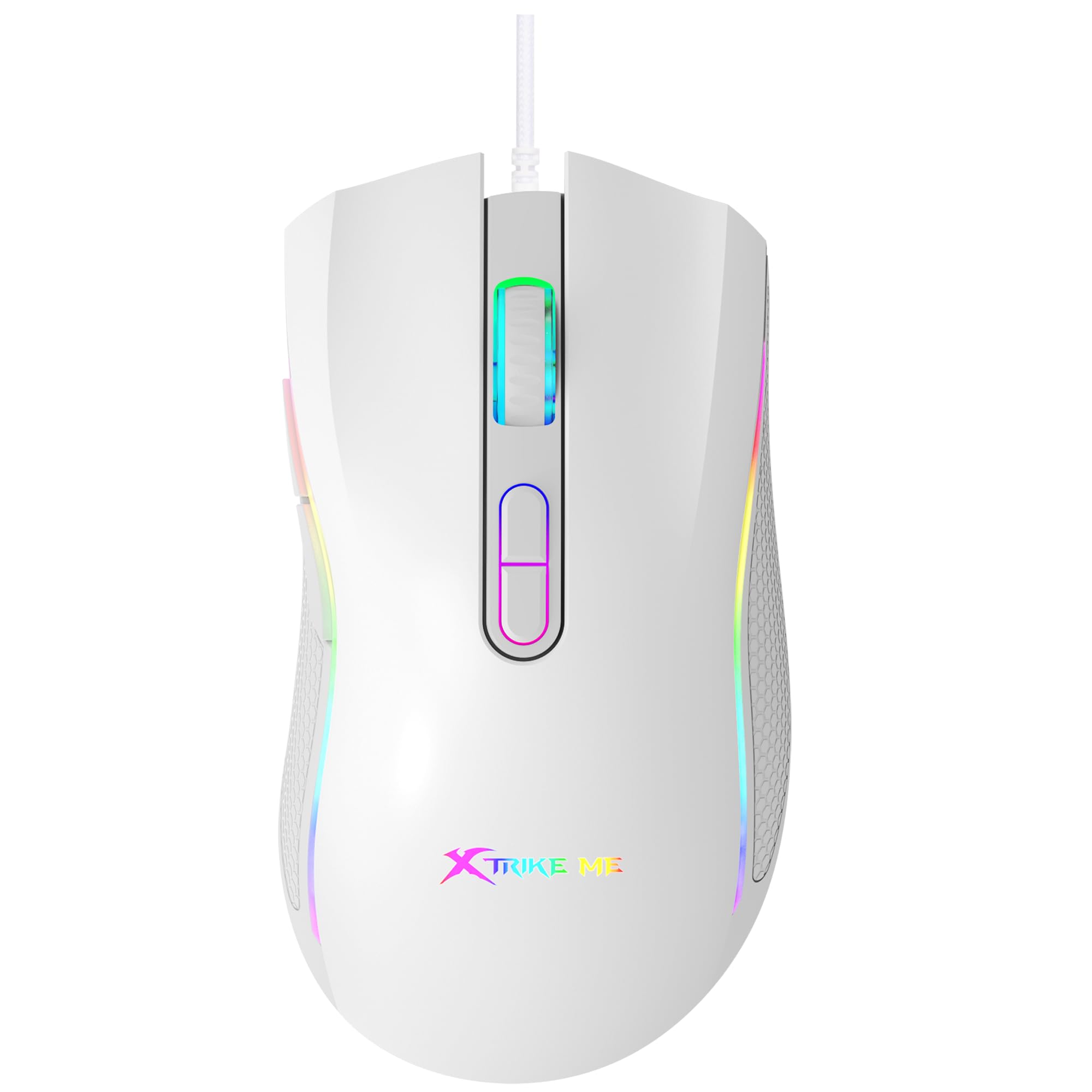
Figure 3.1: GM314 Product Packaging.
Уверите се да су следеће ставке укључене у ваш пакет:
- Xtrike Me GM314 RGB гејмерски миш
- Кориснички приручник (овај документ)
- Driver Software (if provided on disc or download link)
3.2. Повезивање миша
- Locate an available USB port on your personal computer.
- Plug the USB connector of the GM314 mouse into the USB port.
- The operating system will automatically detect and install the necessary drivers. This may take a few moments.
- Once installed, the mouse will be ready for basic use.
3.3. Инсталација драјвера
For full customization of programmable buttons and RGB lighting, install the dedicated driver software.
- If a driver disc is included, insert it into your computer's optical drive and follow the on-screen instructions.
- Alternatively, download the latest driver software from the official Xtrike Me website (refer to product packaging or manufacturer's website for the correct URL).
- Покрените инсталатер и пратите упутства да бисте довршили инсталацију.
- Поново покрените рачунар ако се то од вас затражи.
4. Упутство за употребу
4.1. Основне функције
- Леви клик: Примарна акција, селекција.
- Десни клик: Context menu, secondary action.
- Точак за померање: Scroll up/down, middle click for universal scroll or other assigned functions.
4.2. Подешавање DPI-ја
The GM314 mouse features adjustable DPI (Dots Per Inch) settings, allowing you to change cursor sensitivity on the fly. The available DPI levels are 1200, 2400, 4800, and 7200.
Figure 4.1: DPI Adjustment Buttons.
- Притисните тастер Дугме ДПИ+ (usually the forward button behind the scroll wheel) to increase DPI.
- Притисните тастер ДПИ- дугме (usually the rear button behind the scroll wheel) to decrease DPI.
- The RGB lighting may change color to indicate the current DPI setting (refer to driver software for specific color assignments).
4.3. Бочна дугмад
The GM314 includes two side buttons, typically located on the left side of the mouse.
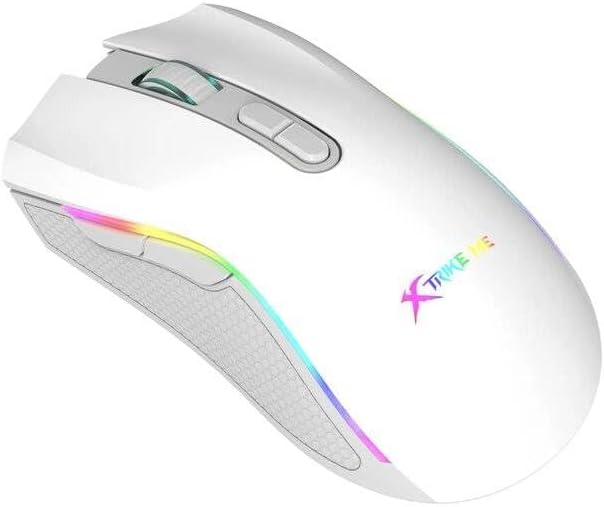
Figure 4.2: Side Buttons.
By default, these buttons often function as 'Forward' and 'Back' in web претраживачи или file explorers. Their functions can be customized using the driver software.
5. Прилагођавање
The Xtrike Me GM314 mouse offers extensive customization options through its dedicated driver software. This includes:
- Програмирање дугмади: Assign custom functions, macros, or key combinations to any of the 7 programmable buttons.
- ДПИ подешавања: Fine-tune DPI levels and assign specific colors to each level for visual identification.
- РГБ осветљење: Choose from various lighting effects, colors, and brightness levels for the mouse's RGB backlight.
- Стопа гласања: Adjust the data transmission rate (e.g., 125 Hz) for responsiveness.
- Проfiles: Креирајте и сачувајте више професионалацаfiles for different games or applications, allowing quick switching between settings.
Refer to the driver software's built-in help or interface for detailed instructions on using these customization features.
6. Одржавање
Proper maintenance ensures the longevity and performance of your gaming mouse.
- Чишћење: Користите меку, суву крпу да обришете површину миша. За тврдокорну прљавштину, благо дampОбришите крпу водом или благим раствором за чишћење. Избегавајте јаке хемикалије.
- Брига о сензорима: Keep the optical sensor on the underside of the mouse clean and free from dust or debris. Use a cotton swab if necessary.
- Управљање кабловима: Avoid sharp bends or excessive pulling on the USB cable. Store the mouse in a way that prevents cable damage. The cable includes a magnetic ring for improved signal stability.
- Складиштење: Када се миш не користи дуже време, чувајте га на чистом и сувом месту.
КСНУМКС. Решавање проблема
If you encounter issues with your GM314 gaming mouse, refer to the following common solutions:
| Проблем | Решење |
|---|---|
| Миш не реагује |
|
| Покрет курсора је неправилан или скачкав |
|
| DPI or RGB settings not changing |
|
| Програмабилни тастери не раде |
|
8. Спецификације
| Феатуре | Детаљ |
|---|---|
| Назив модела | ГМ314 |
| Технологија детекције покрета | Оптицал |
| ДПИ подешавања | 1200 / 2400 / 4800 / 7200 |
| Број дугмади | 7 (Програмабилно) |
| Буттон Лифе | 3 милиона кликова |
| Позадинско осветљење | РГБ |
| Стопа преноса података | 125 Хз |
| Технологија повезивања | УСБ (жични) |
| Цабле Ленгтх | 1.5 meters (with magnetic ring) |
| Компатибилни уређаји | Персонал Цомпутер |
| Тежина артикла | 104 грама |
| Боја | Бела |
9. Гаранција и подршка
The Xtrike Me GM314 RGB Gaming Mouse comes with a standard manufacturer's warranty. Please refer to the warranty card included in your product packaging or visit the official Xtrike Me webсајт за детаљне услове гаранције.
For technical support, driver downloads, or further assistance, please visit the official Xtrike Me support page or contact their customer service department. Contact information can typically be found on the product packaging or the manufacturer's webсајту.