
Увод
This manual provides instructions for the setup, operation, and maintenance of your Incase Wireless Mobile Mouse 1850. This compact and comfortable mouse is designed for both left and right-handed users and offers reliable wireless connectivity for various computing environments.
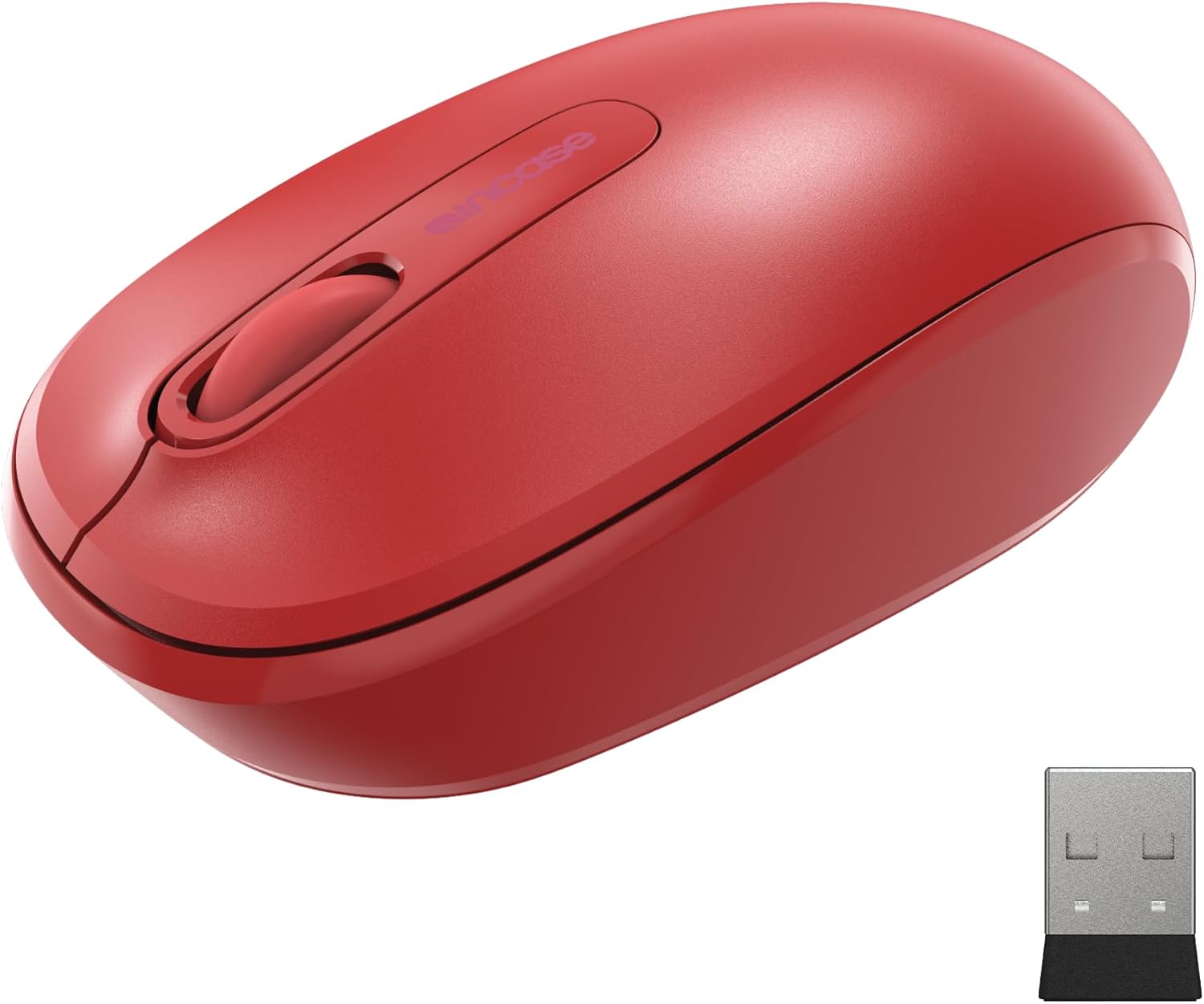
Image: The Incase Wireless Mobile Mouse 1850 in Flame Red, shown alongside its compact USB nano transceiver.
Садржај пакета
Уверите се да су све ставке присутне у пакету:
- Incase Wireless Mobile Mouse 1850
- USB Nano Transceiver
- 1 АА батерија
Сетуп
1. Инсталирање батерије
- Пронађите одељак за батерију на доњој страни миша.
- Отворите поклопац одељка за батерије.
- Уметните приложену АА батерију, водећи рачуна о исправном поларитету (+/-).
- Добро затворите поклопац одељка за батерије.

Image: The underside of the mouse, illustrating the battery compartment and the slot for storing the USB nano transceiver.
2. Connecting the USB Nano Transceiver
- Remove the USB nano transceiver from its storage slot on the underside of the mouse (if stored).
- Plug the USB nano transceiver into an available USB port on your computer (Mac or Windows 8/10/11).
- Ваш рачунар би требало аутоматски да детектује и инсталира потребне драјвере. Ово може потрајати неколико тренутака.
The nano transceiver is designed for "plug-and-go" convenience and can be left plugged into your computer or stored in the mouse when not in use.
Операција
Укључивање/искључивање
Locate the On/Off power switch on the underside of the mouse. Slide the switch to the "On" position to activate the mouse. Slide it to "Off" when not in use to conserve battery life.
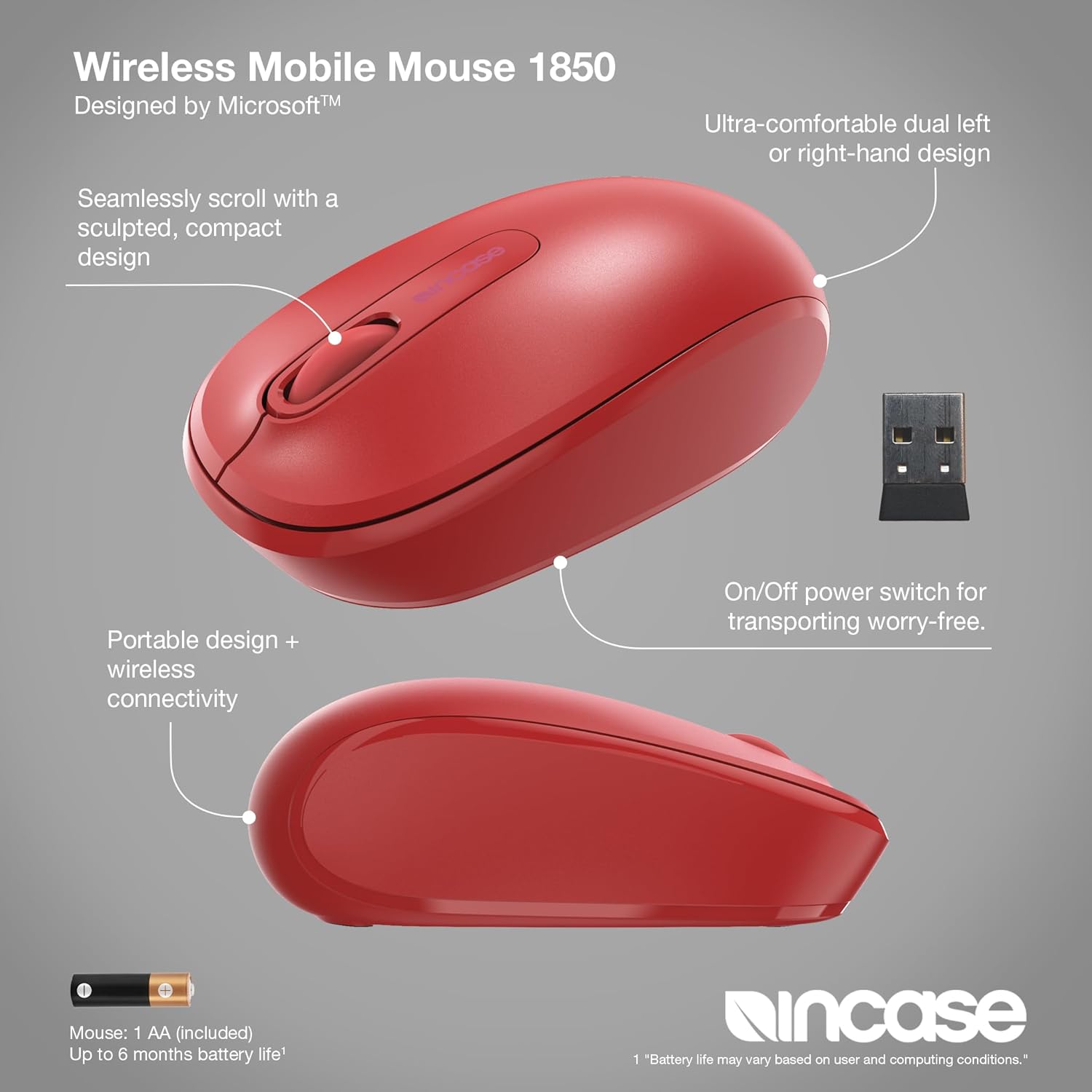
Слика: Детаљна view of the mouse, pointing out its ambidextrous design, scroll wheel, and the location of the On/Off power switch.
Основне функције
- Леви клик: Press the left button to select items or activate functions.
- Десни клик: Press the right button to access context menus.
- Точак за померање: Окрећите точкић за скроловање горе или доле да бисте се кретали кроз документе и web pages. The scroll wheel can also be pressed for middle-click functionality, depending on your operating system settings.
Амбидектроус Десигн
The Incase Wireless Mobile Mouse 1850 features a symmetrical design, making it comfortable for both left-handed and right-handed users. No special configuration is required for ambidextrous use, though you may adjust primary button settings in your operating system's mouse preferences.
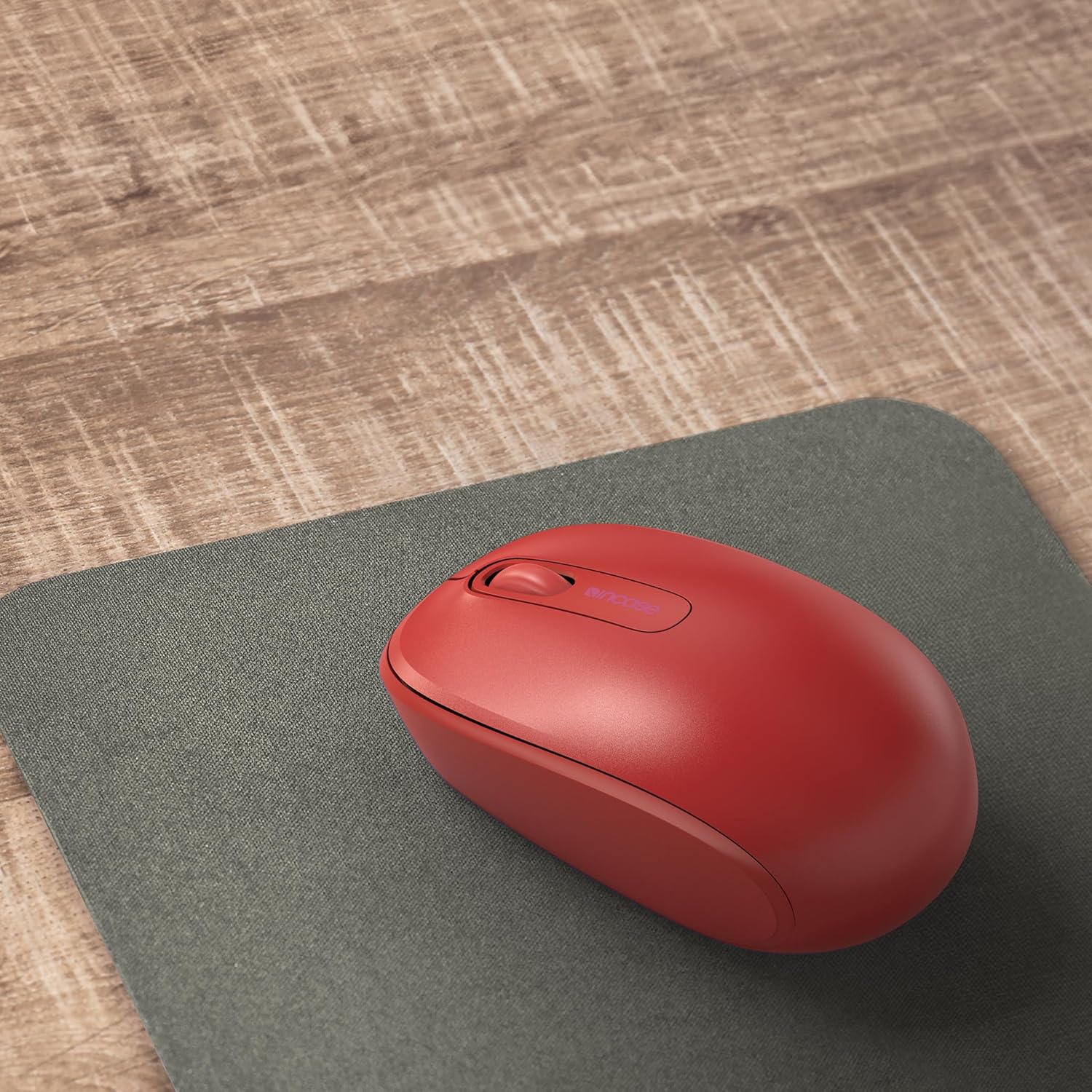
Image: The mouse positioned on a mousepad, demonstrating its ergonomic shape suitable for general use.
Одржавање
Чишћење
- Користите меку крпу која не оставља влакна да обришете површину миша.
- За тврдокорну прљавштину, благо дampОбришите крпу водом или благим средством за чишћење. Избегавајте прекомерну влагу.
- Не користите јаке хемикалије, абразивна средства за чишћење или раствараче.
Замена батерије
The mouse is designed for up to six months of battery life. When the mouse performance degrades or stops responding, replace the AA battery by following the "Installing the Battery" steps in the Setup section.
Решавање проблема
| Проблем | Решење |
|---|---|
| Миш не реагује |
|
| Неправилно кретање курсора |
|
| Проблеми са бежичном везом |
|
Спецификације
- Број модела: У7З-00001
- Повезивање: 2.4 GHz Wireless (USB Nano Transceiver)
- Детекција покрета: Оптицал
- Тип батерије: 1 к АА (укључено)
- Трајање батерије: До 6 месеци (типична употреба)
- Димензије (Д к Ш к В): Приближно 4.0 к 2.3 к 1.5 инча
- Тежина: 3.2 унци (са батеријом)
- Компатибилност: Windows 8, Windows 10, Windows 11, Mac OS
- Посебне карактеристике: Ambidextrous design, Portable, Lightweight, Nano Transceiver storage

Image: A visual representation of the mouse with its approximate length (4.0 in), width (2.3 in), and height (1.5 in) indicated.
Гаранција и подршка
Информације о гаранцији
The Incase Wireless Mobile Mouse 1850 is backed by a 1-годишња ограничена гаранција from the date of purchase. This warranty covers defects in materials and workmanship under normal use. It does not cover damage caused by accident, abuse, misuse, or unauthorized modification.
Сачувајте доказ о куповини за гаранцијске захтеве.
Корисничка подршка
For technical assistance, warranty claims, or further information, please visit the official Incase support website or contact their customer service department. Refer to the product packaging or the Incase webсајт за најновије контакт информације.
Такође можете посетити Incase Store on Amazon за додатне информације о производу.