
1. Увод
Thank you for choosing the YI Smart Security Camera 360° PTZ Dome Camera. This camera provides comprehensive surveillance with its 360° pan and tilt capabilities, delivering crystal-clear 1080p Full HD video. Designed for indoor use, it features advanced motion detection, smart auto-tracking, enhanced night vision, and two-way audio communication. This manual will guide you through the setup, operation, and maintenance of your new security camera.
Кључне карактеристике:
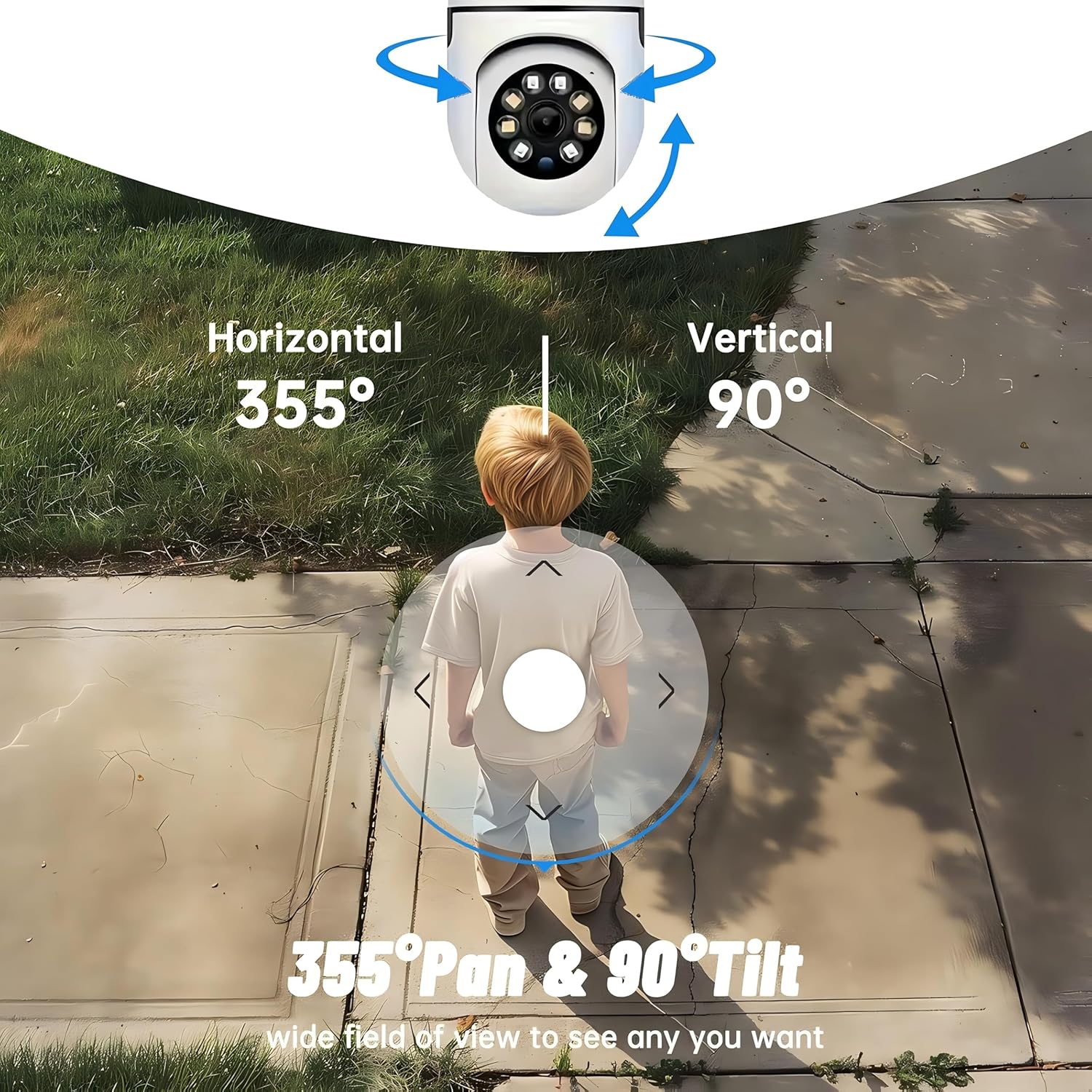
- Покривеност од 360°: 355° horizontal and 90° vertical rotation for zero blind spots.
- 1080p Full HD: High-definition video for clear monitoring.
- Детекција покрета и аутоматско праћење: Alerts and tracks moving objects automatically.
- Побољшани ноћни вид: Multiple modes including full-color night vision.
- Двосмерни аудио: Уграђени микрофон и звучник за комуникацију у реалном времену.
- Флексибилно складиштење: Supports Cloud storage and local storage via microSD card (up to 128GB).
2. Садржај пакета
Молимо вас да проверите пакет за следеће ставке:
- YI Smart Security Camera x1
- УСБ кабл кКСНУМКС
- User Manual x1 (This document)
3. Производ је готовview
Familiarize yourself with the components of your YI Smart Security Camera.

Слика 3.1: Предња страна view of the YI Smart Security Camera, showing the lens, LED lights, and two antennas.

Figure 3.2: Dimensions of the YI Smart Security Camera, indicating a height of 180mm (7.08in), width of 102mm (4.0in), and depth of 85mm (3.34in).
4. Подешавање и инсталација
4.1 Почетно укључивање
- Connect the provided USB cable to the camera's power port and plug the other end into a compatible USB power adapter (not included).
- The camera will power on and initiate its self-test sequence. Wait for the indicator light to flash, indicating it's ready for setup.
4.2 Преузимање апликације и креирање налога
- Преузмите YI IOT App из App Store-а (iOS) или Google Play продавнице (Android).
- Отворите апликацију и пратите упутства на екрану да бисте креирали нови налог или се пријавите ако га већ имате.
4.3 Adding Your Camera to the App
- In the YI IOT App, tap the "+" icon to add a new device.
- Изаберите модел камере са листе.
- Follow the app's instructions to connect the camera to your 2.4GHz Wi-Fi network. This typically involves scanning a QR code generated by the app with the camera's lens.
- Када се једном повежете, можете дати име својој камери и почети са преносом уживо viewинг.
4.4 Монтирање камере
The camera is designed for indoor use and can be placed on a flat surface or wall-mounted. For wall mounting, use the included mounting accessories (if applicable) and ensure the camera is securely fastened.
Слика 4.1: Прamples of multi-scene applications, including wall and ceiling mounting, and placement in living rooms, bedrooms, and studies.
5. Управљање камером
5.1 Pan-Tilt Control
The YI Smart Security Camera offers extensive pan and tilt capabilities, allowing you to monitor a wide area.
- Хоризонтална ротација: 355°
- Вертикална ротација: 90°
In the YI IOT App, use the directional controls on the live view screen to remotely adjust the camera's viewугао уласка.

Figure 5.1: Illustration of the camera's 355° horizontal pan and 90° vertical tilt capabilities, providing a wide field of view.
5.2 Motion Detection & Smart Auto Tracking
The camera can detect movement and automatically track objects, sending alerts to your smartphone.
- Детекција покрета: When motion is detected, the camera will send an instant push notification with a 6-second video clip to your phone via the YI IOT App.
- Smart Auto Tracking: If enabled, the camera will automatically follow moving objects for up to 10 seconds after detection, ensuring continuous monitoring of the activity.
Adjust sensitivity settings and notification preferences within the app.

Figure 5.2: Real-time alarm notification on the YI IOT app, showing an intruder detected by the camera.
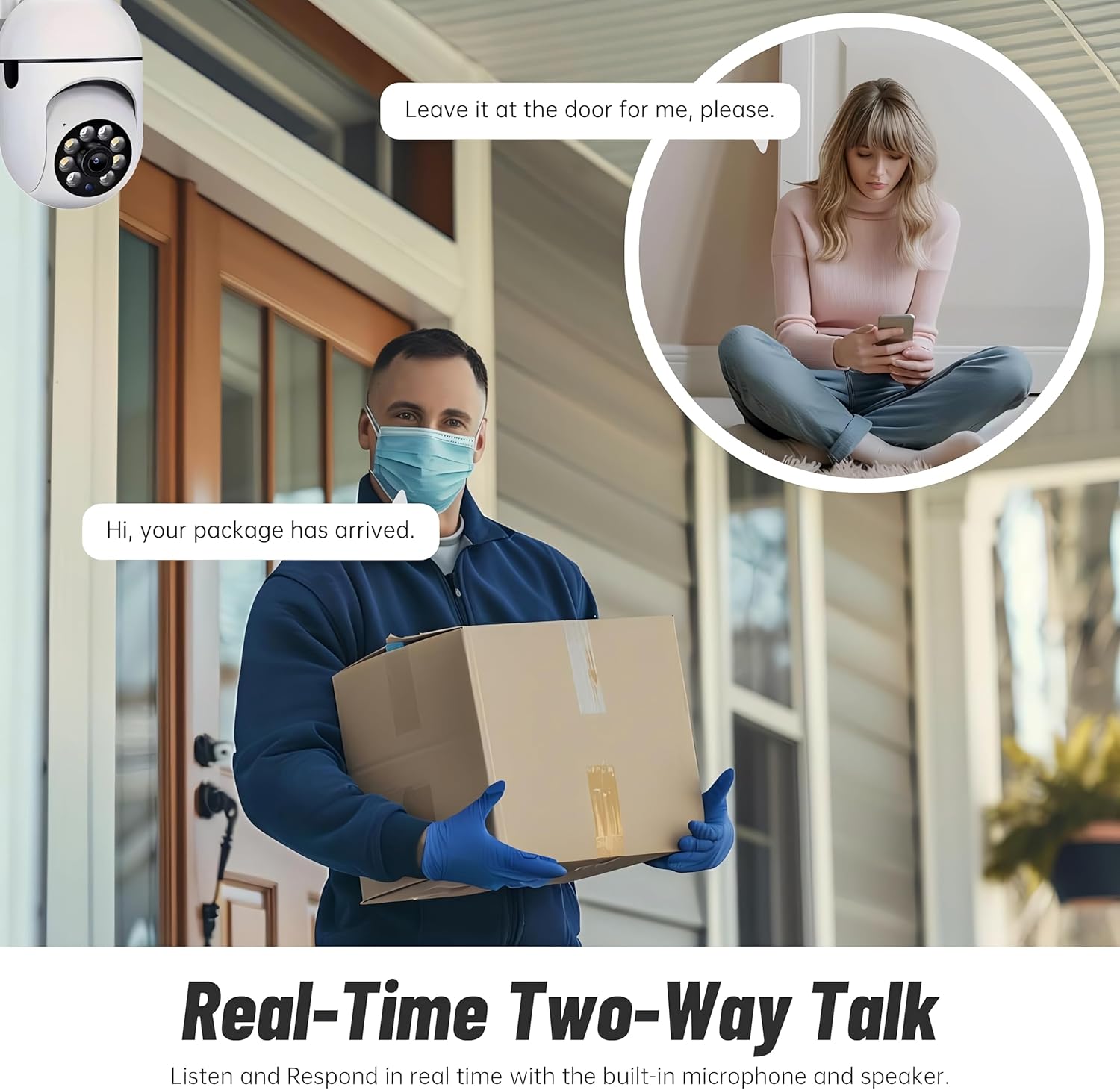
Figure 5.3: The camera's motion tracking feature focusing on a moving pet.

Figure 5.4: Visual representation of a motion detection alert, showing the camera capturing movement and sending notifications.
5.3 Побољшани ноћни вид
The camera is equipped with ultra-long-distance infrared LEDs and floodlight LEDs, offering multiple night vision modes for clear visibility in low-light conditions.
- Normal Night Vision: Standard black and white infrared view.
- Интелигентни ноћни вид: Automatically switches between infrared and full-color based on detected activity.
- Ноћни вид у пуној боји: Provides a color image even in low light, utilizing the built-in floodlight.
You can switch between these modes directly from the YI IOT App.

Figure 5.5: Comparison illustrating the difference between standard infrared night vision (monochrome) and 1080p full-color night vision.
5.4 Двосмерни аудио
Communicate through the camera using its built-in microphone and high-power speaker.
- Интерком режим: Press and hold the microphone icon in the app to speak, and release to listen. Ideal for giving commands to pets or deterring unwanted visitors.
- Хандс-фрее режим: Allows for a continuous two-way conversation, similar to a phone call.
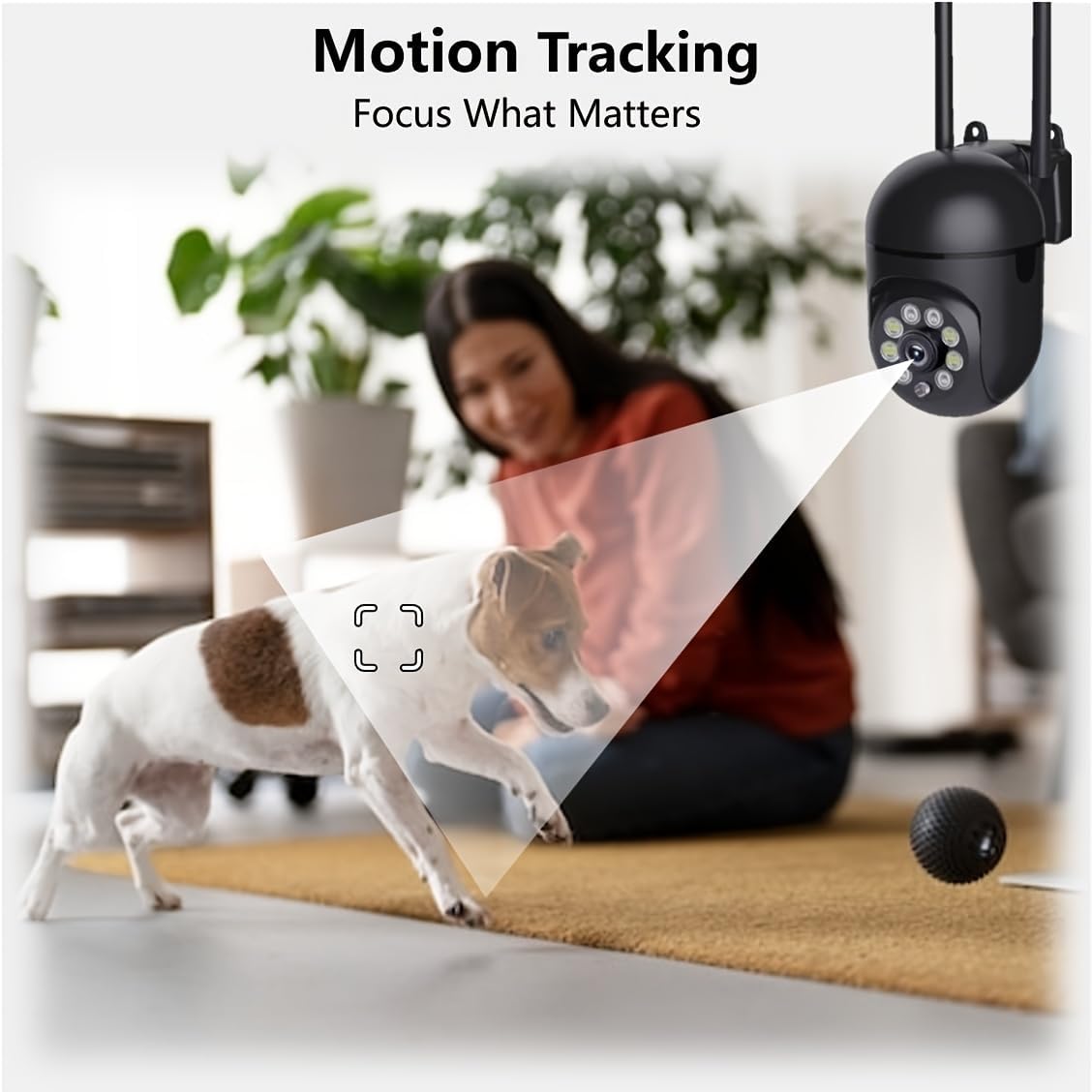
Figure 5.6: Demonstration of real-time two-way talk, allowing communication between the camera's location and the app user.
5.5 Cloud & Local Storage
Your camera offers flexible storage options for your video footage.
- YI Cloud Storage: Securely store 6-second video clips triggered by motion or sound detection. This ensures your footage is safe from loss, theft, or damage to local storage. Available for both iOS and Android.
- Локално складиште: The camera supports microSD cards up to 128GB (not included) for continuous recording or event-triggered recordings.
6. Одржавање
Да бисте осигурали оптималне перформансе и дуговечност вашег фотоапарата, пратите ове смернице за одржавање:
- Чишћење: Нежно обришите објектив и кућиште камере меком, сувом крпом. Избегавајте употребу јаких хемикалија или абразивних материјала.
- Ажурирања фирмвера: Regularly check for and install firmware updates via the YI IOT App. Updates often include performance improvements, new features, and security enhancements.
- Циклус напајања: If the camera becomes unresponsive, unplug it from the power source for 10 seconds, then plug it back in to restart it.
КСНУМКС. Решавање проблема
Ако наиђете на проблеме са камером, погледајте следеће уобичајене проблеме и решења:
| Проблем | Могући узрок | Решење |
|---|---|---|
| Камера ван мреже | Нема струје; Ви-Фи је искључен; Проблем са рутером | Check power connection; Restart camera and router; Reconnect camera to Wi-Fi via app. |
| Лош квалитет слике | Dirty lens; Insufficient lighting; Network bandwidth | Clean the lens; Ensure adequate lighting or enable night vision; Check Wi-Fi signal strength. |
| Детекција покрета не ради | Feature disabled; Incorrect sensitivity; Obstruction | Enable motion detection in app; Adjust sensitivity; Ensure clear view. |
| Проблеми са двосмерним звуком | Microphone/speaker muted; App permissions; Network delay | Check app settings; Grant microphone permissions; Ensure stable network connection. |
| МицроСД картица није препозната | Card not inserted correctly; Incompatible card; Corrupted card | Reinsert card; Use a compatible card (Class 10 or higher); Format card in app or replace. |
If the problem persists, please contact YI customer support.
8. Спецификације
Detailed technical specifications for the YI Smart Security Camera.
| Феатуре | Спецификација |
|---|---|
| Назив модела | CB201-1X-W |
| Унутрашња/спољна употреба | Индоор |
| Резолуција снимања видео записа | 1080п Фулл ХД |
| Технологија повезивања | Бежично (Wi-Fi 2.4 GHz) |
| Опсег померања/нагиба | Хоризонтално 355°, вертикално 90° |
| Ноћни вид | 10 метара |
| Двосмерни аудио | Да |
| Опције складиштења | Cloud Storage, MicroSD Card (up to 128GB) |
| Извор напајања | Цордед Елецтриц |
| Компатибилни уређаји | Паметни телефон (iOS/Android) |
| Димензије производа (Д к Ш к В) | 4 к 3.35 к 7.09 инча |
| Укључене компоненте | Security Camera x1, USB Cable x1 |
9. Гаранција и подршка
For warranty information and technical support, please refer to the official YI website or contact their customer service directly. Details can typically be found on the product packaging or within the YI IOT App's 'About' or 'Support' section.
Подршка на мрежи: Visit the official YI webсајт за често постављана питања, водиче за решавање проблема и опције за контакт.
Подршка за апликације: Access support resources directly within the YI IOT App.