
1MORE P10
1MORE Piston-Fit USB-C Headphones User Manual
Модел: П10
Увод
Thank you for choosing the 1MORE Piston-Fit USB-C Headphones. This manual provides detailed instructions for the proper setup, operation, and maintenance of your new headphones. Please read this manual thoroughly before use to ensure optimal performance and longevity of your device.

Image: The 1MORE Piston-Fit USB-C Headphones in use, highlighting their design and comfort.
Садржај пакета
Проверите да ли су све ставке присутне у вашем пакету:
- 1MORE Piston-Fit USB-C Headphones (2 pairs if 2-pack)
- Силиконске наушнице (разне величине)
- Кориснички приручник (овај документ)

Слика: Комплетна view of the 1MORE Piston-Fit USB-C Headphones, including the USB-C connector and inline remote.
Производ је завршенview
The 1MORE Piston-Fit USB-C Headphones are designed for clear audio and comfortable wear. Key components include:
- Еарбудс: Featuring a 45° angled fit for secure placement and noise isolation.
- УСБ-Ц конектор: За директно повезивање са компатибилним уређајима.
- Уграђени даљински управљач: Integrated control button for music and call management.
- микрофон: Built into the inline remote for hands-free communication.
- Kevlar-Reinforced Cable: Designed for durability and tangle resistance.

Слика: Детаљна view of the earbuds, highlighting their construction.
Сетуп
- Select Eartips: Choose the silicone eartips that provide the most comfortable and secure fit for your ears. A proper seal enhances sound quality and noise isolation.
- Повежите се са уређајем: Insert the USB-C connector into the USB-C port of your compatible smartphone, tablet, or laptop. The headphones are plug-and-play and do not require additional drivers for most devices.

Image: Illustration of the 45° angled in-ear design for optimal fit and comfort.
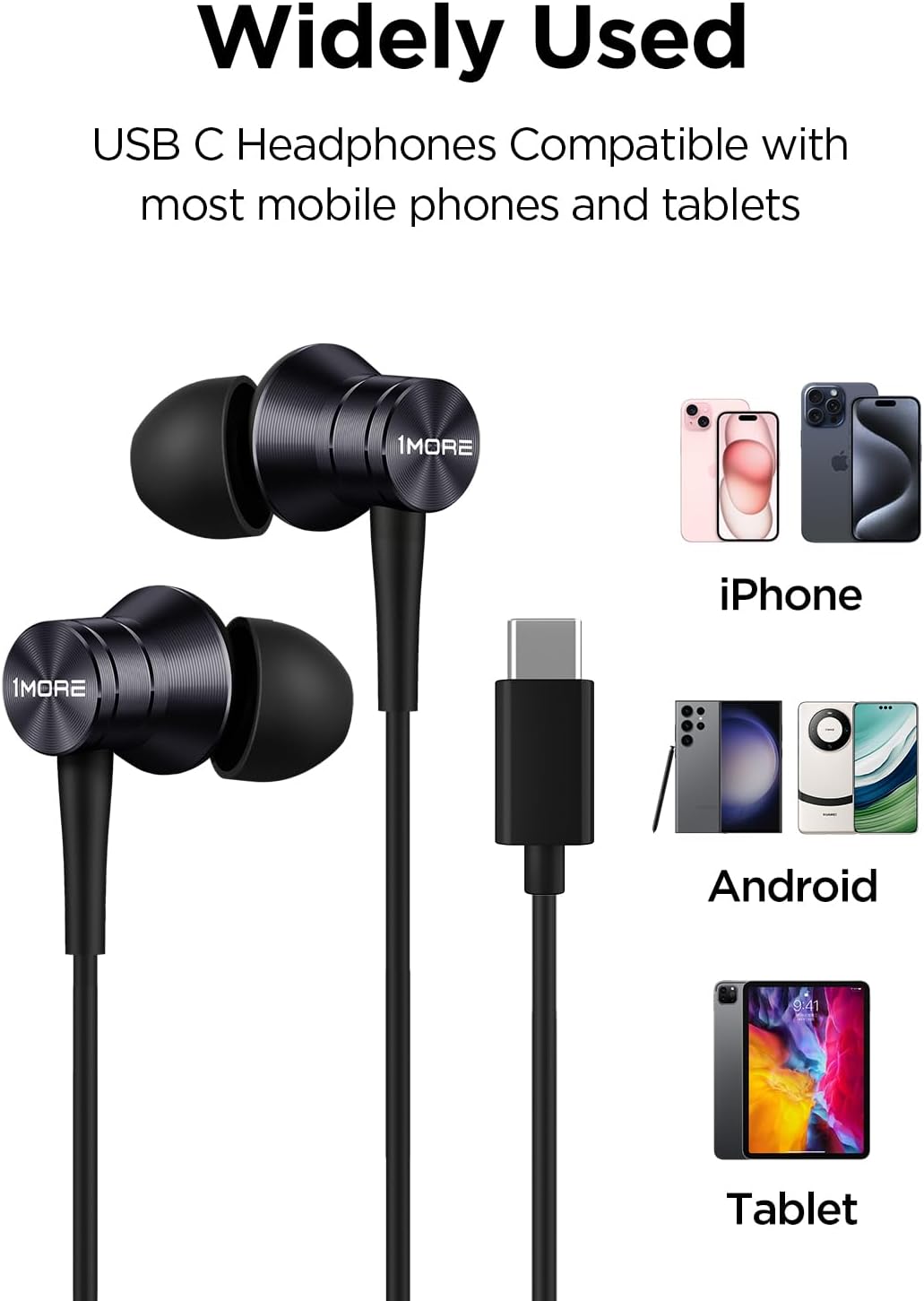
Image: Visual representation of the headphones' wide compatibility with USB-C devices.
Упутство за употребу
The inline remote provides convenient control over your audio and calls.
Репродукција музике
- Пусти/паузирај: Притисните контролни тастер једном.
Управљање позивима
- Одговори на позив: Притисните контролни тастер једном.
- Заврши позив: Притисните контролно дугме једном током позива.
- Одбиј позив: Press and hold the control button for approximately 2 seconds.

Image: Detailed functions of the inline microphone and multi-function control button.
Одржавање и њега
- Чишћење: Regularly clean the eartips with a soft, dry cloth. For deeper cleaning, remove the silicone eartips and wash them with mild soap and water, ensuring they are completely dry before reattaching.
- Складиштење: When not in use, store the headphones in a clean, dry place. Avoid extreme temperatures.
- Нега каблова: The Kevlar-reinforced cable is designed to be durable and tangle-free. Avoid sharp bends or excessive pulling to prevent damage.
- Избегавајте влагу: Не излажите слушалице води или прекомерној влази.
Решавање проблема
| Проблем | Могући узрок | Решење |
|---|---|---|
| Нема звука или је тиха |
|
|
| Микрофон не ради |
|
|
| Статични или изобличени звук |
|
|
Спецификације
- Назив модела: П10
- Технологија повезивања: Жични (USB-C)
- Положај уха: Ин Еар
- Контрола буке: Звучна изолација
- Тип аудио драјвера: Dynamic Driver (Aerospace-grade composite diaphragm)
- импеданса: 32 Охм
- Карактеристике кабла: Tangle Free, Kevlar-Reinforced
- Метод контроле: Remote (Inline button)
- Тежина артикла: Approximately 14 grams (0.08 Kilograms)
- Компатибилни уређаји: Cellphones, Laptops, Tablets (e.g., iPhone 15, Samsung Galaxy, Pixel 10, OnePlus)
- Укључене компоненте: Еарпипс

Image: Illustration of the aerospace-grade composite diaphragm for powerful sound.
Гаранција и подршка
1MORE products are covered by a limited warranty. For detailed warranty information, please refer to the warranty card included with your product or visit the official 1MORE website. For technical support, troubleshooting assistance, or to inquire about replacement parts, please contact 1MORE customer service through their official channels.
Подршка на мрежи: www.1more.com/support