
1. Увод
Thank you for choosing the Netzu Alarm Clock 6206ZD. This digital alarm clock is designed to provide a reliable wake-up experience, especially for heavy sleepers and individuals with hearing impairments, through its powerful vibrating bed shaker, loud alarm, and bright wake-up light. This manual will guide you through the setup, operation, and maintenance of your new alarm clock.
2. Безбедносне информације
- Уверите се да је адаптер за напајање повезан са одговарајућом утичницом.
- Не излажите уређај води или прекомерној влази.
- Држите уређај даље од извора топлоте и директне сунчеве светлости.
- Користите само испоручени адаптер за напајање.
- For battery backup, insert 2 AAA batteries (not included) correctly, observing polarity.
- Не покушавајте сами да раставите или поправите уређај. Обратите се корисничкој подршци за помоћ.
3. Садржај пакета
Молимо вас да проверите пакет за следеће ставке:
- Netzu Alarm Clock (Model 6206ZD)
- Vibrating Bed Shaker
- Повер Адаптер
- Упутство за употребу

Слика 3.1: Компоненте производа
4. Производ је готовview
Familiarize yourself with the main components of your Netzu Alarm Clock:
- Предњи дисплеј: Large RGB LED time display.
- Горња плоча: Snooze button, light bar, control buttons (Time Set, Alarm Set, Brightness, Color, Volume, DST).
- Задња плоча: Power input port, bed shaker port, battery compartment.
- Vibrating Bed Shaker: Connects to the alarm clock for silent or combined wake-up.
5. Подешавање
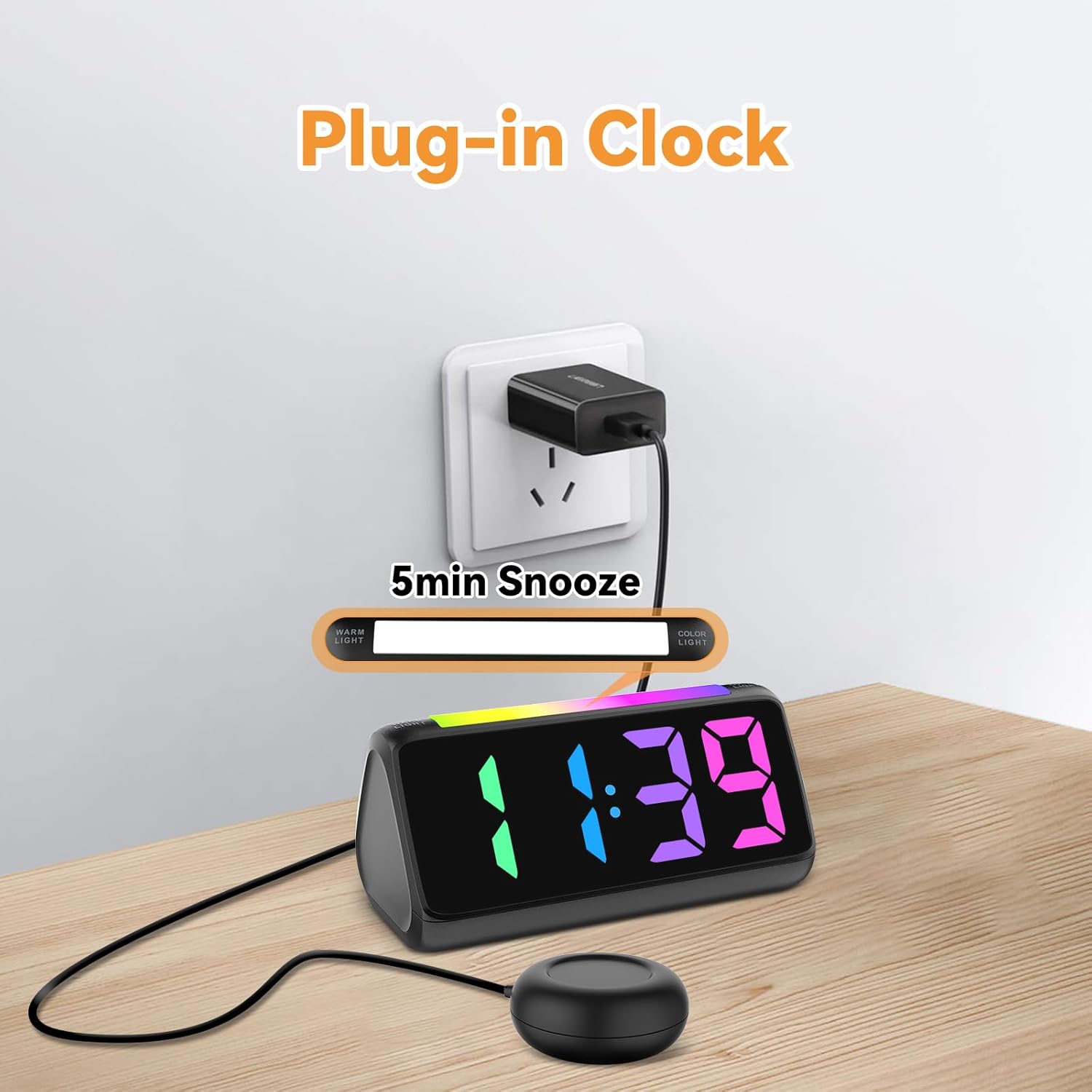
5.1 Прикључак за напајање
- Прикључите приложени адаптер за напајање на DC улазни порт на задњој страни будилника.
- Plug the power adapter into a standard electrical outlet. The display will light up.
Слика 5.1: Повер Цоннецтион
5.2 Battery Installation (for Power Loss Memory)
To retain time and alarm settings during a power outage, install backup batteries:
- Open the battery compartment cover on the bottom of the alarm clock.
- Insert 2 new AAA batteries (not included), ensuring correct polarity (+ and -).
- Добро затворите поклопац одељка за батерије.
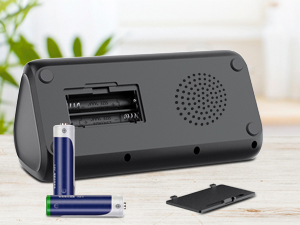
Слика 5.2: Одељак за батерије
5.3 Connecting the Bed Shaker
Plug the cable of the vibrating bed shaker into the dedicated port on the back of the alarm clock. Place the shaker under your pillow or mattress for optimal vibration.
6. Упутство за употребу
6.1 Подешавање времена
- Притисните и држите ВРЕМЕНСКИ СКЛОП button (usually located on the top or back) until the hour digits flash.
- Користите +/- buttons (or similar adjustment buttons) to set the hour. Pay attention to AM/PM indicators if in 12-hour format.
- Притисните ВРЕМЕНСКИ СКЛОП поново да бисте потврдили сат и прешли на минуте.
- Користите +/- дугмад за подешавање минута.
- Притисните ВРЕМЕНСКИ СКЛОП one last time to save the time.
- To switch between 12-hour and 24-hour display, briefly press the ВРЕМЕНСКИ СКЛОП дугме када није у режиму подешавања.
- To adjust for Daylight Saving Time (DST), long press the ДСТ button to add or subtract an hour.
Слика 6.1: Приказ формата времена
6.2 Подешавање аларма
The alarm clock offers three wake-up modes: Ring Only, Vibration Only, or Ring + Vibration.
- Притисните и држите АЛАРМ СЕТ дугме док цифре сата аларма не затрепере.
- Користите +/- дугмад да бисте подесили жељени сат аларма.
- Притисните АЛАРМ СЕТ поново да бисте потврдили сат и прешли на минуте.
- Користите +/- дугмад за подешавање жељених минута аларма.
- Притисните АЛАРМ СЕТ again to select the wake-up mode: Ring Only, Vibration Only, or Ring + Vibration. An icon on the display will indicate the selected mode.
- Притисните АЛАРМ СЕТ one last time to save the alarm settings.
- To adjust alarm volume (4 levels, up to 110 dB), use the ВОЛУМЕ button (or +/- during alarm setting).

Слика 6.2: Three Wake-up Modes
6.3 Функција одлагања
Када се огласи аларм, притисните велико СНООЗЕ button on the top of the clock to temporarily silence the alarm for 5 minutes. The alarm will sound again after the snooze period.
6.4 Adjusting Display Brightness and Color
The alarm clock features an RGB display with 11 color options and adjustable brightness (10%-100%).
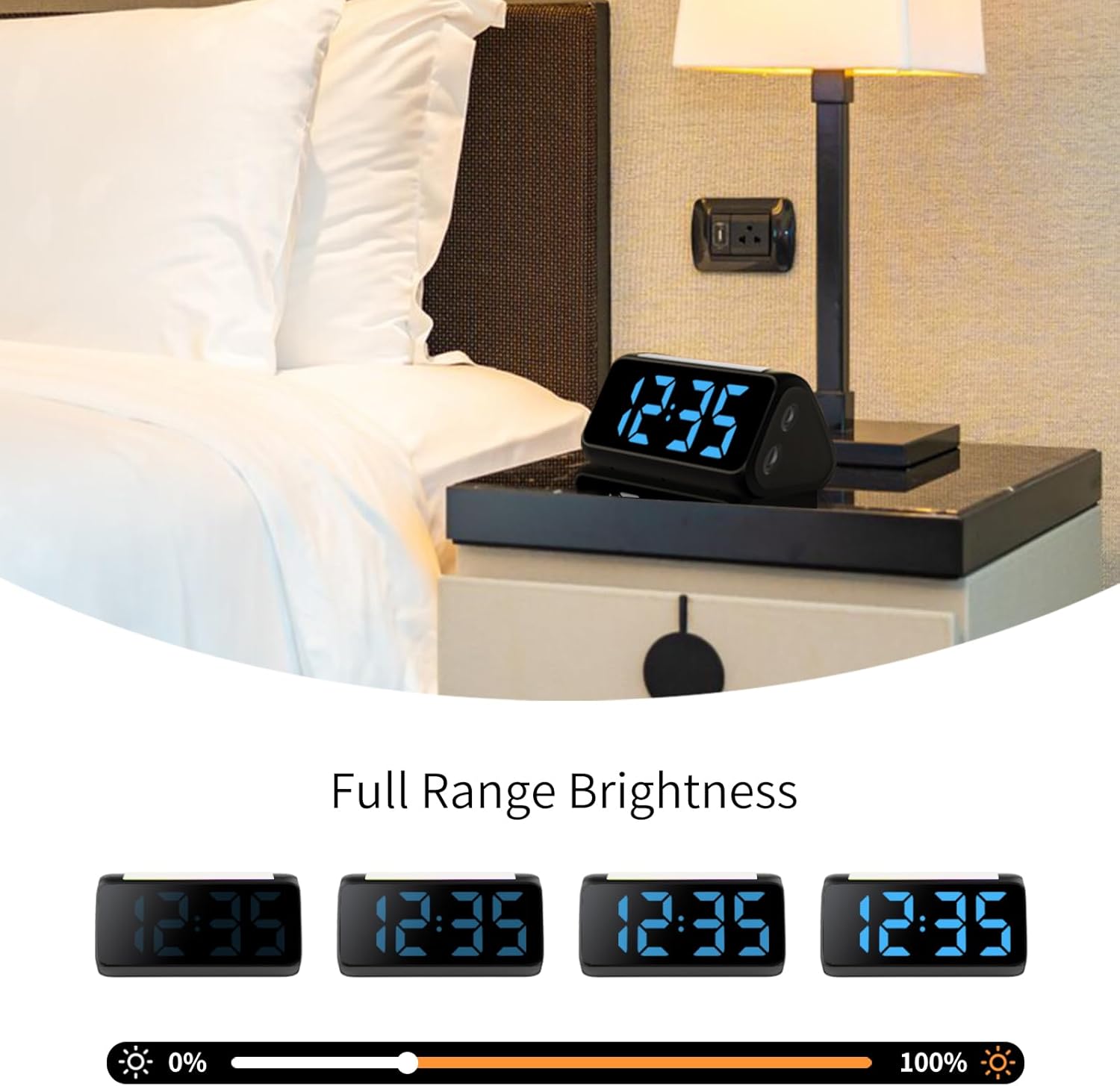
- Притисните тастер БРИГХТНЕСС button (or a dedicated dimmer button) to cycle through brightness levels for the time display.
- Притисните тастер ЦОЛОР button to cycle through the 11 available display colors.
Слика 6.3: Colorful Display Options
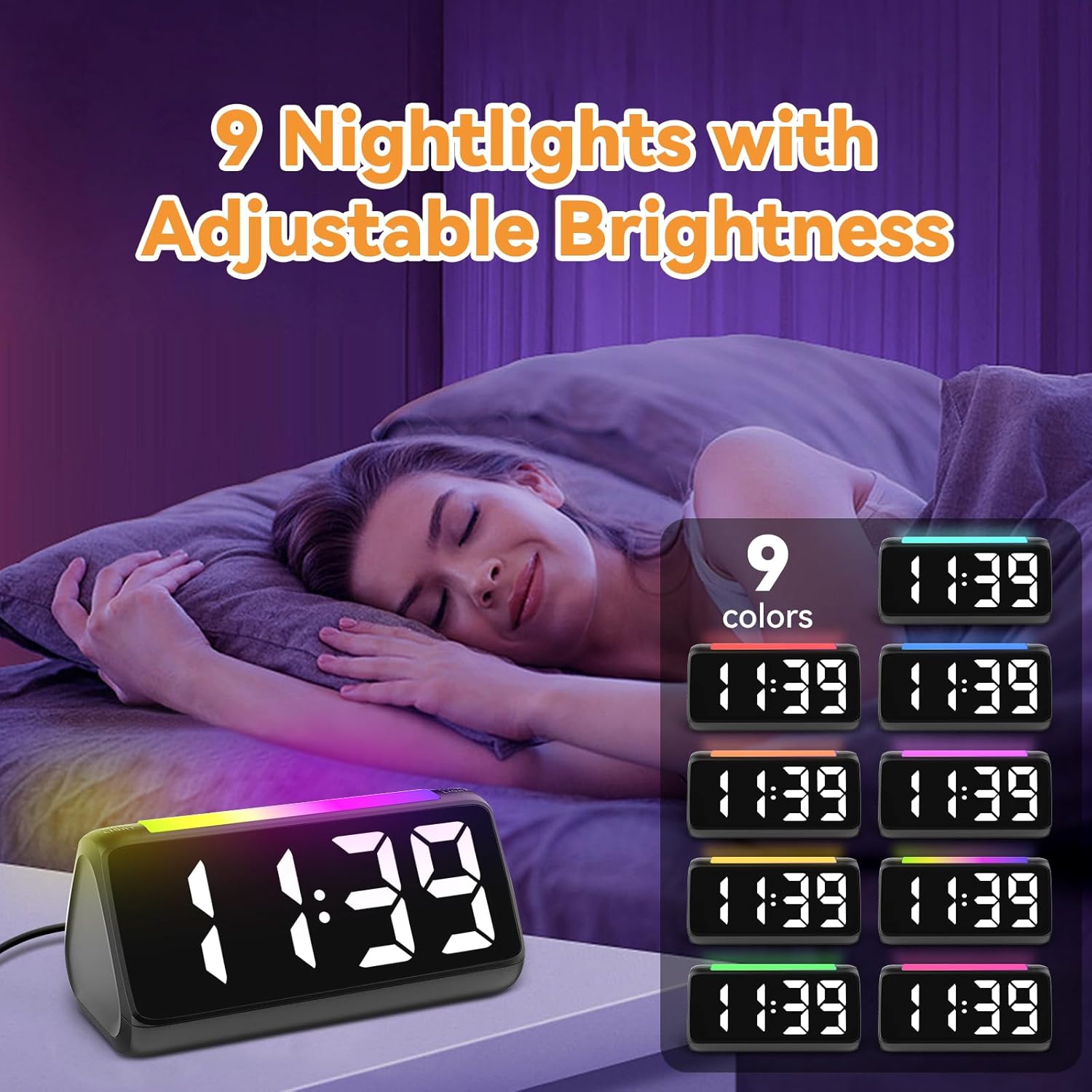
6.5 Using the Night Light
The integrated light bar offers 9 color modes and adjustable brightness, functioning as a calming night light.
- Притисните тастер НОЋНО СВЕТЛО button (or a dedicated light bar button) to turn the night light on/off and cycle through color modes.
- Користите +/- buttons (or a separate brightness control for the night light) to adjust its brightness.

Слика 6.4: Night Light with Adjustable Brightness
7. Одржавање
Да бисте осигурали дуготрајност и правилно функционисање вашег будилника:
- Очистите уређај меком, сувом крпом. Не користите абразивна средства за чишћење или раствараче.
- Keep the bed shaker clean and free from dust.
- If not using the clock for an extended period, remove the AAA backup batteries to prevent leakage.
КСНУМКС. Решавање проблема
| Проблем | Могући узрок | Решење |
|---|---|---|
| Приказ сата је искључен. | Нема снаге или снагеtage. | Ensure the power adapter is securely plugged in. Check the power outlet. If using battery backup, ensure batteries are fresh and correctly installed. |
| Аларм се не оглашава/не вибрира. | Alarm not set, incorrect mode, or volume too low. | Verify alarm time and mode (Ring Only, Vibration Only, or Ring + Vibration) are correctly set. Increase alarm volume. Ensure the bed shaker is properly connected. |
| Екран је превише светао/таман. | Потребно је подесити подешавање осветљености. | Притисните тастер БРИГХТНЕСС button to cycle through brightness levels. |
| Време је погрешно. | Time not set or DST not adjusted. | Follow instructions in Section 6.1 to set the correct time. Adjust DST if applicable. |
| Ноћно светло не ради. | Night light is off or brightness is too low. | Притисните тастер НОЋНО СВЕТЛО button to turn it on and cycle through modes. Adjust its brightness. |
9. Спецификације
| Феатуре | Детаљ |
|---|---|
| Бранд | Нетзу |
| Број модела | 6206ЗД |
| Дисплаи Типе | Digital LED (RGB) |
| Извор напајања | Цордед Елецтриц |
| Баттери Бацкуп | 2 ААА батерије (нису укључене) |
| Јачина звука аларма | 4 levels, up to 110 dB |
| Трајање одлагања | КСНУМКС минута |
| Дисплаи Цолорс | 11 опција |
| Нигхт Лигхт Цолорс | 9 режима |
| Димензије производа | 6.3" Ш x 3.15" В |
| Материјал | Пластика |
| Тежина артикла | 13.7 унци |
10. Гаранција и подршка
Netzu products are designed for reliability and performance. For warranty information or technical support, please refer to the contact details provided with your purchase or visit the official Netzu website. Please have your model number (6206ZD) ready when contacting support.