
1. Увод
This manual provides essential information for the safe and efficient operation of your ZDSSY HY320MAX Mini Projector. Please read it thoroughly before using the device and retain it for future reference. The ZDSSY HY320MAX is a 1080P native mini projector featuring Android 13, built-in licensed applications, WiFi 6, Bluetooth 5.4, and automatic keystone correction, designed for versatile indoor and outdoor entertainment.
2. Безбедносне информације
- Напајање: Користите само приложени адаптер за напајање. Уверите се да је јачина звукаtagе одговара вашем локалном извору напајања.
- вентилација: Не блокирајте вентилационе отворе. Обезбедите адекватан проток ваздуха око пројектора како бисте спречили прегревање.
- Изложеност течности: Keep the projector away from water or other liquids. Do not operate in damp окружења.
- Извори топлоте: Avoid placing the projector near heat sources such as radiators, heat registers, stoves, or other heat-producing appliances.
- Заштита очију: Не гледајте директно у сочиво пројектора када је укљученоamp је укључено, јер јако светло може изазвати напрезање или оштећење очију.
- Чишћење: Искључите напајање пре чишћења. Користите меку, суву крпу за чишћење спољашњости. За сочиво користите специјализовану крпу за чишћење сочива.
- Сервисирање: Не покушавајте сами да сервисирате овај производ. Све сервисирање препустите квалификованом сервисном особљу.
3. Садржај пакета
Молимо вас да проверите да ли су сви предмети присутни и у добром стању приликом распакивања:
- ZDSSY HY320MAX Mini Projector
- Повер Адаптер
- Блуетоотх гласовни даљински управљач
- Упутство за употребу
- HDMI кабл (Претпостављено)
4. Производ је готовview
4.1 Компоненте пројектора
The ZDSSY HY320MAX Mini Projector features a compact design with essential components for ease of use.
- Пројекционо сочиво: Емитује слику на екран или површину.
- Вентилационе решетке: Located on the sides or rear to dissipate heat.
- Улазна снага: За повезивање адаптера за напајање.
- ХДМИ порт: For connecting external devices like gaming consoles or laptops.
- УСБ порт: За повезивање УСБ уређаја за складиштење података.
- ИЦ пријемник: For receiving signals from the remote control.
- Подесиво постоље: Allows for 180° flexible rotation for various projection angles.
4.2 Даљински управљач
The included Bluetooth voice remote control allows for easy navigation and voice commands.
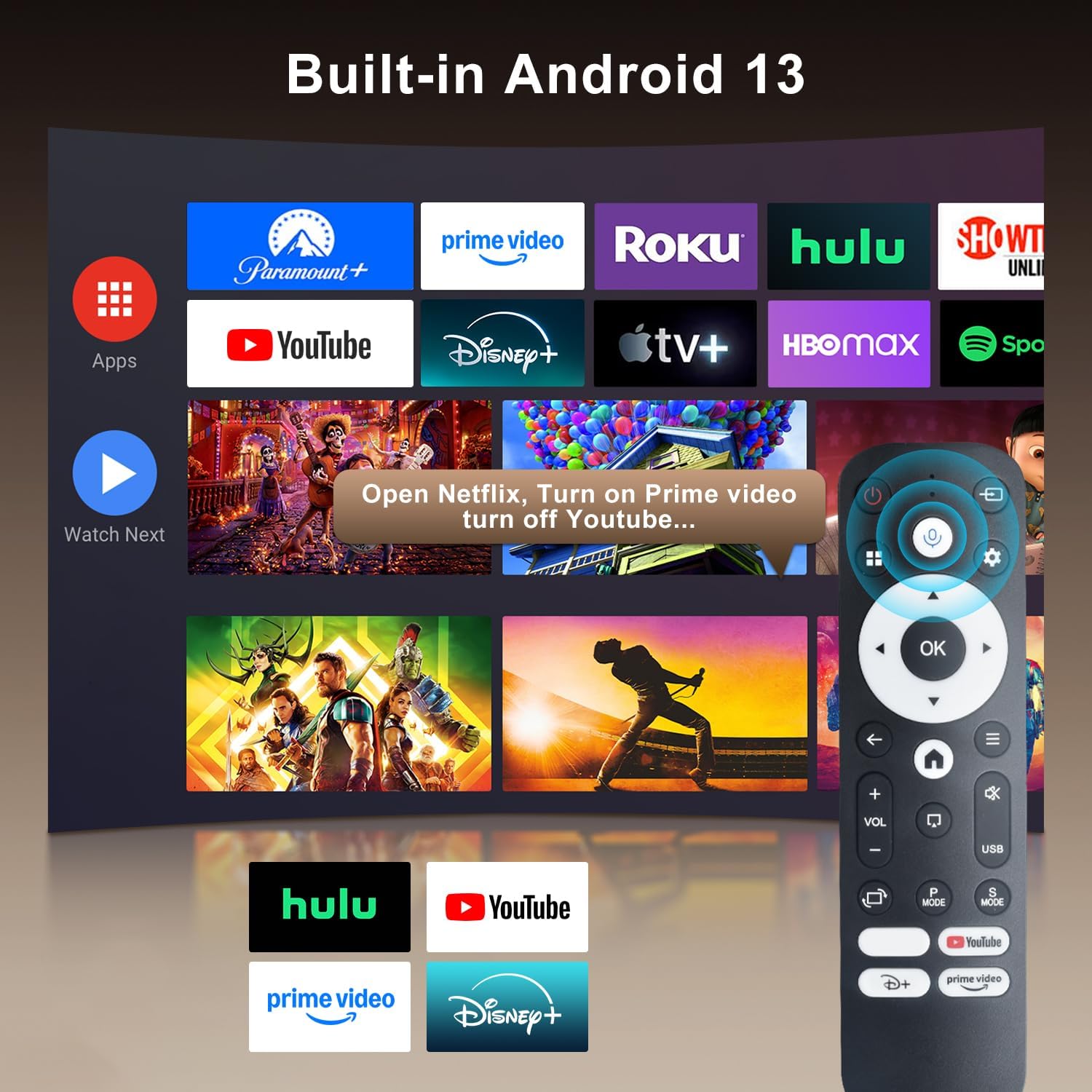
Image: The projector's interface showing built-in Android 13 apps and the Bluetooth voice remote control.
5. Подешавање
5.1 Постављање
Position the projector on a stable, flat surface. The 180° flexible rotation allows projection onto walls, ceilings, or floors. Ensure the projector is within the recommended throw distance of 1 to 6 meters for an optimal image size between 30 and 300 inches.

Image: The ZDSSY HY320MAX Mini Projector set up for an outdoor movie night, demonstrating its portability and flexible placement.
5.2 Прикључак за напајање
Connect the power adapter to the projector's power input port, then plug the adapter into a power outlet.
5.3 Почетно укључивање
Притисните дугме за напајање на пројектору или даљинском управљачу да бисте укључили уређај. Пројектор ће се покренути, приказујући интерфејс Андроид 13.
5.4 Фокус и корекција трапезоидног изобличења
The projector features AI Auto Keystone correction, which automatically adjusts the image to be rectangular even if the projector is placed at an angle. You can also use the 50%-100% zoom function to resize the screen without moving the projector.

Image: A visual representation of the projector's automatic keystone correction feature, ensuring a perfectly aligned picture.
5.5 Мрежна веза
Navigate to the settings menu to connect to a Wi-Fi network. The projector supports ultra-fast WiFi 6 for smooth streaming and lag-free gaming.

Image: The projector displaying content wirelessly, highlighting its WiFi 6 and Bluetooth 5.4 capabilities for smoother performance.
5.6 Блуетоотх упаривање
For enhanced audio, pair Bluetooth 5.4 compatible speakers or headphones with the projector through the settings menu.
6. Упутство за употребу
6.1 Навигација кроз интерфејс
Use the directional buttons and 'OK' button on the remote control to navigate through the Android 13 interface. The 'Back' button returns to the previous screen, and the 'Home' button returns to the main menu.

Image: The ZDSSY HY320MAX projector's home screen, displaying various pre-installed streaming applications.
6.2 Коришћење уграђених апликација
The projector comes with officially licensed apps such as Netflix, Prime Video, and YouTube pre-installed. Access these directly from the home screen. The built-in APP STORE allows you to download additional applications.
6.3 External Input Sources
Connect external devices via the HDMI or USB ports. Select the appropriate input source from the projector's menu to display content from these devices.
6.4 Пресликавање екрана
The projector supports screen mirroring from compatible smartphones (Android and iOS) over Wi-Fi. Refer to the on-screen instructions for connecting your device.

Image: A user mirroring their smartphone screen to the projector, demonstrating the wireless connectivity feature.
6.5 Управљање гласом
Utilize the Bluetooth voice remote for hands-free control. Press and hold the microphone button on the remote, then speak your command (e.g., "Open Netflix," "Тражи movies").
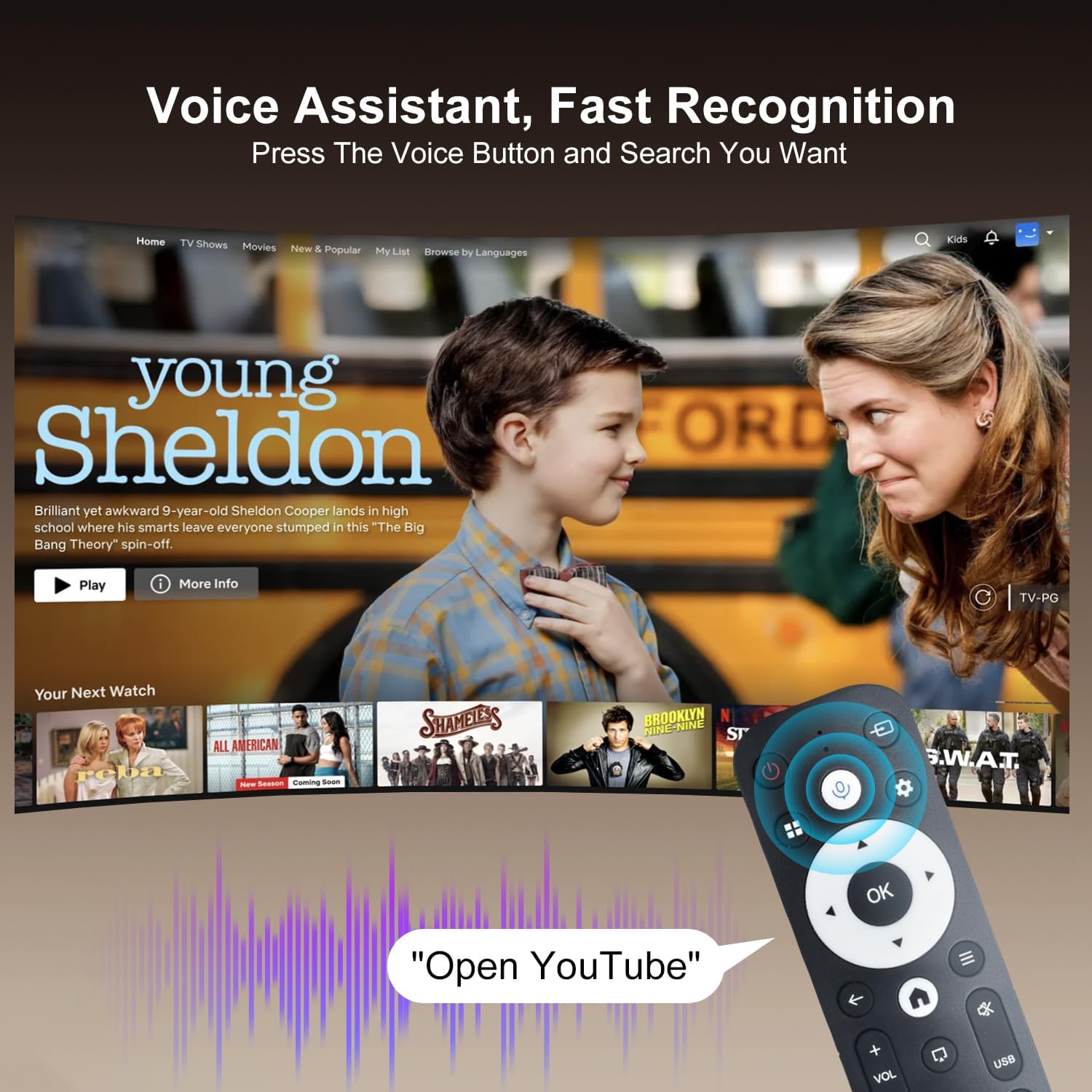
Image: The projector displaying a streaming service interface, with the remote control highlighting the voice assistant button and a voice command exampле.
7. Одржавање
- Чишћење сочива: Gently wipe the projector lens with a soft, lint-free cloth specifically designed for optical lenses. Avoid using abrasive materials or harsh chemicals.
- Спољно чишћење: Use a soft, dry cloth to clean the projector's exterior. Do not use liquid or aerosol cleaners.
- вентилација: Regularly check that the ventilation grilles are free from dust and obstructions to ensure proper heat dissipation.
- Складиштење: Када се пројектор не користи дуже време, чувајте га на хладном и сувом месту, заштићеном од прашине и директне сунчеве светлости.
КСНУМКС. Решавање проблема
Ако наиђете на проблеме са пројектором, погледајте следеће уобичајене проблеме и решења:
| Проблем | Могући узрок | Решење |
|---|---|---|
| Но Повер | Power cable disconnected; Power outlet fault | Уверите се да је кабл за напајање безбедно повезан; покушајте са другом утичницом. |
| Нема слике | Input source not selected; Device not connected | Select correct input source (HDMI/USB); Ensure external device is connected and powered on. |
| Мутна слика | Out of focus; Incorrect keystone | Allow Auto Keystone to adjust; Manually adjust focus if available. |
| Нема звука | Јачина звука је прениска; Спољни аудио уређај није повезан | Increase volume; Check Bluetooth connection for external speakers. |
| Даљински не реагује | Low battery; Not paired | Replace batteries; Re-pair the Bluetooth remote control. |
| Проблеми са Ви-Фи везом | Incorrect password; Router issues | Verify Wi-Fi password; Restart your router and the projector. |
9. Спецификације
Detailed technical specifications for the ZDSSY HY320MAX Mini Projector:
- Бренд: ZDSSY
- Назив модела: HY320MAX
- Број модела: HY320MAX-US
- Резолуција екрана: Native 1920 x 1080 Pixels
- Максимална резолуција екрана: 3840 x 2160 Pixels (4K Support)
- Тип приказа: ЛЦД
- Осветљеност: 20000 Lumen (400 ANSI Lumens)
- Однос контраста: 10000:1
- Радни век извора светлости: 60000 сата
- Технологија повезивања: USB, HDMI, Built-In Wi-Fi (WiFi 6), Bluetooth 5.4
- Метод контроле: Даљинско управљање, глас
- Препоручена употреба: Индоор/Оутдоор
- Тип монтаже: Ceiling Mount/Table Mount/Wall Mount
- Минимална удаљеност бацања: 1 Метер
- Максимална даљина бацања: 6 метара
- Minimum Image Size: 30 инча
- Максимална величина слике: 300 инча
- Волtage: 110 Волтс
- Ватtage: 70 вати
- Димензије артикла (Д к Ш к В): 4.09 cm D x 3.98 cm Š x 8.66 cm V

Image: A comparison illustrating the native 1080P resolution and 4K support capabilities of the ZDSSY HY320MAX projector.
10. Гаранција и подршка
The ZDSSY HY320MAX Mini Projector comes with a 3 година гаранције. This warranty includes free parts replacement and lifelong technical support. For any warranty claims, technical assistance, or support inquiries, please contact ZDSSY customer service through the retailer where the product was purchased or refer to the contact information provided on the official ZDSSY webсајту.