
Увод
The Lamzu Maya X is an ultra-lightweight wireless gaming mouse designed for high-performance gaming. It features advanced optical switches, a high-precision sensor, and a symmetrical design for comfortable use across various grip styles. This manual provides essential information for setting up, operating, maintaining, and troubleshooting your Lamzu Maya X mouse.

Слика: Одозго надоле view of the Lamzu Maya X Wireless Gaming Mouse in pink, showcasing its symmetrical design and main buttons.
Сетуп
Садржај пакета
- Lamzu Maya X Wireless Gaming Mouse
- USB Wireless Dongle (8K Polling compatible)
- USB Type-C Paracord Cable (for wired mode and charging)
- PTFE Feet (extra set)
- Баршунаста торба
- MAYA X Mouse Grip Tape
Initial Connection and Charging
- Бежични режим: Insert the USB wireless dongle into an available USB port on your computer. The mouse should automatically connect.
- Жични режим: Connect the USB Type-C paracord cable to the front port of the mouse and the other end to a USB port on your computer. The mouse will operate in wired mode and charge simultaneously.
- Пуњење: For optimal performance, ensure the mouse is fully charged before first use. Connect the mouse via the USB Type-C cable to a powered USB port. The LED indicator on the mouse will show charging status.
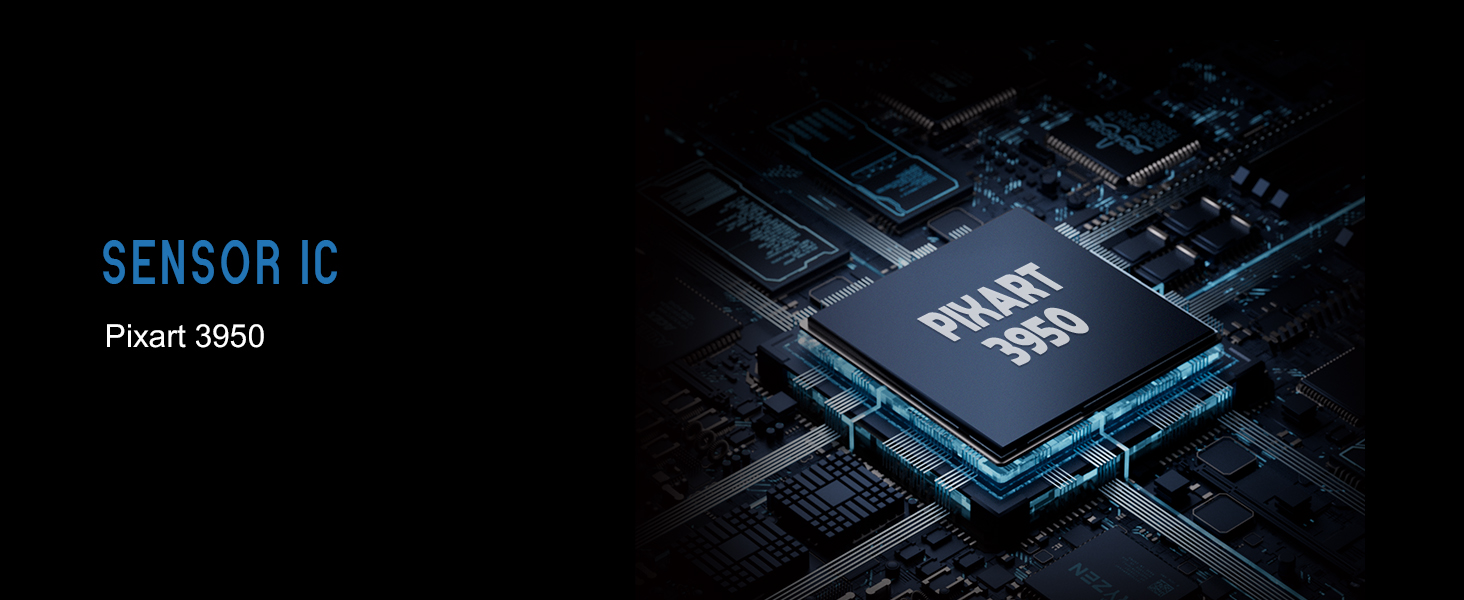
Image: Illustration showing the Lamzu Maya X mouse with its USB-C port for wired connection and the wireless dongle, highlighting its dual 2.4G wireless and wired modes.
Упутство за употребу
Функције дугмета

Image: Diagram illustrating the button layout of the Lamzu Maya X mouse, including Left, Right, Wheel, DPI, Forward, Back, and On/Off switch.
- Леви/десни клик: Standard mouse clicks, utilizing durable optical switches.
- Точак за померање: For vertical scrolling and middle-click function. Features a dust-proof encoder for precise movement.
- Дугме ДПИ: Located on the top, allows cycling through preset DPI levels.
- Side Buttons (Forward/Back): Programmable buttons for navigation or in-game actions.
- Прекидач за укључивање/искључивање: Located on the underside of the mouse.
ДПИ Адјустмент
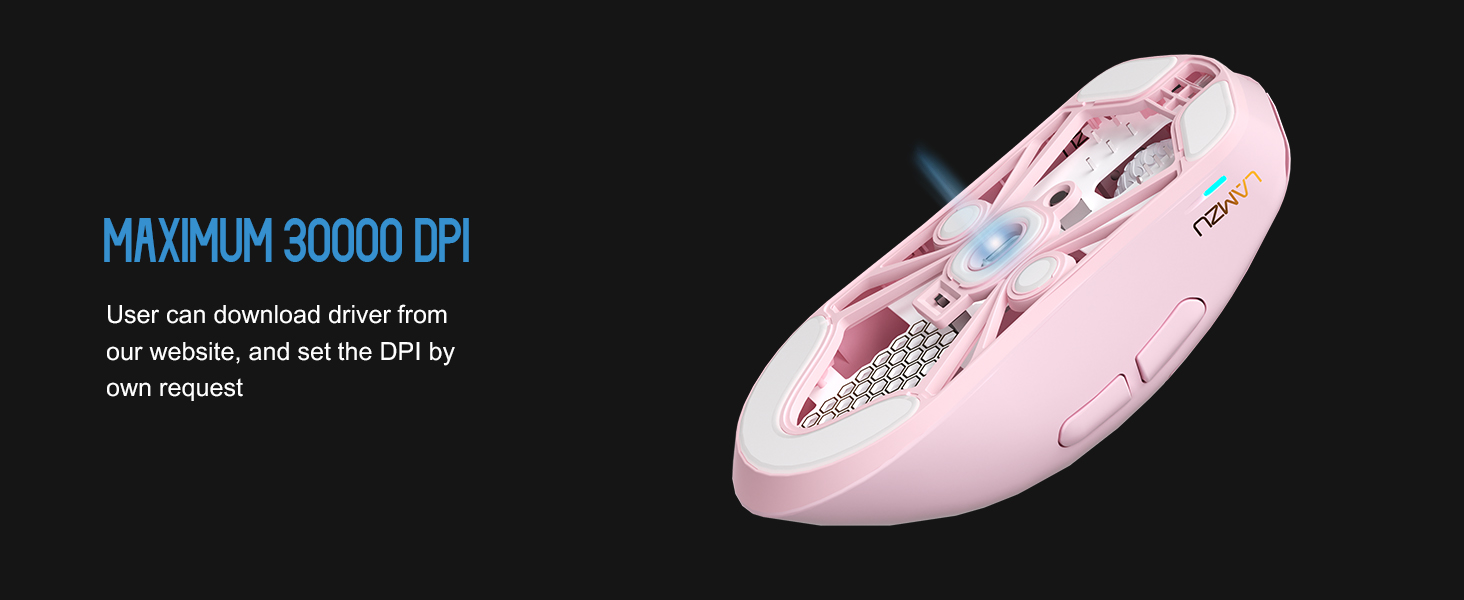
The Lamzu Maya X supports up to 30,000 DPI. You can adjust DPI settings using the dedicated DPI button on the mouse. For custom DPI settings and other advanced configurations, download the official driver software from the Lamzu webсајту.
Слика: Провидна view of the Lamzu Maya X mouse highlighting the internal optical switches, designed for optimized click feeling and to prevent double clicks.
Поллинг Рате
The mouse supports a maximum polling rate of 8,000 Hz when using the included 8K dongle. This high polling rate ensures extremely smooth and responsive cursor movement, minimizing input lag. Ensure the 8K dongle is properly connected for this feature to function.

Image: Illustration of the Lamzu Maya X mouse with its 8K polling dongle, emphasizing how an 8K dongle enhances cursor movement smoothness and eliminates stuttering delays.
Grip Styles
The symmetrical shape of the Lamzu Maya X is designed to accommodate various grip styles, including palm, claw, and fingertip grips, providing flexibility and comfort for different users.
Одржавање
Чишћење
- Користите меку, суву крпу да обришете површину миша.
- За тврдокорну прљавштину, благо дampОбришите крпу водом или благим раствором за чишћење. Избегавајте јаке хемикалије.
- Не потапајте миш у воду или било коју течност.
- Regularly clean the sensor area on the underside of the mouse with a cotton swab to ensure optimal tracking performance.
Баттери Царе
- Избегавајте често потпуно пражњење батерије.
- Чувајте миш на хладном и сувом месту када га не користите дуже време.
- Користите само приложени USB Type-C кабл за пуњење.
Решавање проблема
Уобичајени проблеми и решења
| Иссуе | Могуће решење |
|---|---|
| Миш не реагује (бежични) | Ensure the mouse is turned ON. Check battery level. Re-insert the USB dongle. Try a different USB port. |
| Миш не реагује (жичани) | Ensure the USB Type-C cable is securely connected to both the mouse and the computer. Try a different USB port. |
| Нетачно праћење или нестабилност курсора | Clean the optical sensor on the underside of the mouse. Use the mouse on a clean, uniform surface or a mouse pad. |
| DPI changes not registering | Ensure the DPI button is functioning correctly. If using custom settings, verify them in the software. |
| Poor wireless range or interference | Move the USB dongle closer to the mouse. Avoid placing the dongle near other wireless devices or large metal objects. |
Спецификације
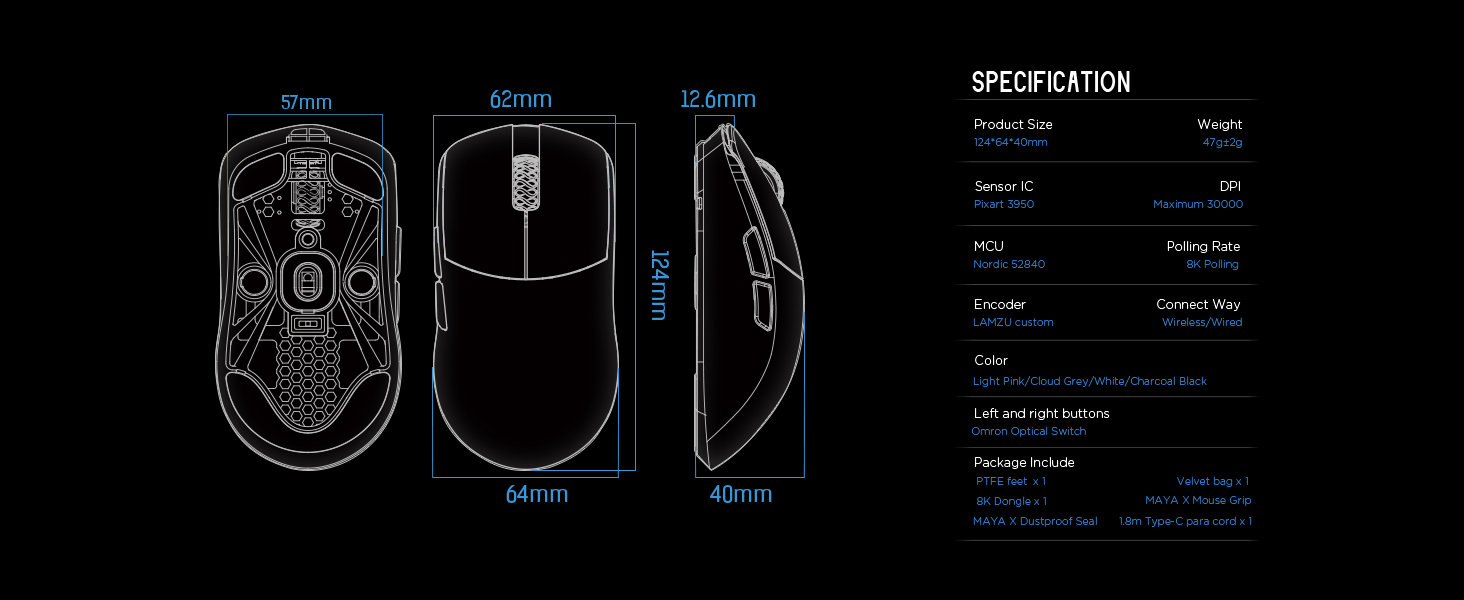
Image: Detailed diagram showing the dimensions and key specifications of the Lamzu Maya X mouse.
| Феатуре | Детаљ |
|---|---|
| Димензије производа | 4.88 к 2.52 к 0.04 инча (124 к 64 к 40 мм) |
| Тежина артикла | 1.66 унце (47 г) |
| Сенсор ИЦ | Пикарт ПАВ3950 |
| Макимум ДПИ | 30,000 ДПИ |
| МЦУ | Нордиц 52840 |
| Поллинг Рате | Up to 8,000 Hz (with 8K dongle) |
| Технологија повезивања | 2.4Г бежични, УСБ жичани |
| Прекидачи | OMRON Optical Switches (70 million click lifespan) |
| Енцодер | Dust-Proof Encoder (30-grid roller) |
| Батерија | 1 литијум-јонска батерија (укључена) |
Гаранција и подршка
For detailed warranty information and technical support, please refer to the official Lamzu webсајт или директно контактирајте њихову корисничку службу. Сачувајте доказ о куповини за потребе гаранције.