
Увод
Thank you for choosing the ATTACK SHARK G500 Wireless Over-ear Noise Canceling Headphones. This manual provides detailed instructions for setting up, operating, maintaining, and troubleshooting your new headphones. Please read this manual thoroughly before use to ensure optimal performance and longevity of your device.
Производ је завршенview
The ATTACK SHARK G500 headphones are designed to deliver a superior audio experience with advanced Active Noise Cancellation (ANC) technology. They offer versatile connectivity options, comfortable wear, and long-lasting battery life, making them suitable for various activities from gaming to travel.

Figure 1: ATTACK SHARK G500 Wireless Over-ear Noise Canceling Headphones (Beige)
The image displays the ATTACK SHARK G500 headphones in a beige color, highlighting their over-ear design and cushioned earcups.
Садржај пакета
- ATTACK SHARK G500 Wireless Over-ear Headphones
- УСБ кабл за пуњење типа Ц
- 3.5 мм аудио кабл
- Упутство за употребу
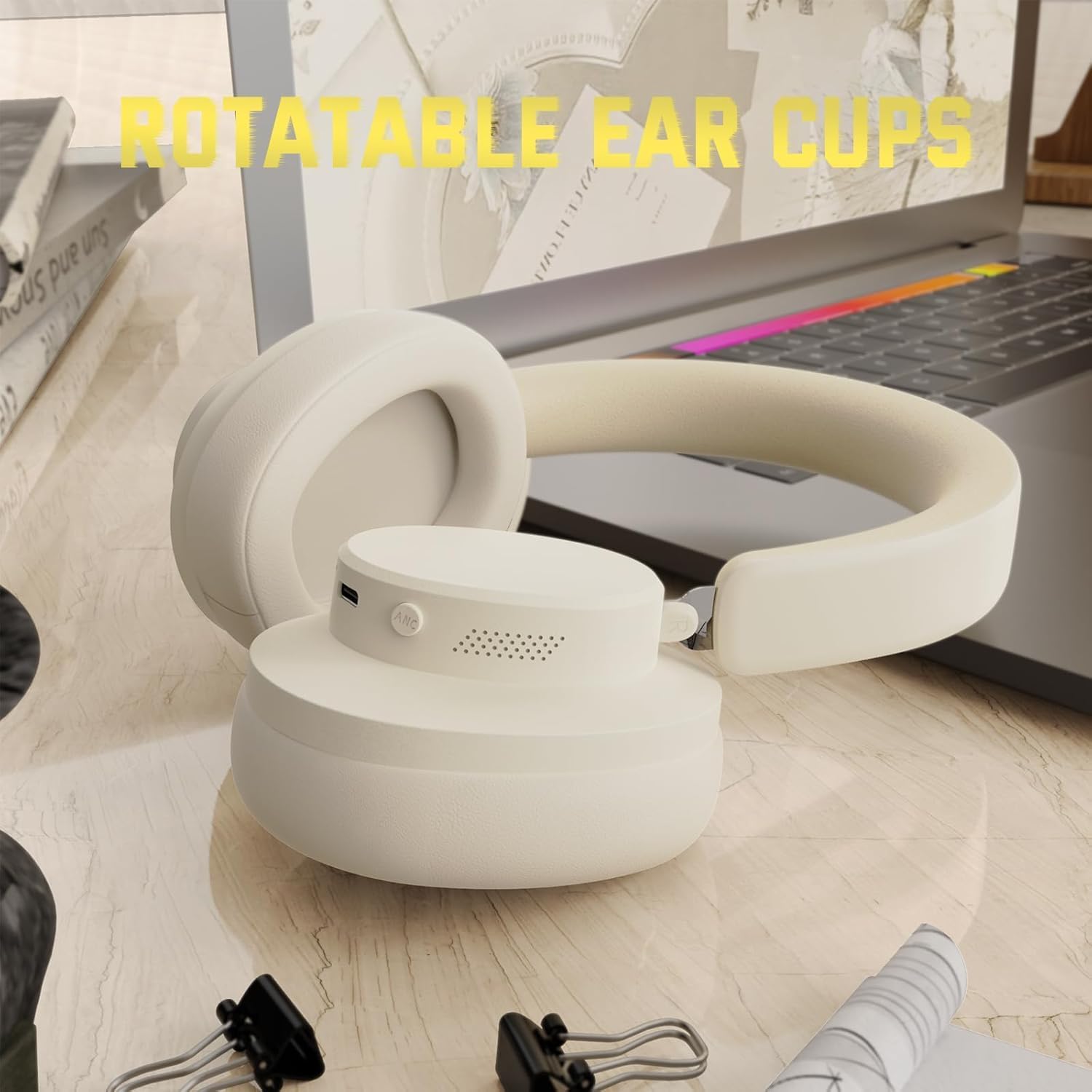
Figure 2: Included accessories with the G500 headphones
This image shows the complete package contents, including the headphones, charging cable, 3.5mm audio cable, and the user manual.
Сетуп
1. Пуњење слушалица
- Locate the USB Type-C charging port on the headphone earcup.
- Connect the provided USB Type-C charging cable to the headphones and a compatible USB power source (e.g., computer, wall adapter).
- The LED indicator will illuminate during charging. A full charge typically takes approximately 2 hours.
- The LED indicator will change color or turn off once charging is complete.
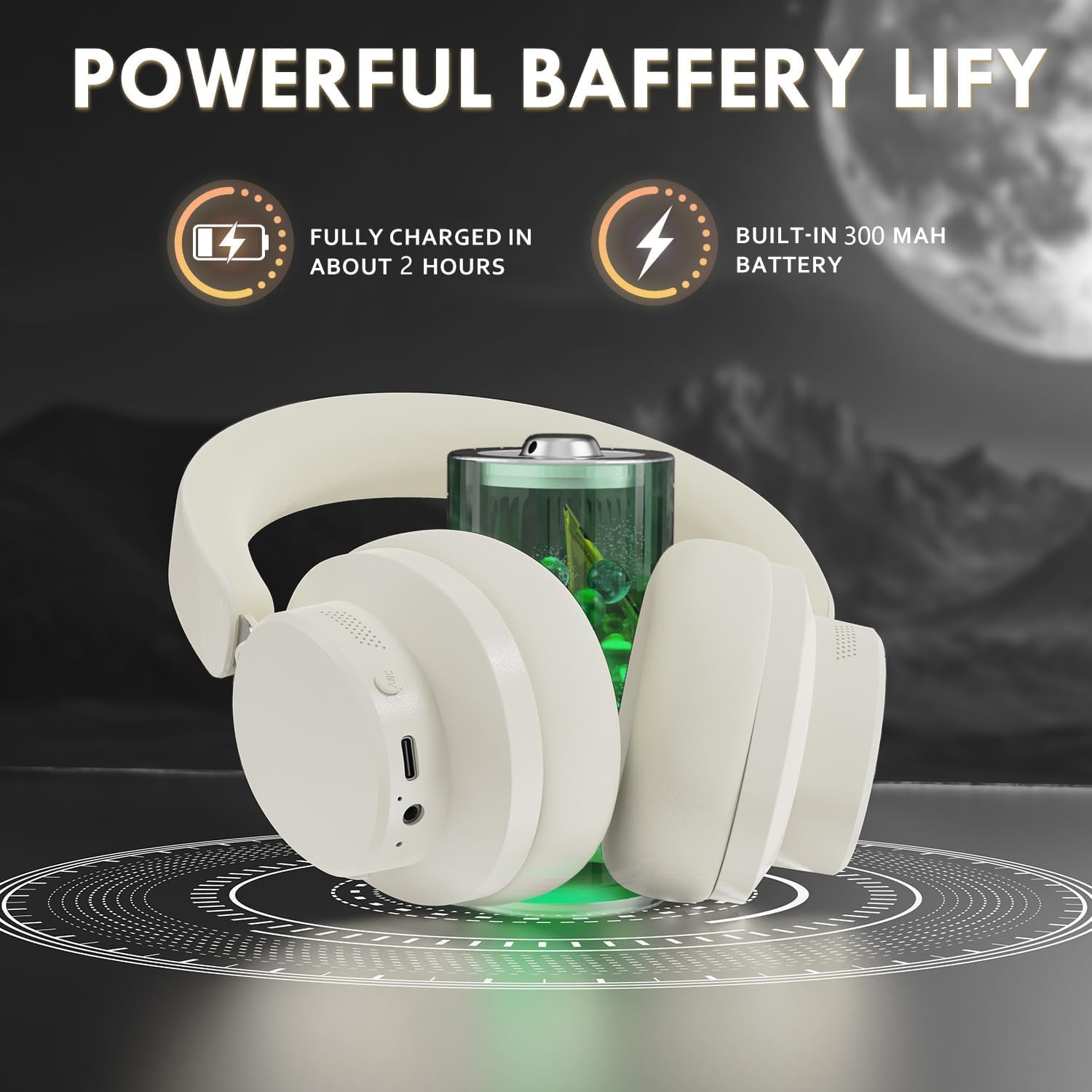
Figure 3: Location of the charging port and LED indicator
This image highlights the USB Type-C charging port and the LED indicator on the headphone earcup, essential for monitoring charging status.
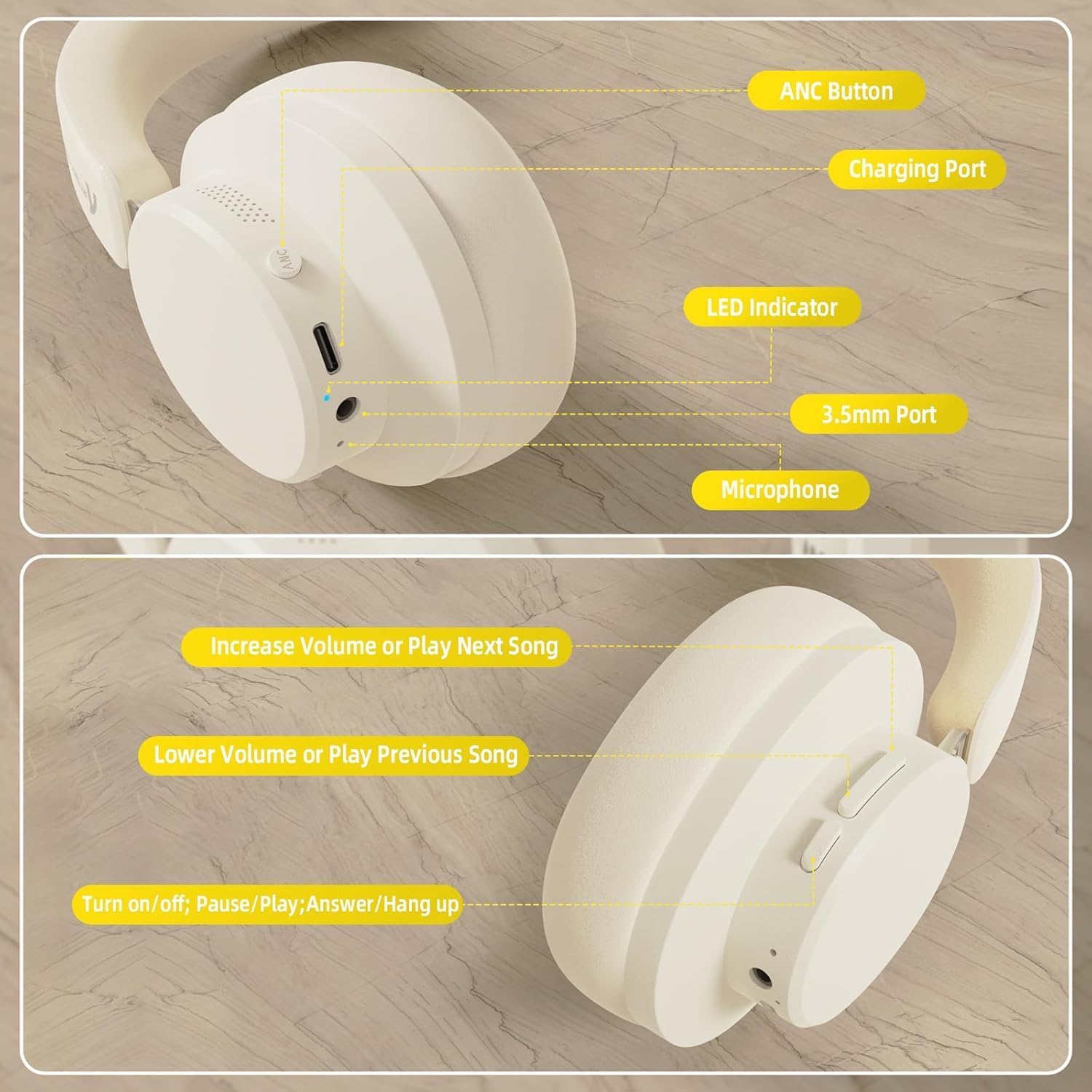
Figure 4: Visual representation of headphones charging
The image illustrates the headphones connected to a power source, with a battery icon indicating the charging process.
2. Блуетоотх упаривање
- Уверите се да су слушалице потпуно напуњене и искључене.
- Press and hold the Power/Multi-function button until the LED indicator flashes, indicating pairing mode.
- На свом уређају (паметном телефону, таблету, лаптопу) омогућите Блутут и потражите доступне уређаје.
- Select "ATTACK SHARK G500" from the list of devices to pair.
- The LED indicator will stop flashing and remain solid once successfully paired.
Video 1: ATTACK SHARK G300 Wireless Over-Ear Headphones (demonstrates general headphone features, including connectivity)
Овај видео пружа општи прегледview of ATTACK SHARK wireless over-ear headphones, showcasing their design and some features, which can be helpful for understanding the physical aspects and basic operation of the G500 model.
Figure 5: Dual mode connection example
The image illustrates the headphones connected wirelessly to both a smartphone and a laptop, demonstrating the dual-mode connectivity.
3. Жична веза
- Insert one end of the 3.5mm audio cable into the 3.5mm port on the headphone earcup.
- Повежите други крај 3.5 мм аудио кабла са аудио излазом на вашем уређају.
- Слушалице ће се аутоматски пребацити у жични режим.
Упутство за употребу
Цонтролс Оверview
Слика 6: Детаљно view of headphone controls
This image provides a clear diagram of all control buttons and ports on the headphones, including the ANC button, charging port, LED indicator, 3.5mm port, and microphone.
Укључивање/искључивање
- To Power On: Press and hold the Multi-function button for 3 seconds.
- To Power Off: Press and hold the Multi-function button for 3 seconds.
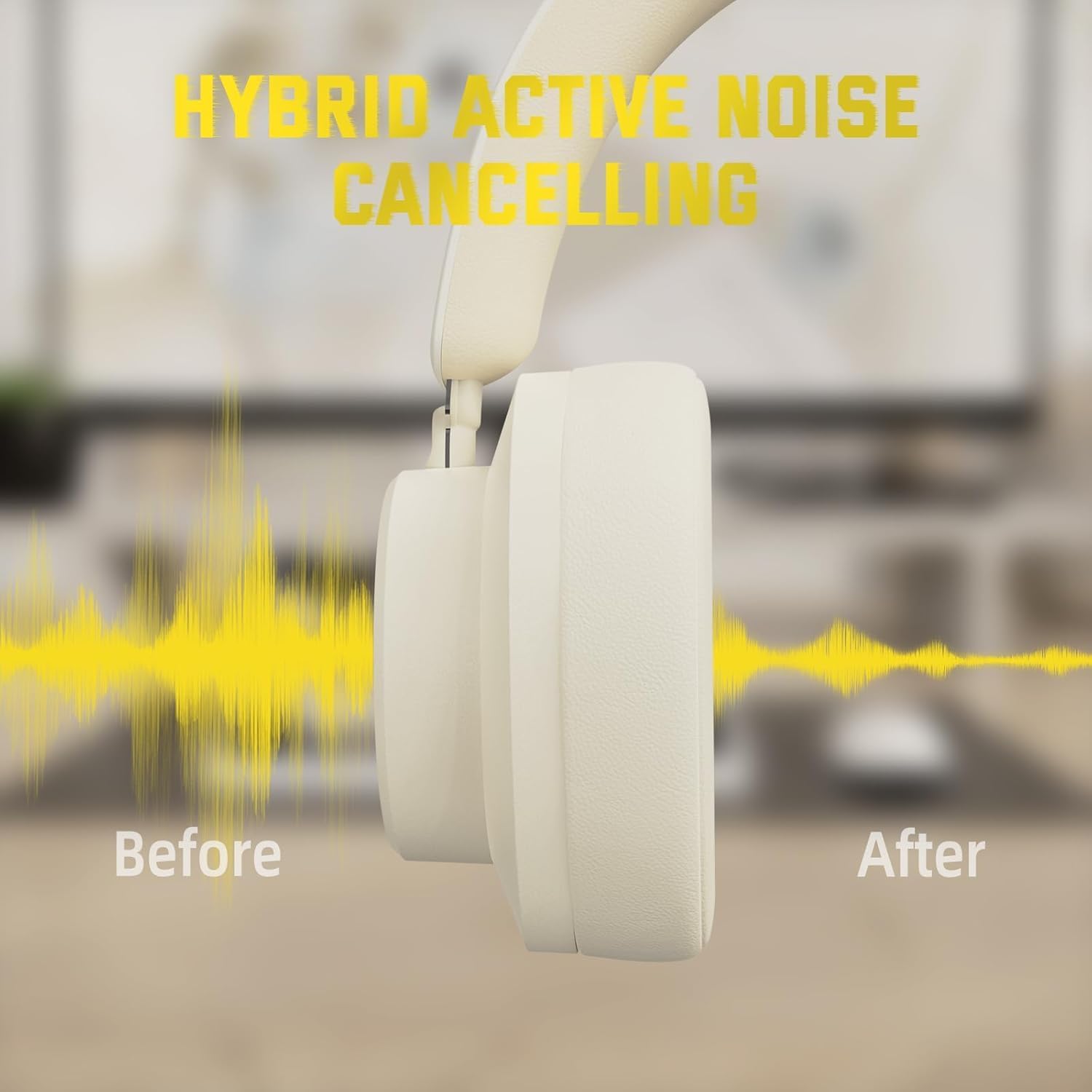
Отказивање активне буке (АНЦ)
- Press the ANC button to toggle Active Noise Cancellation on/off.
- When ANC is active, ambient noise will be significantly reduced.
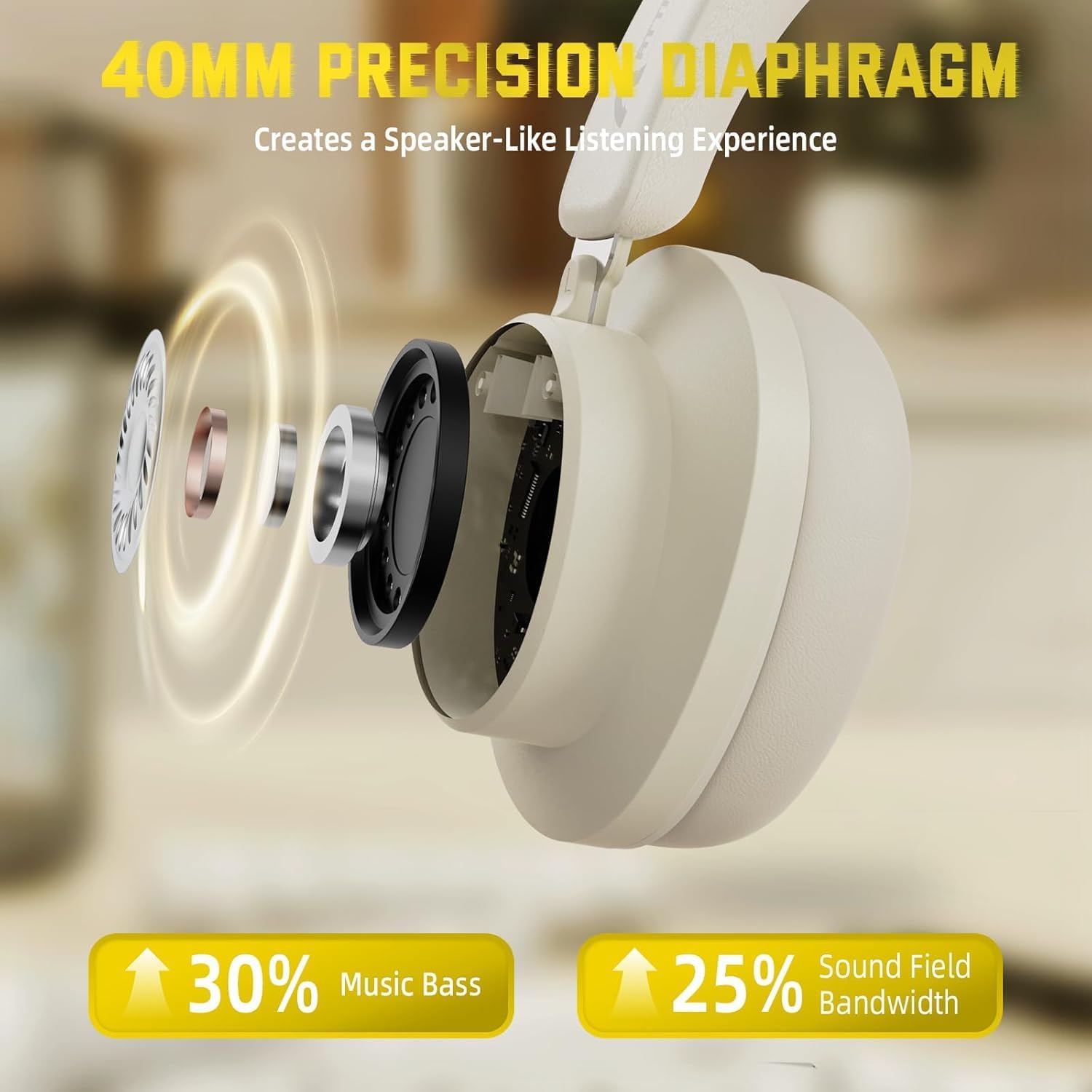
Figure 7: Hybrid Active Noise Cancelling in action
This diagram visually represents the effect of Hybrid Active Noise Cancelling, showing how external noise is reduced when the feature is activated.
Music Playback & Calls
- Репродукција/Пауза: Кратко притисните вишефункционално дугме.
- Next Song: Long press the Volume + button.
- Previous Song: Long press the Volume - button.
- Volume Up: Short press the Volume + button.
- Volume Down: Short press the Volume - button.
- Answer/End Call: Short press the Multi-function button.
- Reject Call: Long press the Multi-function button.
Одржавање
- Редовно чистите слушалице меком, сувом крпом.
- Избегавајте излагање слушалица екстремним температурама, влази или течностима.
- Store the headphones in a cool, dry place when not in use. The rotatable earcups allow for compact storage.
- Не покушавајте сами да растављате или поправљате слушалице, јер ће то поништити гаранцију.

Figure 8: Rotatable earcups for easy storage
This image demonstrates the rotatable earcups, which allow the headphones to be folded flat for convenient storage and portability.
Решавање проблема
| Проблем | Могуће решење |
|---|---|
| Слушалице се не укључују | Ensure the headphones are fully charged. Press and hold the Multi-function button for 3-5 seconds. |
| Упаривање преко Bluetooth-а није могуће | Make sure the headphones are in pairing mode (flashing LED). Turn off and on Bluetooth on your device. Ensure the headphones are not connected to another device. |
| Нема звука у бежичном режиму | Проверите јачину звука уређаја и слушалица. Уверите се да су слушалице успешно упарене. Покушајте поново да их упарите. |
| Нема звука у жичном режиму | Ensure the 3.5mm audio cable is securely connected to both the headphones and the device. Check device volume. |
| АНК не функционише ефикасно | Ensure the ANC button is pressed and the feature is active. Adjust headphone fit to ensure a good seal around your ears. |
Спецификације
| Феатуре | Детаљ |
|---|---|
| Назив модела | Г500 |
| Технологија повезивања | Жично, бежично (Bluetooth 5.0) |
| Јацк за слушалице | 3.5 мм прикључак |
| Контрола буке | Active Noise Cancellation (21±2DB reduction) |
| Тип аудио драјвера | 40mm Neodymium Dynamic Driver |
| Трајање батерије | Up to 20 Hours (300 mAh battery) |
| Материјал | Memory Foam, Plastic/Other Lightweight Polymer |
| Тежина артикла | 10.8 унци (приближно 210 г) |
| Посебне карактеристике | Microphone Included, Rechargeable Battery, Rotatable Earcups |
| Компатибилни уређаји | Laptops, Desktops, Tablets, Telephones, Gaming Consoles, Cellphones |
Гаранција и подршка
For warranty information and customer support, please refer to the official ATTACK SHARK webсајт или контактирајте продавца. Сачувајте рачун као доказ о куповини за потребе гаранције.