
Увод
This manual provides essential information for the setup, operation, and maintenance of your PowerA Enhanced Wireless Controller, featuring the unique Pikachu vs. Gengar design. This officially licensed controller is designed to enhance your gaming experience on Nintendo Switch, Nintendo Switch Lite, and Nintendo Switch (OLED Model) consoles.
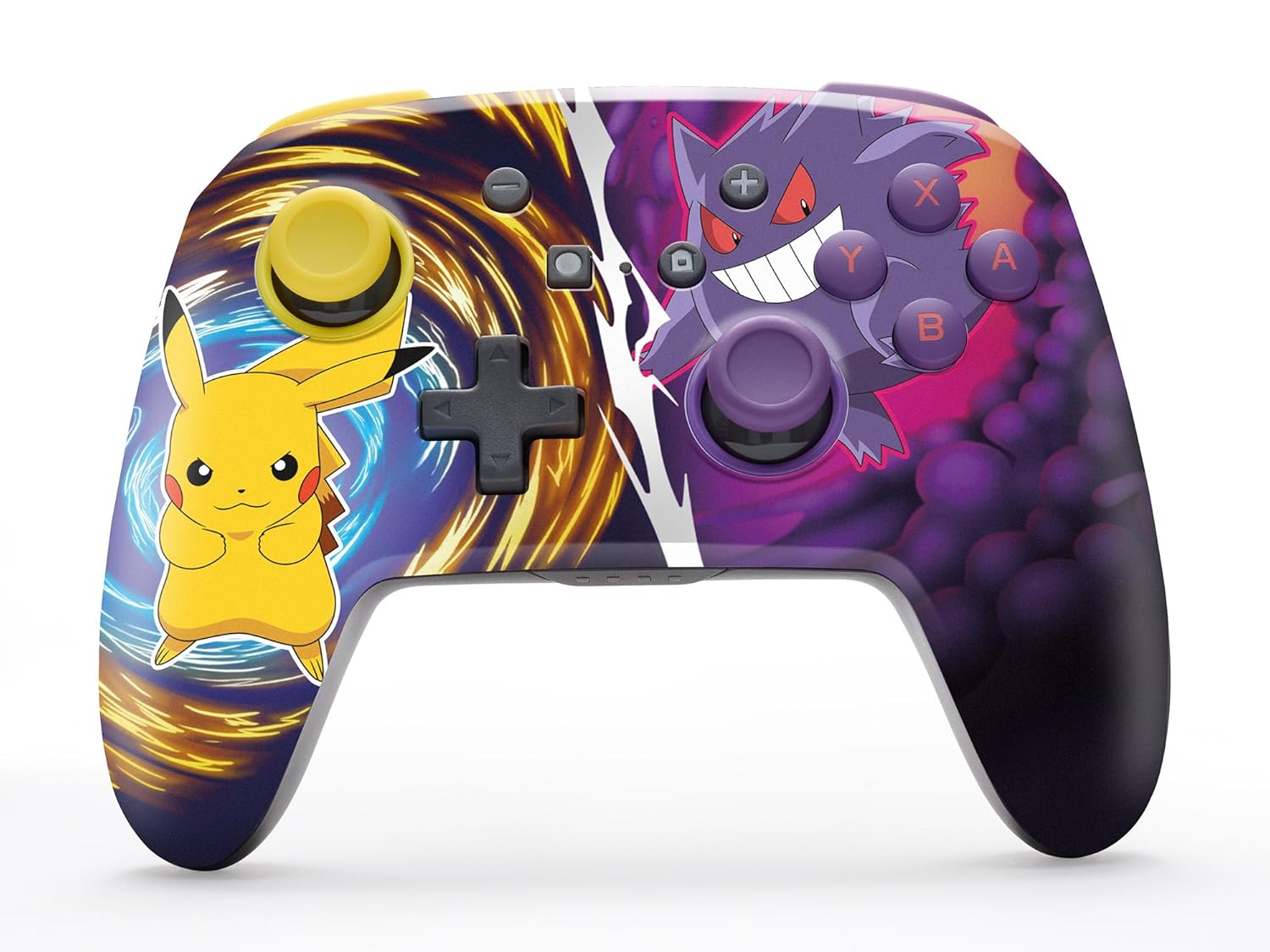
The PowerA Enhanced Wireless Controller with Pikachu vs. Gengar artwork.
Кључне карактеристике
- Бежична повезаност: Utilizes Bluetooth 5.0 technology for a stable connection.
- Пуњива батерија: Integrated lithium-ion battery provides up to 30 hours of gameplay per charge.
- Mappable Advanced Gaming Buttons: Two programmable buttons on the back for custom control.
- Ергономски дизајн: Superior ergonomics for extended comfortable gaming sessions.
- Smooth Thumbstick Control: Embedded anti-friction rings ensure precise and fluid movement.
- Контроле покрета: Supports intuitive motion controls for compatible games.

Ергономски дизајн за удобно играње.
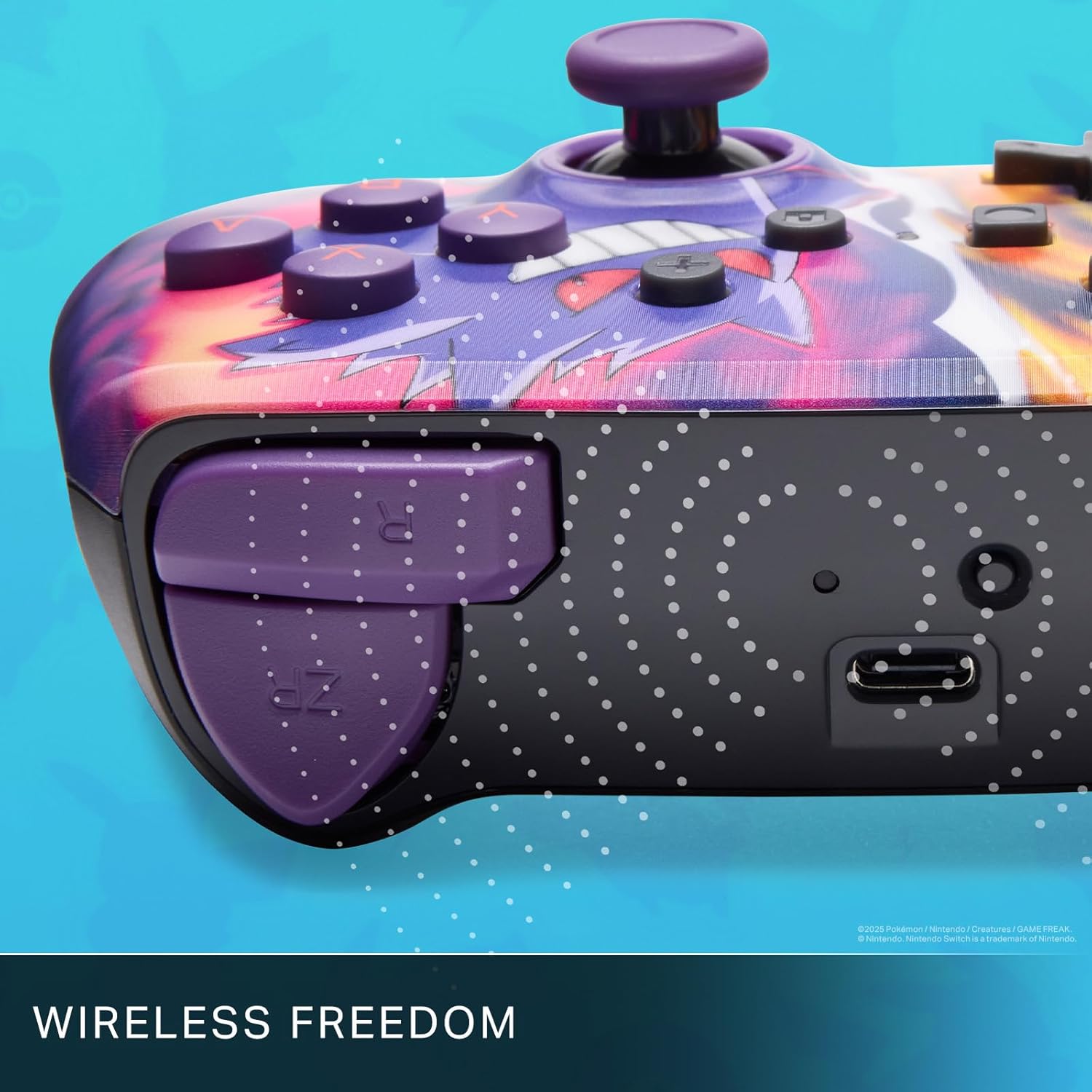
Enjoy wireless freedom with Bluetooth 5.0 technology.
Подешавање и упаривање
- Уверите се да је ваша Nintendo Switch конзола укључена и ажурирана на најновији системски софтвер.
- У менију ХОМЕ одаберите Контролори, онда Промените Грип/Ред.
- Притисните и држите Дугме СИНЦ on the top edge of your PowerA Enhanced Wireless Controller for at least one second. The Player LED(s) will flash.
- Once paired, the Player LED(s) corresponding to the controller number will remain lit.
- Притисните тастер Дугме to confirm and exit the menu. Your controller is now ready for use.
Пуњење контролера
The controller features an internal 900mAh lithium-ion rechargeable battery, providing up to 30 hours of gameplay on a single charge. To charge your controller:
- Connect the included 10ft (3m) USB-C charge cable to the USB-C port on the top of the controller.
- Connect the other end of the USB-C cable to a USB power source (e.g., Nintendo Switch dock, USB wall adapter, or computer USB port).
- The LED indicator on the controller will show charging status. It will typically turn off or change color when fully charged.

Connect the USB-C cable to charge your controller.
Напредна дугмад за игре
Your PowerA Enhanced Wireless Controller includes two mappable Advanced Gaming Buttons (AGBs) on the back, allowing you to assign specific button functions for quick access during gameplay.
Programming AGBs:
- Притисните тастер Програм дугме on the back of the controller. The Program LED will flash, indicating programming mode.
- Press the button you wish to map (A/B/X/Y/L/R/ZL/ZR/Left Stick Click/Right Stick Click/D-Pad). The Program LED will flash rapidly.
- Press the Advanced Gaming Button (AGB L or AGB R) you want to assign the function to. The Program LED will stop flashing, indicating the AGB is now programmed.
Resetting AGBs:
To reset all Advanced Gaming Buttons to their default (no function) state, press and hold the Програм дугме for five seconds. The Program LED will flash slowly, then turn off, confirming the reset.
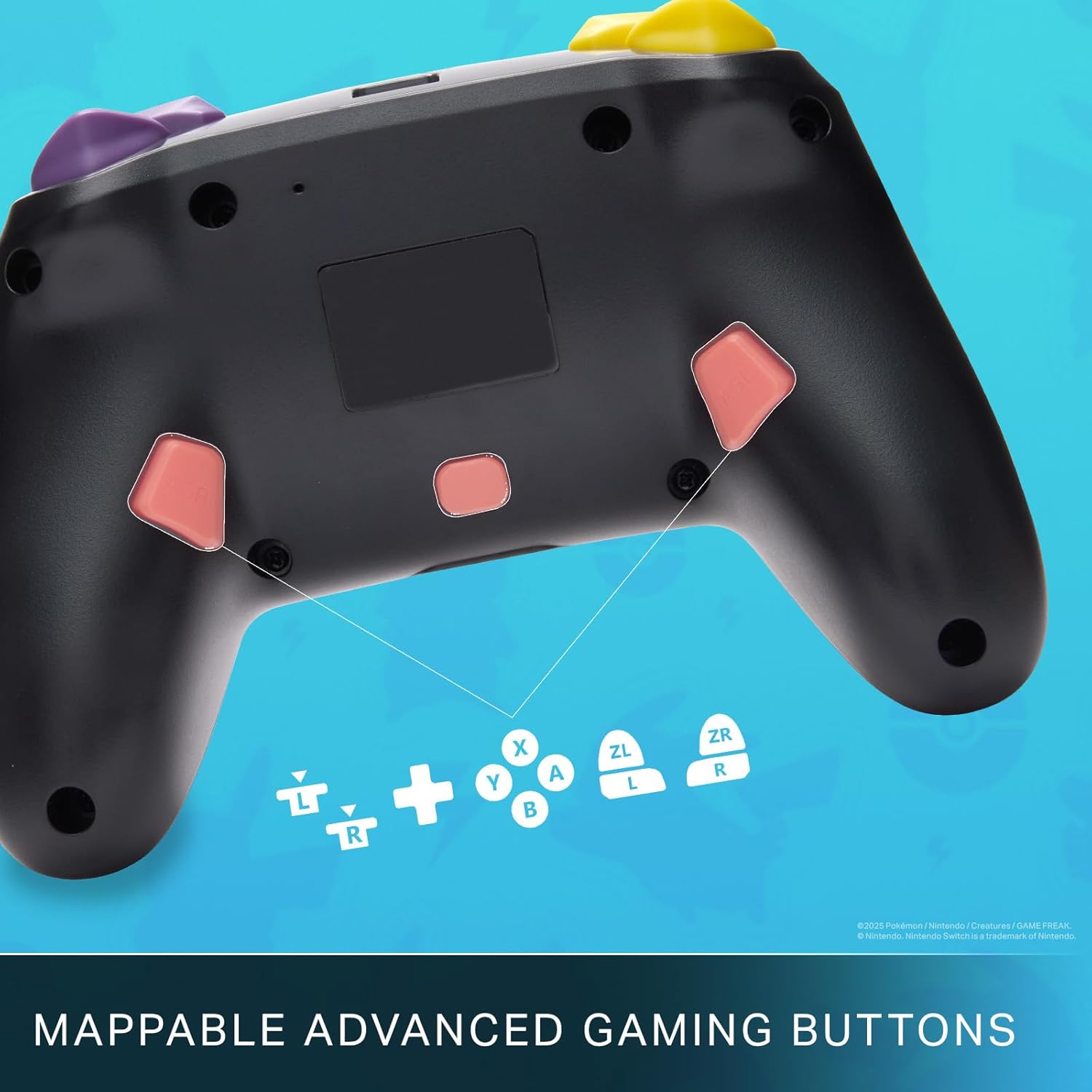
Mappable Advanced Gaming Buttons for personalized control.
Компатибилност
This PowerA Enhanced Wireless Controller is compatible with the following Nintendo consoles:
- Нинтендо Свитцх
- Нинтендо Свитцх Лите
- Nintendo Switch (OLED Model)
- Nintendo Switch 2 (Note: C button not available)

The controller is compatible with Nintendo Switch 2, though the C button functionality is not available.
Спецификације
| Феатуре | Детаљ |
|---|---|
| Компатибилни уређаји | Нинтендо Свитцх |
| Тип контролера | Гамепад |
| Технологија повезивања | Блуетоотх, УСБ |
| Додатне карактеристике | Ергономски, бежични |
| Количина дугмета | 12 |
| Хардверска платформа | Конзола за играње |
| Извор напајања | Напаја се батеријама (пуњиви литијум-јонски) |
| Компатибилни модели конзола за видео игре | Нинтендо Свитцх, Нинтендо Свитцх Лите |
| Тежина артикла | 0.68 фунти |
| Димензије артикла | 6.02 к 4.41 к 2.48 инча |
| Боја | Pikachu vs Gengar |
| Назив модела | Pikachu vs. Gengar |
| Број модела | NSGP0420-01R |
Нега и одржавање
- Keep the controller dry. Avoid exposure to moisture or extreme temperatures.
- Очистите контролер меком, сувом крпом. Не користите јаке хемикалије или абразивне материјале.
- Чувајте контролер на безбедном месту када га не користите како бисте спречили оштећења.
Решавање проблема
Контролер се не повезује:
- Уверите се да је контролер потпуно напуњен.
- Verify the controller is within the Bluetooth range of your Nintendo Switch console.
- Attempt to re-pair the controller following the "Setup and Pairing" instructions.
Неодзивни тастери/џојстици:
- Проверите да ли има физичких препрека или остатака око дугмади или џојстика.
- Perform a hard reset by holding the SYNC button for 10 seconds, then attempt to re-pair.
- Ensure the controller's firmware is up to date (check PowerA's official webсајт за ажурирања).
Гаранција и подршка
This PowerA Enhanced Wireless Controller comes with a Двогодишња ограничена гаранција. For detailed warranty information, product support, and troubleshooting assistance, please visit the official PowerA support webсајт: