
1. Увод
This manual provides essential information for setting up, operating, and maintaining your new CyberpowerPC Gamer Xtreme VR Gaming PC. This system is equipped with an Intel Core Ultra 5 225F processor, NVIDIA GeForce RTX 5060 graphics, 64GB DDR5 memory, and a 2TB PCIe 4.0 NVMe SSD, running Windows 11 Home. Please read this manual thoroughly before using your computer to ensure proper functionality and longevity.
2. Безбедносне информације
- Напајање: Use only the power cord provided with the system. Ensure the power outlet is properly grounded.
- вентилација: Do not block any ventilation openings on the computer case. Maintain adequate space around the PC for airflow to prevent overheating.
- Течност и влага: Keep the computer away from liquids and excessive moisture. Do not operate the PC with wet hands.
- Статички електрицитет: Discharge static electricity from your body before touching internal components by touching a grounded metal object.
- Сервисирање: Do not attempt to service the computer yourself unless specifically instructed. Refer all servicing to qualified service personnel.
- Пласман: Place the computer on a stable, flat surface. Avoid placing it near heat sources or in direct sunlight.
3. Садржај пакета
Проверите да ли су све ставке наведене у наставку укључене у ваш пакет:
- CyberpowerPC Gamer Xtreme VR Gaming PC
- УСБ РГБ тастатура за игре
- УСБ миш за играње
- Повер Цорд
- Documentation (Quick Start Guide, Driver Discs if applicable)
4. Подешавање
4.1 Распакивање и почетни преглед
Carefully remove the computer from its packaging. Inspect the exterior for any signs of damage. Open the side panel (if applicable, usually tempered glass) and remove any internal foam packaging designed to secure components during shipping. Ensure all cables inside are securely connected.

Слика: Интерна view of the PC showing RGB fans, motherboard, and graphics card. Remove internal foam before operation.
4.2 Повезивање периферних уређаја
Повежите монитор, тастатуру, миш и остале периферне уређаје са одговарајућим портовима на задњој и предњој страни рачунара.
- Монитор: Connect your monitor to the graphics card's HDMI or DisplayPort outputs. The graphics card (NVIDIA GeForce RTX 5060) has 1x HDMI and 3x DisplayPort outputs. Ensure you connect to the dedicated graphics card ports, not the motherboard's integrated graphics ports (if present).
- Тастатура и миш: Connect the USB gaming keyboard and mouse to any available USB ports.
- Снага: Connect the power cord to the power supply unit (PSU) at the rear of the PC, then plug it into a grounded electrical outlet.
- Мрежа: For a wired connection, connect an Ethernet cable to the RJ45 LAN port. For wireless, ensure the Wi-Fi antennas (if included) are attached.
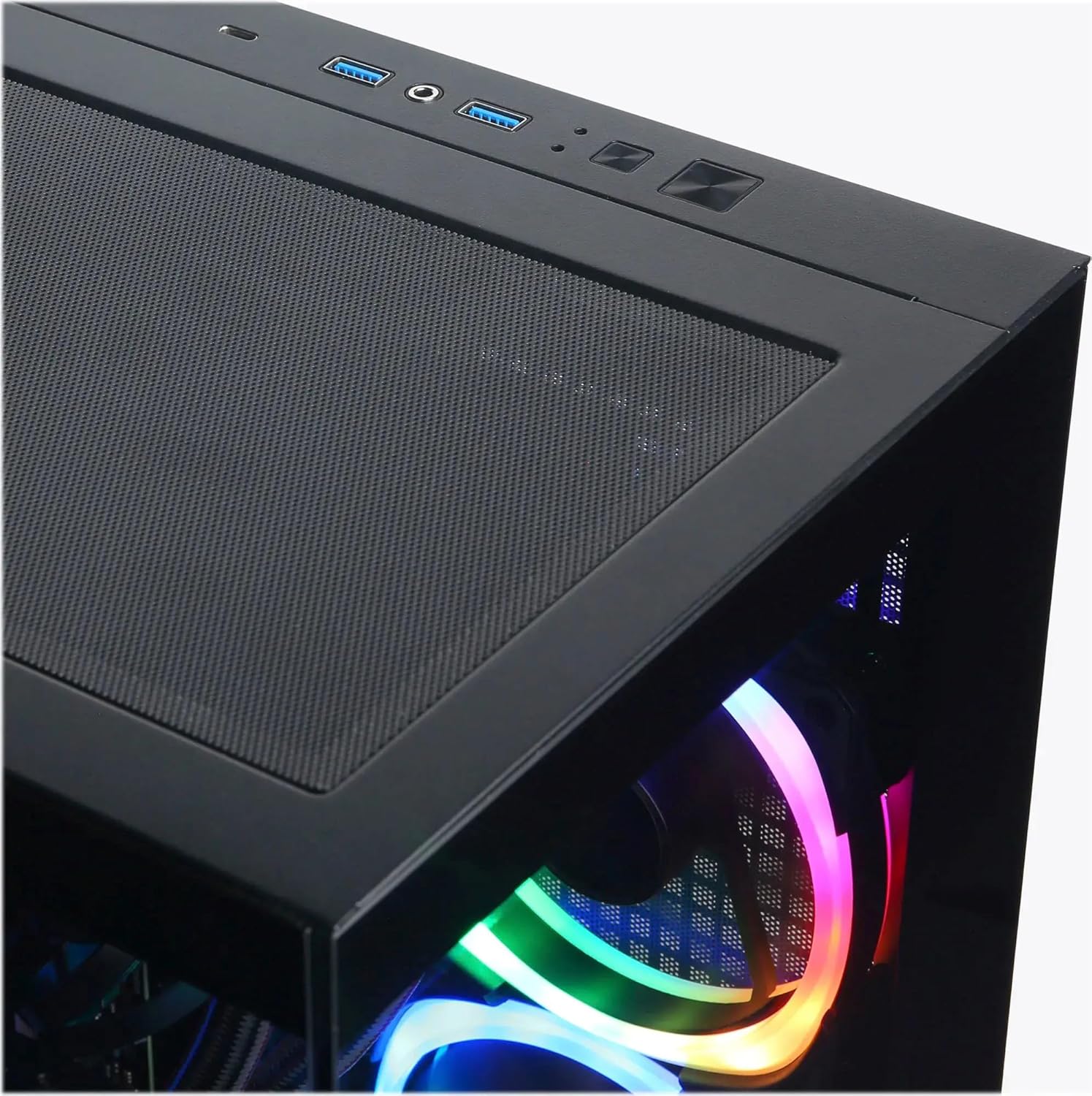
Image: Top I/O panel with USB ports, audio jacks, and power button.
4.3 Почетно покретање и подешавање Windows-а
Press the power button located on the top of the case. The system will boot into Windows 11 Home. Follow the on-screen instructions to complete the initial Windows setup, including language, region, network connection, and user account creation.
5. Оперативни
5.1 Укључивање/искључивање
- Укључено: Press the power button on the top of the PC.
- Искључивање: Кликните на дугме Старт у оперативном систему Windows, а затим изаберите Напајање > Искључи. Избегавајте директно држање дугмета за напајање да бисте искључили систем, јер то може довести до губитка података или нестабилности система.
- Поново покрени: Кликните на дугме Старт у оперативном систему Windows, а затим изаберите Напајање > Поново покрени.
5.2 Understanding I/O Ports
Your PC is equipped with various ports for connectivity:
- УСБ 3.1 Типе-Ц: 1 (Front) - For high-speed data transfer and compatible devices.
- УСБ 3.1 тип-А: 5 (2 Front, 3 Rear) - For general USB devices like keyboards, mice, and external drives.
- УСБ 2.0: 2 (Rear) - For older USB devices or peripherals that do not require high-speed data.
- РЈ45 ЛАН: 1 (Rear) - For wired Ethernet network connection.
- Аудио портови: 3 (Rear - Speaker / Microphone / Line In), 1 (Front - Headphone/Microphone Combo) - For audio input/output.
- ХДМИ КСНУМКС: 1 (Graphics Card) - For connecting to displays.
- DisplayPort 2.1: 3 (Graphics Card) - For connecting to displays.
5.3 RGB контрола осветљења
Your system features custom RGB lighting. Control software for the RGB lighting may be pre-installed or available for download from the CyberpowerPC website. Refer to the software's instructions for customizing lighting effects and colors.
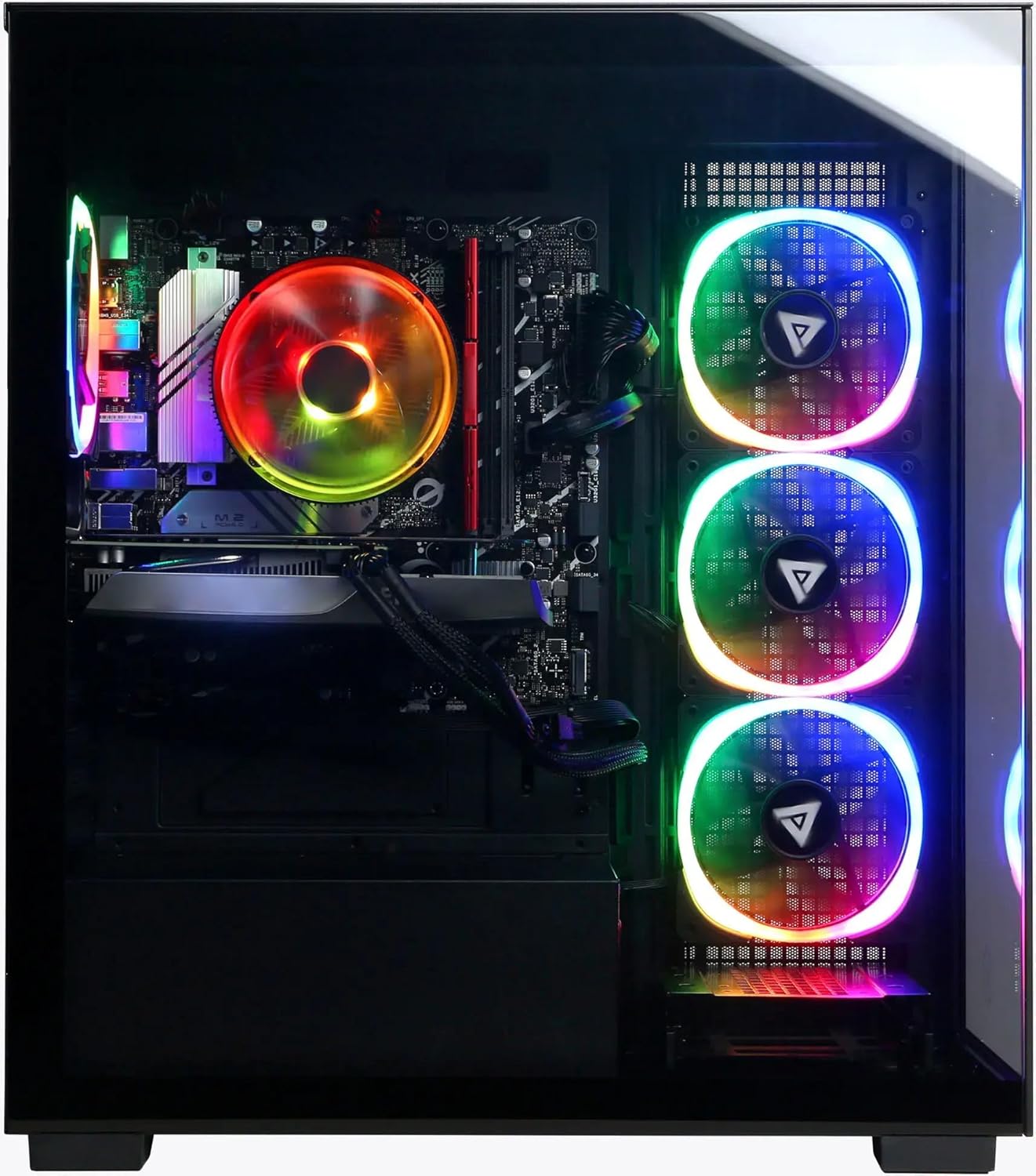
Слика: Предња и бочна страна view сајма рачунараasinг његово прилагодљиво РГБ осветљење.
6. Одржавање
6.1 Чишћење
- Екстеријер: Користите меку, дamp cloth to clean the exterior of the case. Avoid harsh chemicals.
- прашина: Periodically clean dust from the ventilation grilles and internal components using compressed air. Ensure the PC is powered off and unplugged before cleaning.
6.2 Ажурирања софтвера
Regularly update your operating system (Windows Update), graphics drivers (NVIDIA website), and other software to ensure optimal performance and security.
6.3 Вентилација
Ensure the PC has unobstructed airflow. Do not place the computer in an enclosed space or directly against a wall. Proper ventilation is crucial for preventing overheating and maintaining component lifespan.
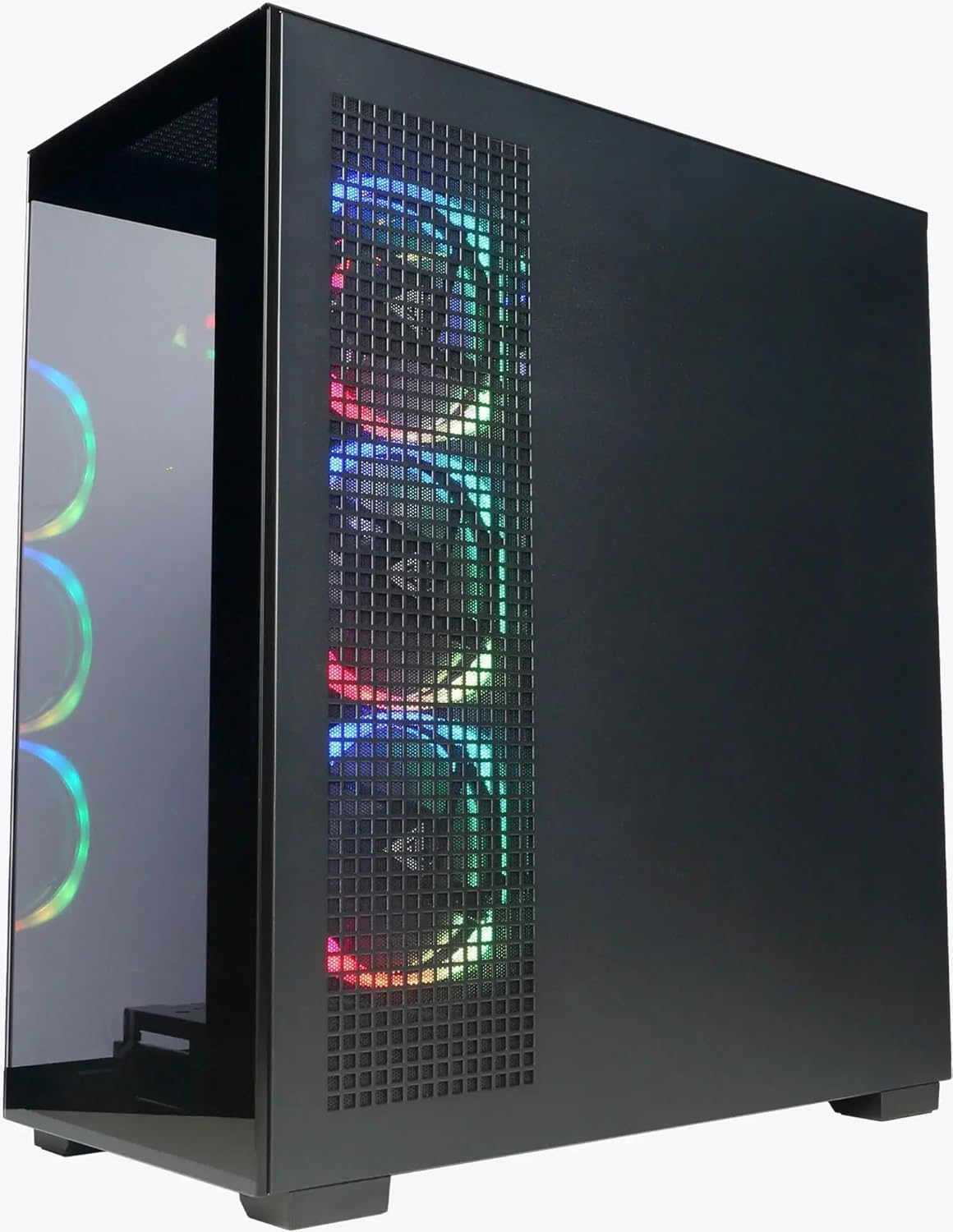
Слика: Са стране view of the PC highlighting the mesh ventilation panel for airflow.
КСНУМКС. Решавање проблема
If you encounter issues with your CyberpowerPC, consider the following basic troubleshooting steps:
- Нема напајања:
- Уверите се да је кабл за напајање безбедно повезан и са рачунаром и са зидном утичницом.
- Verify the power switch on the PSU (at the back of the PC) is in the 'On' position.
- Покушајте са другом утичницом.
- Без приказа:
- Confirm the monitor is powered on and connected to the graphics card's output (HDMI or DisplayPort), not the motherboard's video output.
- Пробајте други видео кабл или монитор ако је доступан.
- Ensure the monitor input source is correctly selected.
- Нема интернет везе:
- For wired connections, check if the Ethernet cable is properly connected and your router/modem is working.
- For Wi-Fi, ensure Wi-Fi is enabled in Windows and you are connected to the correct network with the correct password.
- Check device drivers for network adapters in Device Manager.
- Успоравање/замрзавање система:
- Поново покрените рачунар.
- Check for background applications consuming excessive resources (Task Manager).
- Уверите се да су Windows и драјвери ажурирани.
- Покрените скенирање за вирусе/злонамерни софтвер.
If these steps do not resolve the issue, please contact CyberpowerPC customer support.
8. Спецификације
| Компонента | Детаљ |
|---|---|
| Процесор | Intel Core Ultra 5 225F (3.3GHz base, Max 4.9GHz) |
| матична плоча | Интел Б860 чипсет |
| Меморија | 64ГБ ДДР5 РАМ |
| Складиштење | 2TB PCIe 4.0 NVMe SSD |
| графичка картица | NVIDIA GeForce RTX 5060 8GB GDDR5 |
| Оперативни систем | Виндовс 11 Хоме |
| Повезивање | Wi-Fi 6, Bluetooth 5.3, 10/100/1000 Gigabit Ethernet LAN |
| И/О портови (предњи) | 1x USB 3.1 Type-C, 2x USB 3.1 Type-A, 1x Headphone/Microphone Combo |
| И/О портови (задњи) | 3x USB 3.1 Type-A, 2x USB 2.0, 1x RJ45 LAN, 3x Audio Ports (Speaker/Mic/Line In) |
| Видео излази | 1x HDMI 2.1, 3x DisplayPort 2.1 (from Graphics Card) |
| ЦПУ Цоолинг | Air Cool |
| Повер Суппли | 600W 80 Plus Gold |
| Димензије (В к Ш к Д) | 19.9" x 8.6" x 17.7" (50.5 цм x 21.8 цм x 44.9 цм) |
| Тежина | 35 фунти (15.88 кг) |
9. Гаранција и подршка
9.1 Гаранција на производ
Your CyberpowerPC Gamer Xtreme VR Gaming PC comes with a standard manufacturer's warranty. The specific terms and duration of the warranty are typically outlined in the documentation included with your product or available on the official CyberpowerPC webсајт. Молимо вас да сачувате доказ о куповини за потребе гаранције.
9.2 Техничка подршка
For technical assistance, troubleshooting beyond this manual, or warranty inquiries, please contact CyberpowerPC customer support:
- Webсајт: Visit the official CyberpowerPC webсајт за ресурсе подршке, честа питања, преузимања драјвера и контакт информације.
- Телефон/Имејл: Refer to the contact details provided on the CyberpowerPC support page.
Additional protection plans may be available for purchase, offering extended coverage. Refer to your purchase details for information on any such plans.