
1. Увод
This manual provides detailed instructions for the setup, operation, and maintenance of your ATTACK SHARK MAMBASNAKE X60 HE Mechanical Gaming Keyboard. Please read this manual thoroughly to ensure optimal performance and longevity of your device.
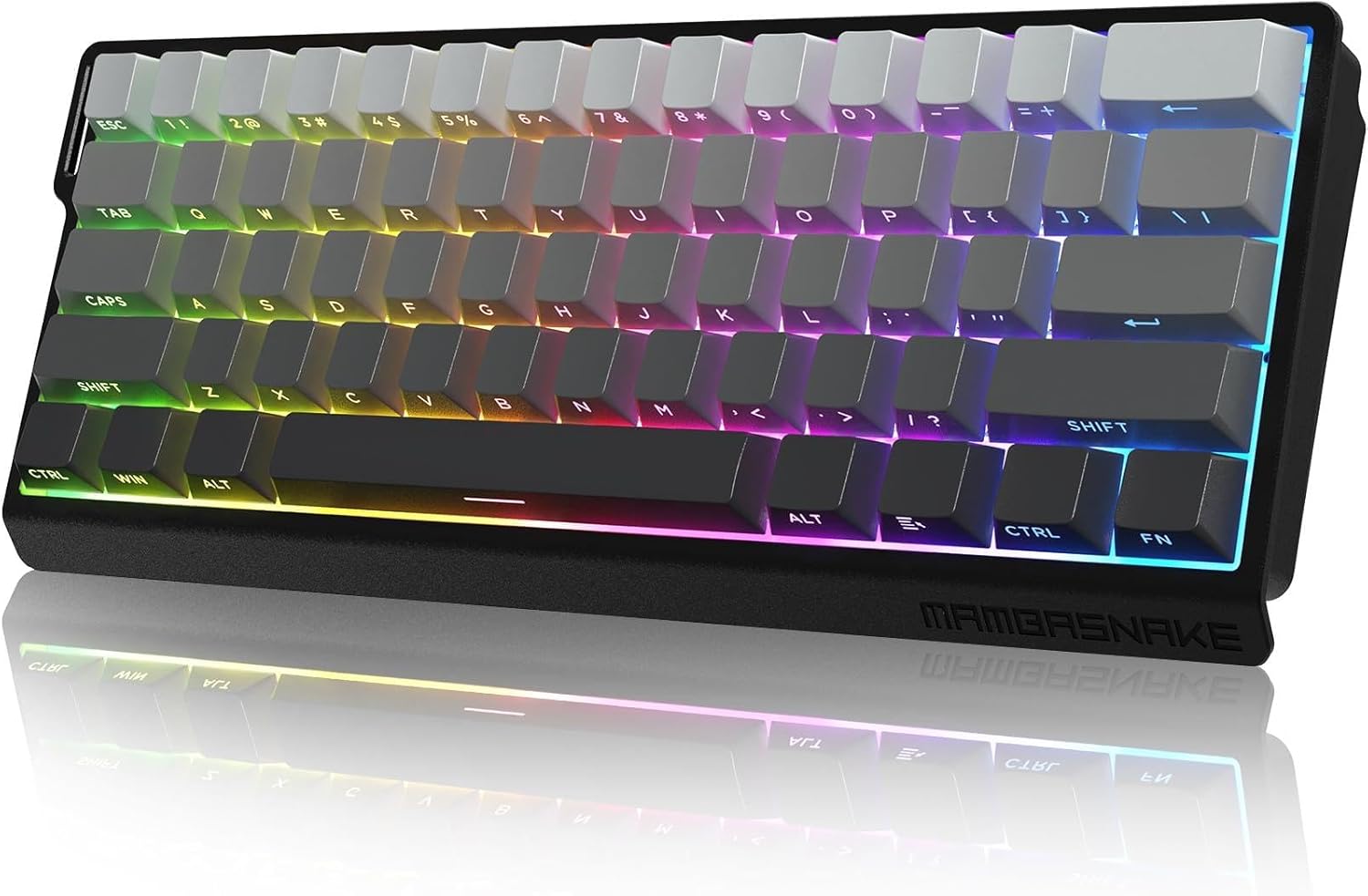
Image 1.1: The ATTACK SHARK MAMBASNAKE X60 HE Mechanical Gaming Keyboard, showcasinг његов компактан распоред од 60% и живо RGB позадинско осветљење.
2. Подешавање и повезивање
The MAMBASNAKE X60 HE keyboard supports three connection modes: wired, 2.4GHz wireless, and Bluetooth. Choose the mode that best suits your needs.
2.1 Садржај пакета
- ATTACK SHARK MAMBASNAKE X60 HE Keyboard
- УСБ-Ц на УСБ-А кабл
- 2.4ГХз УСБ пријемник
- Keycap / Switch Pulling Tool
- Кориснички приручник (овај документ)
2.2 Triple Mode Connection
Your keyboard offers versatile connectivity options:
- Жични режим: Connect the keyboard directly to your computer using the provided USB-C cable. This mode offers an 8000Hz polling rate and 0.1ms latency for competitive gaming.
- 2.4 ГХз бежични режим: Insert the 2.4GHz USB receiver into an available USB port on your computer. The keyboard will automatically connect. This mode provides a 1000Hz polling rate.
- Блуетоотх режим: The keyboard can pair with up to three Bluetooth-enabled devices simultaneously. Refer to the operating instructions for pairing details. This mode also provides a 1000Hz polling rate.
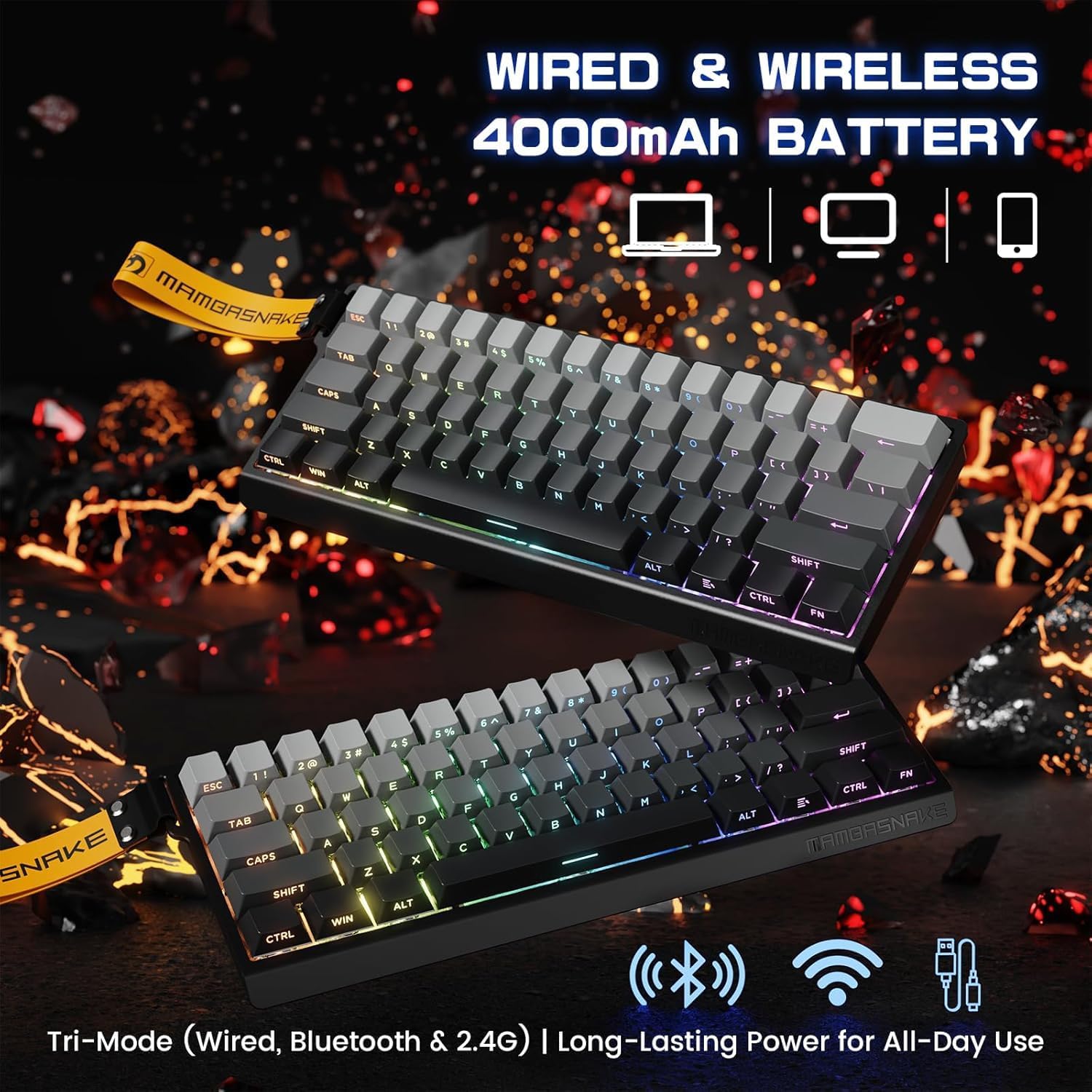
Image 2.1: Illustration of the keyboard's triple-mode connectivity, highlighting wired, 2.4G wireless, and Bluetooth options.
2.3 Web Инсталација драјвера
For advanced customization, access the web возач код qmk.top. No software download is required. This web-based tool allows you to configure key functions, macros, RGB lighting, and more.
3. Упутство за употребу
3.1 Основне функције тастера
The X60 HE features a compact 61-key ANSI layout. Many functions are accessed via the FN кључ у комбинацији са другим кључевима.
- ФН + ТАБ: Toggles between function key mode (F1-F12) and numpad mode for the number row.
- FN + Right Ctrl: Checks the current battery level.
- Other FN combinations for multimedia, lighting, and system controls are detailed in the web driver interface.
3.2 Advanced Customization (Web возач)
Тхе web возач код qmk.top provides extensive customization options:
- Ремапирање тастера: Reassign individual keys to different functions.
- Макрои: Create and assign complex sequences of keystrokes.
- РГБ осветљење: Customize the 16.8 million color RGB lighting, including 21 backlit modes and 9 light colors.
- Динамички притисак тастера (DKS): Assign multiple functions to a single key based on press duration.
- Mod-Tap (MT): Allows a key to act as a modifier when held and a regular key when tapped.
- Toggle (TGL): Toggles a function on or off with a single key press.
- Snap Key: Advanced key behavior for rapid input.

Слика 3.1: web driver interface, demonstrating options for key remapping, macros, and advanced settings like DKS and Snap Key.
3.3 Rapid Trigger and Adjustable Actuation
The keyboard features Hall Effect Magnetic Switches with Rapid Trigger technology, allowing for precise and immediate key response.
- 0.01mm RT Accuracy: Eliminates physical input delay for ultra-fast reactions.
- Подесиво активирање: Customize the actuation point of each switch from 0.1mm to 3.4mm via the web driver to match your preferred typing or gaming style.

Слика 3.2: Детаљан view of the magnetic switch mechanism, illustrating the adjustable actuation range and key specifications.
3.4 Polling Rate and Latency
- Жични режим: 8000Hz polling rate, 0.1ms latency.
- Wireless Modes (2.4GHz & Bluetooth): Брзина прозивања 1000Хз.

Image 3.3: Visual representation of the keyboard's high performance metrics, including 0.1ms wired latency and 128K ultra-high scanning.
4. Одржавање
4.1 Управљање батеријом
Тастатура је опремљена батеријом великог капацитета од 4000 mAh за дуже коришћење.
- Провера батерије: Притисните ФН + десни Цтрл да проверите тренутни ниво батерије.
- Индикатор слабе батерије: The space bar will flash when the battery is low, indicating it's time to recharge.
- Паметни режим спавања: The keyboard features a smart sleep mode to conserve power. The sleep time can be adjusted via the web возач.
- Пуњење: Connect the keyboard via the USB-C cable to charge.
4.2 Чишћење и нега
- Користите меку, суву крпу за чишћење површине тастатуре.
- For deeper cleaning, use the provided keycap puller to remove keycaps and clean underneath.
- Избегавајте употребу јаких хемикалија или абразивних материјала.
4.3 Construction and Sound Dampенинг
The keyboard is built with a durable metal positioning plate, double PO cotton, and a thick silicone bottom to provide a stable and acoustically pleasing typing experience, minimizing hollow echoes.

Image 4.1: An exploded diagram illustrating the internal components of the keyboard, including the PBT keycaps, aluminum alloy plate, PORON foam, PCB, and battery.
КСНУМКС. Решавање проблема
5.1 Проблеми са повезивањем
- Бежична веза од 2.4 GHz: Ensure the USB receiver is securely plugged in and the keyboard is in 2.4GHz mode.
- Блуетоотх: Verify Bluetooth is enabled on your device and the keyboard is in pairing mode. Try re-pairing if connection is lost.
- Виред: Check the USB-C cable connection at both ends. Try a different USB port or cable if necessary.
5.2 Polling Rate Discrepancy
Note that the 8000Hz polling rate is only available in wired mode. In 2.4GHz wireless and Bluetooth modes, the polling rate is 1000Hz. This is expected behavior and not a malfunction.
5.3 Тастатура не реагује
- Check battery level (FN + Right Ctrl). Recharge if low.
- Ensure the correct connection mode is selected.
- Поново покрените рачунар и тастатуру.
6. Спецификације
| Феатуре | Детаљ |
|---|---|
| Модел | MAMBASNAKE X60 HE |
| Тип тастатуре | 60% Mechanical Gaming Keyboard |
| Прекидачи | Магнетни прекидачи са Холовим ефектом |
| Повезивање | USB-C Wired, 2.4GHz Wireless, Bluetooth (Triple Mode) |
| Поллинг Рате | 8000Hz (Wired), 1000Hz (Wireless/Bluetooth) |
| Actuation Accuracy | 0.01mm RT Accuracy |
| Подесиво активирање | 0.1 мм - 3.4 мм |
| Латенција | 0.1ms (Wired) |
| Позадинско осветљење | RGB (16.8 million colors, 21 modes, 9 colors) |
| Кеицапс | PBT, Side-Printed Luminous Letters |
| Капацитет батерије | 4000мАх |
| Компатибилни уређаји | ПЦ/Мац/лаптоп |
| Димензије | 13.11 к 6.65 к 2.17 инча |
| Тежина артикла | 2.03 фунти |
| Материјал | Metal, Cotton |
7. Производ је готовview Видео
Видео 7.1: Званичник прекоview of the ATTACK SHARK MAMBASNAKE X60 HE RT Mechanical Gaming Keyboard, highlighting its key features and performance capabilities.