
Увод
Welcome to the user manual for your new DIALN X65 Unlocked Smartphone. This guide provides essential information to help you set up, operate, maintain, and troubleshoot your device. Please read this manual carefully to ensure optimal performance and longevity of your smartphone.
The DIALN X65 features a 6.5-inch display, runs on Android 13, and offers 32GB of internal storage, expandable via microSD. It is equipped with a 13MP camera and a 4500mAh battery.
Шта је у кутији
Upon unboxing your DIALN X65, verify that all items are present:
- ДИАЛН Кс65 Смартпхоне
- Кабл за пуњење
- Кориснички приручник (овај документ)
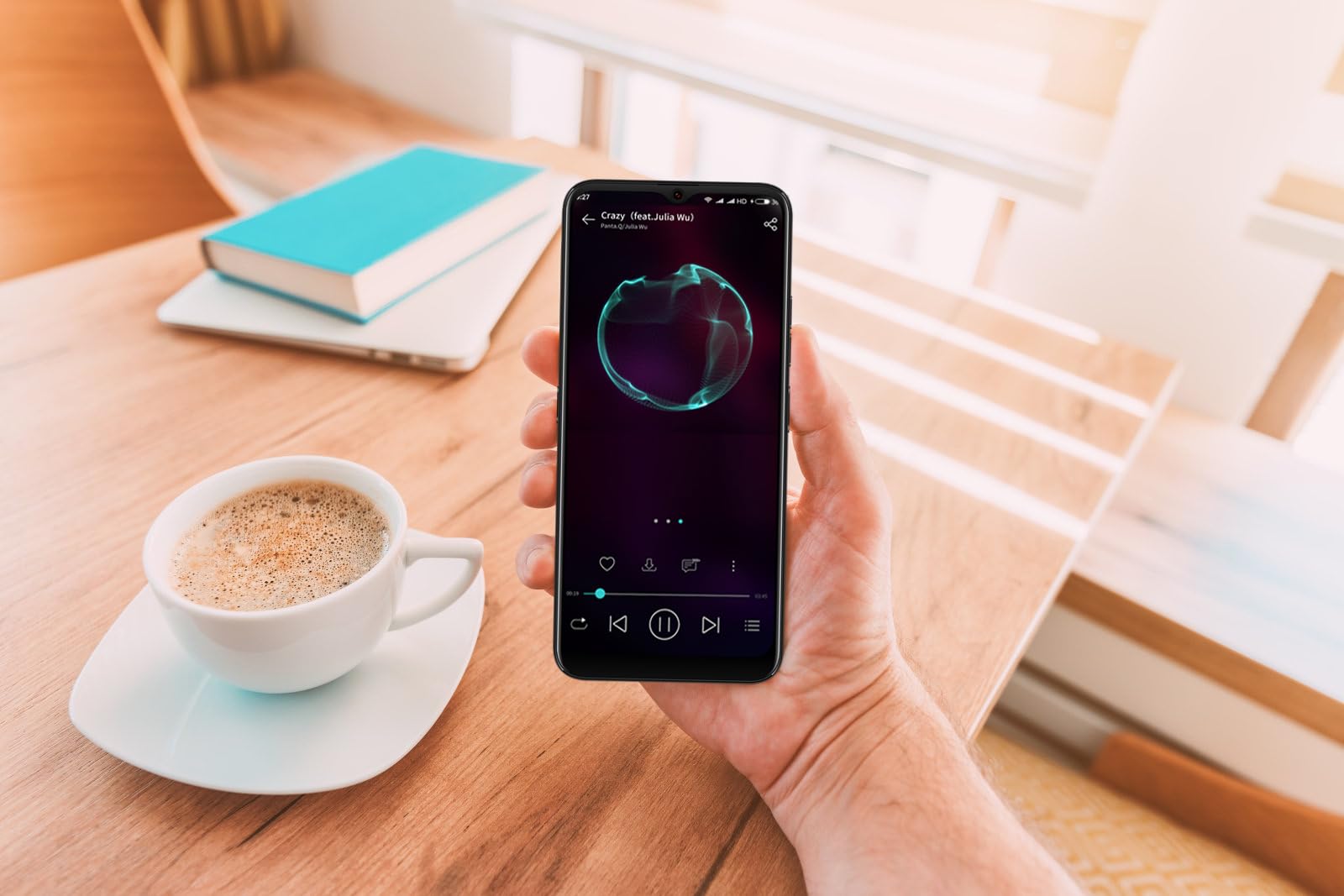
Image: The DIALN X65 smartphone displayed with its charging cable and user manual, as typically found in the product packaging.
Сетуп
1. Insert SIM Card and MicroSD Card (Optional)
- Пронађите лежиште за СИМ картицу са стране телефона.
- Insert the SIM ejector tool (not included, a paperclip can be used) into the small hole on the tray to open it.
- Place your Nano-SIM card(s) and/or microSD card into the tray with the gold contacts facing down, ensuring they are correctly oriented.
- Пажљиво гурните лежиште назад у телефон док не кликне на своје место.
2. Почетно пуњење
Before first use, it is recommended to fully charge your DIALN X65. Connect the charging cable to the phone's charging port and plug the other end into a power adapter (not included) or a USB port. The battery indicator on the screen will show charging progress. A full charge typically takes approximately 2 hours.
3. Укључивање/искључивање
- За укључивање: Press and hold the Power button (located on the right side) until the DIALN logo appears on the screen.
- За искључивање: Притисните и држите дугме за напајање док се не појави мени са опцијама напајања. Додирните „Искључи“ и потврдите.
- Рестартовати: Press and hold the Power button until the power options menu appears. Tap 'Restart' and confirm.
4. Чаробњак за почетно подешавање
The first time you power on your phone, you will be guided through an initial setup process. Follow the on-screen prompts to:
- Изаберите свој језик.
- Повежите се на Ви-Фи мрежу.
- Пријавите се помоћу свог Google налога или креирајте нови.
- Подесите закључавање екрана (ПИН, шаблон, лозинка или откључавање лицем).
- Review и прихватите услове и одредбе.
Operating Your DIALN X65
1. Основна навигација
- додирните: Додирните икону да бисте отворили апликацију или изабрали ставку.
- Превуците: Превуците прстом преко екрана да бисте се кретали или кретали између екрана.
- Прстохват: Користите два прста да бисте увећали или умањили фотографије и web странице.
- Почетни екран: Централно место за ваше апликације и виџете. Превуците прстом лево или десно да бисте приступили додатним почетним екранима.
- Табла са обавештењима: Превуците прстом надоле од врха екрана да бисте приступили обавештењима и брзим подешавањима.
2. Позиви и контакти
- Позивање: Отворите апликацију „Телефон“, унесите број и додирните икону за позив.
- Одговарање на позив: Swipe up on the green phone icon when a call comes in.
- Управљање контактима: Open the 'Contacts' app to add, edit, or delete contacts.
3. Размена порука
Open the 'Messages' app to send and receive SMS/MMS messages. Tap the '+' icon to compose a new message, enter the recipient's number or select from contacts, and type your message.
4. Интернет и повезивање
- Ви-Фи: Идите на Подешавања > Мрежа и интернет > Wi-Fi. Укључите Wi-Fi и изаберите жељену мрежу.
- Блуетоотх: Идите у Подешавања > Повезани уређаји > Подешавања везе > Bluetooth. Укључите Bluetooth да бисте упарили уређај са другим уређајима.
- Мобилни подаци: Go to Settings > Network & internet > Mobile network. Ensure mobile data is enabled for internet access via your SIM card.
5. Камера
Open the 'Camera' app to capture photos and videos. Tap the shutter button to take a photo. Swipe left or right to switch between photo, video, and other modes. Use the front camera for selfies.
6. Откључавање лицем
To set up Face Unlock, go to Settings > Security & privacy > Device unlock > Face unlock. Follow the on-screen instructions to register your face. Once set up, you can unlock your phone by looking at the front camera.
7. Управљање складиштем
Your DIALN X65 comes with 32GB of internal storage. You can expand this up to 256GB using a microSD card. To check storage usage, go to Settings > Storage. Regularly clear unnecessary fileи апликације како би се одржале оптималне перформансе.
Одржавање
1. Чишћење уређаја
Use a soft, lint-free cloth to clean the screen and body of your phone. Avoid using harsh chemicals or abrasive materials, as these can damage the display and finish. Do not expose the phone to excessive moisture.
2. Ажурирања софтвера
Regularly check for and install software updates to ensure your phone has the latest features, security patches, and performance improvements. Go to Settings > System > System update to check for available updates.
3. Брига о батерији
- Избегавајте екстремне температуре, јер могу скратити век трајања батерије.
- Не дозволите да се батерија често потпуно испразни.
- Use the provided charging cable or a compatible, certified charger.
- Искључите пуњач када се батерија напуни како бисте спречили прекомерно пуњење.
4. Storage Optimization
To keep your phone running smoothly, regularly review and delete unused apps, old photos, videos, and downloaded files. Consider moving large media files to a microSD card or cloud storage.
Решавање проблема
Уобичајени проблеми и решења:
- Телефон се не укључује: Уверите се да је батерија напуњена. Повежите је са пуњачем најмање 15 минута, а затим покушајте поново да је укључите.
- Poor Signal/No Network: Check if your SIM card is properly inserted. Ensure mobile data is enabled in settings. Try restarting the phone. If issues persist, contact your network provider.
- Рушење/замрзавање апликација: Close and reopen the app. Clear the app's cache (Settings > Apps > [App Name] > Storage & cache > Clear cache). If the problem continues, uninstall and reinstall the app.
- Батерија се брзо празни: Reduce screen brightness, disable unused features like Bluetooth or GPS, close background apps, and check for apps consuming excessive power in battery settings.
- Екран осетљив на додир не реагује: Restart the phone. If the issue persists, a factory reset might be necessary (see below).
Factory Reset (Data Erase)
Фабричко ресетовање ће обрисати све податке са вашег телефона и вратити га на оригинална фабричка подешавања. Направите резервну копију свих важних података пре него што наставите.
- Идите на Подешавања > Систем > Опције ресетовања.
- Tap 'Erase all data (factory reset)'.
- Потврдите своју одлуку и унесите свој ПИН/шаблон/лозинку ако се то од вас затражи.
- Телефон ће се поново покренути и започети процес ресетовања.
Спецификације
| Феатуре | Спецификација |
|---|---|
| Назив модела | Кс65 |
| Оперативни систем | Андроид 13.0 |
| Величина екрана | 6.5 инча |
| Резолуција | 1280 к 720 |
| Процесор | Quad Core 2.26GHz (MediaTek) |
| РАМ | 3 ГБ |
| Интерна меморија | 32 GB (прошириво до 256 GB путем microSD картице) |
| Главна камера | 13 МП |
| Капацитет батерије | 4500 мАх |
| Повезивање | 4G LTE, Wi-Fi, Bluetooth |
| Посебне карактеристике | Expandable Storage, Face Unlock, Built-in GPS |
| Димензије | 6.5 к 3 к 6.5 инча |
| Тежина | 6.5 унци |
Гаранција и подршка
Your DIALN X65 Smartphone is covered by a limited manufacturer's warranty. Please refer to the warranty card included with your product for specific terms and conditions, including warranty period and coverage details. For technical support, service, or further inquiries, please visit the official DIALN website or contact customer service through the contact information provided on the product packaging or official webсајту.