
1. Важне информације о безбедности
Please read this manual carefully before installation and use. Keep this manual for future reference.
- Ensure your desk can support the combined weight of the mount and all monitors.
- Do not exceed the maximum weight capacity: 44 lbs (20 kg) for the center bracket and 22 lbs (10 kg) per side arm.
- Verify your monitors are VESA compatible (75x75mm or 100x100mm).
- Tighten all screws firmly but do not overtighten to avoid stripping threads.
- Perform a stability check after installation and before placing monitors.
- Држите децу и кућне љубимце подаље током инсталације.
2. Садржај пакета
Пре почетка инсталације проверите да ли су све компоненте присутне:
- Маин Поле
- Деск Цлamp Скупштина
- Компоненте основе ушнице
- Center Monitor Bracket
- Side Arm Assemblies (2)
- VESA плоче (3)
- Клипови за управљање кабловима
- Комплет опреме (шрафови, подлошке, имбус кључеви)
- Упутство за употребу
3. Спецификације
| Број модела | YLPTMS03-LX |
| Материјал | Челик |
| Боја | Црно |
| ВЕСА компатибилност | 75к75мм, 100к100мм |
| Center Monitor Size | Up to 49 inches (Ultrawide) |
| Side Monitor Size | Up to 32 inches (Standard) |
| Center Monitor Weight Capacity | До 44 фунти (20 кг) |
| Side Arm Weight Capacity | До 10 кг по руци |
| Деск Цлamp Дебљина | 0.4" to 3.15" (10-85mm) |
| Дебљина основе ушнице | 0.4" to 1.57" (10-45mm) |
| Пречник отвора за ушну капу | 0.4" to 2.36" (10-60mm) |
| Поле Хеигхт | 32 инча (приближно 81.4 цм) |
The mount supports a versatile triple monitor setup, accommodating one ultrawide monitor up to 49 inches in the center and two standard monitors up to 32 inches on the sides. All monitors must be compatible with VESA 75x75mm or 100x100mm mounting patterns.
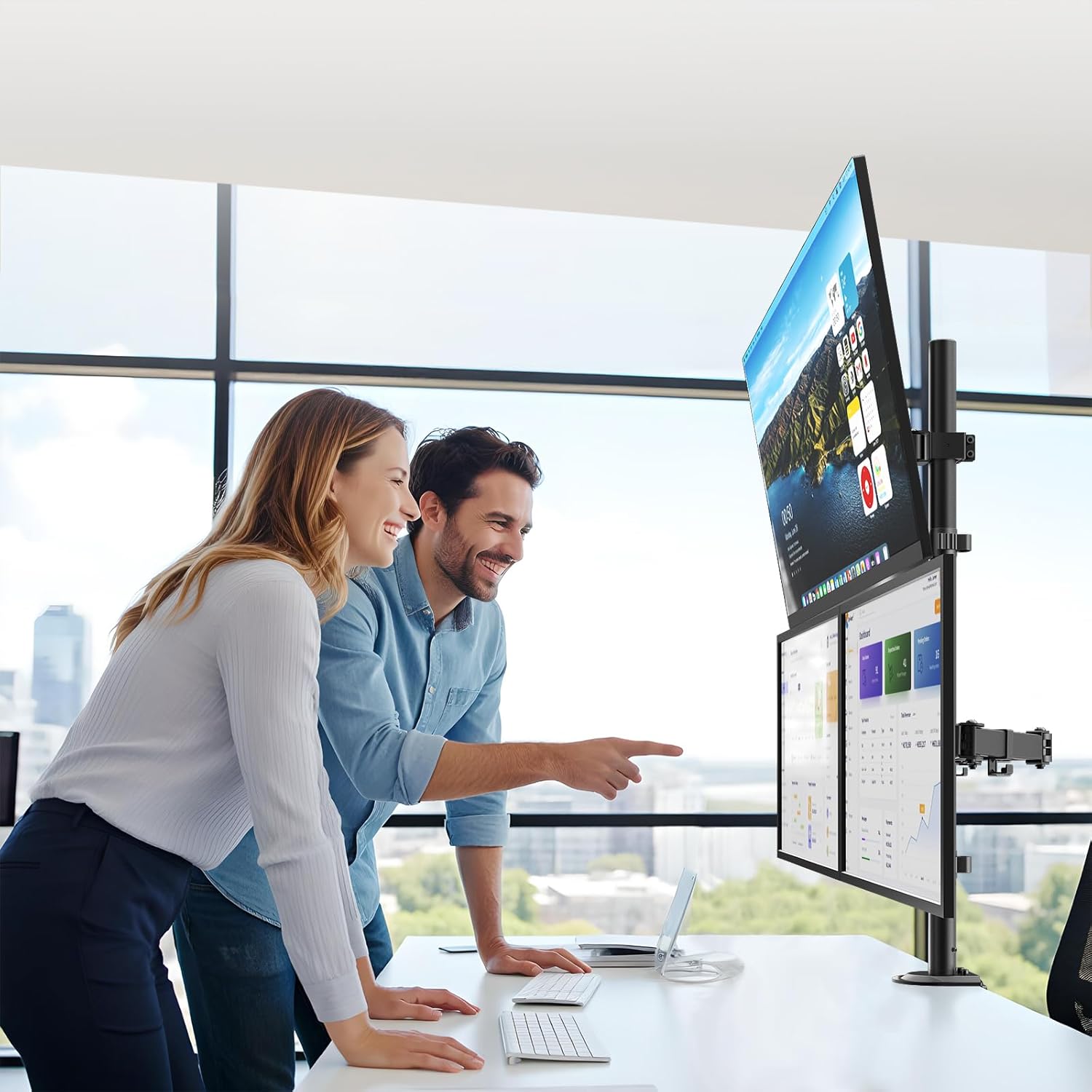
Image: Detailed measurements and weight capacities for the monitor mount, including pole height, arm length, and maximum monitor sizes for center and side brackets.
4. Подешавање и инсталација
4.1 Choose Your Mounting Option: Clamp or Grommet
The PUTORSEN Triple Monitor Mount offers two installation methods to suit your desk type.

Image: Visual guide demonstrating the clamp mount for desk edges and the grommet mount for desks with existing holes, along with their respective thickness requirements.
4.1.1 Цлamp Монтажа Монтажа
- Причврстите сто цлamp assembly to the bottom of the main pole.
- Поставите цлamp on the edge of your desk and tighten the knob until secure. Ensure the clamp fits desks between 0.4" and 3.15" thick.
4.1.2 Инсталација монтаже ушне шкољке
- Раставите столни стоamp and use the grommet base components.
- Insert the main pole through the grommet hole in your desk (hole diameter 0.4" to 2.36").
- Secure the base from underneath the desk using the provided plate and nut. Ensure the grommet base fits desks between 0.4" and 1.57" thick.
4.2 Attaching Monitor Brackets and Arms
- Slide the center monitor bracket onto the main pole and secure it at your desired height.
- Attach the two side arm assemblies to the main pole below the center bracket.
- Attach the VESA plates to the back of each monitor using the appropriate screws from the hardware kit. The VESA plates are detachable for easier monitor attachment.

Image: This image highlights the detachable VESA plate design, which simplifies the process of attaching monitors to the mount, and also shows the micro-height adjustment mechanism.
- Carefully slide the monitors (with VESA plates attached) onto their respective brackets on the mount. Ensure they click securely into place.
- Tighten any safety screws on the VESA plates to prevent accidental detachment.

Image: A rear perspective of the triple monitor setup, illustrating how monitors are mounted and how cables can be routed through the integrated cable management system for a tidy workspace.
5. Упутство за употребу (Подешавања)
The PUTORSEN Triple Monitor Mount offers extensive adjustability for optimal viewпружајући удобност и продуктивност.

Image: This diagram illustrates the range of motion for the monitor arms, including tilt (+50° to -20° for center, +45° to -45° for side arms), swivel (+25° to -25° for center, 180° for side arms), and 360° rotation for side monitors.
5.1 Подешавање висине
- Loosen the collar on the main pole to slide the monitor brackets up or down.
- Position your monitors along the 32-inch pole for perfect eye-level alignment.
- Tighten the collar firmly once the desired height is achieved.
5.2 Подешавање нагиба
- Center Monitor: Adjust tilt from +50° to -20°. Loosen the tilt screw on the center bracket, adjust the monitor angle, and retighten.
- Side Monitors: Adjust tilt from +45° to -45°. Loosen the tilt screw on each side arm, adjust the monitor angle, and retighten.
5.3 Подешавање окретања
- Center Monitor: Swivel from +25° to -25°.
- Side Monitors: Swivel up to 180° at the arm joints.
5.4 Rotation Adjustment
- Side arms offer 360° rotation, allowing for portrait or landscape orientation of your monitors.
5.5 Управљање кабловима
Utilize the integrated cable management clips along the arms and pole to keep your cables organized and your workspace tidy.

Image: This image details the robust construction of the mount's joints and the practical cable management clips designed to keep wires neat and out of sight.
6. Одржавање
- Редовно проверавајте све завртње и спојеве како бисте били сигурни да су чврсто затегнути и безбедно причвршћени.
- Очистите носач меком крпомamp крпу. Избегавајте абразивна средства за чишћење или раствараче.
- Periodically check the monitor arms for smooth movement. If movement becomes stiff, apply a small amount of silicone-based lubricant to the joints.
КСНУМКС. Решавање проблема
- Опуштање монитора: Ensure all tilt and height adjustment screws are fully tightened. Verify that the monitor weight does not exceed the arm's capacity.
- Mount Instability: Recheck the desk clamp or grommet base for tightness. Ensure the desk surface is stable and flat.
- Тешкоће при подешавању: Loosen the relevant adjustment screws slightly before attempting to reposition the monitor. Retighten once adjusted.
- Монитори нису нивелисани: Use the micro-height adjustment feature (if available on your specific arm section) or slightly adjust the height of individual VESA plates before fully tightening.
8. Гаранција и подршка
For warranty information or technical support, please refer to the product packaging or contact PUTORSEN customer service directly. Keep your purchase receipt as proof of purchase.
Контакт информације се обично могу наћи на произвођачевој webсајту или преко вашег продавца.