
Увод
Хвала вам на куповиниasing the MONODEAL Portable CD Player. This device is designed to provide high-quality audio playback from your favorite CDs, with the added convenience of Bluetooth connectivity and built-in stereo speakers. Please read this manual carefully before using the product to ensure proper operation and to maximize its lifespan.
Садржај пакета

Figure 1: Package Contents. The image displays the MONODEAL Portable CD Player alongside its included accessories: a dual AUX cable, a USB-C charging cable, wired earphones, and the user manual.
- MONODEAL Portable CD Player (Model: MD-602)
- УСБ-Ц кабл за пуњење
- Dual AUX Cable
- Кабловске слушалице
- Упутство за употребу
Производ је завршенview

Слика 2: Предња страна view of the MONODEAL Portable CD Player, highlighting the central control panel with playback buttons, mode selection, volume, and the digital display showing track information and battery status.
The MONODEAL Portable CD Player features a compact design with intuitive controls. It includes a digital display for track information, battery status, and mode indicators. Key features include:
- Уграђени стерео звучници: Enjoy audio without headphones.
- Блуетоотх 5.0 повезивање: Easily connect to Bluetooth headphones, earphones, or speakers.
- Више режима репродукције: Play in order, repeat track, repeat all, A-B repeat, and shuffle.
- Еквилајзер звучни ефекти: Choose from BBS, Pop, Jazz, Rock, and Classic.
- Функција резимеа: Remembers the last played track.
- ФМ предајник: Connect to car stereos or home radios via FM.
- Пуњива батерија: Long-lasting 2000mAh battery for extended playback.
Сетуп
1. Пуњење уређаја
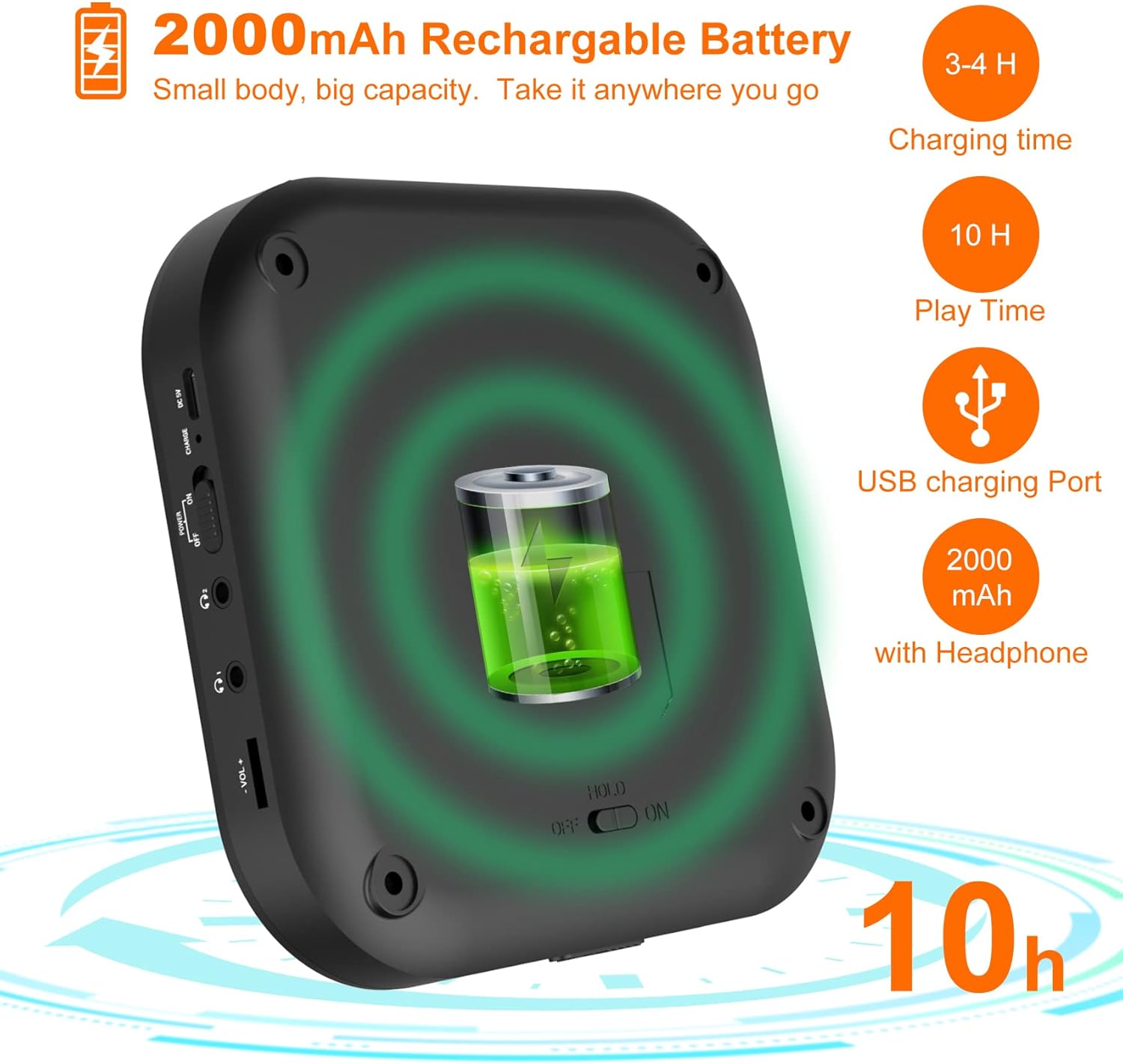
Figure 3: Battery and Charging. This image illustrates the 2000mAh rechargeable battery capacity, indicating a charging time of 3-4 hours and a play time of up to 10 hours with headphones, using the USB charging port.
Before first use, fully charge the CD player. Connect the supplied USB-C charging cable to the device's USB-C port and the other end to a USB power adapter (not included) or a computer's USB port. The charging indicator light will show the charging status. A full charge typically takes 3-4 hours and provides up to 10 hours of playback with headphones.
2. Убацивање CD-a
- Gently slide the "OPEN" switch to open the CD compartment lid.
- Поставите CD на осовину са страном са етикетом окренутом нагоре.
- Лагано притисните средину CD-а док не кликне на своје место.
- Чврсто затворите поклопац одељка за ЦД док се не закључа.
Упутство за употребу
Основна репродукција
- Ensure the "HOLD" switch on the side of the player is in the "OFF" position.
- Притисните тастер ПЛАИ/ПАУСЕ дугме (▶‖) да бисте започели репродукцију.
- Притисните тастер ПЛАИ/ПАУСЕ поново дугме за паузирање репродукције.
- Користите ПРЕТХОДНА (⏮) и НЕКСТ (⏭) buttons to skip tracks. Press and hold to fast forward or rewind.
- Подесите јачину звука помоћу ВОЛ+ и ВОЛ- дугмад.
Блуетоотх веза

Figure 4: Bluetooth Connectivity. This image demonstrates the player's built-in Bluetooth 5.0, showing its compatibility with Bluetooth headphones, earphones, and speakers, with a woman enjoying music wirelessly.
- Укључите ЦД плејер.
- Притисните тастер Блуетоотх дугме (&B;) to activate Bluetooth pairing mode. The Bluetooth indicator will flash.
- Enable Bluetooth on your desired device (headphones, speaker, etc.) and set it to pairing mode.
- Select "MONODEAL CD Player" from the list of available devices.
- Once connected, the Bluetooth indicator will stop flashing and remain solid.
Функција ФМ предајника

Figure 5: Car Connection Options. This image illustrates two methods to connect the CD player to a car audio system: via AUX connection or FM connection, highlighting its suitability for cars without a built-in CD player.
The player can transmit audio to an FM radio, ideal for car stereos without a CD player.
- Притисните тастер ПРОГ/ФМ button to enter FM transmission mode.
- The display will show the FM frequency. Use the ПРЕТХОДНА (⏮) и НЕКСТ (⏭) buttons to adjust the frequency.
- Tune your car radio or home radio to the same FM frequency.
- Adjust the volume on your radio for optimal sound.
Play Modes and EQ Settings

Figure 6: Play Modes and EQ. This image shows a family enjoying music, with text detailing the 5 available play modes (Play in order, Repeat a track, Repeat all, A-B repeat, Shuffle) and 5 EQ sound effects (BBS, Pop, Jazz, Rock, Classic).
- Дугме МОДЕ: Press to cycle through different play modes:
- Један циклус: Понавља тренутну нумеру.
- СВЕ: Repeats all tracks on the CD.
- ИНТРО: Plays the first 10 seconds of each track.
- СХУФ: Репродукује нумере насумичним редоследом.
- АБ понављање: Притисните тастер АБ button at the start point (A) and again at the end point (B) of the desired section to repeat it. Press a third time to cancel.
- ЕК тастер: Press to cycle through different equalizer sound effects: BBS, Pop, Jazz, Rock, Classic.
Одржавање
- Keep the device clean by wiping it with a soft, dry cloth. Do not use liquid cleaners or aerosols.
- Avoid exposing the player to extreme temperatures, direct sunlight, or high humidity.
- Не растављајте уређај. Поправке треба да обавља само квалификовано особље.
- Када се плејер не користи дуже време, чувајте га на хладном и сувом месту.
Решавање проблема
| Проблем | Могући узрок | Решење |
|---|---|---|
| Плејер се не укључује. | Батерија је празна. HOLD switch is ON. | Напуните батерију. Set HOLD switch to OFF. |
| Нема звука из звучника/слушалица. | Јачина звука је прениска. Слушалице нису правилно повезане. Bluetooth device not connected. | Повећајте јачину звука. Уверите се да су слушалице потпуно прикључене. Re-pair Bluetooth device. |
| CD skips or stops. | CD је прљав или изгребан. Player is subjected to strong vibrations. | Clean the CD with a soft cloth. Use on a stable surface. |
| Не могу се повезати преко Bluetooth-а. | Уређај је ван домета. Блутут није у режиму упаривања. | Приближите уређај. Ensure player and receiving device are in pairing mode. |
Спецификације
| Феатуре | Детаљ |
|---|---|
| Бранд | МОНОДЕАЛ |
| Број модела | МД-602 |
| Боја | Сребро |
| Технологија повезивања | Блуетоотх, УСБ |
| Подржани аудио формат | CD |
| Includes MP3 Player | Да |
| Тип батерије | Потребна је 1 литијум-јонска батерија |
| Капацитет батерије | 2000mAh (approx. 10 hours playback with headphones) |
| УПЦ | 673143964531 |
Гаранција и подршка
For warranty information or technical support, please refer to the contact details provided with your purchase or visit the official MONODEAL webсајт. Сачувајте рачун као доказ о куповини за евентуалне рекламације по гаранцији.