
1. Увод
The Turtlebox Ranger is a rugged, waterproof, and ultra-portable Bluetooth 5.4 speaker designed for outdoor use. It delivers powerful, distortion-free sound with deep bass, capable of reaching 105dB. Built to withstand various outdoor conditions, it features shockproof construction and IP67 waterproofing. This manual provides essential information for setting up, operating, and maintaining your Turtlebox Ranger speaker.

Image: Turtlebox Ranger speaker in an outdoor environment, showcasing its robust build.
2. Шта је у кутији
Уверите се да су све ставке присутне приликом распакивања:
- Turtlebox Ranger Speaker
- Повер Цабле
3. Кључне карактеристике
- Unmatched Volume & Bass: Delivers 105dB of powerful, distortion-free sound, optimized for outdoor environments.
- IP67 Waterproof & Built Tough: Fully waterproof, dustproof, and shockproof design ensures durability in challenging conditions.
- Целодневни век трајања батерије: Обезбеђује до 25 сати репродукције са једним пуњењем.
- Unlimited Pairing (Party Mode): Sync multiple Ranger speakers for a premium, portable surround sound experience.
- Designed for the Outdoors: Features a rugged handle, built-in tie-down anchors, and a compact, easy-to-carry design.

Image: Visual representation of the Turtlebox Ranger's main features.
4. Подешавање
4.1 Пуњење звучника
Before first use, fully charge your Turtlebox Ranger. Connect the provided Power Cable to the USB-C charging port located on the back of the speaker. The battery indicator lights will show charging progress. A full charge typically takes approximately 3 hours and provides up to 25 hours of playtime.
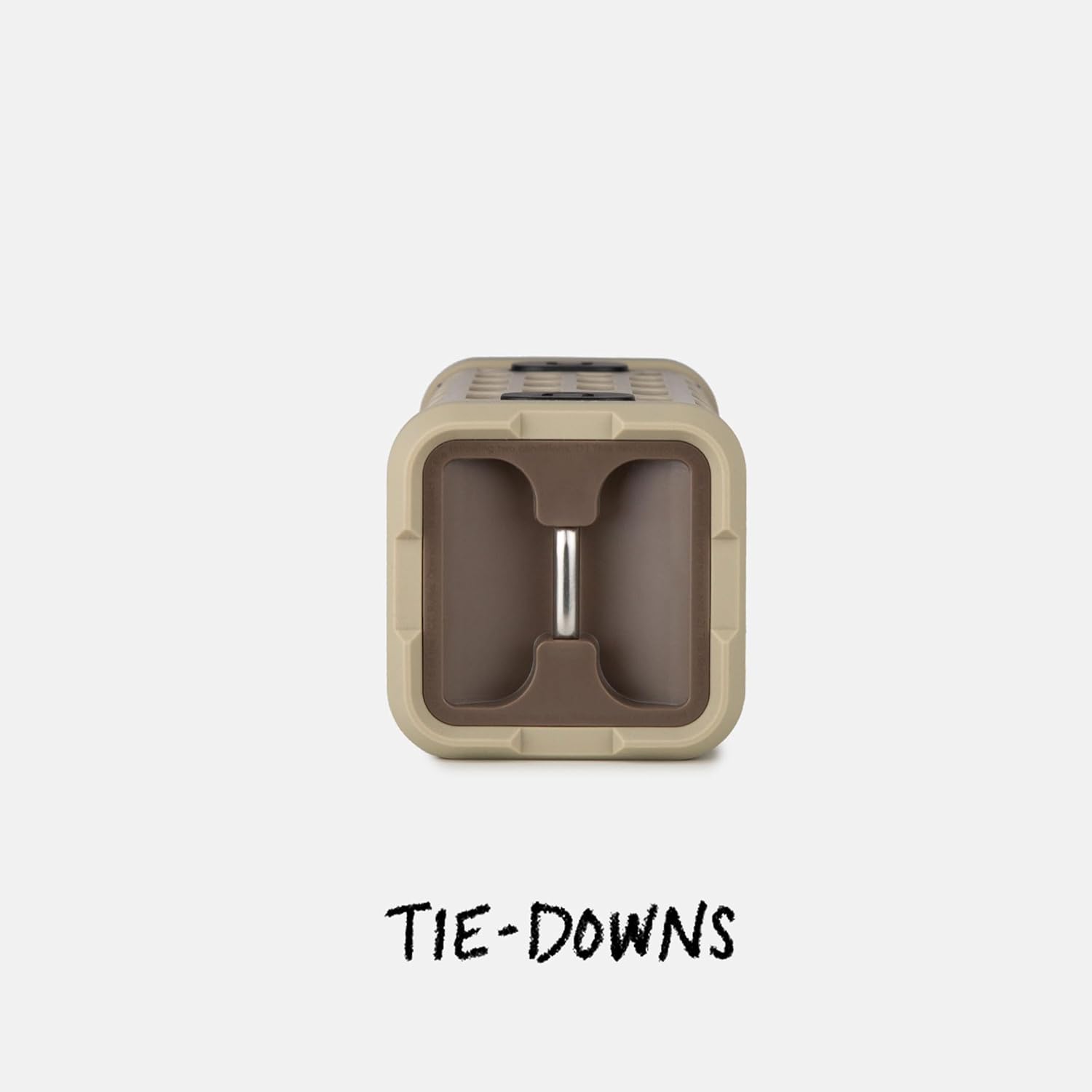
Image: The fully waterproof charging ports of the Turtlebox Ranger.
4.2 Укључивање/искључивање
Притисните и држите Дугме за напајање (usually indicated by a circle with a vertical line) on the control panel until the indicator lights illuminate. To power off, press and hold the Power button again.
4.3 Блуетоотх упаривање
- Ensure the speaker is powered on and the Bluetooth indicator light is blinking, indicating it's in pairing mode.
- On your mobile device (smartphone, tablet, etc.), go to the Bluetooth settings.
- Select "Turtlebox Ranger" from the list of available devices.
- Када се повеже, индикаторска лампица Bluetooth-а на звучнику ће почети да светли континуирано.
5. Упутство за употребу
5.1 Контроле прекоview
The control panel on the speaker allows for easy management of audio playback and settings.

Image: The control panel of the Turtlebox Ranger, showing various buttons.
- Дугме за напајање: Притисните и држите да бисте укључили/искључили звучник.
- Јачина звука (+): Повећава јачину звука.
- Утишавање (-): Смањује јачину звука.
- Пусти/паузирај: Контролише репродукцију звука.
- Track Skip (Forward/Backward): Прескаче на следећу или претходну нумеру.
- Блуетоотх дугме: Покреће режим упаривања путем Bluetooth-а.
5.2 Аудио репродукција
Once paired, you can control music directly from your connected device or using the speaker's control buttons.
6. Party Mode Pairing
For an enhanced audio experience, you can wirelessly connect multiple Turtlebox Ranger speakers using Party Mode.
- Уверите се да су сви звучници укључени и да нису повезани ни са једним Bluetooth уређајем.
- On the primary speaker (the one you want to control from), press the Party Mode button (often indicated by a chain link or multiple speaker icon).
- On the secondary speakers, press their respective Party Mode buttons.
- The speakers will automatically connect, creating a synchronized audio system.

Image: Multiple Turtlebox Ranger speakers connected wirelessly in Party Mode.
7. Одржавање
7.1 Чишћење
Due to its IP67 rating, the Turtlebox Ranger can be easily cleaned with water. Rinse off dirt, sand, or mud. Avoid using harsh chemicals or abrasive cleaners.

Image: The Turtlebox Ranger being rinsed with water, showcasing its waterproof design.
7.2 Складиштење
Чувајте звучник на хладном и сувом месту када га не користите. Избегавајте дуже излагање екстремним температурама.
КСНУМКС. Решавање проблема
- Нема напајања: Ensure the speaker is fully charged. Connect to a power source and check the battery indicator lights.
- Нема звука: Check the volume levels on both the speaker and your connected device. Ensure the device is properly paired via Bluetooth.
- Проблеми са Блуетоотх упаривањем: Turn off and restart the speaker and your device's Bluetooth. Try re-pairing the devices. Ensure no other devices are actively connected to the speaker.
- Лош квалитет звука: Ensure the speaker is within Bluetooth range of your device. Move closer to the device or away from potential interference sources.
9. Спецификације
| Назив модела | Turtlebox Ranger |
| Спеакер Типе | Оутдоор |
| Технологија повезивања | Блуетоотх 5.4 |
| Излазна снага | 105 децибела |
| Трајање батерије | До 25 сати |
| Капацитет батерије | 25.2 Wh Lithium-ion (25200 Milliamp Сати) |
| Ниво отпорности на воду | IP67 (водоотпоран и отпоран на прашину) |
| Димензије производа | 3.15"Д к 3.15"Ш к 8.05"В |
| Тежина артикла | 2.4 фунти |
| Укључене компоненте | Повер Цабле |
| Тип монтаже | Магнетиц Моунт |
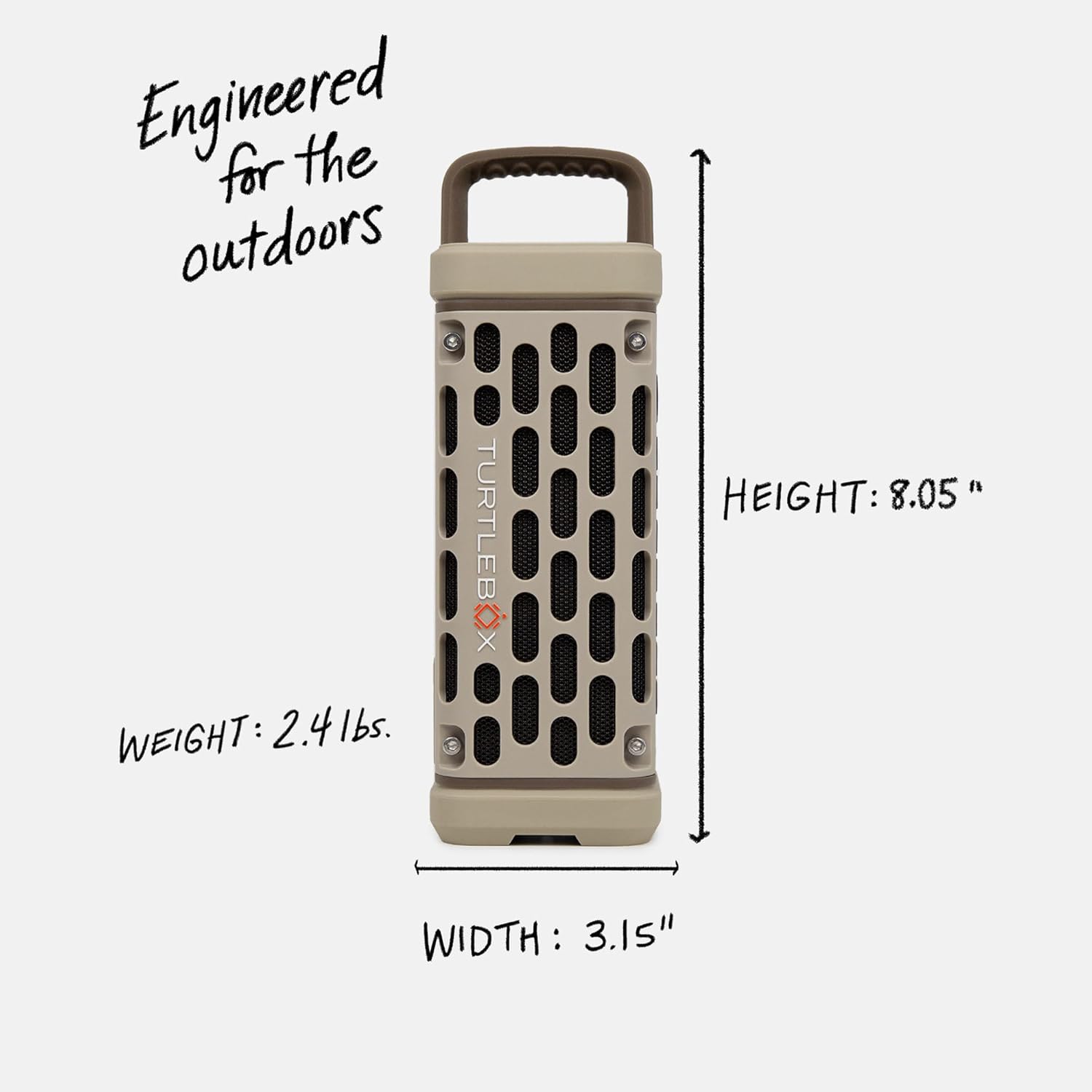
Image: Dimensions and weight of the Turtlebox Ranger speaker.
10. Гаранција и подршка
10.1 Ограничена гаранција
The Turtlebox Ranger comes with a limited warranty. For specific terms and conditions, please refer to the warranty card included with your product or visit the official Turtlebox webсајту.
10.2 Корисничка подршка
For further assistance, technical support, or warranty claims, please contact Turtlebox customer support through their official webсајт или контакт информације које су наведене у паковању вашег производа.