
Introduction to Your Google Pixel 9a
This manual provides detailed, step-by-step instructions to help you navigate your new Google Pixel 9a smartphone with ease. Designed for both first-time Pixel users and those upgrading from a previous model, this guide covers essential functions, customization options, and troubleshooting tips to ensure the best user experience.
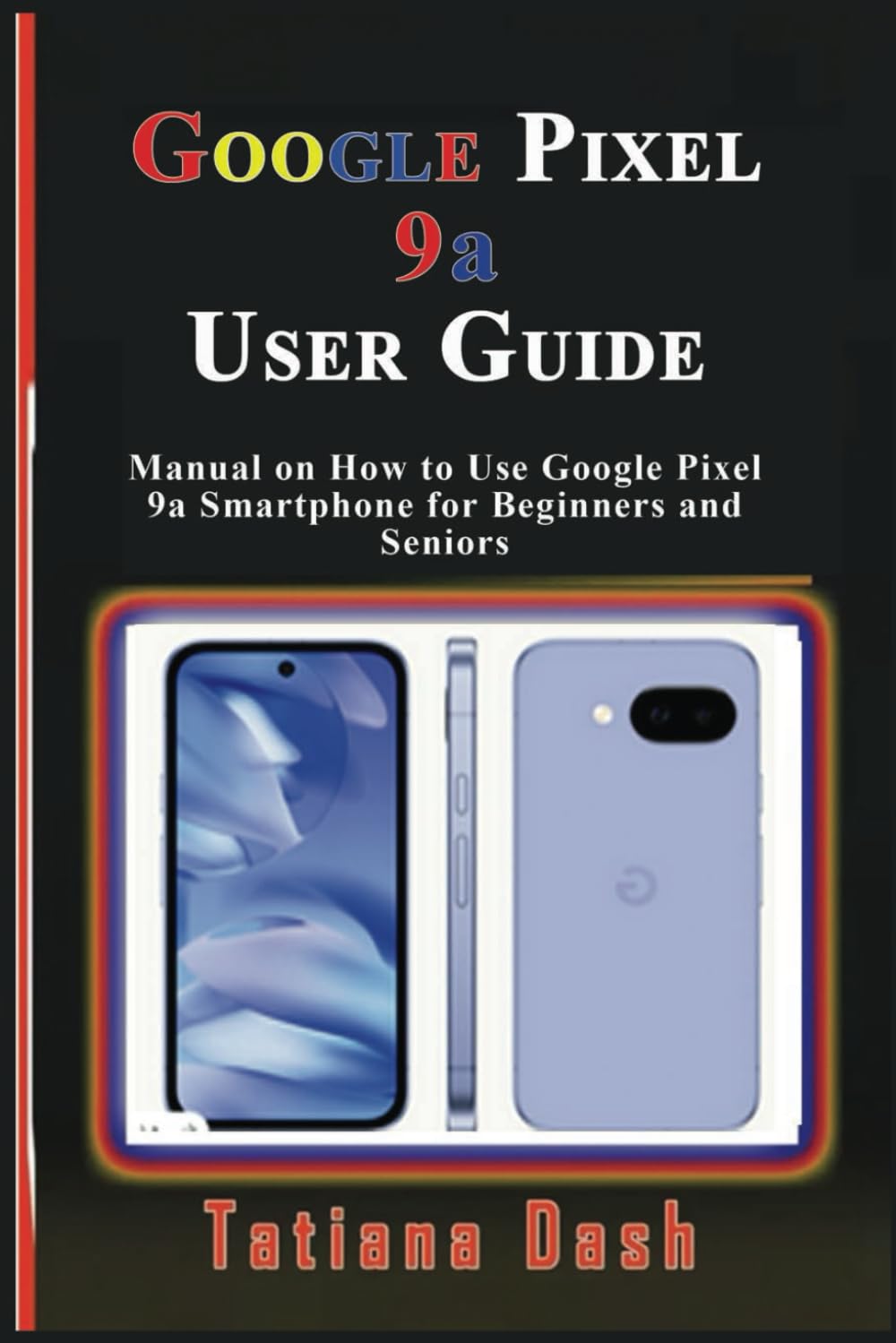
Image: Front cover of the Google Pixel 9a User Guide. This image displays the title and author of the manual.
1. Подешавање уређаја
Begin your Pixel 9a experience by setting up your device and configuring your network settings.
1.1 Initial Device Configuration
- Укључено: Притисните и држите дугме за напајање док се не појави Google лого.
- Избор језика: Изаберите жељени језик са листе.
- Повежите се на Ви-Фи: Select an available Wi-Fi network and enter the password if required.
- Копирај апликације и податке: Follow the on-screen prompts to transfer data from an old device or set up as new.
- Пријављивање на Google налог: Унесите акредитиве за свој Гоогле налог или направите нови налог.
1.2 eSIM or SIM Card Settings
- Physical SIM: Insert your nano-SIM card into the SIM tray using the provided SIM ejector tool.
- Активација еСИМ картице: Дођите до Подешавања > Мрежа и интернет > СИМ картице and follow the instructions to add an eSIM profile.
2. Управљање вашим Pixel 9a телефоном
Familiarize yourself with the core functionalities and interface of your smartphone.
2.1 Mastering the Interface
- Почетни екран: Learn to navigate between home screens, add widgets, and organize apps.
- Гестови за навигацију: Understand swipe gestures for home, back, and recent apps.
- Брза подешавања: Swipe down from the top of the screen to access essential settings like Wi-Fi, Bluetooth, and flashlight.
- Обавештења: Manage and respond to notifications from the notification shade.
2.2 Опције прилагођавања
- Позадине: Change your home and lock screen wallpapers via Подешавања > Позадина и стил. Explore AI wallpapers for unique designs.
- Теме: Apply different themes to alter the overall look and feel of your device.
- Додаци: Add widgets to your home screen for quick access to information and functions.
- Подешавања екрана: Adjust brightness, dark theme, night light, and screen timeout in Подешавања > Екран.
2.3 Calls, Messages, & Contacts
- Упућивање позива: Use the Phone app to dial numbers or select contacts.
- Подешавање говорне поште: Configure your voicemail service through your carrier's instructions.
- Google Messages: Send and receive text messages, including RCS chats, using the Messages app.
- Управљање контактима: Add, edit, and organize contacts in the Contacts app. Sync contacts with your Google Account for backup.
2.4 Connectivity Essentials
- Ви-Фи: Повежите се са бежичним мрежама путем Подешавања > Мрежа и интернет > Интернет.
- Мобилни подаци: Enable or disable mobile data and manage data usage in Подешавања > Мрежа и интернет > СИМ картице.
- Блуетоотх: Pair with Bluetooth devices like headphones or speakers via Подешавања > Повезани уређаји.
- Дељење у близини: Схаре files quickly with nearby Android devices.
- Лична жаришна тачка: Turn your Pixel 9a into a Wi-Fi hotspot to share your mobile data connection.
- USB & Bluetooth Tethering: Share your internet connection with other devices via USB cable or Bluetooth.
2.5 Google Camera & Photos
- Снимање фотографија: Open the Camera app and tap the shutter button.
- Режими камере: Explore various modes such as Portrait, Night Sight, Panorama, and Video.
- Гоогле слике: Automatically back up your photos and videos to Google Photos for secure storage and easy access across devices.
3. Battery & Performance Optimization
Optimize your device's battery life and overall performance.
- Уштеда батерије: Омогућите режим уштеде батерије у Settings > Battery > Battery Saver to extend battery life by limiting background activity.
- Адаптивна батерија: This feature learns your usage patterns to prioritize power for apps you use most.
- Управљајте складиштем: Regularly check and free up storage space via Подешавања > Складиштење за одржавање оптималних перформанси.
- Дигитално благостање: Use Digital Wellbeing features to monitor and manage your screen time and app usage.
4. Privacy & Security
Protect your personal information and secure your device.
- Пронађи мој уређај: Set up Find My Device to locate, lock, or erase your phone remotely if it's lost or stolen.
- Безбедно прегледање: Ensure Safe Browsing is enabled in your browser settings to protect against malicious webсајтовима.
- Дозволе за апликације: Review and manage app permissions in Settings > Apps > See all apps > [App Name] > Permissions.
- Контролна табла за приватност: Access the Privacy Dashboard to see which apps have accessed your location, camera, or microphone recently.
5. Troubleshooting & Updates
Solutions for common issues and information on software updates.
5.1 Уобичајени проблеми и решења
- Рушења апликације: Clear app cache/data or reinstall the app.
- Проблеми са повезивањем: Toggle Wi-Fi/Bluetooth off and on, restart your device, or reset network settings.
- Уређај не реагује: Perform a soft reset by holding the power button for about 30 seconds.
5.2 Ресетовање уређаја
- Софт Ресет: Simply restart your phone.
- Hard Reset (Factory Data Reset): Иди на Подешавања > Систем > Опције ресетовања > Обриши све податке (ресетовање на фабричка подешавања). Warning: This will erase all data on your device. Back up important information first.
5.3 Ажурирања софтвера
Your Pixel 9a will receive regular software updates to improve performance, add new features, and enhance security. Check for updates in Подешавања > Систем > Ажурирање система.
6. Tips, Tricks & Hidden Features
Discover advanced functionalities to enhance your Pixel 9a experience.
- Брзи додир: Assign custom actions to a double-tap on the back of your phone.
- Рутине: Automate tasks based on specific conditions (e.g., turn on Wi-Fi when you arrive home).
- Hidden Pixel 9a Features: Explore unique Pixel-exclusive features for photography, AI, and more.
- Comparison to Pixel 8a: Understand the key improvements and differences if you are upgrading from a Pixel 8a.

Image: Back cover of the Google Pixel 9a User Guide. This image shows the ISBN barcode and publishing details.
ISBN-13: 979-8315618027
7. Спецификације
Key technical specifications for the Google Pixel 9a User Guide (Paperback).
| Феатуре | Детаљ |
|---|---|
| ASIN | B0F2MZQW46 |
| Издавач | Независно објављено |
| Датум објављивања | 26. марта 2025. године |
| Језик | енглески |
| Дужина штампе | 60 страница |
| ИСБН-13 | 979-8315618027 |
| Тежина артикла | 5 унци |
| Димензије | 6 к 0.14 к 9 инча |
8. Информације о гаранцији и подршци
Information regarding product warranty and customer support is not available in the provided data for this user manual. Please refer to the official Google Pixel 9a documentation or Google's support website for warranty details and assistance.