
1. Увод
Thank you for choosing the Intelbras PFL7560 Full HD Wi-Fi Projector. This projector is designed to deliver a high-quality visual and audio experience for various applications, from home cinema to business presentations. It features Full HD resolution, 8000 lumens brightness, and integrated 12W stereo speakers. This manual provides essential information for safe and efficient operation of your projector.
2. Безбедносне информације
Пажљиво прочитајте сва безбедносна упутства пре употребе пројектора. Сачувајте ово упутство за будуће потребе.
- Напајање: Use only the power adapter provided with the projector. Ensure the voltagе одговара вашем локалном извору напајања.
- вентилација: Не блокирајте вентилационе отворе. Обезбедите довољно простора око пројектора за правилан проток ваздуха како бисте спречили прегревање.
- Пласман: Поставите пројектор на стабилну, равну површину. Избегавајте постављање на директно сунчево светло, близу извора топлоте или у окружења са високом влажношћу или прашином.
- Заштита очију: Не гледајте директно у сочиво пројектора када је укљученоamp је укључено, јер јако светло може изазвати оштећење ока.
- Чишћење: Искључите пројектор из струје пре чишћења. Користите меку, суву крпу. Не користите течна или аеросолна средства за чишћење.
- Сервисирање: Do not attempt to repair the projector yourself. Refer all servicing to qualified service personnel.
3. Садржај пакета
Проверите да ли су све ставке присутне у пакету:
- Intelbras PFL7560 Projector Unit
- Ремоте Цонтрол
- Повер Цабле
- Упутство за употребу
4. Производ је готовview
Familiarize yourself with the main components and ports of your Intelbras PFL7560 projector.
4.1. Компоненте пројектора

Image: Intelbras PFL7560 Projector with included remote control.
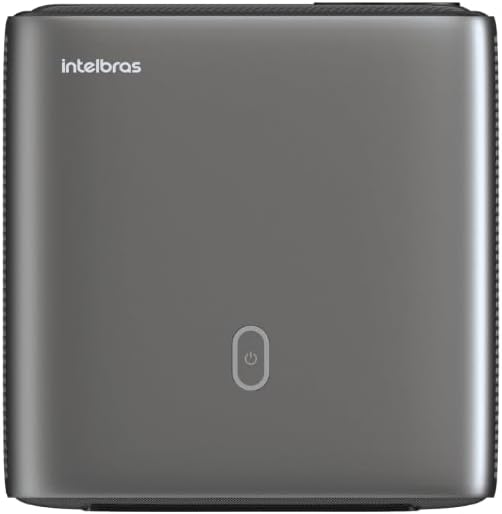
Слика: Врх view of the projector, highlighting the power button and sleek design.
4.2. Портови и повезивање
Пројектор нуди више опција повезивања:
- ДВИ: For connecting high-definition devices such as laptops, gaming consoles, or Blu-ray players.
- УСБ: За повезивање УСБ уређаја за складиштење података ради репродукције медија fileс директно.
- Wi-Fi (802.11 ac/b/g/n): For wireless connectivity and screen mirroring from compatible Android devices.
- Аудио излаз: За повезивање екстерних аудио система или слушалица.
5. Подешавање
КСНУМКС. Постављање
Choose a suitable location for your projector. The PFL7560 can project images from 60 to 150 inches, making it versatile for various room sizes. Ensure the projector is placed on a stable surface and is not obstructed.
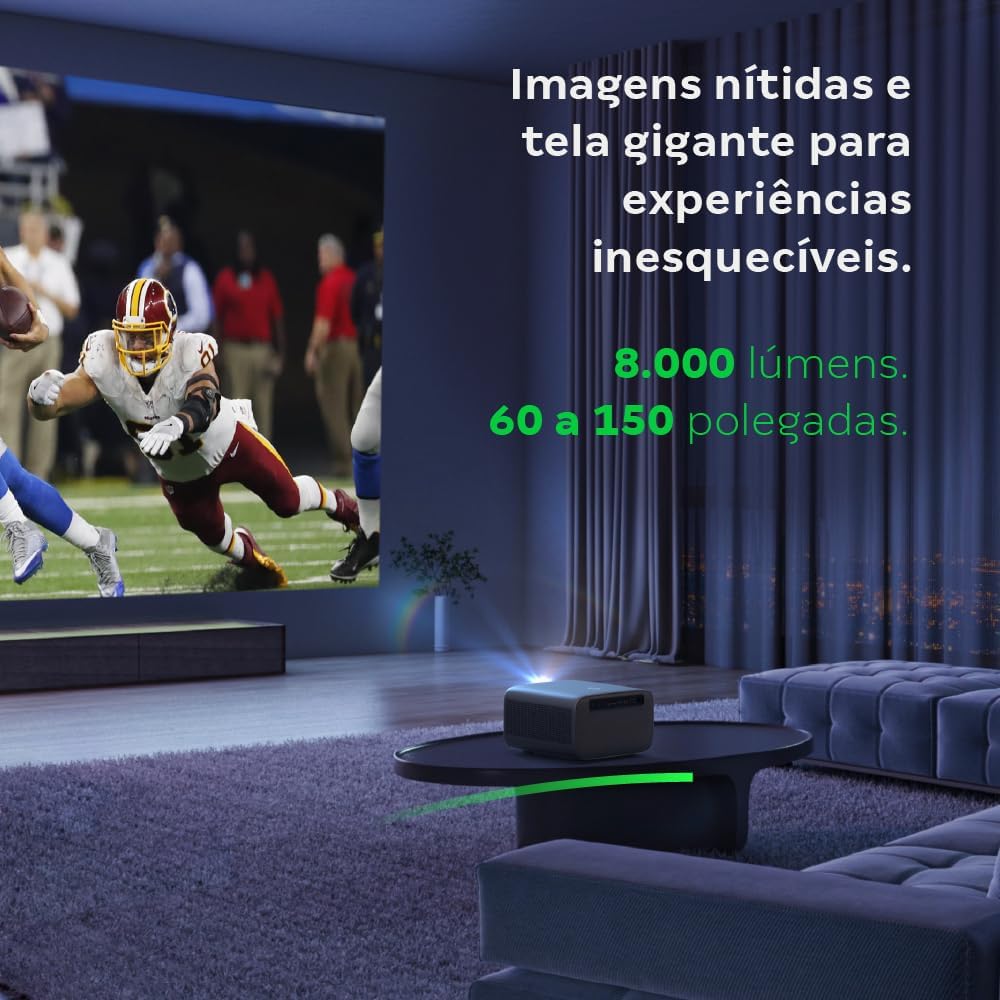
Image: The projector creating a large, clear image in a home environment, demonstrating its capability for immersive viewинг.
5.2. Прикључак за напајање
Прикључите кабл за напајање на улаз за напајање пројектора, а затим на утичницу.
5.3. Прво укључивање
Притисните дугме за напајање на пројектору или даљинском управљачу да бисте укључили уређај. Пројектор ће покренути секвенцу покретања.
5.4. Фокус и корекција Кеистоне
The PFL7560 features automatic focus and keystone correction for a perfectly aligned and sharp image without manual effort. If manual adjustment is needed, refer to the on-screen display (OSD) menu.
6. Упутство за употребу
6.1. Повезивање уређаја
- ДВИ: Connect your device using an HDMI cable to the HDMI port on the projector. Select the corresponding HDMI input from the projector's source menu.
- УСБ: Insert a USB drive into the USB port. The projector's media player will typically detect the drive automatically, allowing you to browse and play files.
- Wi-Fi / Screen Mirroring: For compatible Android devices, enable screen mirroring on your device and select the projector from the available devices. Ensure both devices are connected to the same Wi-Fi network.
6.2. Аудио излаз
The projector is equipped with two integrated 12W speakers, providing clear and immersive audio. For external audio, connect speakers or headphones to the audio output port.

Image: Detail of the projector's integrated 12W speakers, designed for powerful and clear sound.
7. Одржавање
7.1. Чишћење сочива
Use a soft, lint-free cloth specifically designed for optical lenses to gently wipe the projector lens. Avoid using abrasive materials or harsh chemicals.
7.2. Чишћење кућишта пројектора
Wipe the exterior of the projector with a soft, dry cloth. Do not use liquid or spray cleaners directly on the unit.
7.3. LED Light Source Longevity
The Intelbras PFL7560 uses an LED light source with a lifespan of up to 30,000 hours, ensuring long-term use and consistent performance without significant brightness degradation.
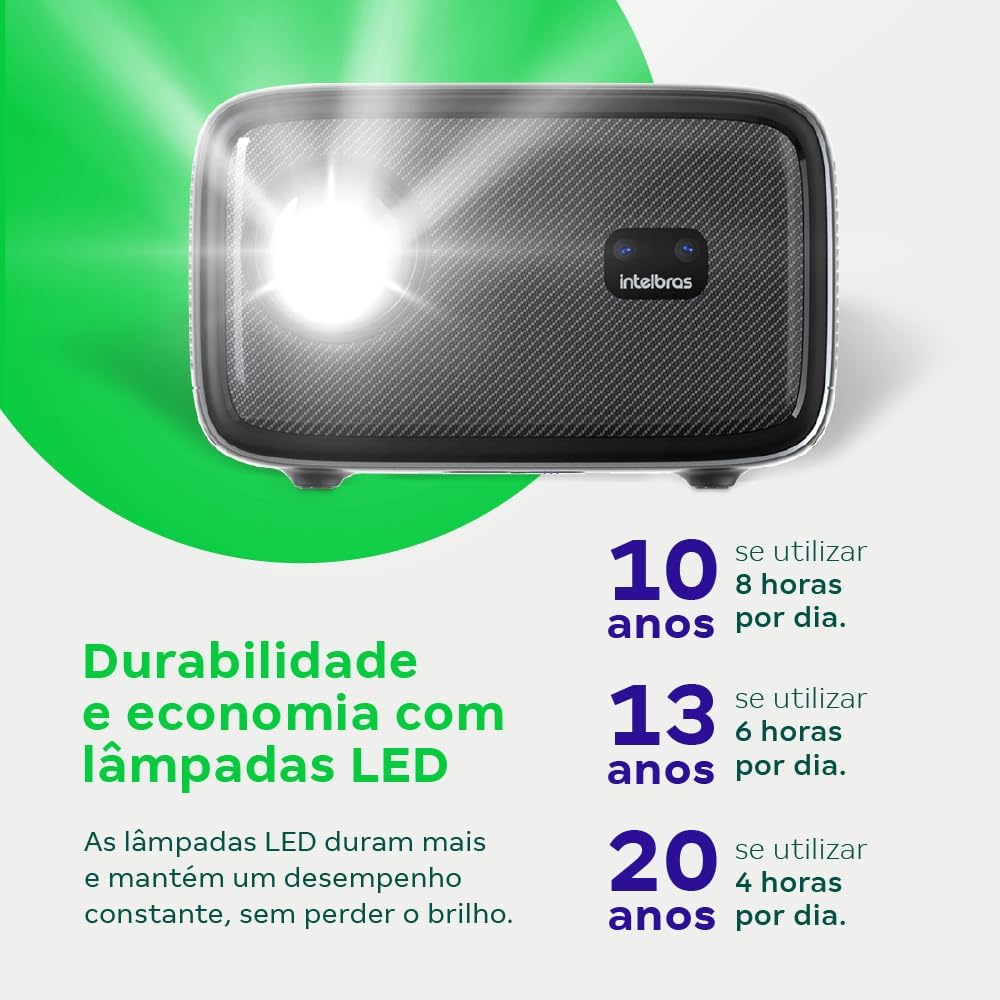
Image: An infographic illustrating the extended durability and economic benefits of the LED lamp, lasting up to 30,000 hours.
КСНУМКС. Решавање проблема
Ако наиђете на проблеме са пројектором, погледајте следеће уобичајене проблеме и решења:
- Нема слике: Ensure the power cable is securely connected and the projector is turned on. Check the input source selection to match your connected device.
- Замућена слика: Adjust the focus. If the image is distorted, check for automatic keystone correction or adjust it manually via the settings menu.
- Нема звука: Verify the volume level on both the projector and the connected device. Ensure external speakers are properly connected if used, or that the internal speakers are enabled.
- Проблеми са повезивањем: For Wi-Fi or screen mirroring, ensure both the projector and your device are on the same network. Restart both devices if necessary.
- прегревање: Ensure the projector's ventilation openings are not blocked. Turn off the projector and allow it to cool down if it feels excessively hot.
9. Спецификације
| Феатуре | Спецификација |
|---|---|
| Бранд | Интелбрас |
| Назив модела | ПФЛ 7560 |
| Технологија повезивања | Ви-Фи |
| Посебне карактеристике | Ви-Фи Реади |
| Резолуција екрана | 1920 к 1080 (Фулл ХД) |
| Нативе Ресолутион | 1920 к 1080 |
| Максимална резолуција екрана | 1920 к 1080 |
| Дисплаи Типе | ЛЦД |
| Осветљеност | 8000 лумена |
| Компатибилни уређаји | Лаптоп, паметни телефон, таблет |
| Радни век извора светлости | 30000 сата |
| Хардверски интерфејс | 802.11 ац/б/г/н |
| Видео Енцодинг | Х.264, Х.265 |
| Препоручена употреба | Кућни биоскоп |
| Аудио | 2 x 12W интегрисана звучника |
10. Гаранција и подршка
For warranty information, technical support, or service requests, please refer to the official Intelbras webсајт или директно контактирајте њихову корисничку службу. Сачувајте рачун као доказ о куповини за потребе гаранције.