
Crelander T40
Crelander 10.1-inch Android 13 Tablet User Manual
Модел: Т40
Увод
This user manual provides comprehensive instructions for setting up, operating, and maintaining your Crelander 10.1-inch Android 13 Tablet. Designed for versatility and performance, this tablet comes equipped with a powerful processor, ample storage, and a vibrant display, making it suitable for various tasks from entertainment to productivity.

Image: The Crelander 10.1-inch Android 13 Tablet shown with its accompanying keyboard, mouse, and stylus, highlighting its 12GB RAM and 512GB ROM capabilities.
Шта је у кутији
Након распакивања, проверите да ли су укључене све следеће ставке:
- Crelander 10.1-inch Android 13 Tablet
- Протецтиве Цасе
- Бежична тастатура
- Бежични миш
- Стилус Пен
- УСБ-Ц кабл
- OTG кабл за пренос података
- Кориснички приручник (овај документ)
- Сцреен Протецтор
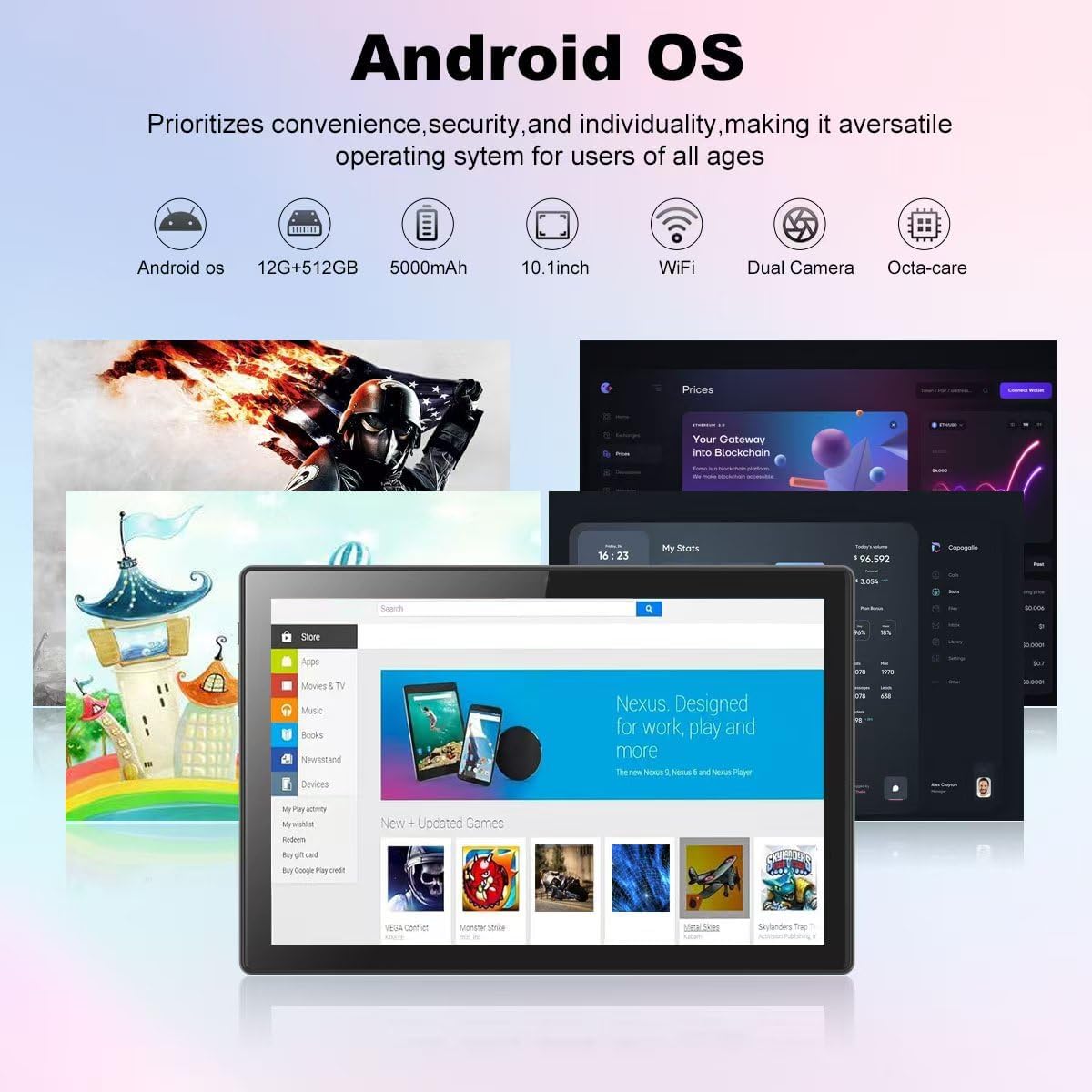
Image: A visual representation of the Crelander tablet package contents, including the tablet, protective case, keyboard, mouse, stylus, and cables.
Производ је завршенview
Физичке компоненте

Image: A detailed diagram illustrating the various ports and buttons on the Crelander tablet, including the Type-C port, Reset button, Volume controls, Power button, Headphone Jack, TF-Card/SIM-Card slot, and speakers.
- Порт типа Ц: За пуњење и пренос података.
- Дугме за ресетовање: Small pinhole for system reset if needed.
- Дугмад за јачину звука: Подесите јачину звука.
- Дугме за напајање: Press and hold to power on/off or restart. Short press to sleep/wake.
- Слушалице: 3.5 мм аудио излаз.
- TF-Card / SIM-Card Slot: Insert a TF (MicroSD) card for expandable storage (up to 1TB) or a SIM card for cellular data (if supported by your model).
- говорници: Интегрисани аудио излаз.
Кључне карактеристике
- Приказ: 10.1-inch 1280x800 IPS HD Touch Screen for vibrant visuals.
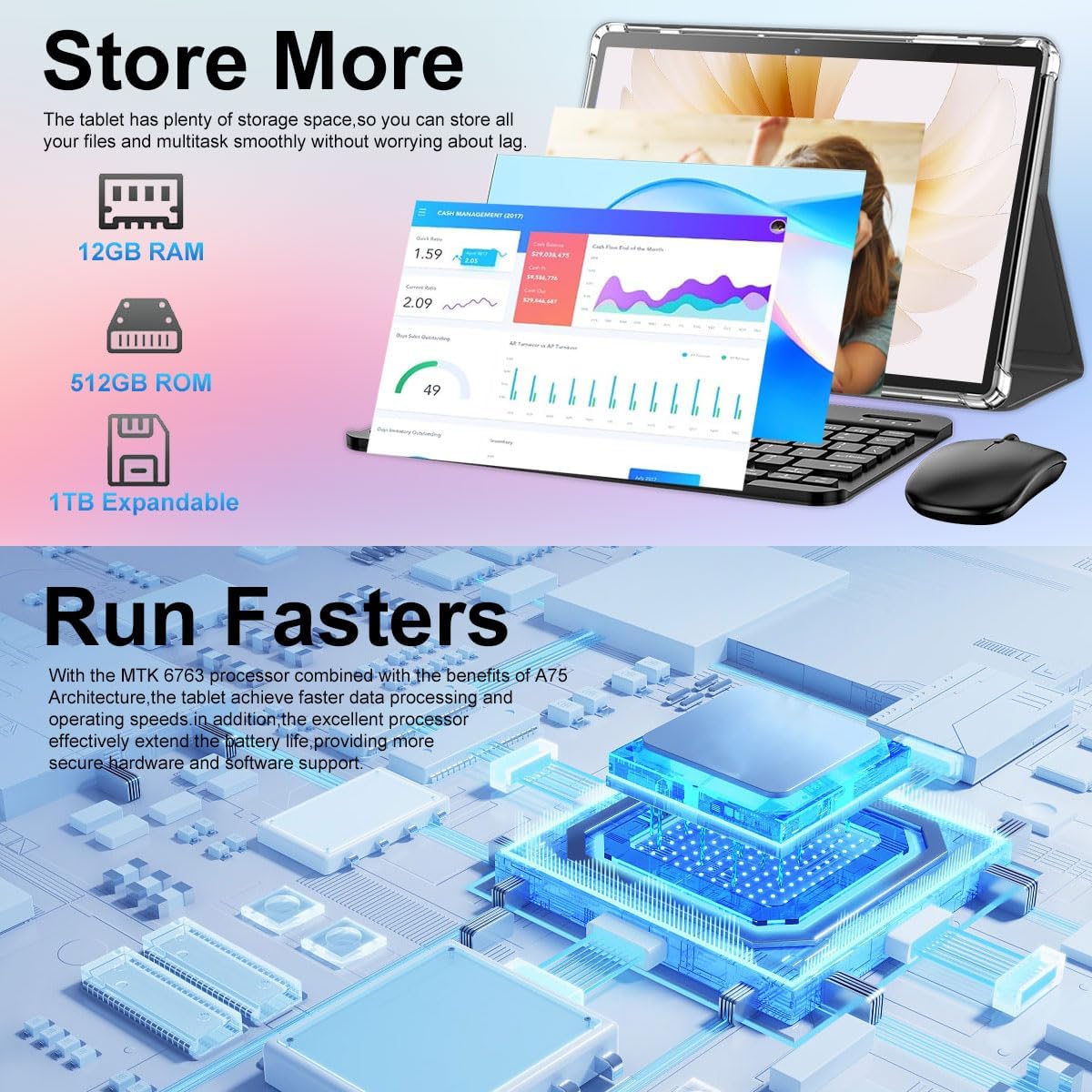
- Перформансе: 12GB RAM and 512GB ROM, powered by Android 13 for smooth multitasking.
- Прошириво складиште: Supports up to 1TB via Micro SD card.
- камере: Dual cameras (5MP Front, 13MP Rear) for photos and video calls. Features LED Flash and Face Unlock.
- Повезивање: Built-in WiFi and Bluetooth for seamless wireless connections.
- батерија: Батерија од 8000 mAh за дуже коришћење.
Слика: Оверview of the Crelander tablet's features, including its 10-inch HD screen, dual camera system, 8000mAh battery, SIM card slot, and Android OS.

Image: Details on the tablet's camera capabilities, showing 5MP front and 13MP rear cameras, LED flash, and face unlock functionality.
Сетуп
Почетно пуњење
Before first use, fully charge the tablet using the provided USB-C cable and a compatible power adapter. The battery indicator on the screen will show charging status.
Укључивање/искључивање
- За укључивање: Press and hold the Power button until the Crelander logo appears.
- За искључивање: Press and hold the Power button until a power menu appears, then select "Power off".
- Рестартовати: Press and hold the Power button until a power menu appears, then select "Restart".
Повезивање додатне опреме
The tablet comes with a keyboard, mouse, and stylus for enhanced productivity. These accessories typically connect via Bluetooth.
- тастатура/миш:
- Уверите се да је тастатура/миш напуњен и укључен.
- На таблету идите на Подешавања > Повезани уређаји > Блутут.
- Укључите Блутут и потражите доступне уређаје.
- Select the keyboard/mouse from the list and follow on-screen pairing instructions.
- Оловка: The provided stylus is a passive capacitive stylus and does not require pairing. Simply use it directly on the screen.
Управљање таблетом
Основна навигација
Таблет ради на Андроиду 13, нудећи интуитиван кориснички интерфејс. Користите гестове додира за навигацију:
- Додирните: Изаберите ставку или отворите апликацију.
- Превуците: Листајте странице или меније.
- Зумирање штипкањем прстију: Увећајте или умањите слике и web странице.
- Дуго притисните: Приступите контекстуалним менијима или померите иконе.

Image: A screenshot of the Android OS interface on the Crelander tablet, showcasing various applications and the overall user experience.
Ви-Фи повезивање
Да бисте се повезали на Ви-Фи мрежу:
- Иди на Подешавања > Мрежа и интернет > Wi-Fi.
- Укључите Ви-Фи.
- Изаберите жељену мрежу са листе.
- Enter the password if prompted and tap "Connect".
SIM Card Installation (if applicable)
If your model supports cellular data, you can install a SIM card:
- Locate the SIM card slot on the side of the tablet (refer to Product Overview дијаграм).
- Use the SIM ejector tool (not explicitly listed but implied for SIM slot) or a paperclip to open the tray.
- Place the SIM card correctly into the tray.
- Пажљиво вратите лежиште у отвор док не кликне на своје место.
Коришћење фотоапарата
The tablet features a 5MP front camera and a 13MP rear camera. Open the "Camera" app to capture photos or record videos.

Image: The tablet's dual camera setup, showing the rear camera module and a user taking a photo with the tablet.
Video Playback Demonstration
Watch this video to see the Crelander tablet in action, demonstrating its display quality and accessory integration.
Video: An official product video from Crelander, showcasing the 10.1-inch Android 13 Tablet, its accessories, and demonstrating video playback and general usage.
Спецификације
| Феатуре | Спецификација |
|---|---|
| Бранд | Crelander |
| Назив модела | Т40 |
| Оперативни систем | Андроид 13 |
| Величина екрана | 10.1 инча |
| Максимална резолуција екрана | 1280x800 пиксела |
| Марка процесора | МТ6750 |
| РАМ | 12 ГБ |
| Интерна меморија (РОМ) | 512 ГБ |
| Екпандабле Стораге | Up to 1TB via TF (MicroSD) Card |
| Предња камера | 5 МП |
| Задња камера | 13 МП |
| Капацитет батерије | 8000мАх |
| Повезивање | Ви-Фи, Блуетоотх |
| Тежина артикла | 3.3 фунти |
| Димензије производа (ДкШкВ) | 10 к 0.3 к 7 инча |
| Боја | Греи Блацк |

Image: Diagram showing the physical dimensions of the Crelander 10.1-inch tablet.
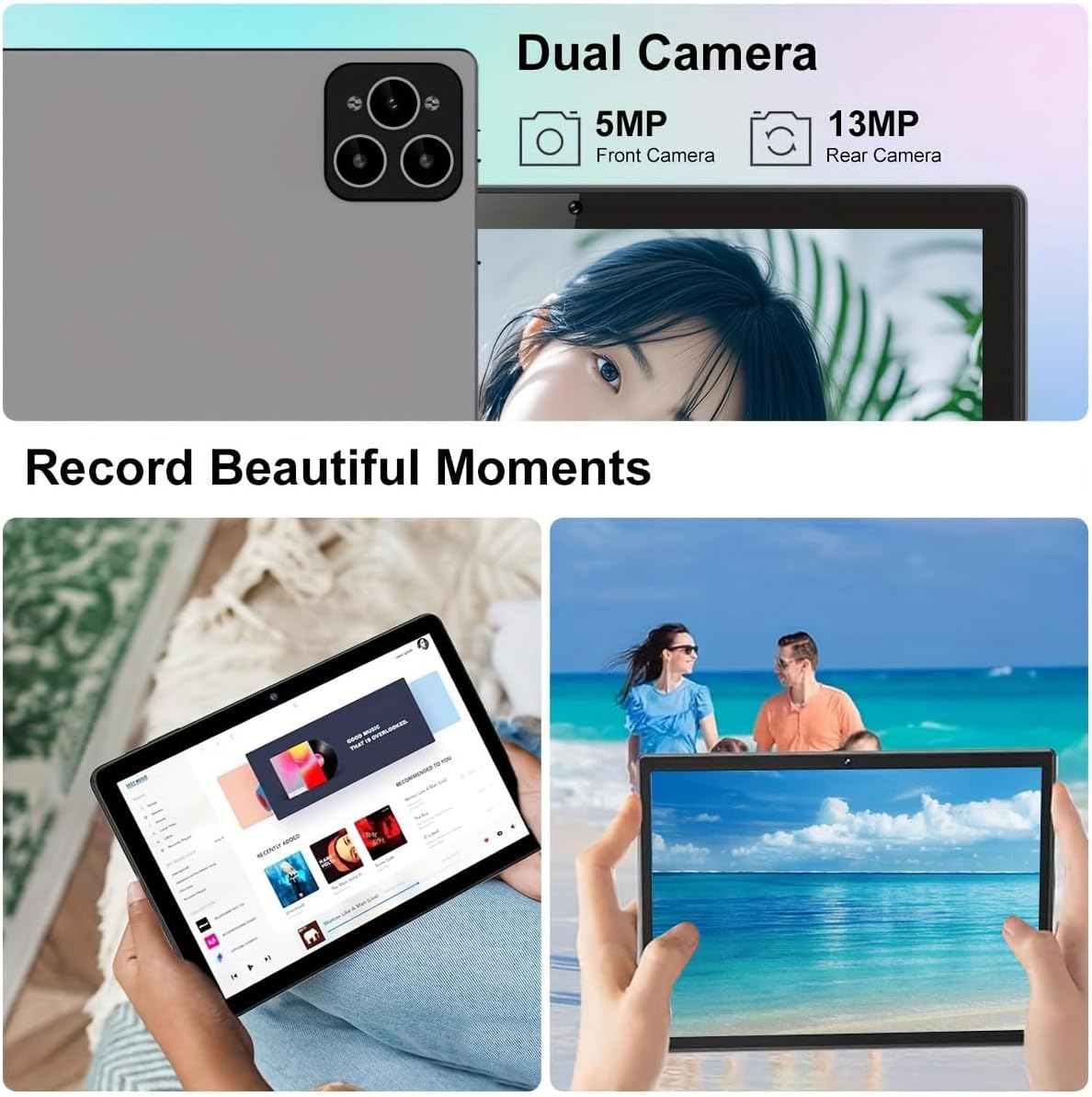
Image: Visual representation of the tablet's storage (12GB RAM, 512GB ROM, 1TB expandable) and processor (MTK 6763) capabilities.
Одржавање
- Чишћење: Користите меку крпу која не оставља влакна за чишћење екрана и кућишта. Избегавајте абразивна средства за чишћење или раствараче.
- Одржавање батерије: To prolong battery life, avoid extreme temperatures and do not let the battery fully drain frequently.
- Ажурирања софтвера: Редовно проверавајте и инсталирајте системска ажурирања како бисте осигурали оптималне перформансе и безбедност. Идите на Подешавања > Систем > Ажурирање система.
- Управљање складиштем: Периодично чистите непотребне files and apps to maintain sufficient storage space and performance.
Решавање проблема
| Проблем | Решење |
|---|---|
| Таблет се не укључује. | Ensure the tablet is fully charged. Press and hold the Power button for at least 10 seconds. |
| Повезивање на Ви-Фи није могуће. | Check if Wi-Fi is enabled in settings. Restart your router. Ensure you are entering the correct password. |
| Таблет је спор или не реагује. | Close unused applications. Clear cache. Restart the tablet. Consider a factory reset if issues persist (backup data first). |
| Accessories (keyboard/mouse) not connecting. | Ensure accessories are charged and in pairing mode. Re-pair them via Bluetooth settings. |
Гаранција и подршка
Crelander offers dedicated after-sales support for any inquiries or issues you may encounter with your tablet. Please refer to your purchase documentation for specific warranty terms and contact information. For general support, visit the official Crelander webсајту или контактирајте њихову корисничку службу.
Онлине ресурси:
- Crelander Store on Amazon: Visit Crelander Store