
Xtrem Bots Bruce Motion Bot
Xtrem Bots Bruce Motion Bot User Manual
Model: Bruce Motion Bot
1. Увод
Thank you for choosing the Xtrem Bots Bruce Motion Bot. This remote-controlled robot is designed to provide an engaging and educational experience, introducing users to basic robotics concepts through interactive play. Please read this manual thoroughly before operating the robot to ensure proper use and to maximize your enjoyment.

Image 1: The Xtrem Bots Bruce Motion Bot robot and its accompanying remote control unit.
Садржај пакета:
- Xtrem Bots Bruce Motion Bot
- Ремоте Цонтрол
- Упутство за употребу (овај документ)
- Robot battery (pre-installed or included separately)
2. Безбедносне информације
Молимо вас да се придржавате следећих мера безбедности како бисте спречили повреде или оштећење производа:
- Овај производ се препоручује за узраст од 5 године и више.
- Do not attempt to disassemble or modify the robot or remote control.
- Keep the robot away from water and moisture.
- Avoid operating the robot near stairs, furniture, or other obstacles that could cause falls or collisions.
- Ensure adult supervision for younger children during operation.
- Use only the specified batteries and ensure correct polarity during installation.
- Немојте мешати старе и нове батерије или различите типове батерија.
- Remove batteries if the robot will not be used for an extended period.
- Одложите батерије одговорно у складу са локалним прописима.
3. Подешавање и инсталација батерије
3.1 Robot Battery Installation:
The robot's internal battery is typically included and may be pre-installed. Refer to the robot's battery compartment for specific instructions on charging or replacing the robot's battery if applicable. Ensure the robot is powered off before handling batteries.
3.2 Remote Control Battery Installation:
The remote control requires two (2) AA batteries (not included). Follow these steps:
- Пронађите одељак за батерије на полеђини даљинског управљача.
- Користећи мали одвијач, отворите поклопац одељка за батерију.
- Уметните две (2) АА батерије, водећи рачуна о исправном поларитету (+/-).
- Вратите поклопац одељка за батерије и причврстите га завртњем.
3.3 Powering On:
Turn on the robot using the power switch, usually located on its back or base. Then, turn on the remote control. The robot and remote should automatically pair. If not, refer to the troubleshooting section.
4. Operating the Bruce Motion Bot
4.1 Функције даљинског управљача:
The remote control allows for various movements and actions. Familiarize yourself with the buttons:
- Контроле правца: Move the robot forward, backward, left, and right.
- Контрола брзине: Adjust the robot's movement speed.
- Контрола јачине звука: Adjust the robot's sound output.
- Дугме за режим плеса: Activates the robot's pre-programmed dance routine.
- Дугме за програмирање: Initiates programming mode (see section 4.3).
- Sound/Light Buttons: Trigger various robotic sounds and LED facial expressions.

Image 2: A child using the remote control to operate the Bruce Motion Bot, demonstrating interactive play.
4.2 Gesture Control:
The Bruce Motion Bot features intelligent gesture control. Wave your hand in front of the robot's sensors to command it to move in different directions. Experiment with various hand gestures to discover all available commands.
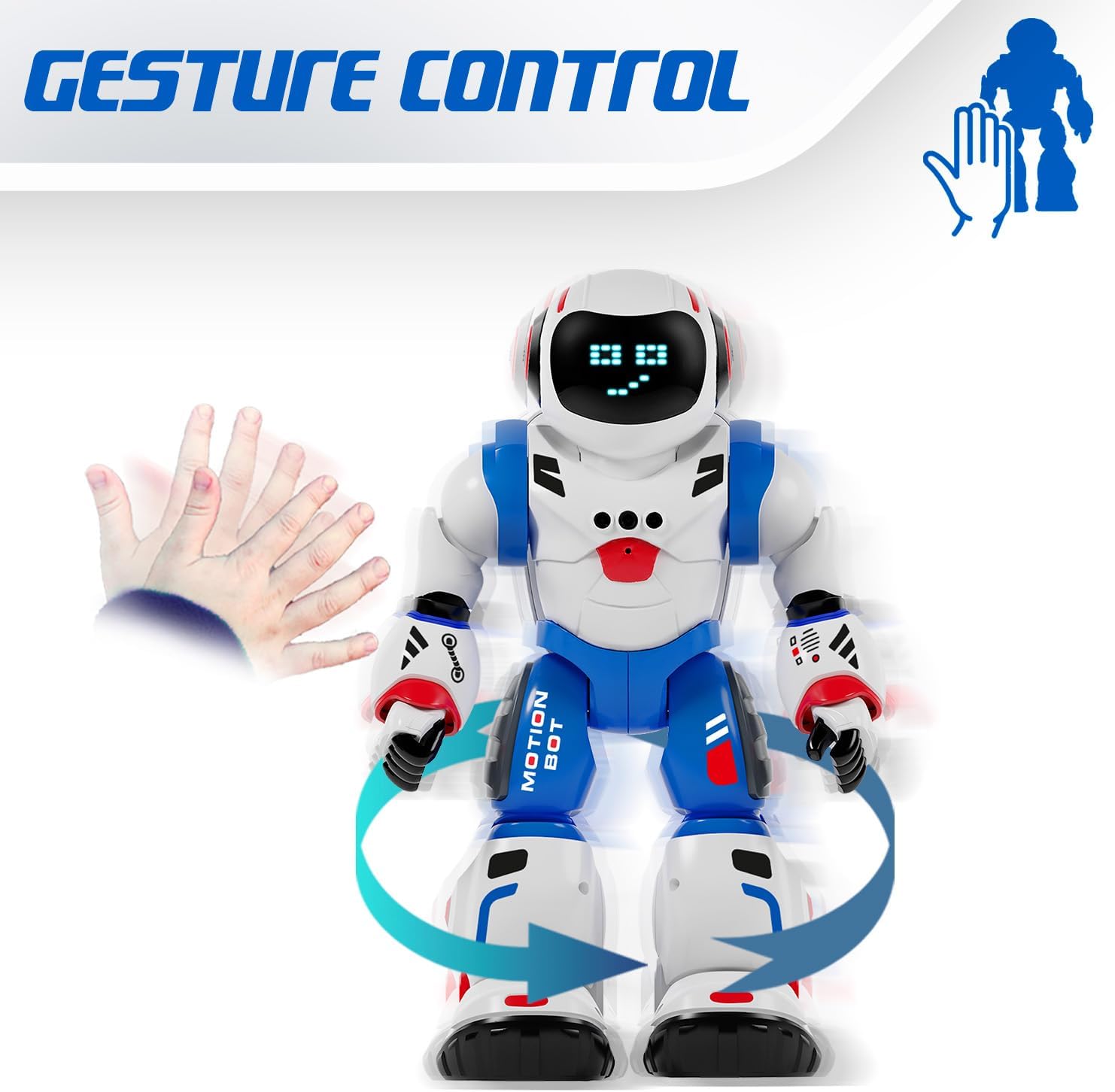
Image 3: The Bruce Motion Bot reacting to a hand gesture, illustrating its gesture control capability.
4.3 Режим програмирања:
You can program the Bruce Motion Bot to perform a sequence of up to 50 movements. To enter programming mode, press the dedicated programming button on the remote control. Input your desired sequence of movements using the directional buttons, then press the programming button again to execute the sequence. The robot will store and repeat these actions.

Image 4: A visual representation of programming the robot with a sequence of movements to navigate a path.
4.4 Sounds and LED Expressions:
The robot emits various robotic sounds and displays up to 20 different facial expressions through its 26 blue LED lights. These expressions change based on actions or can be triggered manually via the remote control.

Image 5: Close-up of the robot's head showing different LED eye patterns and facial expressions.
4.5 Head Movement and Voice Recognition:
The Bruce Motion Bot can move its head and features a voice recognition function. Use the remote to control head movements or interact with its voice recognition capabilities.
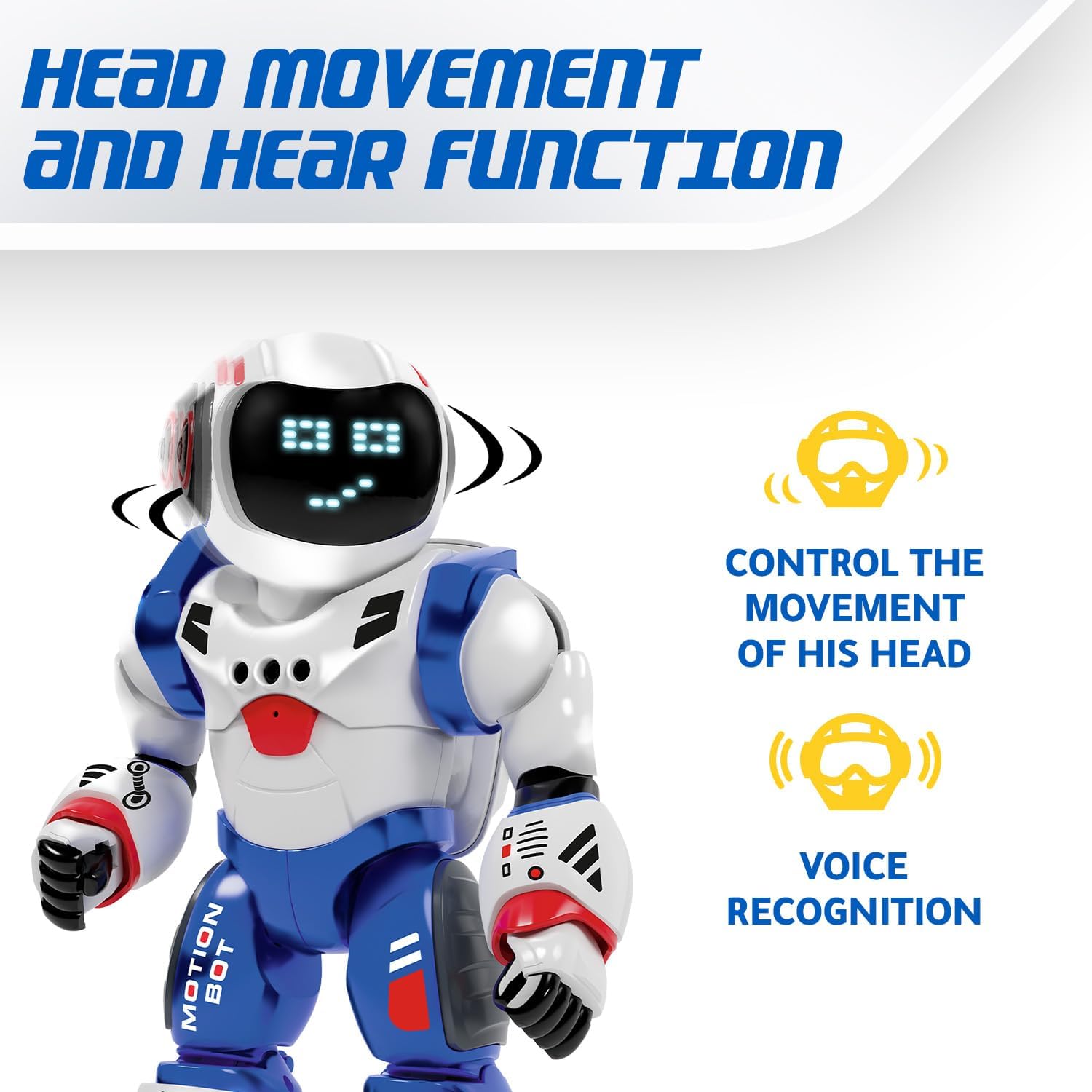
Image 6: The robot's head rotating, with icons indicating head movement control and voice recognition features.
4.6 Dancing Mode:
Activate the dancing mode by pressing the dedicated button on the remote. The robot will perform a series of movements and sounds, providing entertainment.
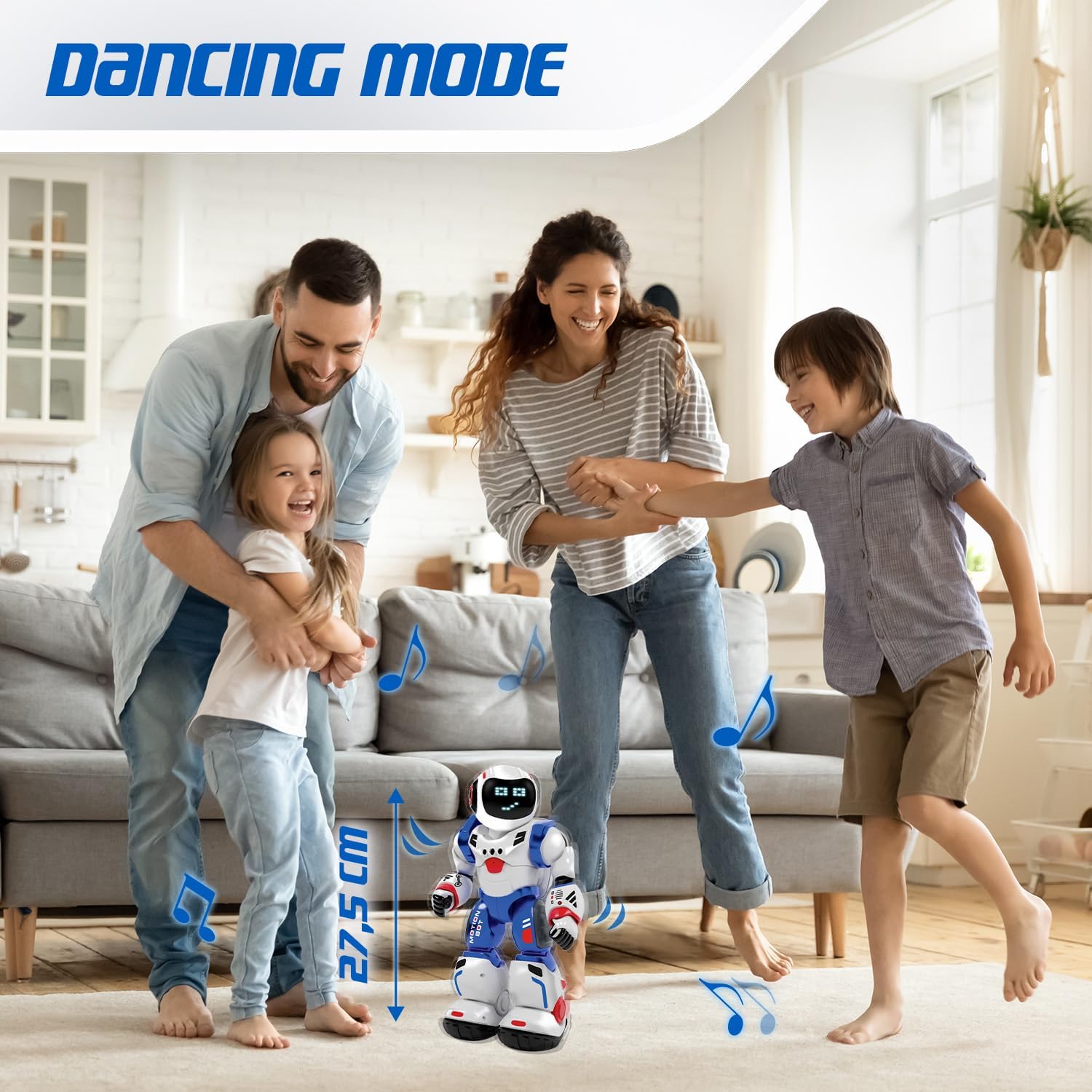
Image 7: The Bruce Motion Bot dancing in a home setting, illustrating its entertainment function.
5. Одржавање
- Чишћење: Обришите робота и даљински управљач меком, сувом крпом. Не користите јаке хемикалије или абразивна средства за чишћење.
- Складиштење: Store the robot and remote in a cool, dry place away from direct sunlight when not in use.
- Одржавање батерије: Извадите батерије из даљинског управљача ако га складиштите дуже време како бисте спречили цурење.
КСНУМКС. Решавање проблема
| Проблем | Могући узрок | Решење |
|---|---|---|
| Робот се не укључује. | Low or dead batteries in robot. | Ensure robot's battery is charged or replaced. |
| Даљински управљач не ради. | Low or dead batteries in remote; incorrect polarity. | Replace remote control batteries, ensuring correct polarity. |
| Robot not responding to commands. | Robot and remote not paired; interference. | Turn both robot and remote off, then on again to re-pair. Ensure no strong interference sources are nearby. |
| Gesture control is inconsistent. | Insufficient lighting; sensor obstruction. | Ensure adequate lighting and clear the robot's sensors of any obstructions. |
7. Спецификације
| Феатуре | Детаљ |
|---|---|
| Бранд | Xtrem Bots |
| Назив модела | Bruce Motion Bot |
| Број модела | 843662189 |
| Димензије (Д к Ш к В) | 15 к 13 к 31.5 цм |
| Тежина | 1 килограм |
| Препоручена старост | 5 година и више |
| Образовна вредност | Fosters imagination, learning, creativity, problem-solving skills |
| Главни материјал | Пластика |
| Робот Баттери | Укључено |
| Батерије за даљинско управљање | 2 к АА (није укључено) |
| Programmable Movements | Up to 50 actions |
| Facial Expressions | Up to 20 via 26 blue LEDs |
| Методе контроле | Remote control, Gesture control |
8. Гаранција и подршка
For warranty information and customer support, please refer to the documentation provided with your purchase or contact the retailer where the product was acquired. You may also visit the official Xtrem Bots webсајт за даљу помоћ.
Референца произвођача: B09HHNV8BW
ASIN: B0F3J3KWRC
Ask a question about this manual
Ask about setup, troubleshooting, compatibility, parts, safety, or missing instructions. Manuals+ will review the question and use this page’s manual context to help answer it.