
1. Увод
This manual provides essential information for setting up, operating, and maintaining your TCL 98Q7K 98-inch QLED 4K Google TV. This television features a stunning QLED 4K display with a 144 Hz panel for smooth motion, integrated Google TV for smart functionality, and advanced audio with Dolby Atmos. It also includes Google Assistant and Alexa compatibility for hands-free voice control, VisionHDR10+, and AiPQ™ processing for optimized picture quality.

2. Подешавање
2.1 Распакивање и почетни преглед
Carefully remove the television from its packaging. Inspect the TV and all included accessories for any signs of damage. Keep the packaging materials for future transport or service needs.
2.2 Инсталација постоља
If you plan to use the TV with its included stand, follow these steps:
- Поставите телевизор екраном надоле на меку, равну површину како бисте спречили огреботине.
- Поравнајте компоненте постоља са предвиђеним отворима на дну телевизора.
- Secure the stand using the screws provided in the accessory kit. Ensure all screws are tightened firmly.

2.3 Монтажа на зид (опционо)
For wall mounting, a compatible VESA wall mount (not included) is required. Due to the size and weight of the 98-inch television, professional installation is highly recommended to ensure safety and proper mounting. Refer to the wall mount manufacturer's instructions for specific installation details.
2.4 Повезивање периферних уређаја
Connect your external devices such as Blu-ray players, gaming consoles, sound systems, and cable/satellite boxes to the appropriate ports on the TV. The TCL 98Q7K features 4 HDMI ports and 2 USB ports for versatile connectivity.
3. Упутство за употребу
3.1 Укључивање/искључивање
Connect the power cord to the TV and a power outlet. Press the power button on the remote control or on the TV itself to turn the television on or off.
3.2 Initial Setup with Google TV
Upon first power-on, the TV will guide you through the initial setup process for Google TV. This includes selecting your language, connecting to a Wi-Fi network, signing in with your Google account, and configuring basic settings. Follow the on-screen prompts.

3.3 Функције даљинског управљача
The included remote control allows you to navigate the TV's interface, adjust volume, change channels, and access smart features. It supports voice control via Google Assistant and Alexa. Insert the provided batteries into the remote control before use.
3.4 Паметне функције и гласовна контрола
- Гоогле ТВ: Access a wide range of streaming apps, movies, and shows.
- Гугл асистент и Алекса: Use voice commands for hands-free control of your TV, search for content, get information, and control smart home devices.
- Уграђен Цхромецаст: Преносите садржај са компатибилних мобилних уређаја директно на телевизор.
3.5 Функције за игре
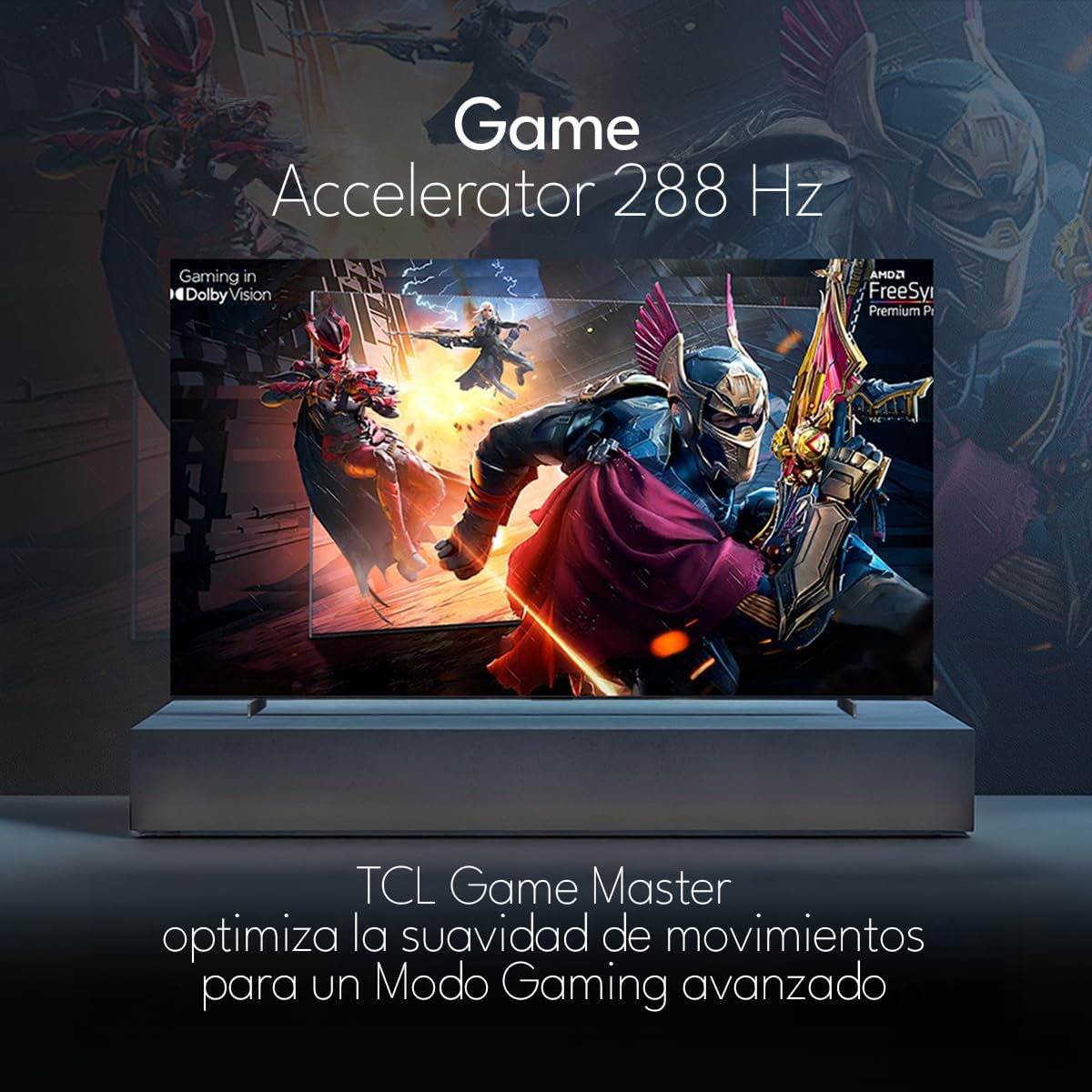
The TCL 98Q7K features a 144 Hz panel and Game Accelerator technology for an enhanced gaming experience with reduced latency and smoother motion.

3.6 Аудио функције
Experience immersive sound with Dolby Atmos and the integrated ONKYO Hi-Fi System 2.1 Channels, providing clear vocals and deep bass.

3.7 Производ завршенview Видео
4. Одржавање
4.1 Чишћење екрана
Да бисте очистили екран, нежно га обришите меком крпом која не оставља влакна. За тврдокорне мрље, лагано дampОбришите крпу водом или специјализованим средством за чишћење екрана. Избегавајте употребу јаких хемикалија, абразивних материјала или директно прскање течности на екран.
4.2 Чишћење кућишта телевизора
Wipe the TV body with a soft, dry cloth. Do not use liquid cleaners directly on the TV body.
4.3 Ажурирања софтвера
Your TCL Google TV may receive automatic software updates. To manually check for updates, navigate to the settings menu, then select System > About > System update. Ensure your TV is connected to the internet for updates.
КСНУМКС. Решавање проблема
Ако наиђете на проблеме са телевизором, погледајте следећа уобичајена решења:
- Нема напајања:
Уверите се да је кабл за напајање безбедно прикључен и на телевизор и у исправну електричну утичницу. Покушајте да прикључите други уређај у исту утичницу да бисте проверили да ли има струје. - Нема слике или звука:
Verify that the correct input source is selected (e.g., HDMI 1, AV). Check all cable connections between the TV and external devices. Ensure the volume is not muted or set to minimum. - Даљински управљач не ради:
Замените батерије у даљинском управљачу. Уверите се да нема препрека између даљинског управљача и инфрацрвеног сензора телевизора. - Проблеми са мрежном везом:
Check your Wi-Fi router and ensure it is powered on and functioning correctly. Restart the TV and your router. In the TV settings, verify the Wi-Fi connection status. - Проблеми са квалитетом слике (нпр. замућена, изобличена):
Check the resolution settings of your input source. Ensure the cables are not damaged. Adjust picture settings (brightness, contrast, sharpness) in the TV menu.
For persistent issues, consult the full electronic manual available through the TV's help menu or contact TCL customer support.
6. Спецификације
| Феатуре | Спецификација |
|---|---|
| Величина екрана | 98 инча |
| Дисплаи Тецхнологи | КЛЕД |
| Резолуција | 4К (3840 к 2160) |
| Рефресх Рате | 144 Хз |
| Подршка за ХДР формат | Долби Висион, ХДР10, ХДР10+, ХЛГ |
| Пеак Бригхтнесс | 450 НИТС |
| Соунд Систем | Dolby Atmos, Dolby Digital, ONKYO Hi-Fi System 2.1 Channels |
| Оперативни систем | Гоогле ТВ |
| Воице Цонтрол | Гоогле помоћник, Алека |
| Повезивање | Wi-Fi, Ethernet, 4x HDMI, 2x USB |
| Димензије (са постољем) | 217.8 к 128.5 к 42 цм |
| Димензије (без постоља) | 0.06prof. x 2.18an. x 1.25alt. Meters (approx. 6 cm depth) |
| Модел Иеар | 2025 |
| Укључене компоненте | Manual, Remote Control, Batteries |
7. Гаранција и подршка
7.1 Гаранција на производ
The TCL 98Q7K television comes with a 2-годишња ограничена гаранција од датума куповине. Ова гаранција покрива производне недостатке и кварове при нормалној употреби. Молимо вас да сачувате доказ о куповини за потребе подношења захтева за гаранцију.
7.2 Корисничка подршка
For technical assistance, troubleshooting beyond this manual, or warranty inquiries, please contact TCL customer support. Refer to the contact information provided in the separate warranty card or visit the official TCL webсајт за ваш регион.


