
Увод
This manual provides essential information for the HP 15 Smartchoice Laptop, model fc1038AU. It covers initial setup, basic operation, maintenance tips, troubleshooting common issues, and detailed product specifications. Please read this manual thoroughly to ensure proper use and longevity of your device.

Слика: Фронт view of the HP 15 Smartchoice Laptop.
1. Подешавање
1.1 Распакивање и почетни преглед
Пажљиво извадите све компоненте из паковања. Проверите да ли су све ставке наведене у одељку „Шта се налази у кутији“ присутне и да ли су неоштећене.
- Лаптоп
- Power Adapter (65 W USB Type-C®)
- Упутство за употребу (овај документ)
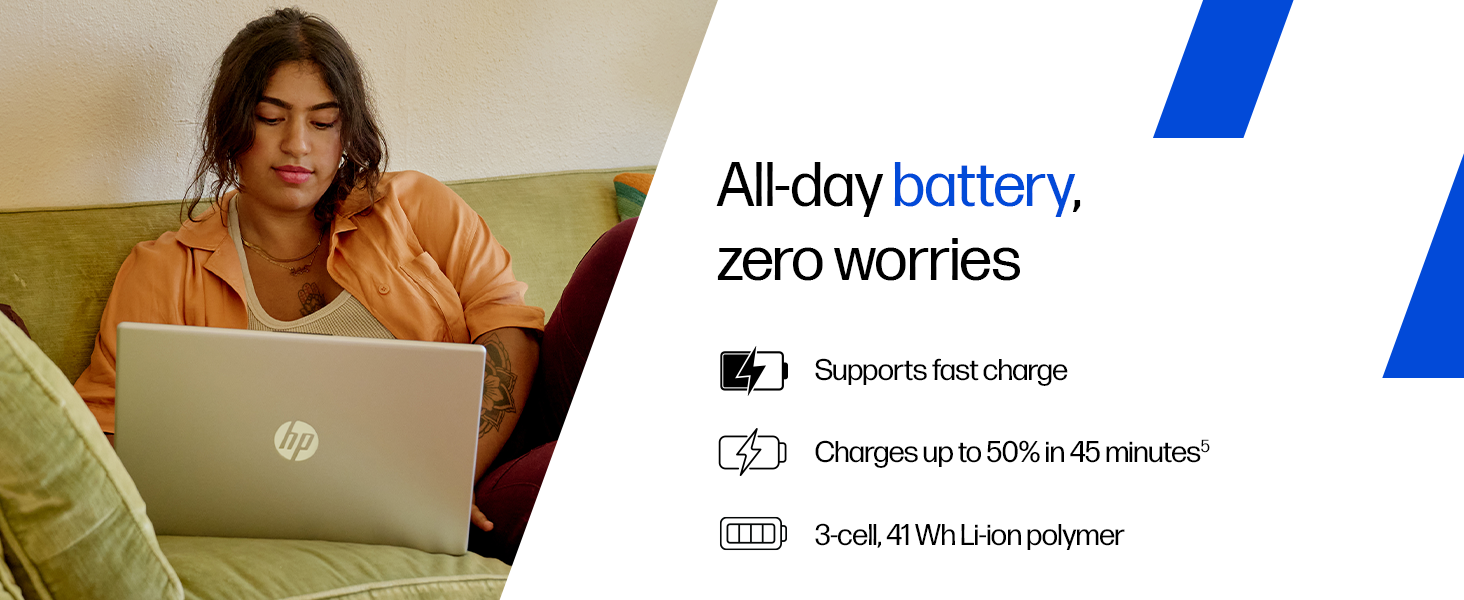
Image: Contents of the HP laptop box, including the laptop, power adapter, and user manual.
1.2 Повезивање напајања
Connect the power adapter to the laptop's AC smart pin port and then plug it into a power outlet. The laptop battery supports fast charging, reaching approximately 50% charge in 45 minutes.
Image: Illustration of connecting the power adapter to the laptop.
1.3 Почетно покретање и подешавање система Windows
Press the power button to turn on the laptop. Follow the on-screen instructions to complete the Windows 11 Home setup. This includes setting up your region, language, network connection, and user account.
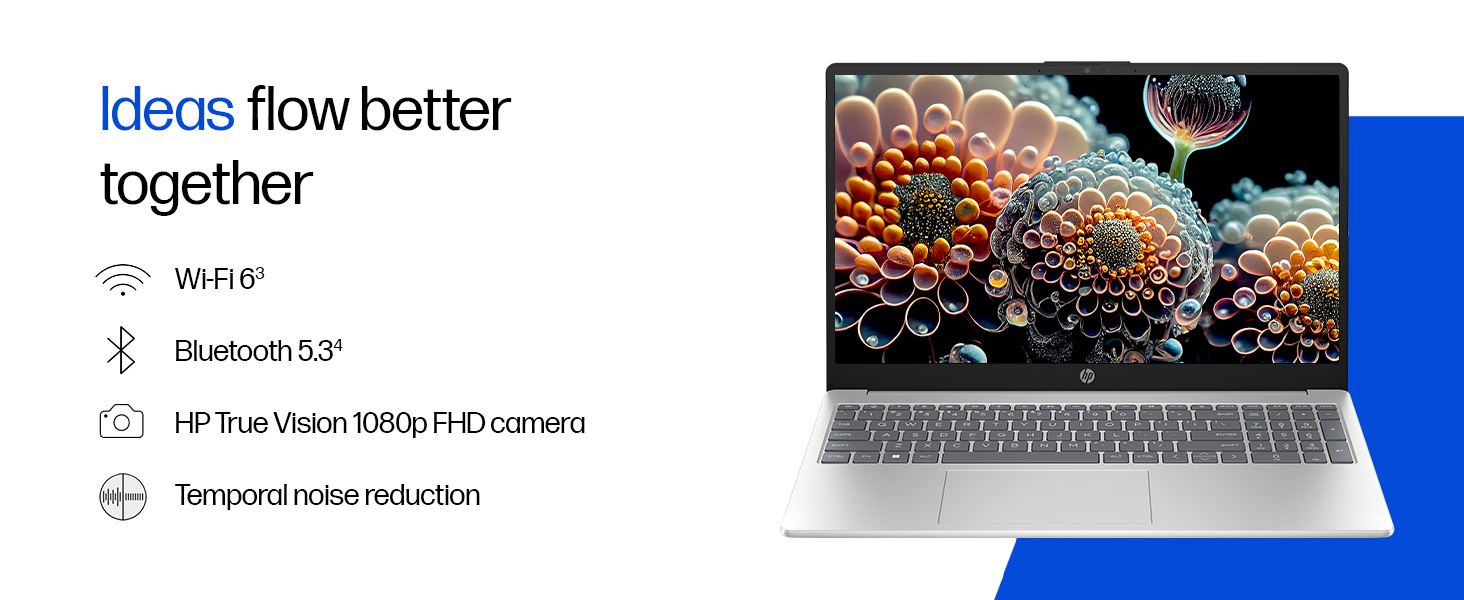
Image: A user interacting with the Windows 11 setup on the HP laptop.
2. Управљање лаптопом
2.1 Укључивање/искључивање и режим спавања
- Укључено: Притисните дугме за напајање које се налази на тастатури.
- Искључи: Кликните на дугме Старт, затим на Напајање и изаберите „Искључи“.
- спавање: Затворите поклопац или кликните на дугме Старт, затим на Напајање и изаберите „Спавање“.
2.2 Тастатура и тачпед
The laptop features a full-size, backlit, soft grey keyboard with a numeric keypad for comfortable typing and data entry. The HP Imagepad provides precise navigation.
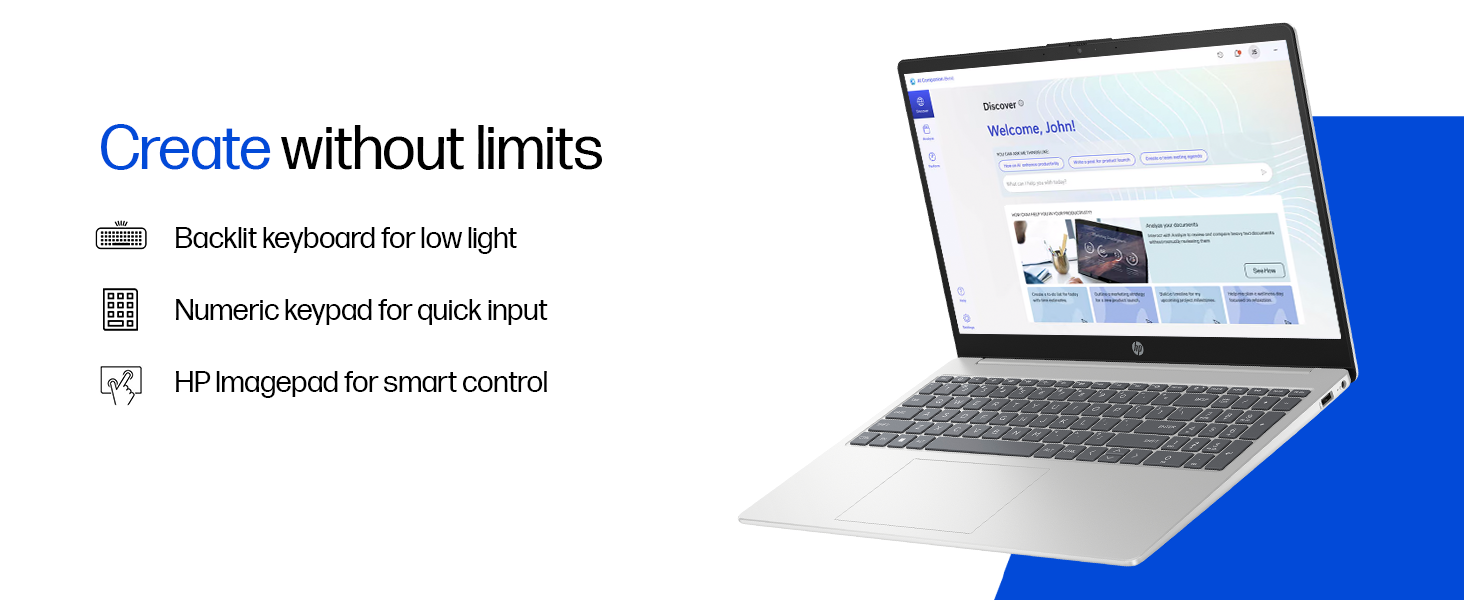
Слика: Крупни план view of the backlit keyboard and numeric keypad.
2.3 Дисплеј
Your laptop is equipped with a 39.6 cm (15.6") diagonal FHD (1920 x 1080) micro-edge, anti-glare display with 250 nits brightness and 45% NTSC color gamut. This design minimizes reflections and provides a wide viewинг ареа.
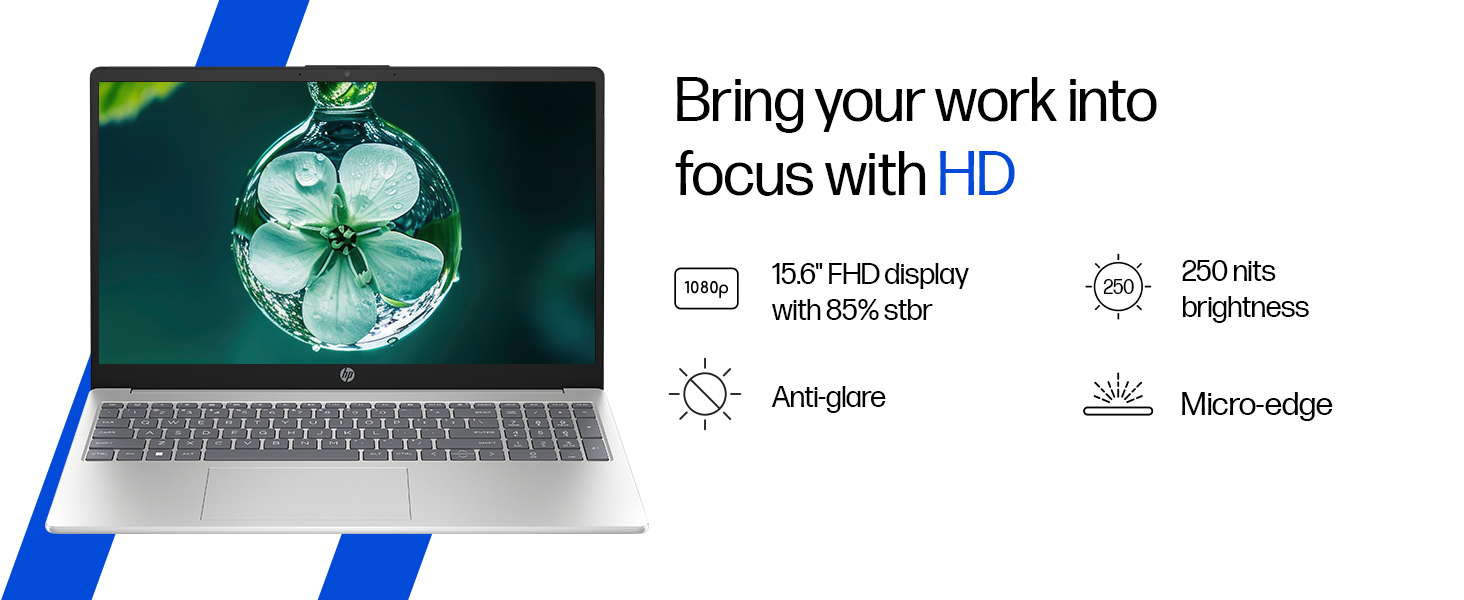
Image: The laptop's 15.6-inch FHD micro-edge display.
2.4 Портови и повезивање
The laptop offers various ports for connecting peripherals and external devices:
- 1 USB Type-C 10Gbps signaling rate (supports USB Power Delivery, DisplayPort 1.4, HP Sleep and Charge)
- 2 УСБ Типе-А 5Гбпс брзина сигнализације
- 1 паметна игла за наизменичну струју
- 1 HDMI-out 1.4b
- 1 Комбиновани прикључак за слушалице/микрофон
For wireless connectivity, it includes Realtek Wi-Fi 6 (2x2) and Bluetooth 5.3.

Слика: Са стране view of the laptop highlighting the various ports available.
2.5 Камера и звук
The HP True Vision 1080p FHD camera features temporal noise reduction and an integrated privacy shutter. Dual array digital microphones and dual speakers provide clear audio for communication and entertainment.
Image: Close-up of the HP True Vision 1080p FHD camera with its privacy shutter.
3. Одржавање
3.1 Чишћење лаптопа
- Екран: Лагано користите меку крпу која не оставља длачице дampводом или средством за чишћење екрана. Избегавајте јаке хемикалије.
- Тастатура и кућиште: Користите меку, суву крпу. За тврдокорну прљавштину, благоamp cloth can be used. Compressed air can help remove debris from between keys.
- Уверите се да је лаптоп искључен и искључен из струје пре чишћења.
3.2 Одржавање батерије
The laptop uses a 3-cell, 41 Wh Li-ion polymer battery. To maximize battery lifespan:
- Избегавајте екстремне температуре.
- Немојте често потпуно празнити батерију.
- If storing the laptop for an extended period, charge the battery to about 50% and store it in a cool, dry place.
КСНУМКС. Решавање проблема
Овај одељак се бави уобичајеним проблемима на које можете наићи са својим HP лаптопом.
4.1 Проблеми са напајањем
- Лаптоп се не укључује: Ensure the power adapter is securely connected to both the laptop and a working power outlet. Try a different outlet. If the battery is completely drained, it may take a few minutes to show signs of life after plugging in.
- Батерија се не пуни: Verify the power adapter is functioning. Check the charging indicator light on the laptop. If issues persist, contact support.
4.2 Проблеми са екраном
- Празан екран: Connect an external monitor to check if the display output works. If it does, the laptop screen might have an issue. If not, there might be a graphics card or system issue.
- Треперећи екран: Update your graphics drivers. Adjust display refresh rate in Windows settings.
4.3 Проблеми са повезивањем
- Ви-Фи се не повезује: Уверите се да је Wi-Fi омогућен у подешавањима Windows-а. Поново покрените рутер и лаптоп. Ажурирајте Wi-Fi драјвере.
- Блутут уређај се не упарује: Ensure Bluetooth is enabled on both devices. Make sure the device is in pairing mode. Remove and re-add the device in Windows Bluetooth settings.
4.4 Проблеми са перформансама
- Споре перформансе: Затворите непотребне апликације. Проверите Менаџер задатака да ли постоји велика потрошња процесора/RAM-а. Уверите се да је на SSD-у довољно слободног простора. Покрените скенирање на вирусе.
- прегревање: Ensure ventilation vents are clear. Use the laptop on a hard, flat surface. Consider reducing heavy workload if persistent.
5. Спецификације
| Феатуре | Детаљ |
|---|---|
| Бранд | HP |
| Назив модела | HP Laptop (fc1038AU) |
| Процесор | AMD Ryzen 7 7735HS (up to 4.75 GHz max boost clock, 8 cores, 16 threads, 16 MB L3 cache) |
| РАМ | 16 GB DDR5-4800 MT/s (2 x 8 GB) |
| Складиштење | 512 GB PCIe Gen4 NVMe M.2 SSD |
| Графика | AMD Radeon 680M графика |
| Дисплаи | 39.6 cm (15.6") diagonal, FHD (1920 x 1080), micro-edge, anti-glare, 250 nits, 45% NTSC |
| Оперативни систем | Виндовс 11 Хоме, један језик |
| Претходно инсталирани софтвер | MS Office Home 2024, 1 year Microsoft 365 Basic Free |
| Портс | 1 USB Type-C (10Gbps, PD, DP 1.4, HP Sleep and Charge), 2 USB Type-A (5Gbps), 1 AC smart pin, 1 HDMI-out 1.4b, 1 Headphone/microphone combo |
| Бежично повезивање | Realtek Wi-Fi 6 (2x2), Bluetooth 5.3 |
| Камера | HP True Vision 1080p FHD camera with temporal noise reduction and privacy shutter |
| Аудио | Dual speakers, Integrated dual array digital microphones |
| Тастатура | Full-size, backlit, soft grey keyboard with numeric keypad |
| Батерија | 3-cell, 41 Wh Li-ion polymer (supports fast charge: approx. 50% in 45 minutes) |
| Тежина | 1.59 кг |
| Боја | Природно сребро |
| Димензије (Д к Ш к В) | 23.6 к 36 к 1.9 цм |
6. Гаранција и подршка
6.1 Информације о гаранцији
Your HP 15 Smartchoice Laptop comes with a 1-годишња гаранција произвођача from the date of purchase. This warranty covers manufacturing defects and hardware failures under normal use conditions.
For detailed terms and conditions, please refer to the warranty documentation included with your product or visit the official HP support webсајту.
6.2 Корисничка подршка
If you encounter any technical issues or have product-related queries, please contact HP Customer Support:
- Бесплатни бројеви: 1800-258-7170 or 1860-258-3079
- Подршка на мрежи: Посетите званичну HP подршку webсајт за драјвере, упутства и водиче за решавање проблема.
When contacting support, please have your laptop's model number (fc1038AU) and serial number ready. The serial number is typically located on a sticker on the bottom of the laptop or can be found in the system information within Windows.