
KOORUI S2721XO 27-Inch QD-OLED Gaming Monitor User Manual
Модел: S2721XO
1. Увод
This manual provides instructions for the setup, operation, maintenance, and troubleshooting of your KOORUI S2721XO 27-inch QD-OLED Gaming Monitor. Please read this manual thoroughly before using the product to ensure proper function and safety.
The KOORUI S2721XO monitor features a 27-inch QD-OLED panel with QHD (2560x1440) resolution, a 240Hz refresh rate, and a 0.03ms (GtG) response time. It supports HDR True Black 400 and AdaptiveSync technology for a smooth visual experience. Connectivity options include HDMI 2.1 and DisplayPort 1.4.
2. Безбедносне информације
- Уверите се да је монитор постављен на стабилну, равну површину како бисте спречили случајне падове.
- Не излажите монитор киши или влази како бисте избегли струјни удар.
- Оставите вентилационе отворе слободним да спречите прегревање.
- Use only the power adapter provided with the monitor.
- Избегавајте додиривање екрана оштрим предметима.
- Disconnect the power cable from the outlet before cleaning or if the monitor will be unused for an extended period.
3. Подешавање
3.1 Садржај пакета
Проверите да ли су све компоненте присутне у пакету:
- KOORUI S2721XO Monitor
- Постоље за монитор (база и врат)
- Повер Цабле
- DisplayPort Cable (1.8m)
- Кориснички приручник (овај документ)
3.2 Састављање постоља
- Причврстите врат постоља на панел монитора. Уверите се да је сигурно закачио на своје место.
- Причврстите основу постоља на врат постоља. Затегните све завртње по потреби.
Alternatively, the monitor supports VESA 100x100mm mounting for compatible wall mounts or monitor arms.
Слика 3.2.1: Задња страна view of the monitor with VESA mount and stand attachment.

Слика 3.2.2: Задња страна view of the monitor with the stand assembled.
3.3 Повезивање са уређајем
Монитор нуди више опција уноса:
- ХДМИ КСНУМКС: Connect to a PC or gaming console using an HDMI 2.1 cable. The monitor has two HDMI 2.1 ports.
- DisplayPort 1.4: Connect to a PC using a DisplayPort 1.4 cable. A DisplayPort cable is included.
- Аудио излаз: Connect external speakers or headphones to the 3.5mm audio jack.

Figure 3.3.1: Monitor input ports.
After connecting the video cable, connect the power cable to the monitor and then to a power outlet.
4. Операција
4.1 Укључивање/искључивање
Press the power button (usually located on the back or bottom of the monitor) to turn the monitor on or off. The power indicator light will illuminate when the monitor is on.
4.2 Приказ на екрану (ОСД) мени
The monitor features a joystick controller for navigating the OSD menu. This allows for easy adjustment of various settings.
- Притисните џојстик: Отвара ОСД мени.
- Померање џојстика горе/доле: Креће се кроз опције менија.
- Померање џојстика лево/десно: Подешава вредности или улази у подменије.
- Притисните поново: Потврђује избор или излази из подменија.
4.3 Подешавања екрана
Adjust the following settings via the OSD menu for optimal performance:
- Резолуција: Set to 2560x1440 (QHD) for the native display resolution.
- Брзина освежавања: Select 240Hz for the smoothest motion.
- АдаптивеСинц: Enable AdaptiveSync (FreeSync compatible) to eliminate screen tearing and stuttering during gaming.
- HDR True Black 400: Activate HDR for enhanced contrast and color depth in compatible content.
- Гамут боја: Adjust color settings, including DCI-P3 99% and sRGB 100% modes, for accurate color reproduction.
- Осветљеност/контраст: Fine-tune display brightness (average 280 nits) and contrast levels.
- Освежавање задржавања слике: This feature helps prevent burn-in on the OLED panel. It is recommended to keep this enabled.
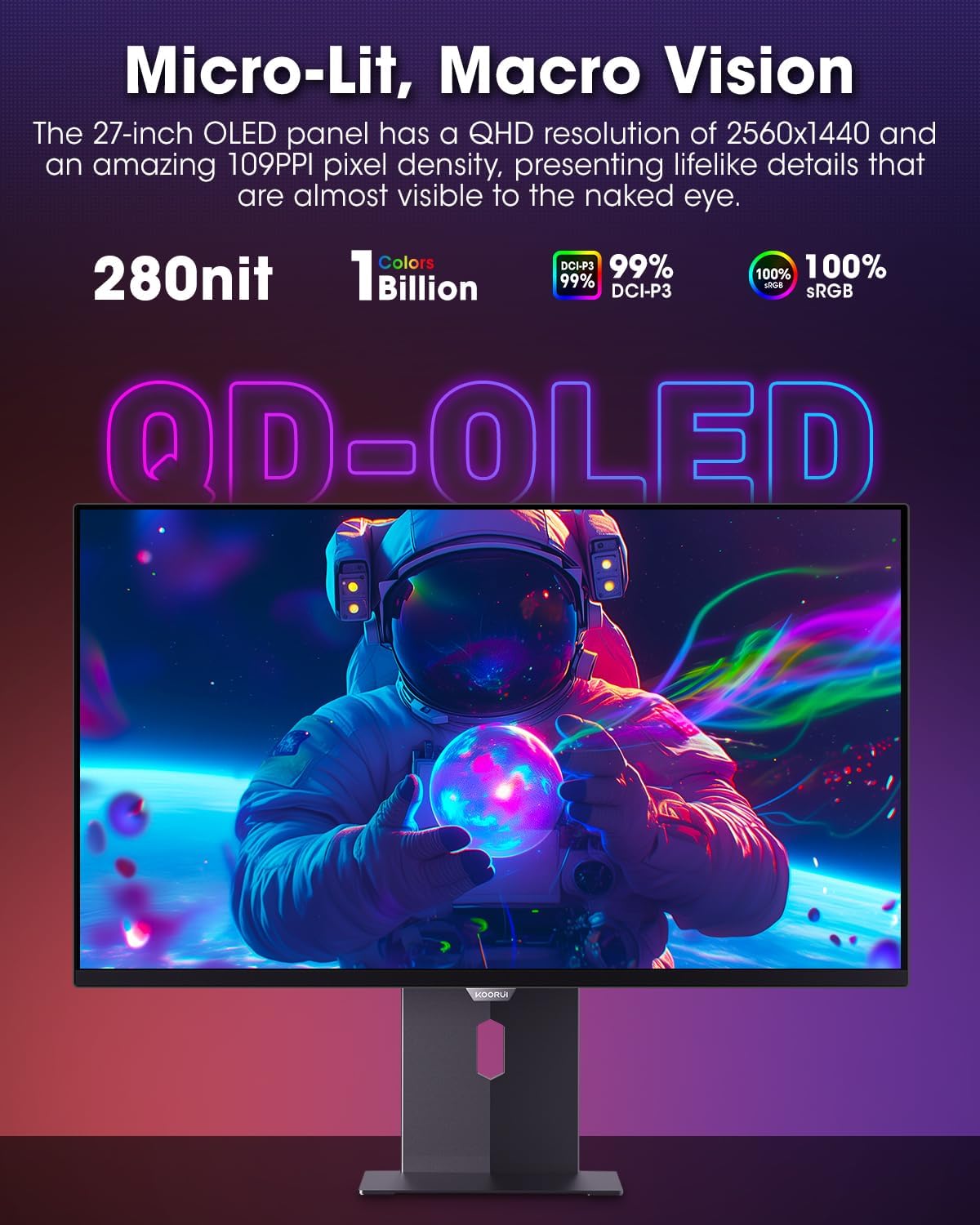
Figure 4.3.1: The QD-OLED panel delivers vivid colors and deep blacks.

Figure 4.3.2: High refresh rate and low response time for smooth gaming.
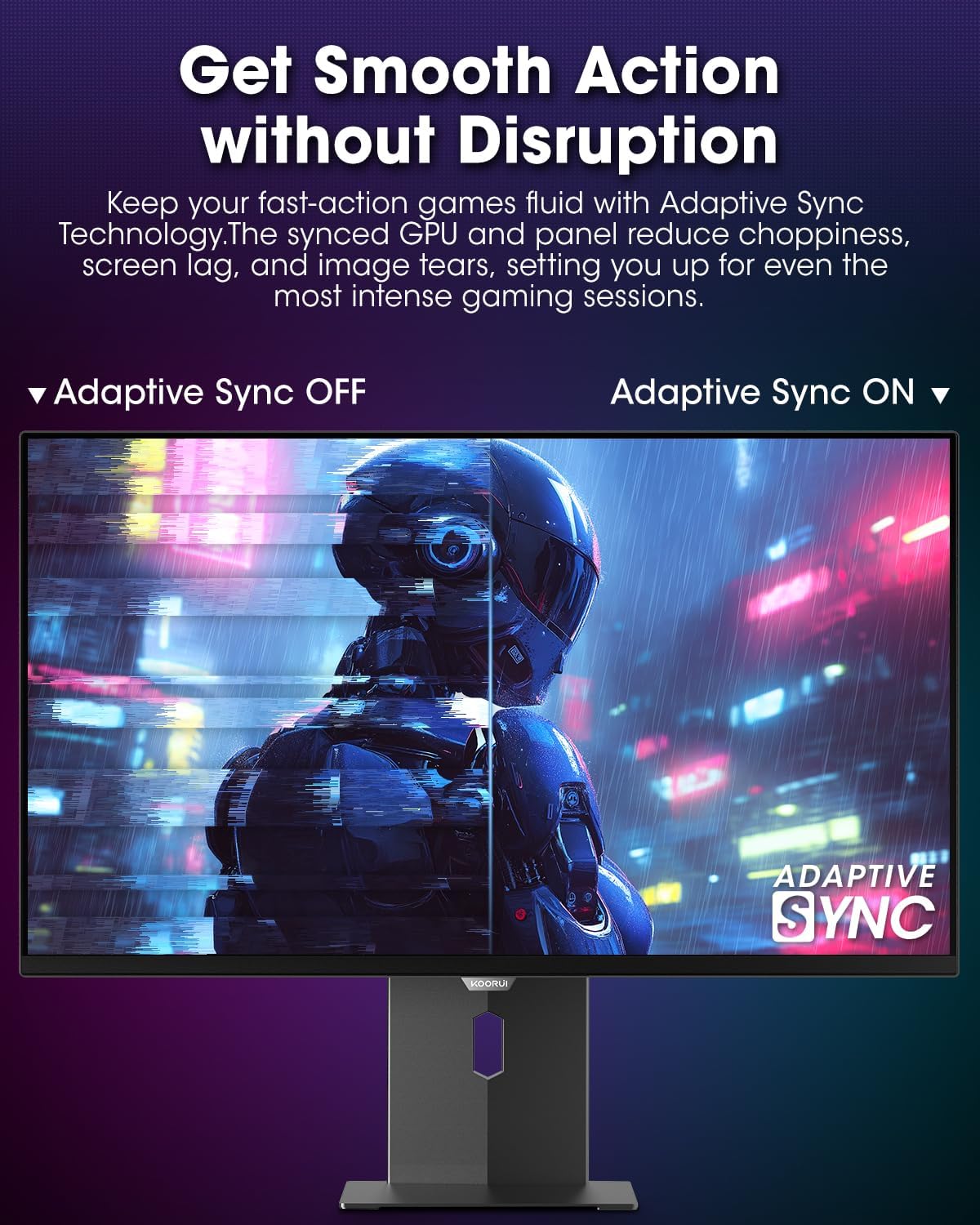
Figure 4.3.3: AdaptiveSync technology prevents screen tearing.
4.4 Ергономска подешавања
Постоље за монитор омогућава разна подешавања ради побољшања viewутеха:
- Подешавање висине: Подигните или спустите монитор до нивоа очију.
- Нагиб: Подесите угао екрана напред или назад.
- Окретни: Окрените монитор хоризонтално.
- Пивот: Окрените монитор вертикално (портретни режим).

Слика 4.4.1: Подешавање нагиба монитора.

Слика 4.4.2: Подешавање окретања монитора у портретни режим.
5. Одржавање
- Чишћење екрана: Лагано користите меку крпу која не оставља длачице дampводом или средством за чишћење екрана. Не прскајте средство за чишћење директно на екран.
- Чишћење Цasing: Обришите монитор цasinОбришите меком, сувом крпом. Избегавајте абразивна средства за чишћење.
- вентилација: Ensure the monitor's ventilation holes are not blocked to prevent overheating.
- Искључивање: Always turn off and unplug the monitor before cleaning.
КСНУМКС. Решавање проблема
| Проблем | Могући узрок | Решење |
|---|---|---|
| Нема слике на екрану | Кабл за напајање је искључен; видео кабл је искључен; изабран је погрешан улазни извор. | Проверите везе каблова за напајање и видео; Изаберите исправан улазни извор преко OSD менија. |
| Треперење или цепање слике | AdaptiveSync not enabled; Graphics card driver issues. | Enable AdaptiveSync in OSD menu; Update graphics card drivers. |
| Боје изгледају погрешно | Погрешно конфигурисана подешавања боја; Неисправан видео кабл. | Reset color settings in OSD menu; Try a different video cable. |
| Монитор се не укључује | Кабл за напајање није повезан; утичница не ради. | Ensure power cable is securely connected; Test power outlet with another device. |
7. Спецификације
| Феатуре | Детаљ |
|---|---|
| Бранд | КООРУИ |
| Број модела | С2721КСО |
| Величина екрана | 27 инча |
| Дисплаи Типе | КД-ОЛЕД |
| Резолуција | QHD Wide 1440p (2560 x 1440 Pixels) |
| Рефресх Рате | 240 Хз |
| Време одговора | 0.03 Milliseconds (GtG) |
| Однос контраста | 20,000,000:1 |
| Осветљеност | 350 candela_per_square_meter (average 280 nits) |
| Гамут боја | 99% ДЦИ-П3 |
| ХДР подршка | HDR True Black 400 |
| Адаптиве Синц | ФрееСинц Цомпатибле |
| Повезивање | 2x HDMI 2.1, 1x DisplayPort 1.4, 1x аудио излаз |
| Ергономија | Tilt, Height, Swivel, Pivot Adjustment |
| ВЕСА Моунт | 100к100мм |
| Димензије производа | 21.58 к 61 к 51.2 цм; 8.96 кг |

Слика 7.1: Димензије монитора.
8. Гаранција и подршка
8.1 Информације о гаранцији
The KOORUI S2721XO monitor comes with a 1-годишња ограничена гаранција. Please retain your proof of purchase for warranty claims. For detailed warranty terms and conditions, refer to the official KOORUI webсајту или контактирајте корисничку подршку.
8.2 Корисничка подршка
For technical assistance, troubleshooting, or warranty inquiries, please contact KOORUI customer support. Refer to the contact information provided on the official KOORUI webсајт или вашу документацију о куповини.
You can also find additional support resources and FAQs on the KOORUI brand store on Amazon: KOORUI Amazon Store
9. Видео снимци производа
KOORUI 4K OLED Gaming Monitor 240Hz (Seller Video)
Овај видео пружа крајview of the KOORUI OLED Gaming Monitor, highlighting its key features such as high refresh rate and OLED display technology. While the title mentions "4K", the video content is generally applicable to high-performance OLED gaming monitors from KOORUI, including the S2721XO model's features like 240Hz refresh rate and fast response time.