
Увод
This manual provides detailed instructions for the Edifier W820NB Plus Gen 2 Wireless Over-Ear Noise Cancelling Headphones. Please read this manual thoroughly before using the product to ensure proper operation and to maximize your listening experience.
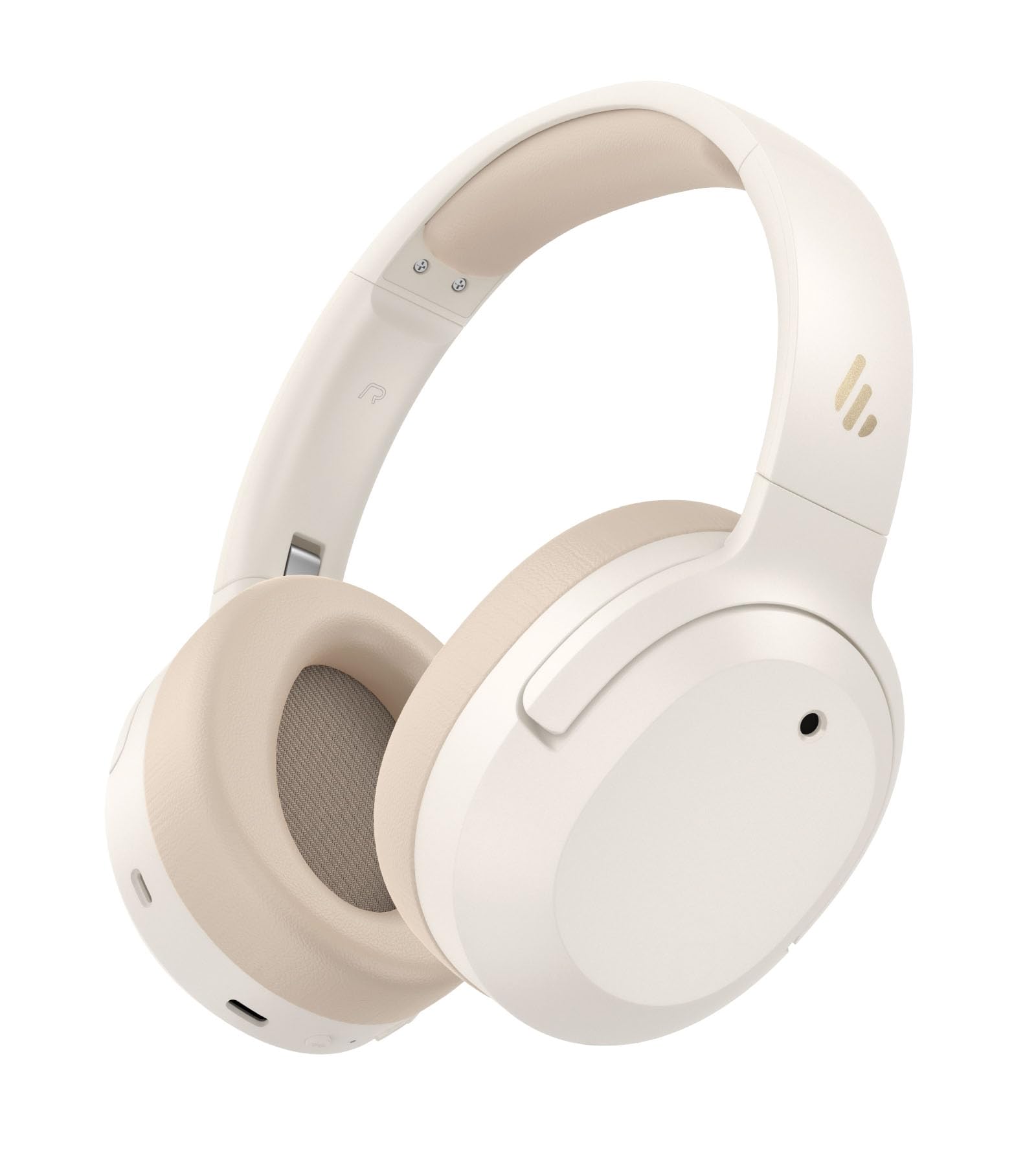
Image: Edifier W820NB Plus Gen 2 Headphones in Ivory.
Шта је у кутији
Upon opening your Edifier W820NB Plus Gen 2 package, you should find the following items:
- Edifier W820NB Plus Gen 2 Headphones
- USB-C Charging Cable (1.2 meters)
- Упутство за употребу
- Важне информације о безбедности
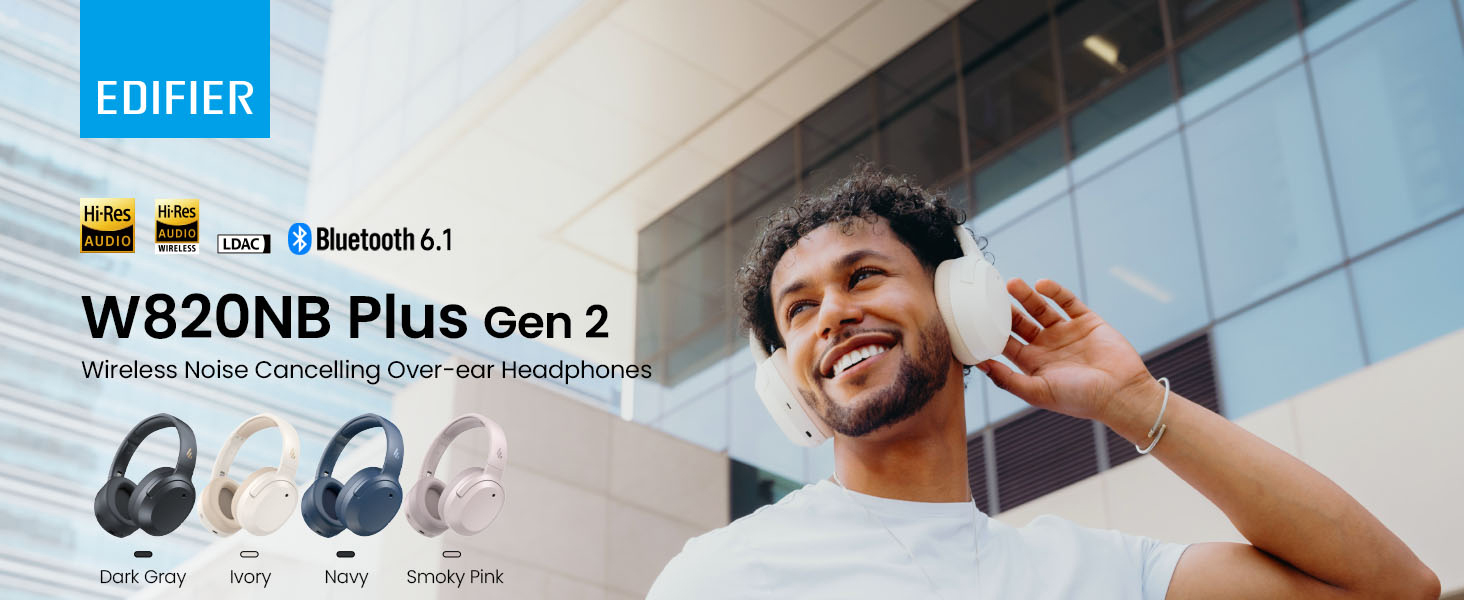
Image: Box contents showing the headphones, charging cable, and documentation.
Сетуп
Укључивање/искључивање
- Укључено: Press and hold the power button for approximately 2 seconds. The blue LED will blink once.
- Искључивање: Press and hold the power button for approximately 2 seconds. The red LED will blink once.
Блуетоотх упаривање
Прво упаривање
- Power on the headphones. They will automatically enter Bluetooth pairing mode.
- The LED will blink blue and green alternately.
- On your phone or device, select "EDIFIER W820NB Plus" from the Bluetooth list.
- Once connected, the blue LED will blink twice.
Pairing a New Device (Multipoint)
- Укључите слушалице.
- Press and hold the multi-function button for about 3 seconds to re-enter Bluetooth pairing mode. The voice prompt will say "Pairing," and the LED will blink blue and green alternately.
- Select "EDIFIER W820NB Plus" on your new device to pair.
- To complete multipoint connection, go back to the first paired device and reconnect to "EDIFIER W820NB Plus".
Download the EDIFIER ConneX App
Enhance your experience by downloading the EDIFIER ConneX App. Тражи "EDIFIER ConneX" in your device's app store or scan the QR code provided in the packaging or user manual. The app allows you to switch ANC modes, customize EQ, adjust sound effects, set maximum volume levels, and access other settings.
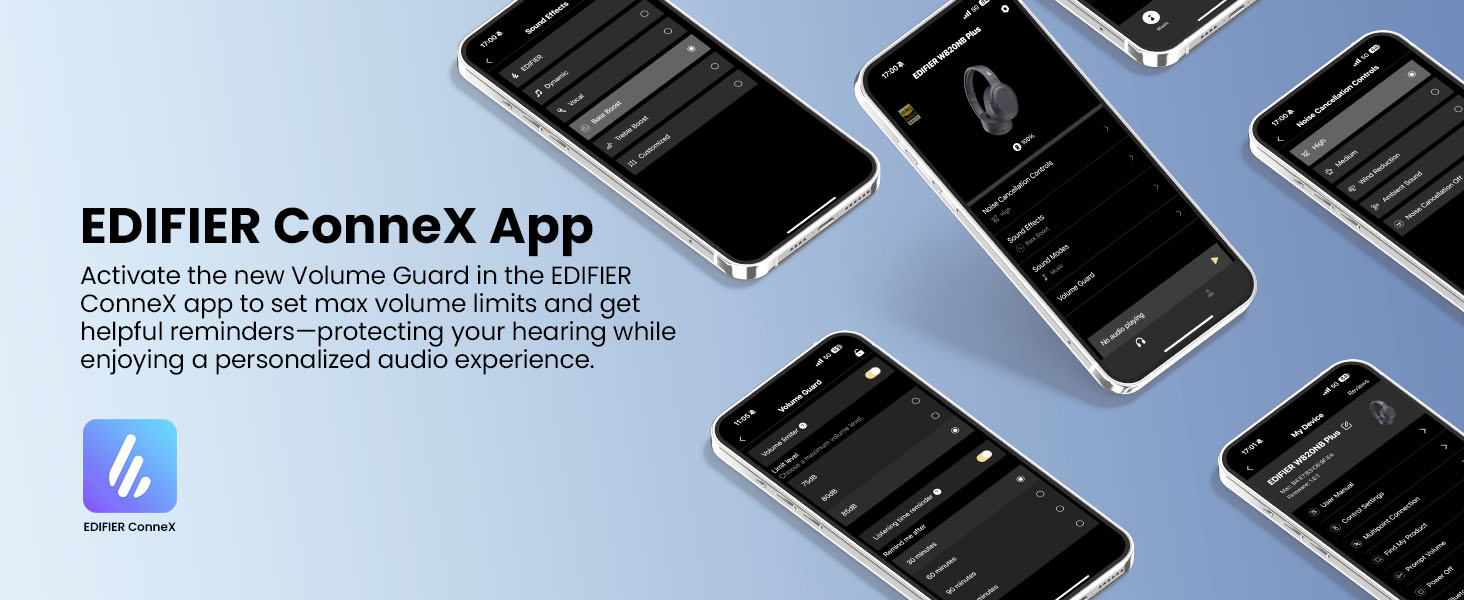
Image: The EDIFIER ConneX App provides extensive customization options.
Official User Guide Video
Video: A detailed user guide video demonstrating various features and setup processes for the Edifier W820NB Plus Gen 2 headphones.
Упутство за употребу
Контроле
Слушалице имају интуитивне физичке дугмад за лако управљање:
| Дугме | Акција | Функција |
|---|---|---|
| Дугме за напајање (вишефункционално) | Сингле Пресс | Пуштање/Пауза, Одговарање/Завршавање позива |
| Дугме за напајање (вишефункционално) | Доубле Пресс | Reject Call, Voice Assistant |
| Дугме за напајање (вишефункционално) | Притисните и држите | Укључивање/искључивање |
| Јачина звука (+) | Сингле Пресс | Повећајте јачину звука |
| Јачина звука (+) | Притисните и држите | Нект Трацк |
| Смањивање јачине звука (-) | Сингле Пресс | Смањите јачину звука |
| Смањивање јачине звука (-) | Притисните и држите | Превиоус Трацк |
| Дугме АНЦ | Сингле Пресс | Switch ANC Modes (High Noise Cancellation / Ambient Sound / Noise Cancellation Off) |
| Дугме АНЦ | Доубле Пресс | Switch Sound Effects (Music Mode / Game Mode / Spatial Sound) |
| Дугме АНЦ | Притисните и држите | Блуетоотх упаривање |
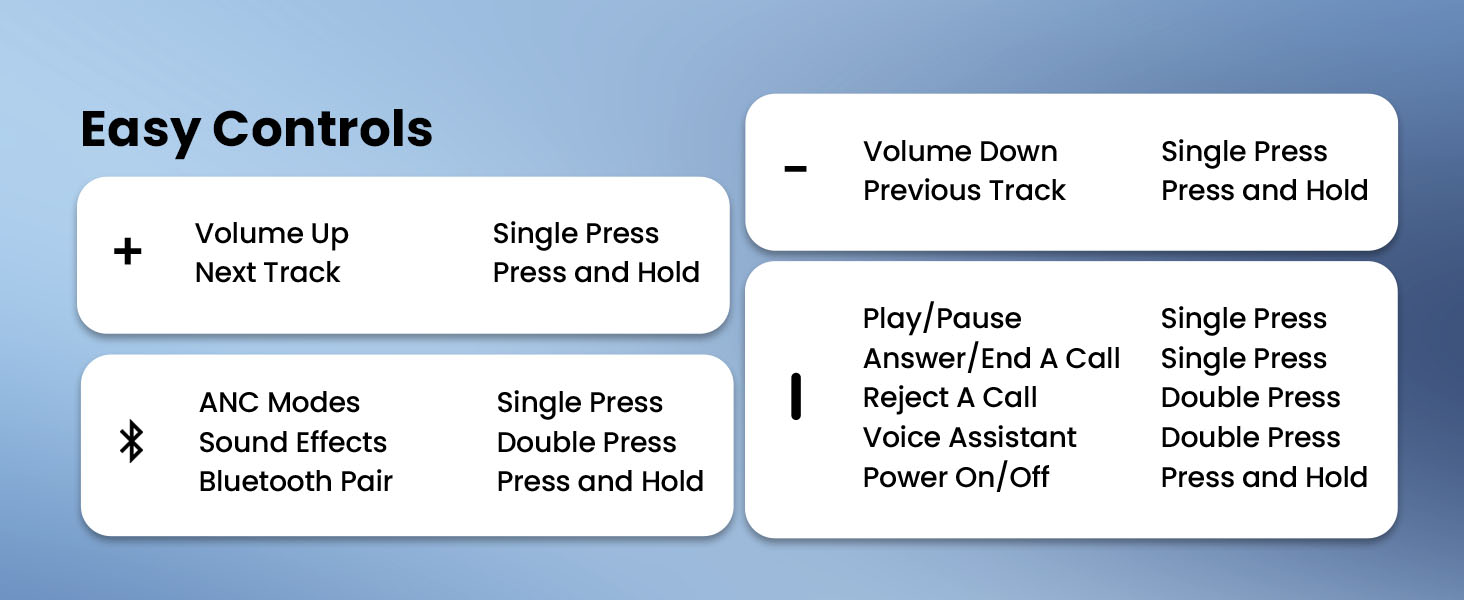
Image: Easy controls for managing audio and calls.
Отказивање активне буке (АНЦ)
The headphones feature advanced -49dB hybrid ANC with multiple modes:
- Високо поништавање буке: For maximum noise reduction in loud environments.
- Средње поништавање буке: A balanced mode for moderate noise.
- Амбијентални звук: Омогућава вам да чујете своју околину док слушате звук.
- Смањење ветра: Посебно дизајниран да смањи буку ветра.
- Искључивање шума: Disables ANC.
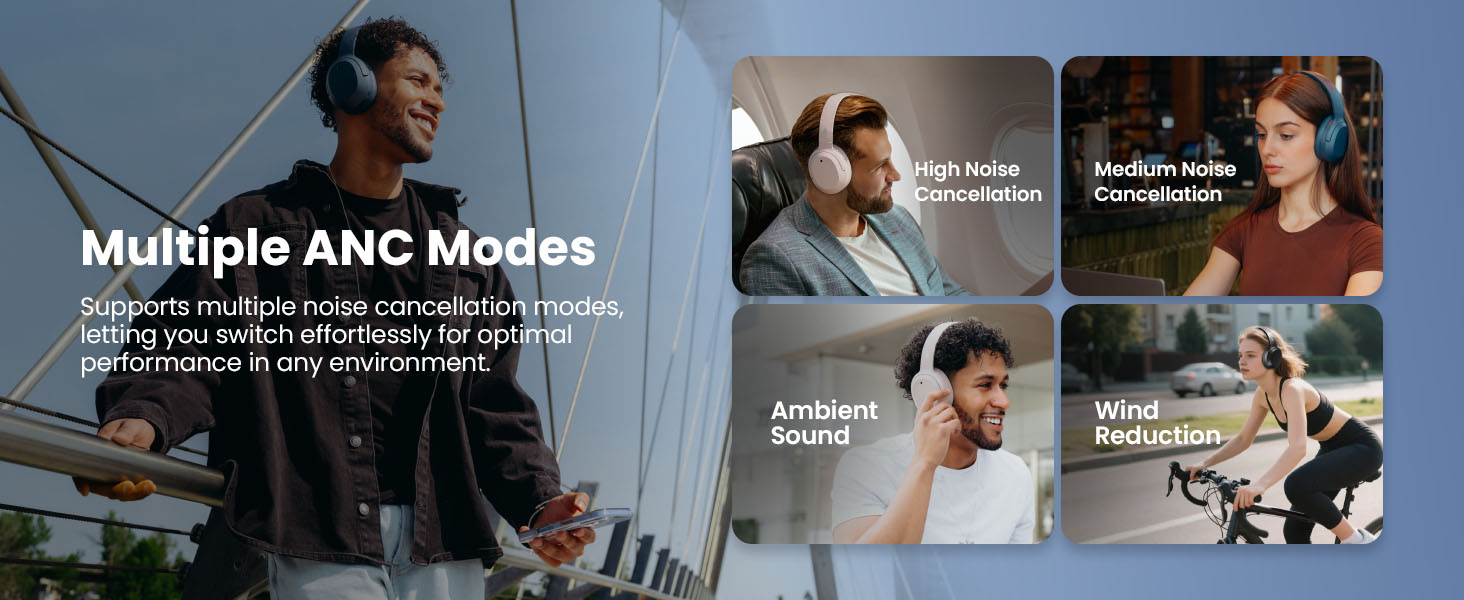
Image: Multiple ANC modes for various environments.
Спатиал Соунд
Immerse yourself in a dynamic 360° surround sound experience with lifelike depth and clarity. Activate Spatial Sound via the EDIFIER ConneX App or by double-pressing the ANC button until the Spatial Sound effect is selected.
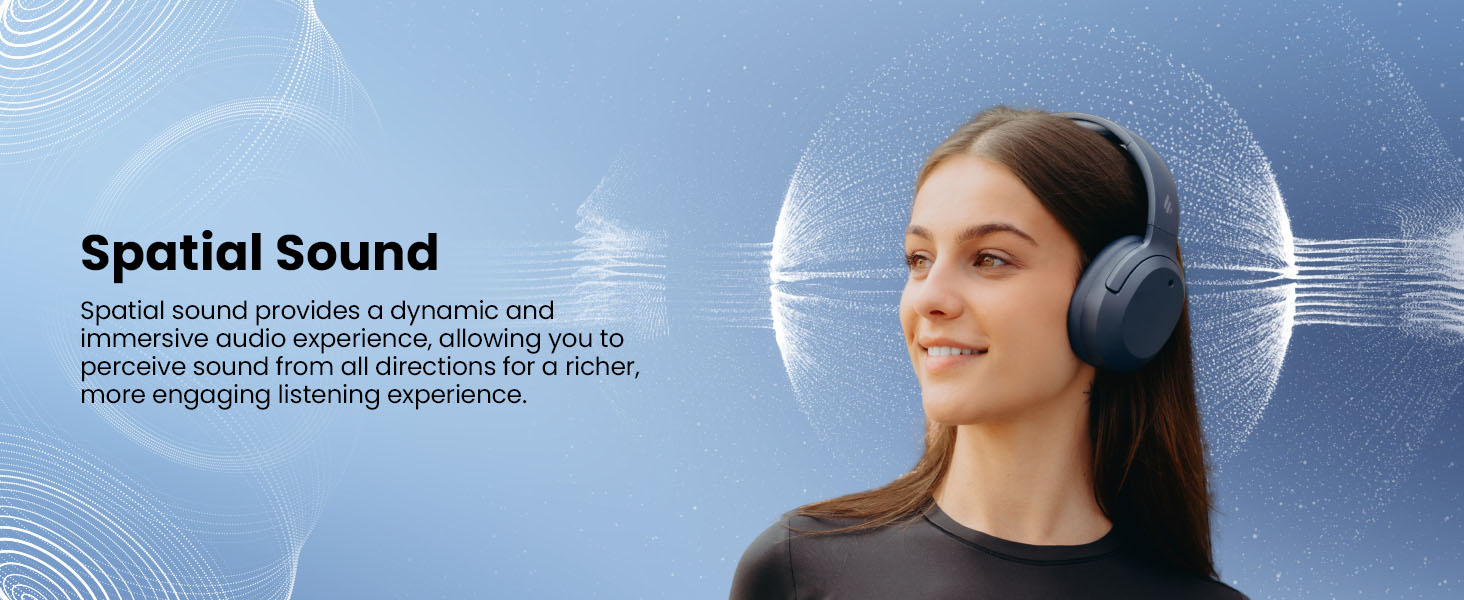
Image: Experience immersive spatial audio for 3D sound.
Режим игре
For a smoother, more immersive gameplay experience, activate Gaming Mode. This mode reduces audio latency for responsive sound. Access Gaming Mode via the EDIFIER ConneX App or by double-pressing the ANC button until the Game Mode effect is selected.
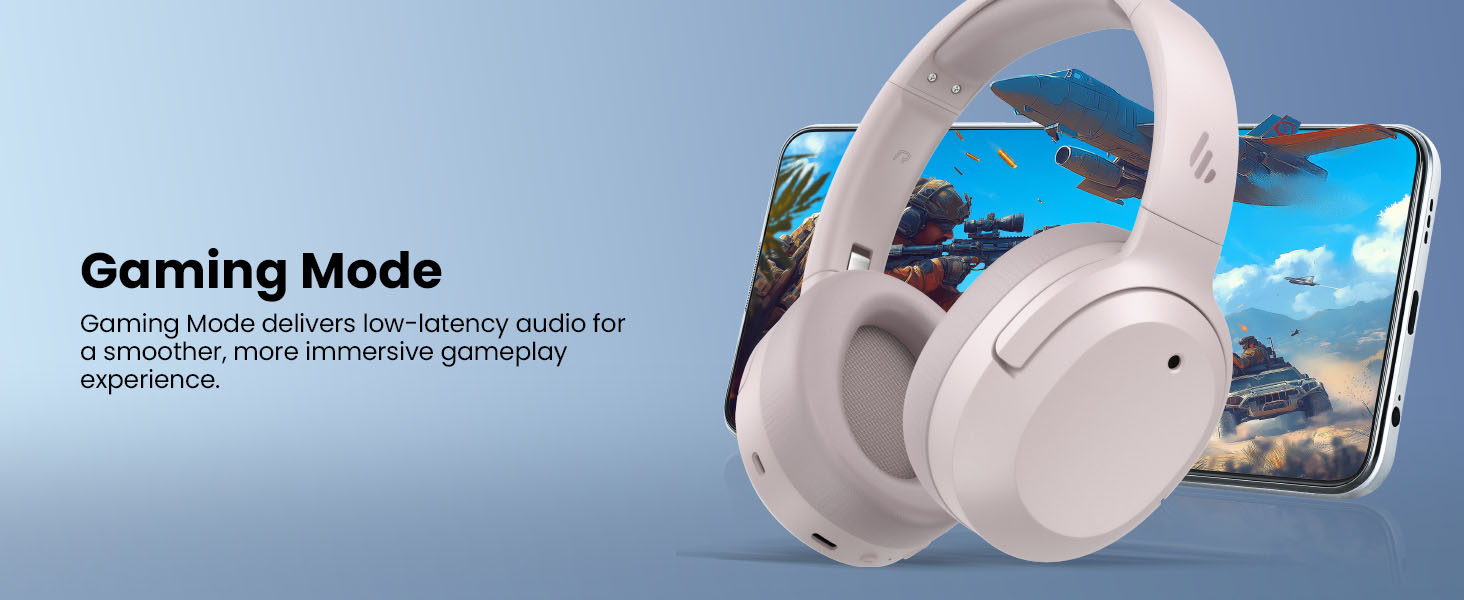
Image: Gaming Mode provides low-latency audio for an enhanced experience.
Volume Guard
The Volume Guard feature, accessible through the EDIFIER ConneX App, helps protect your hearing by allowing you to set a preferred maximum volume level and receive listening time reminders.
Жичана веза
To use the headphones in wired mode, plug the included USB-C cable into the headphone's USB-C port and connect the other end to a computer or another device with a USB port. The wired connection will automatically disable Bluetooth mode.
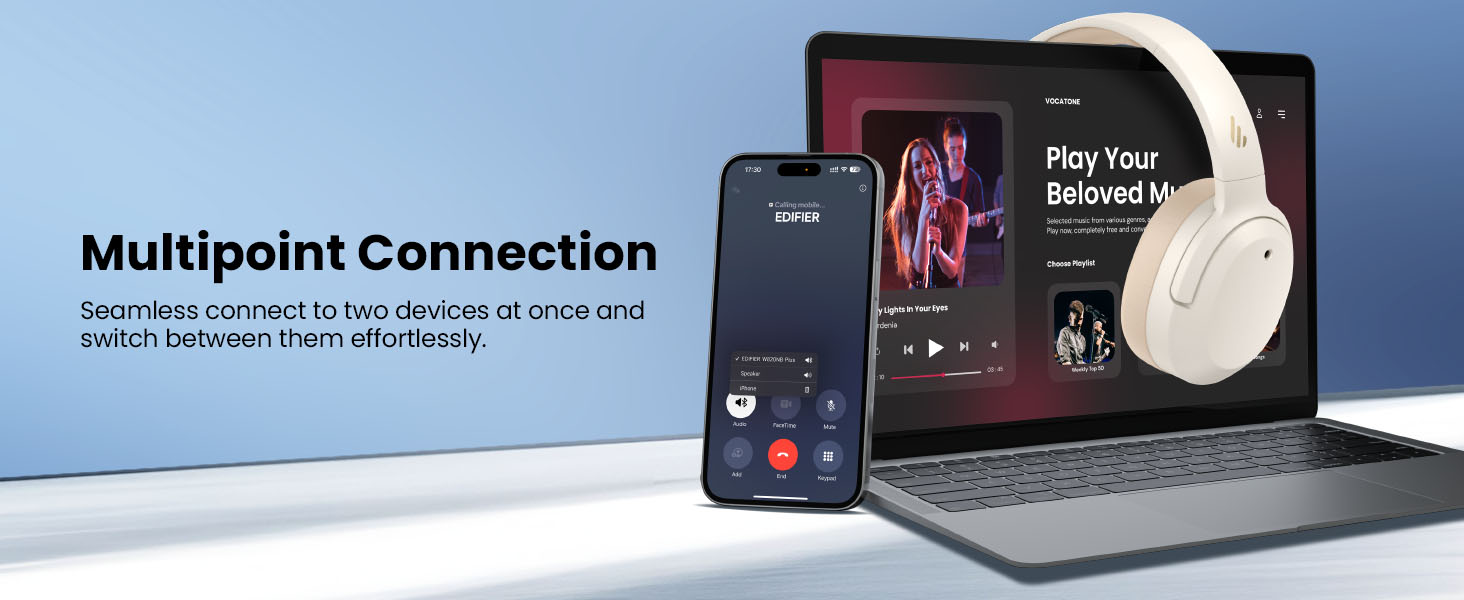
Image: Wired connection for continuous playback and charging.
Одржавање
Пуњење
The headphones offer up to 88 hours of continuous use (49 hours with ANC enabled). When the battery is low (less than 2%), a voice prompt will notify you: "Low battery, please charge," and the red LED will flash every 5 seconds.
To charge your headphones, plug the USB-C charging cable into the headphone's USB-C port and connect the other end to a computer or a wall charger. The LED will stay solid red while charging. It will turn green when fully charged if connected to a computer, or it will turn off when connected to a wall charger.
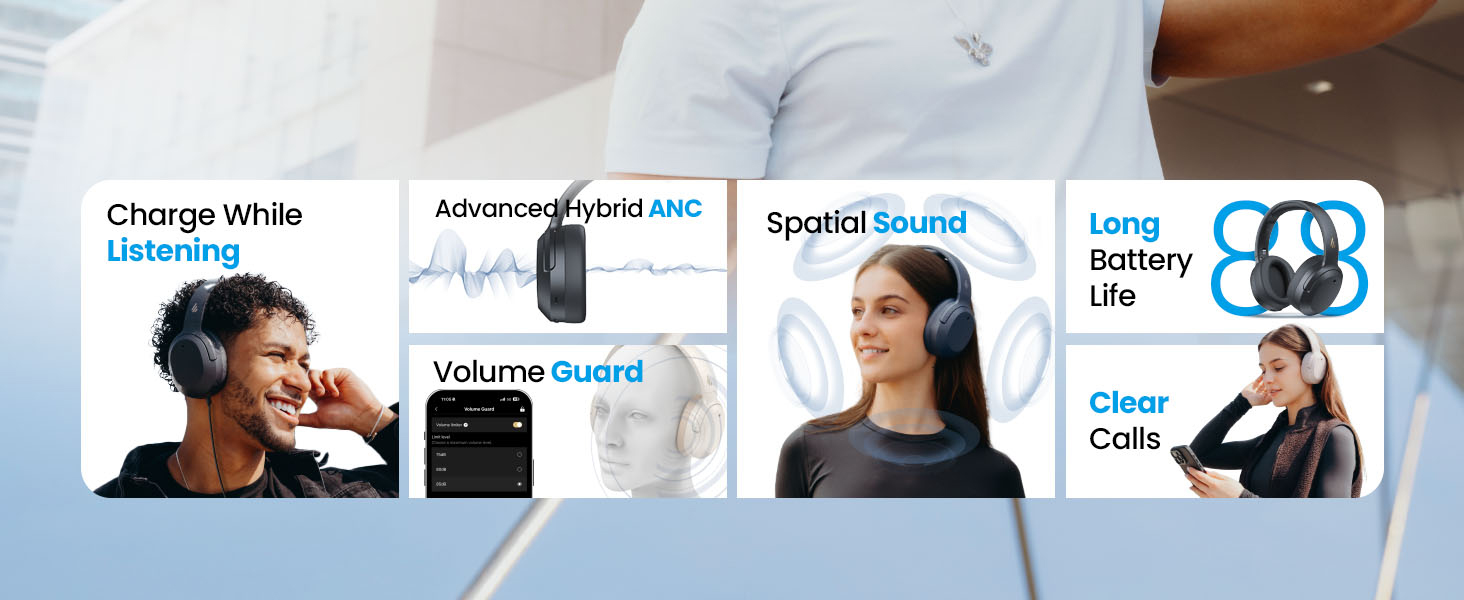
Слика: Трајање батерије и могућности брзог пуњења.
Чишћење и складиштење
- Use a soft, dry cloth to clean the headphones. Avoid using abrasive cleaners or solvents.
- Store the headphones in a cool, dry place away from extreme temperatures and humidity.
- The headphones feature a compact and foldable design for easy storage and portability.
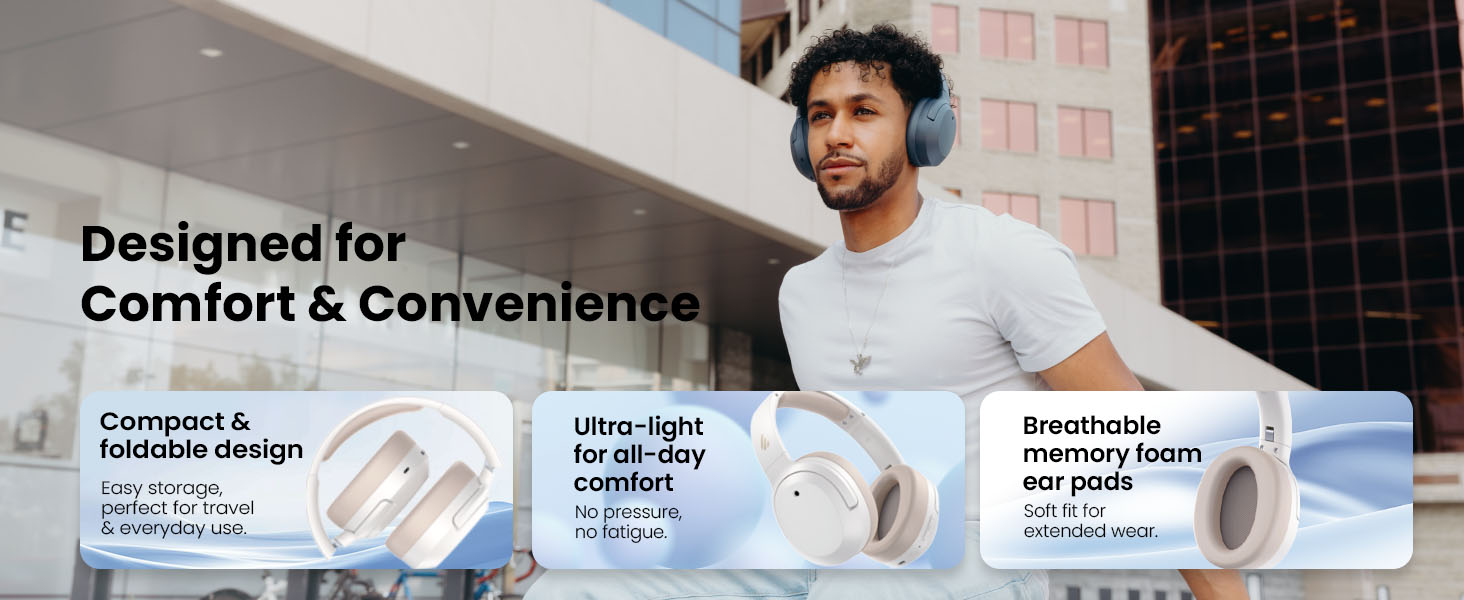
Image: Foldable design for comfort and convenience.
Решавање проблема
Ресетовање слушалица
If you encounter any issues during use, you can reset the headphones to restore factory settings:
- Press and hold the top (+) and bottom (-) buttons simultaneously for 5 seconds.
- The blue LED will blink six times until the reset is complete.
- A voice prompt will say "Disconnected."
- The headphones will then enter Bluetooth pairing mode, with the LED blinking blue and green alternately, and a voice prompt will say "Pairing."
- Follow the pairing instructions to reconnect your device.
Уобичајени проблеми
- Није могуће укључити: Уверите се да су слушалице напуњене. Повежите их са извором напајања помоћу USB-C кабла.
- Не могу да упарим преко Bluetooth-а: Ensure the headphones are in pairing mode (LED blinking blue and green). Check your device's Bluetooth settings and try re-pairing. If issues persist, perform a factory reset.
- Нема звука: Check the volume levels on both the headphones and your connected device. Ensure the headphones are properly paired or connected via wired mode.
- АНК не ради ефикасно: Ensure ANC is enabled. Adjust the ANC mode via the multi-function button or the EDIFIER ConneX App to suit your environment.
- Лош квалитет позива: Ensure the headphones are close to your device. Check for any obstructions between the headphones and your device.
Спецификације
| Феатуре | Детаљ |
|---|---|
| Бранд | Едифиер |
| Број модела | W820NBPLUS 2025 |
| Назив модела | W820NB Plus Gen 2nd |
| Боја | Ивори |
| Постављање уха | Преко уха |
| Импеданса | 40 Охмс |
| Контролни метод | Притисните дугме |
| Време пуњења батерије | 2 сата |
| Просечан век трајања батерије | 88 Hours (49 hours with ANC) |
| Контрола буке | Активно поништавање буке (-49dB) |
| Фреквенцијски одзив | 40 КХз |
| Тип аудио драјвера | Динамички возач |
| Величина аудио драјвера | 40 милиметара |
| Фреквенцијски опсег | 20Хз - 20,000Хз |
| Материјал кућишта | Plastic, Foam, Fabric |
| Компатибилни уређаји | Smartphones, Laptops, Desktops, Tablets, Televisions, Gaming Consoles |
| Прикључак за слушалице | УСБ-Ц |
| Технологија повезивања | бежични (Блуетоотх) |
| Блуетоотх верзија | 6.1 |
| Тежина артикла | 247 грама |
| GTIN / UPC | 875674008313 |
Гаранција и подршка
Информације о гаранцији
The Edifier W820NB Plus Gen 2 headphones come with a 1-годишња гаранција произвођачаМолимо вас да сачувате доказ о куповини за потребе гаранције.
Корисничка подршка
For further assistance, technical support, or warranty inquiries, please visit the official Edifier website or contact their customer service. You can also find additional resources and FAQs within the EDIFIER ConneX App.