
1. Увод
This manual provides essential information for the safe and efficient operation of your Optoma GT4000UHD Ultra-Short Throw 4K UHD Home Cinema Laser Projector. Please read it thoroughly before using the product and retain it for future reference.
The Optoma GT4000UHD is designed to deliver high-quality 4K UHD visuals for various entertainment purposes, including console gaming, PC gaming, and streaming video content. Its ultra-short throw capability allows for large images from a minimal distance.
2. Безбедносне информације
Придржавајте се следећих мера предострожности како бисте спречили оштећење пројектора и осигурали безбедност корисника:
- Не блокирајте вентилационе отворе. Обезбедите адекватан проток ваздуха око пројектора.
- Не гледајте директно у сочиво пројектора када је укљученоamp је укључено. Јако светло може изазвати оштећење ока.
- Избегавајте постављање пројектора на директну сунчеву светлост, близу извора топлоте или у окружења са високом влажношћу или прашином.
- Користите само адаптер за напајање који се испоручује са пројектором.
- Искључите кабл за напајање током грмљавине или када се не користи дуже време.
- Do not attempt to open or service the projector yourself. Refer all servicing to qualified personnel.
3. Садржај пакета
Проверите да ли су све ставке присутне у пакету:
- Optoma GT4000UHD Projector
- Повер Цорд
- Ремоте Цонтрол
- Кориснички приручник (овај документ)
4. Производ је готовview
4.1 Projector Front and Top View
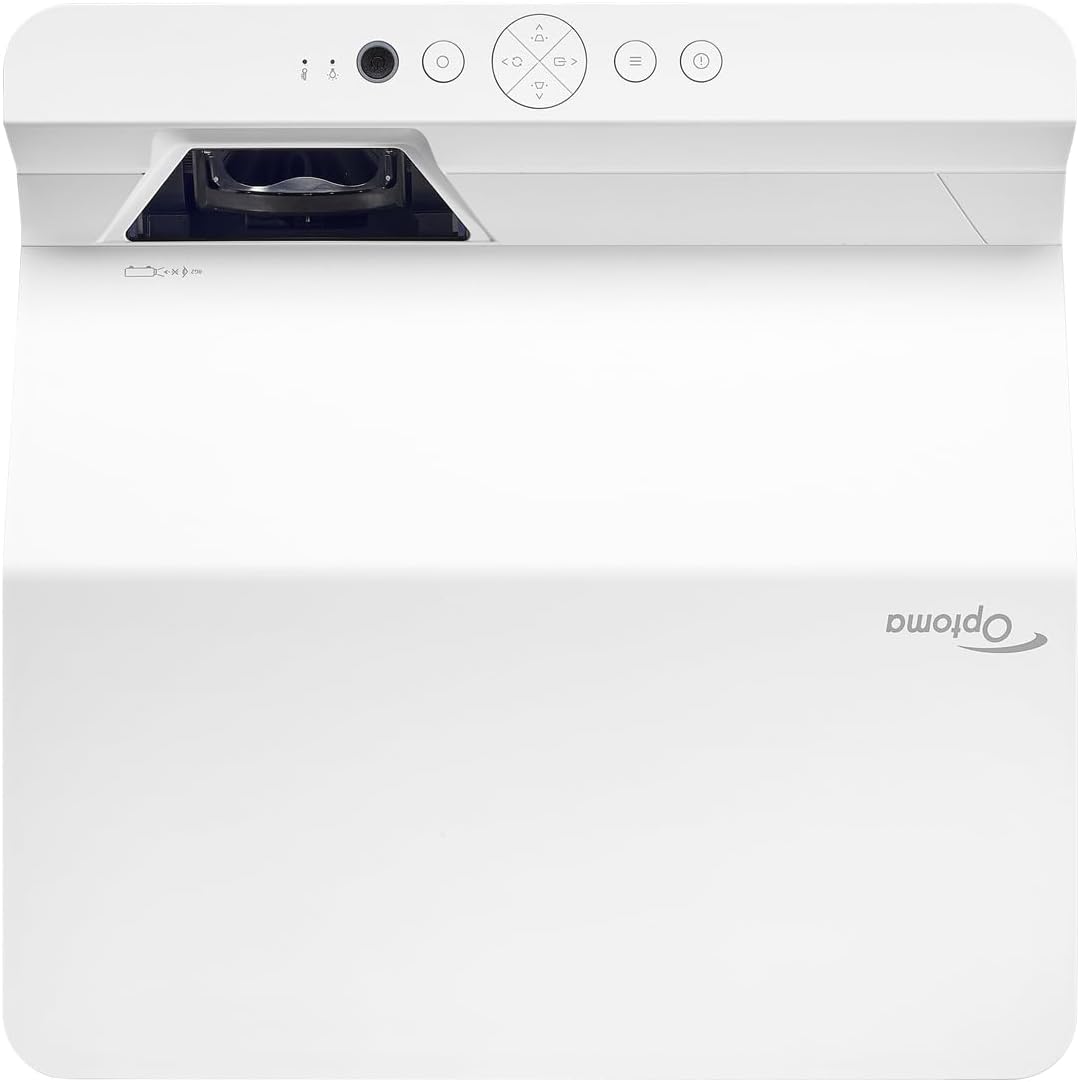
Опис: This image displays the top and front view of the Optoma GT4000UHD projector. The ultra-short throw lens is visible at the front, along with basic control buttons on the top panel. The Optoma logo is prominently displayed.
4.2 Rear Panel and Connectivity
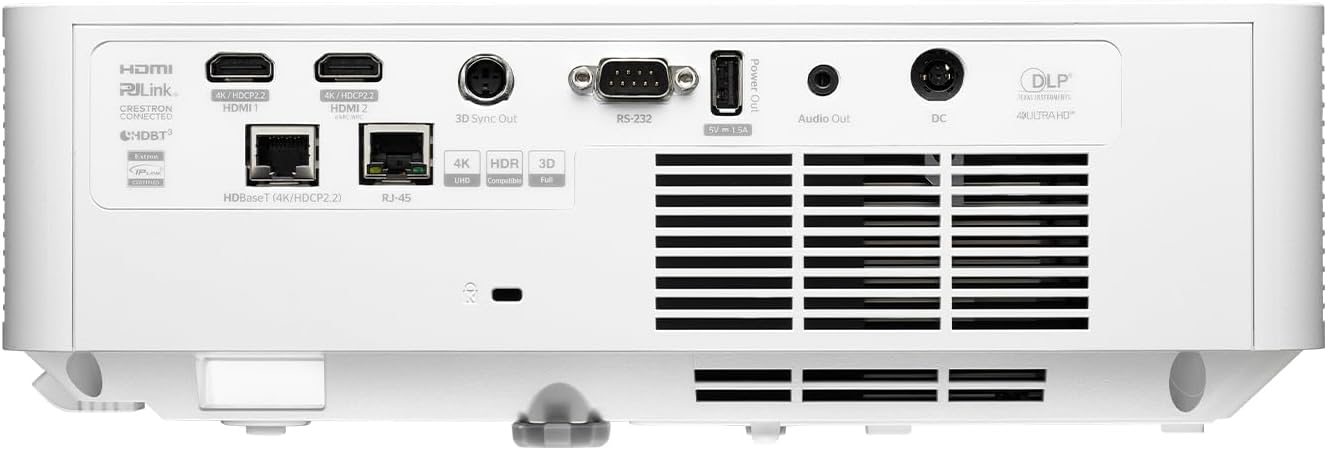
Опис: This image shows the rear panel of the Optoma GT4000UHD projector, highlighting its connectivity options. Ports include HDMI, HDBaseT, RJ-45, 3D Sync Out, RS232, Audio Out, and DC power input.
4.3 Даљински управљач
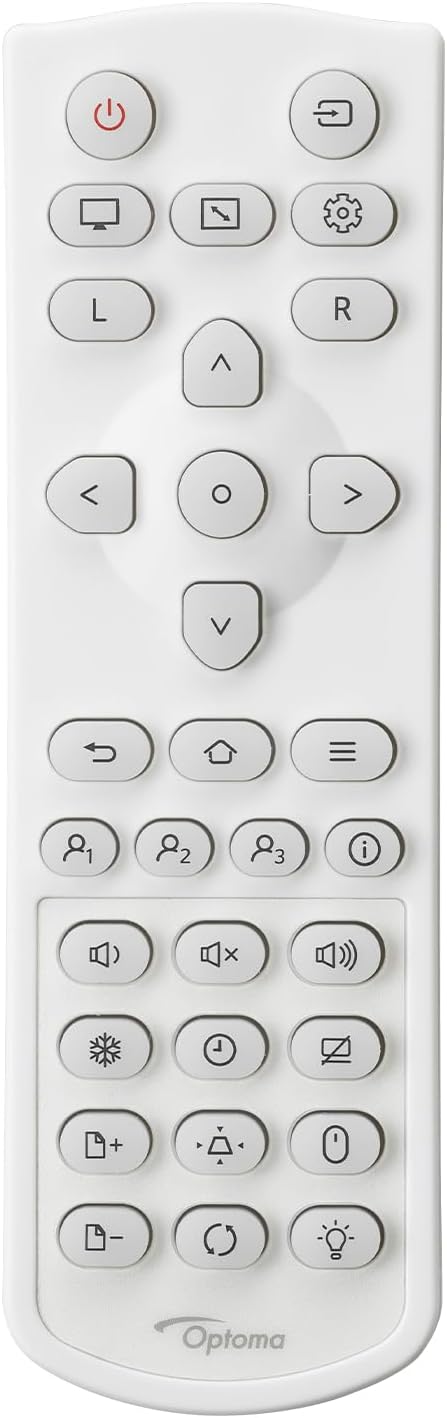
Опис: This image displays the remote control for the Optoma GT4000UHD projector. It features buttons for power, source selection, menu navigation, volume control, and other functions.
5. Подешавање
5.1 Постављање пројектора
The GT4000UHD is an ultra-short throw projector, capable of producing large images from a very short distance. Place the projector on a stable, flat surface directly in front of your screen or wall.
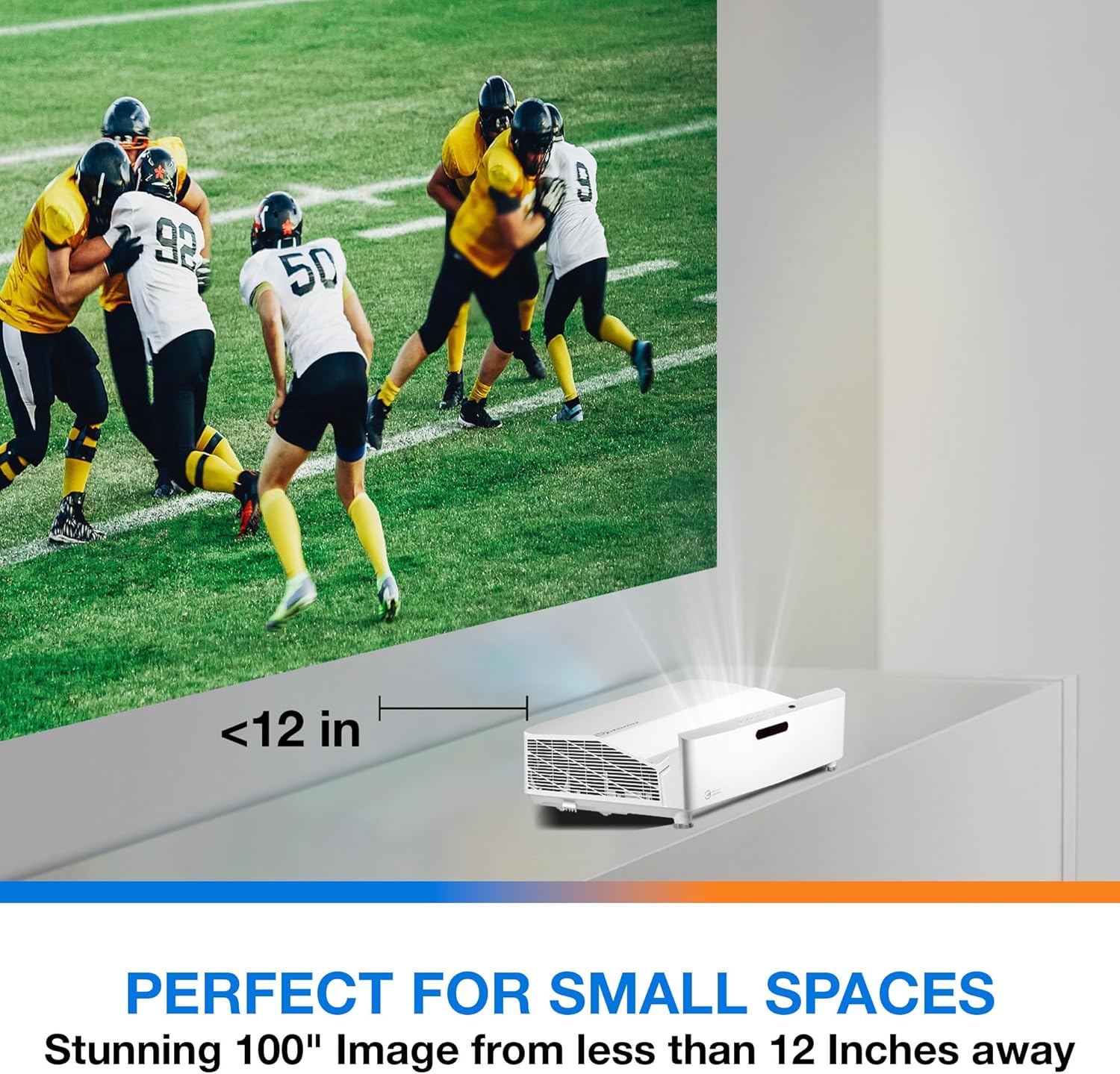
Опис: This image illustrates the ultra-short throw capability of the GT4000UHD, showing it projecting a 100-inch image from less than 12 inches away from the projection surface. This allows for flexible placement in small spaces.
- For a 100-inch image, position the projector approximately 10-12 inches (25-30 cm) from the projection surface.
- Ensure the projector is level to avoid image distortion. Use the adjustable feet if necessary.
5.2 Повезивање уређаја
Connect your video sources (e.g., gaming console, Blu-ray player, streaming device) to the projector's HDMI ports. For network control or HDBaseT connectivity, use the respective ports on the rear panel.
- ДВИ: Connect HDMI cables from your source devices to the HDMI 1 or HDMI 2 ports.
- Аудио излаз: For external audio systems, connect an audio cable from the Audio Out port to your sound system.
- Снага: Connect the power cord to the DC input on the projector and then to a power outlet.
5.3 Укључивање/искључивање
- Укључено: Press the power button on the projector or the remote control. The power indicator light will turn on.
- Искључивање: Поново притисните дугме за напајање. Може се појавити порука за потврду; потврдите да бисте искључили пројектор.
6. Упутство за употребу
6.1 Основни рад
- Избор извора: Use the 'Source' button on the remote control to cycle through available input sources (HDMI 1, HDMI 2, etc.).
- Навигација у менију: Use the 'Menu' button to access settings. Use the arrow keys and 'OK' button to navigate and select options.
- Контрола јачине звука: Подесите јачину звука помоћу посебних дугмади за јачину звука на даљинском управљачу.
6.2 Image Adjustment (4-Corner Geometric Correction)
The GT4000UHD features 4-Corner Adjustment for precise image alignment, especially useful when the projector is not perfectly perpendicular to the screen.
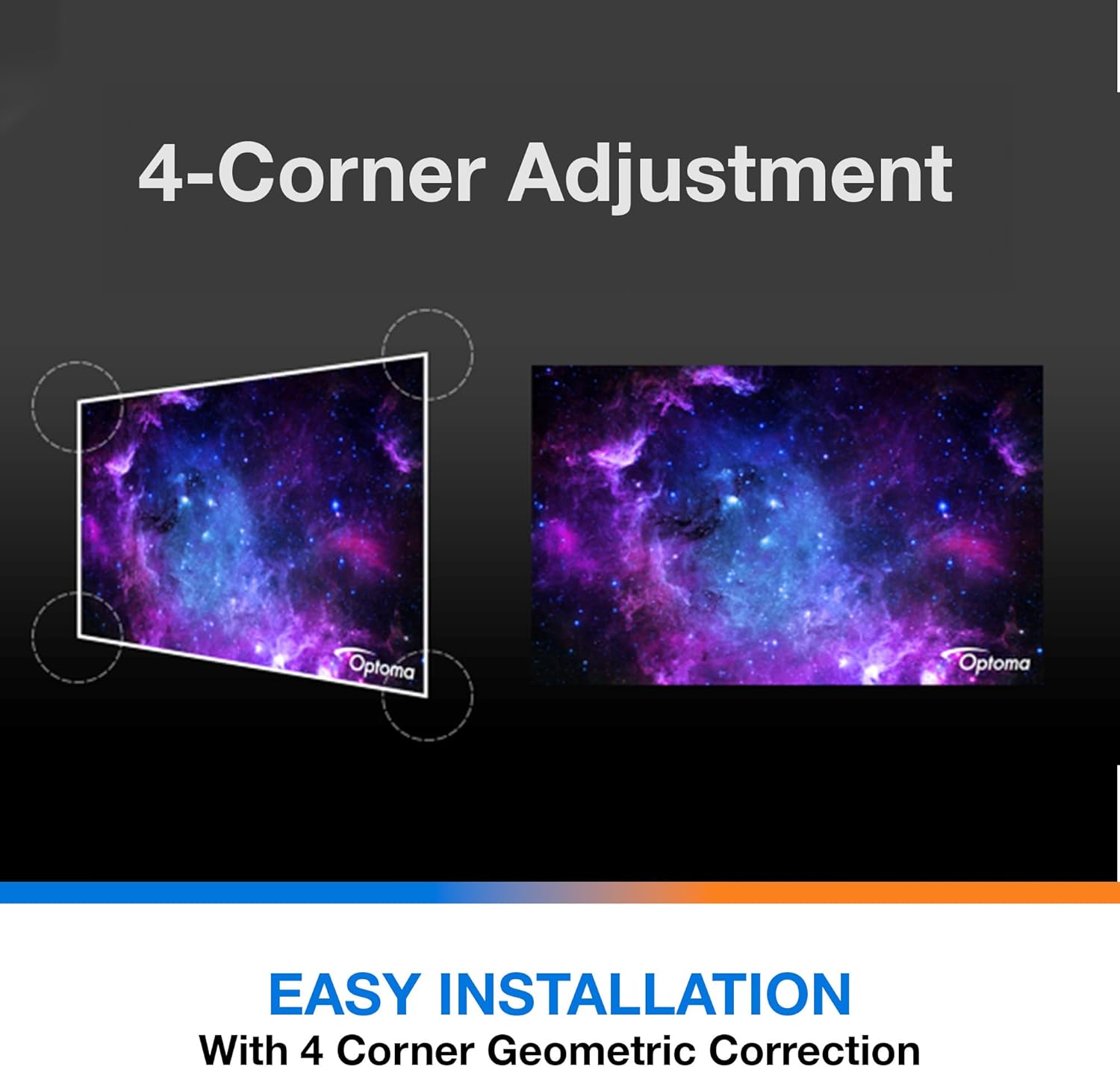
Опис: This diagram illustrates the function of 4-Corner Adjustment. It shows a trapezoidal, distorted image being geometrically corrected to form a perfect rectangular projection, ensuring easy installation and optimal viewинг.
- Access the 'Image' or 'Geometric Correction' menu.
- Select '4-Corner Adjustment' and use the arrow keys to individually adjust each corner of the projected image until it forms a perfect rectangle.
6.3 Enhanced Gaming Mode
The projector includes an Enhanced Gaming Mode to minimize input lag, providing a more responsive gaming experience.
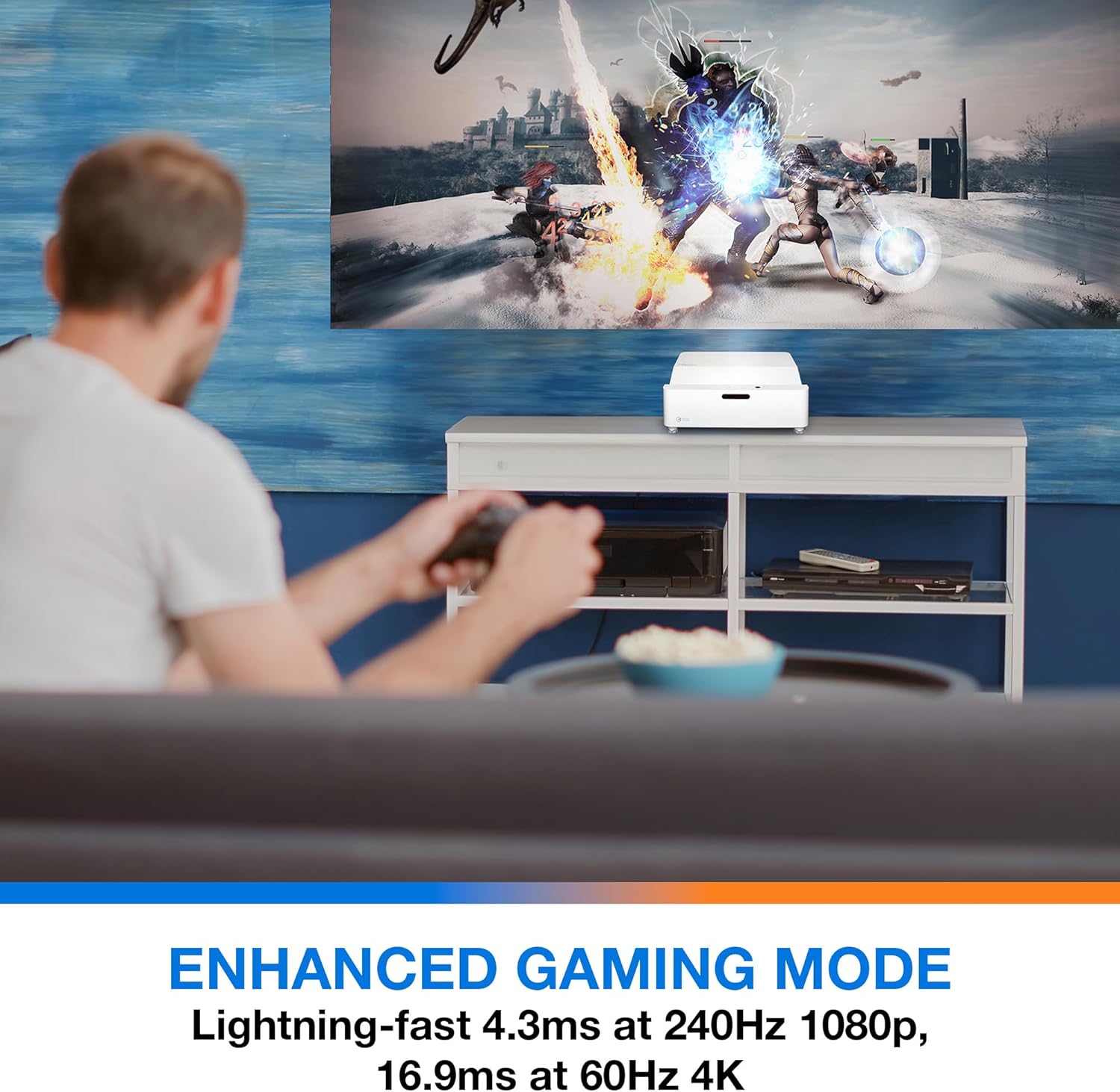
Опис: This image shows a user engaged in gaming with the Optoma GT4000UHD projector, highlighting the Enhanced Gaming Mode. This mode offers low input lag for a responsive gaming experience.
- To activate, navigate to the 'Display' or 'Picture Mode' settings in the menu and select 'Gaming Mode'.
- This mode optimizes the projector for fast-paced action, reducing input latency to as low as 4.3ms at 240Hz 1080p, or 16.9ms at 60Hz 4K.
6.4 Firmware Updates (FOTA Integration)
The projector supports Firmware Over-The-Air (FOTA) updates, allowing for convenient software enhancements.
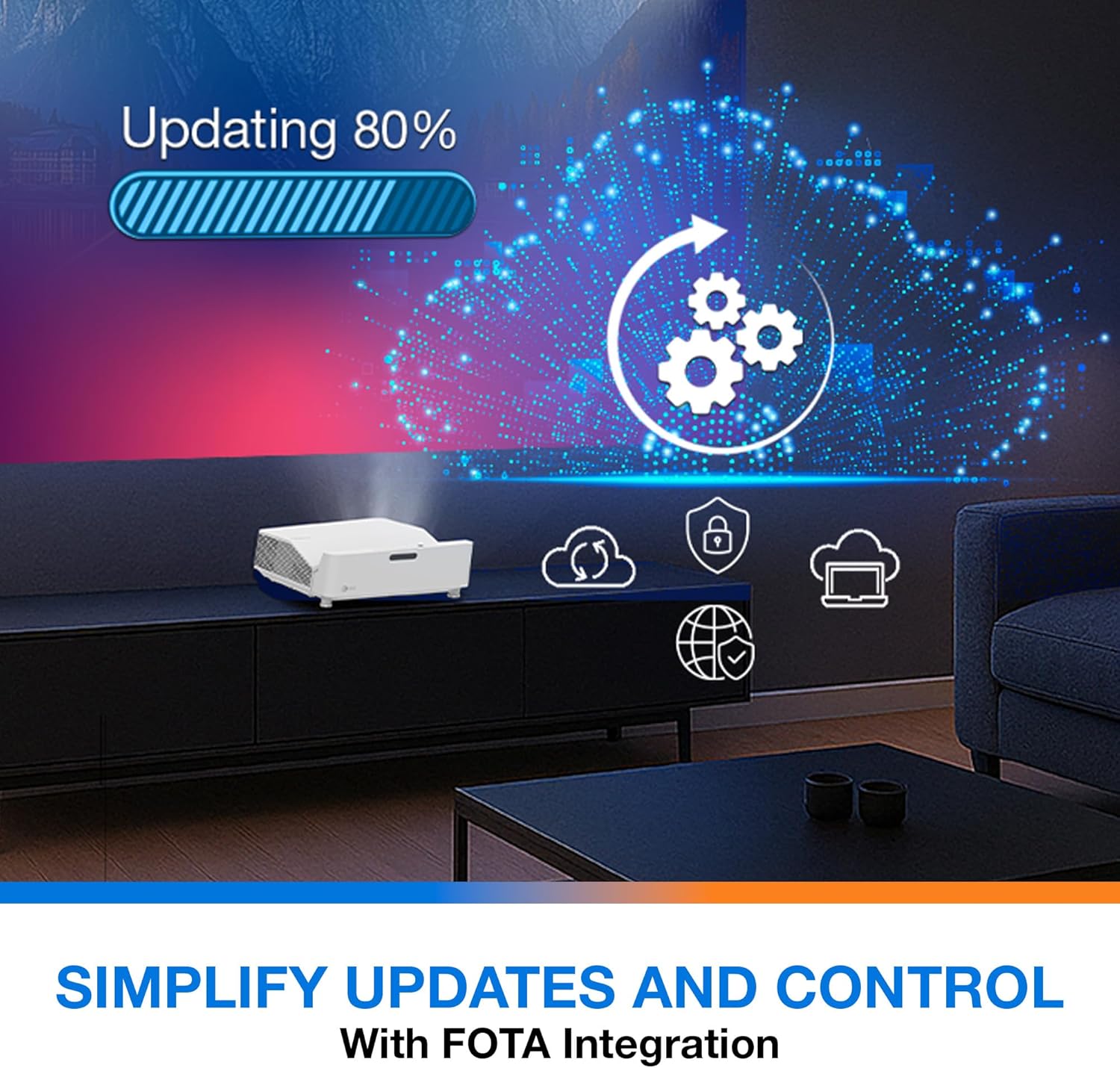
Опис: This image depicts the FOTA (Firmware Over-The-Air) integration feature, showing a progress bar for an update and cloud icons representing simplified updates and control for the projector.
- Ensure the projector is connected to the internet via its network port.
- Check for updates in the 'System' or 'About' menu. Follow on-screen prompts to download and install any available firmware updates.
7. Одржавање
- Чишћење сочива: Нежно обришите сочиво меком крпом која не оставља влакна, посебно дизајнираном за оптичке површине. Не користите абразивна средства за чишћење.
- вентилација: Regularly check and clean the air vents to prevent dust buildup, which can affect performance and lifespan.
- Складиштење: Када се пројектор не користи дуже време, чувајте га на хладном и сувом месту, заштићеном од прашине.
КСНУМКС. Решавање проблема
Ако наиђете на проблеме, погледајте следећа уобичајена решења:
| Проблем | Могући узрок | Решење |
|---|---|---|
| Нема приказане слике | Кабл за напајање лабав, погрешан улазни извор, изворни уређај искључен | Проверите прикључке за напајање, изаберите исправан улазни извор и уверите се да је изворни уређај укључен. |
| Image distorted/not rectangular | Projector not level, keystone/corner adjustment needed | Adjust projector position, use 4-Corner Adjustment feature. |
| Нема звука | Volume too low, external audio system not connected/selected | Increase volume, check external audio connections and settings. |
| Даљински управљач не ради | Batteries depleted, obstruction between remote and projector | Replace batteries, remove obstructions, ensure line of sight. |
If the problem persists, contact Optoma customer support.
9. Спецификације
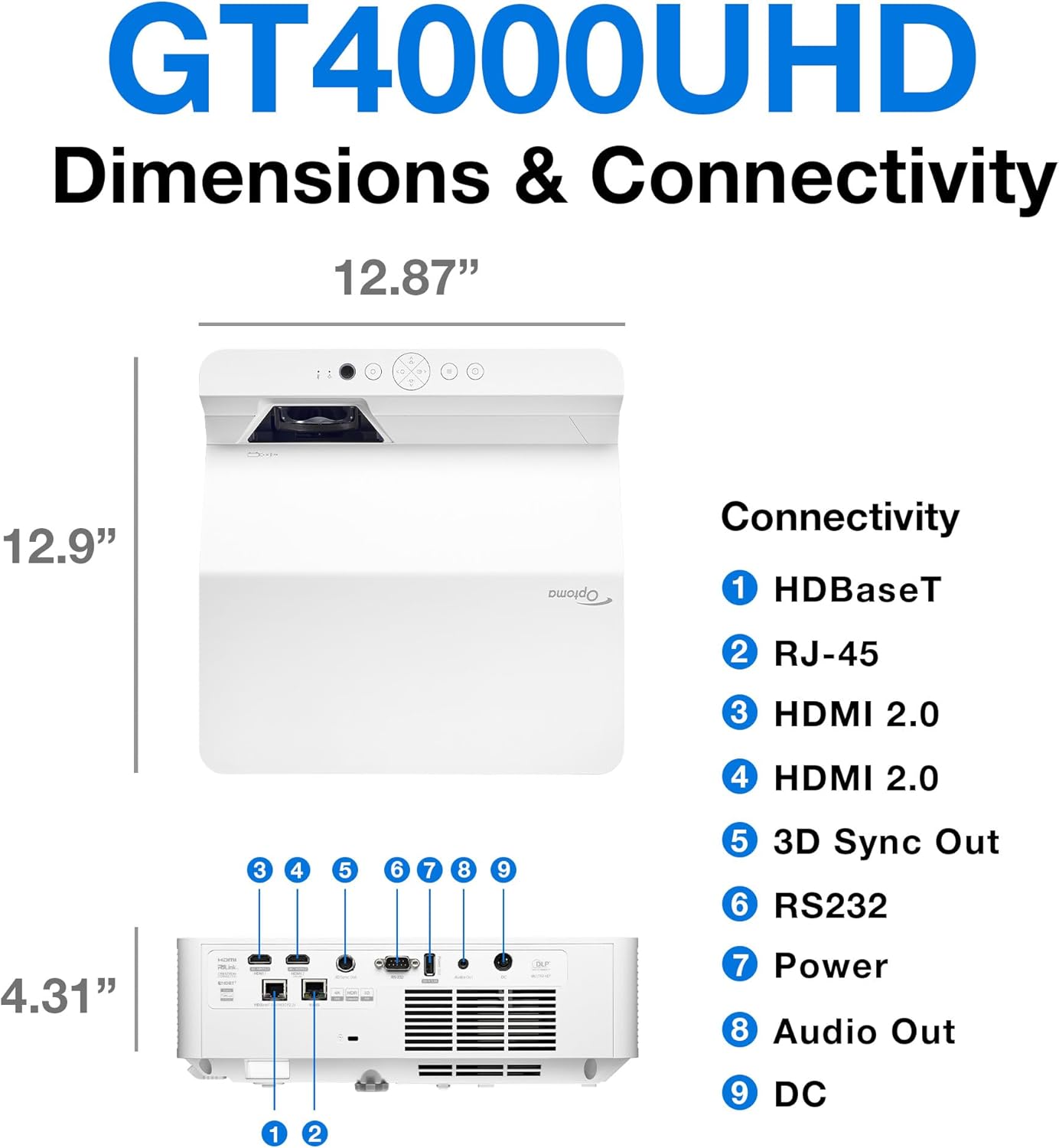
Опис: This image provides a detailed diagram of the Optoma GT4000UHD projector, including its dimensions (12.87" x 12.9" x 4.31") and a labeled overview of its connectivity ports such as HDBaseT, RJ-45, HDMI 2.0, 3D Sync Out, RS232, Power, Audio Out, and DC.
| Феатуре | Спецификација |
|---|---|
| Назив модела | ГТ4000УХД |
| Бранд | Оптома |
| Резолуција екрана | 3840 к 2160 (4К УХД) |
| Осветљеност | 4,000 лумена |
| Технологија повезивања | HDMI, RCA |
| Посебна карактеристика | Ултра Схорт Тхров |
| Препоручена употреба | Гејминг, Кућни биоскоп |
| Максимална величина слике | 100 инча |
| Минимална удаљеност бацања | 0.28 метара |
| Максимална удаљеност бацања | 0.56 метара |
| Тежина артикла | 9.8 фунти |
| Тип монтаже | Таблетоп Моунт |
10. Гаранција и подршка
10.1 Информације о гаранцији
The Optoma GT4000UHD projector comes with a 1 Year Projector Parts and Labor Manufacturer’s WarrantyМолимо вас да сачувате доказ о куповини за потребе гаранције.
10.2 Корисничка подршка
For technical assistance, troubleshooting beyond this manual, or warranty inquiries, please visit the official Optoma support website or contact their customer service department. Contact information can typically be found on the Optoma webсајту или у паковању производа.