
1. Увод
Thank you for choosing the Rampage Runner KB-RX77 Membrane Switch Wired Gaming Keyboard. This keyboard is designed for desktop PC gaming, featuring a durable membrane switch type, rainbow backlighting, and anti-ghosting capabilities for an enhanced gaming experience. This manual will guide you through the setup, operation, and maintenance of your new keyboard.
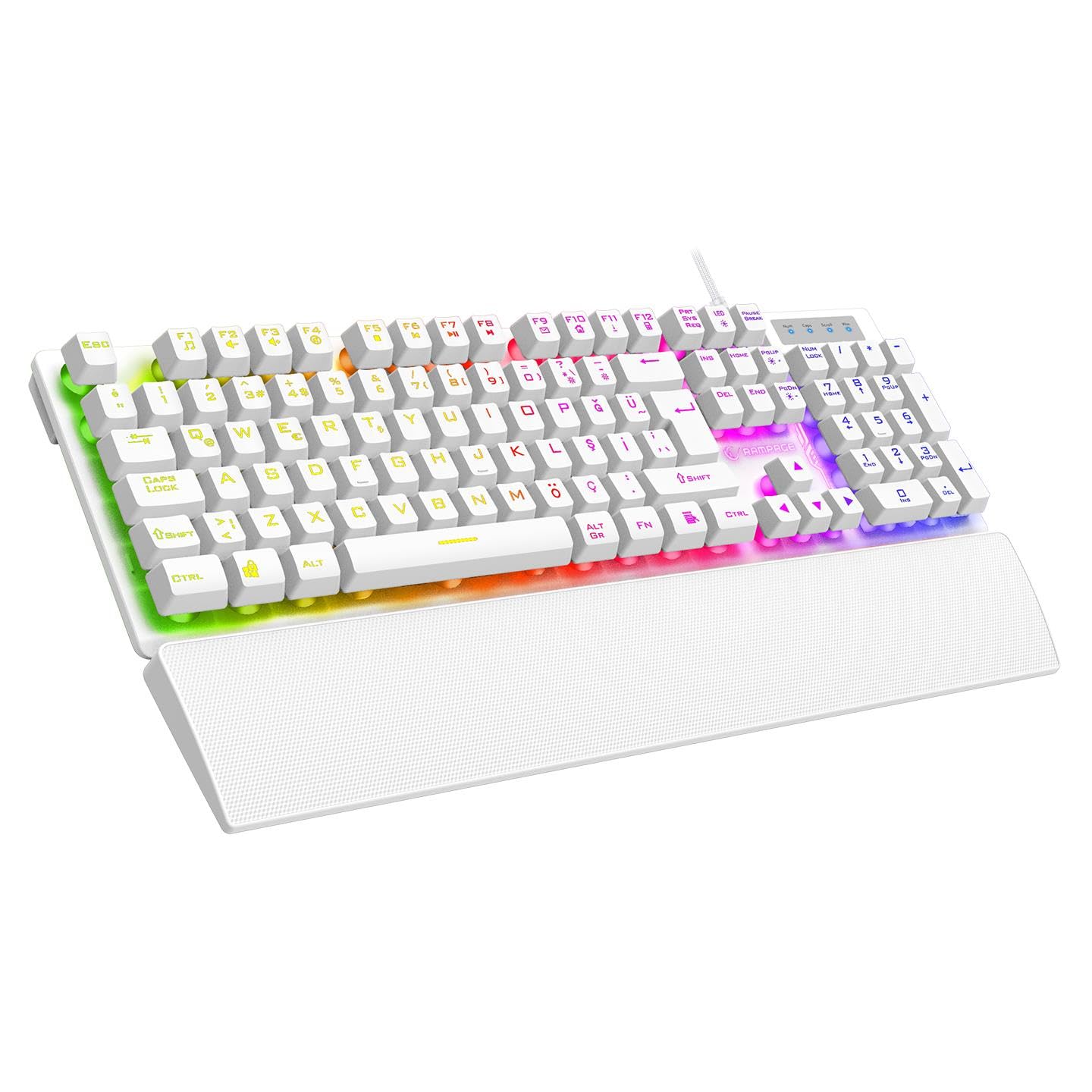
Слика 1.1: Одозго надоле view of the Rampage Runner KB-RX77 keyboard, showcasing its full layout and vibrant rainbow backlighting.
2. Подешавање
Follow these steps to set up your Rampage Runner KB-RX77 keyboard:
- Распакујте тастатуру: Carefully remove the keyboard and any accessories from its packaging. Ensure all components are present, including the keyboard and the attached wrist rest.
- Повежите се са рачунаром: Locate an available USB-A port on your desktop computer. Insert the keyboard's braided USB cable into the USB-A port.
- Инсталација драјвера: Тастатура је „plug-and-play“. Ваш оперативни систем би требало аутоматски да детектује и инсталира потребне драјвере. Обично није потребна инсталација додатног софтвера.
- Позиционирање: Place the keyboard on a stable, flat surface. The integrated wrist rest provides ergonomic support during use.
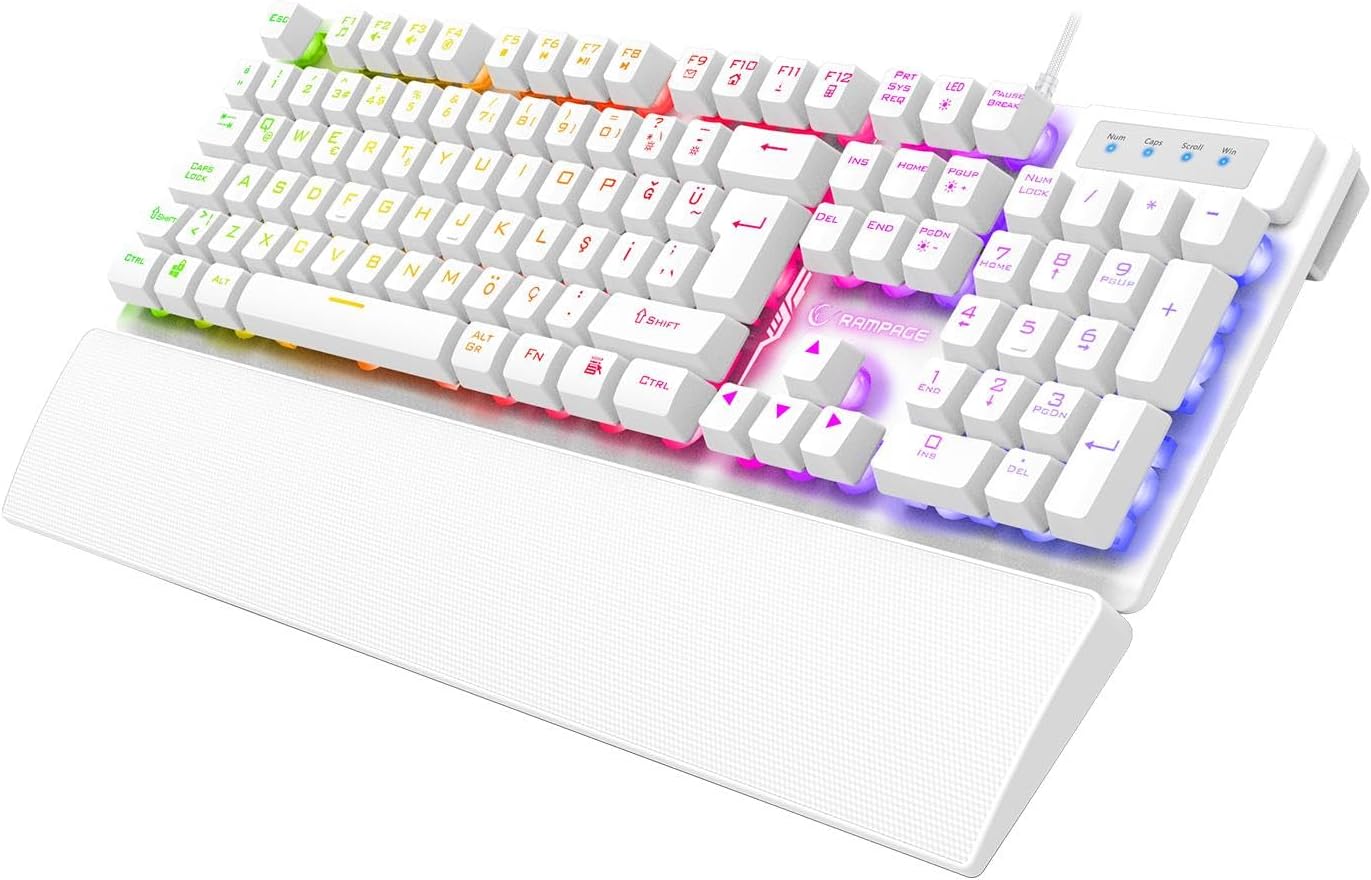
Слика 2.1: Под углом view of the Rampage Runner KB-RX77 keyboard, highlighting the integrated wrist rest and USB cable connection.
3. Упутство за употребу
Рampage Runner KB-RX77 keyboard offers standard typing functionality along with gaming-specific features.
3.1 Основне функције тастатуре
- Стандардни тастери: All standard alphanumeric and symbol keys function as expected for typing and general computer use.
- Нумеричка тастатура: The dedicated numeric keypad on the right provides quick access to numbers and arithmetic operations.
- Стрелице: Use the arrow keys for navigation within documents or games.
3.2 Rainbow Backlighting Control
The keyboard features vibrant rainbow backlighting. Use the following key combinations to control the lighting:
- FN + F-keys: The keyboard includes multimedia and lighting control functions integrated with the F1-F12 keys. Press and hold the FN тастер, а затим притисните одговарајући Ф-тастер to activate its secondary function. Specific F-keys may control lighting modes, brightness, or on/off toggles. Refer to the keycap legends for exact functions.
3.3 Заштита од духова
The KB-RX77 supports 25-key anti-ghosting, allowing multiple key presses to be registered simultaneously without conflict. This is crucial for fast-paced gaming where complex key combinations are common.

Figure 3.1: Close-up top-down view of the Rampage Runner KB-RX77 keyboard, showing the key layout and rainbow backlighting.
4. Одржавање
Правилно одржавање осигурава дуготрајност и оптималне перформансе ваше тастатуре.
- Чишћење: Regularly clean the keyboard surface with a soft, dry cloth. For deeper cleaning, use a slightly damp cloth with a mild cleaning solution, ensuring no liquid enters the key switches or internal components. Do not use harsh chemicals or abrasive materials.
- Уклањање прашине: Користите компримовани ваздух да уклоните прашину и остатке између тастера.
- Складиштење: Када се тастатура не користи дуже време, чувајте је на чистом и сувом месту, даље од директне сунчеве светлости и екстремних температура.
- Нега каблова: Избегавајте прекомерно савијање или увијање USB кабла како бисте спречили оштећења.
КСНУМКС. Решавање проблема
If you encounter issues with your keyboard, try the following troubleshooting steps:
- Тастатура не реагује:
- Уверите се да је USB кабл безбедно прикључен у исправан USB-A порт на рачунару.
- Try plugging the keyboard into a different USB-A port.
- Поново покрените рачунар.
- Позадинско осветљење не ради:
- Check if the backlighting has been turned off using the FN + F-key combination.
- Уверите се да је тастатура правилно повезана са рачунаром.
- Кључеви се не региструју:
- Clean the affected keys to remove any debris that might be obstructing the switch.
- Тестирајте тастатуру на другом рачунару да бисте утврдили да ли је проблем са тастатуром или са рачунаром.
Ако ови кораци не реше проблем, обратите се корисничкој подршци.
6. Спецификације
| Бранд | Rampстарости |
| Модел | KB-RX77 |
| Тип прекидача | Мембране |
| Распоред тастера | турски К |
| Позадинско осветљење | Раинбов |
| Анти-Гхостинг | 25 Кеис |
| Врста везе | Жични (USB-A) |
| Цабле Типе | Плетени |
| Цабле Ленгтх | 1.65 метара |
| Животни век кључа | 30 милиона тастера |
| Врист Рест | Интегрисано |
| Димензије (Д к Ш к В) | 439 к 134 к 35 мм |
| Тежина | КСНУМКСг +/- КСНУМКСг |
| Компатибилни уређаји | Десктоп ПЦ |
7. Гаранција и подршка
7.1 Информације о гаранцији
Рampage Runner KB-RX77 Membrane Switch Wired Gaming Keyboard comes with a 24-месечна гаранција from the date of purchase. This warranty covers manufacturing defects and malfunctions under normal use. Please retain your proof of purchase for warranty claims. The warranty does not cover damage caused by misuse, accidents, unauthorized modifications, or normal wear and tear.
7.2 Корисничка подршка
For technical assistance, warranty claims, or any questions regarding your Rampage Runner KB-RX77 keyboard, please contact your retailer or the official Rampage customer support channel. Refer to the warranty certificate included with your product for specific contact details.