
Увод
This manual provides essential information for the assembly, operation, maintenance, and troubleshooting of your Deli Gaming Table E91511. Please read these instructions carefully before assembly and use to ensure proper function and longevity of your product.
Безбедносна упозорења
- Увек саставите сто према приложеним упутствима.
- Ensure the desk is properly anchored to the floor to prevent tipping, especially when using heavy setups.
- Be cautious when moving the desk, as it may require two people due to its size and weight.
- Do not overload the desk beyond its specified weight capacity.
- Држите мале делове даље од деце током монтаже.
Садржај пакета
Before beginning assembly, verify that all components are present and undamaged. Refer to the included assembly instructions for a detailed list of parts and hardware. Typically, the package includes:
- Desktop surface (Metal and Composite)
- Desk legs (K-type carbon steel frame)
- Crossbars and support beams
- Монтажни материјал (шрафови, вијци, подлошке)
- Assembly tools (if included, otherwise standard tools like a screwdriver may be required)
- Упутство за употребу
Подешавање и монтажа
The Deli Gaming Table E91511 is designed for quick assembly with minimal tools. Follow the step-by-step instructions provided in the separate assembly guide included with your product. Ensure you have adequate space for assembly and consider having a second person assist with lifting and positioning larger components.
Кораци генералне скупштине:
- Распакујте све компоненте и положите их на чисту, меку површину како бисте спречили огреботине.
- Attach the K-shaped table legs to the main support frame using the provided hardware. Ensure all connections are secure.
- Carefully place the desktop surface onto the assembled leg frame. Align the pre-drilled holes.
- Secure the desktop to the frame using the remaining hardware. Do not overtighten.
- Verify all screws and bolts are tightened and the desk is stable before placing any equipment on it.

Image: Close-up of the K-shaped table legs, demonstrating the stable structure.
Упутство за употребу
The Deli Gaming Table E91511 offers a spacious and stable surface for various uses, including gaming, streaming, home office work, and student workstations.
- Wider Gaming Surface: The 120 cm width accommodates dual monitors or extra peripherals, providing ampоставите простор за ваше подешавање.
- Ергономски дизајн: The desk is designed for comfortable use, allowing for extended periods of activity without discomfort.
- Управљање кабловима: Utilize the integrated 3D cable management box (if applicable) to keep your cables organized and your workspace tidy.
- Носивост: The desk is engineered for heavy setups and consistent use. Ensure weight is distributed evenly.
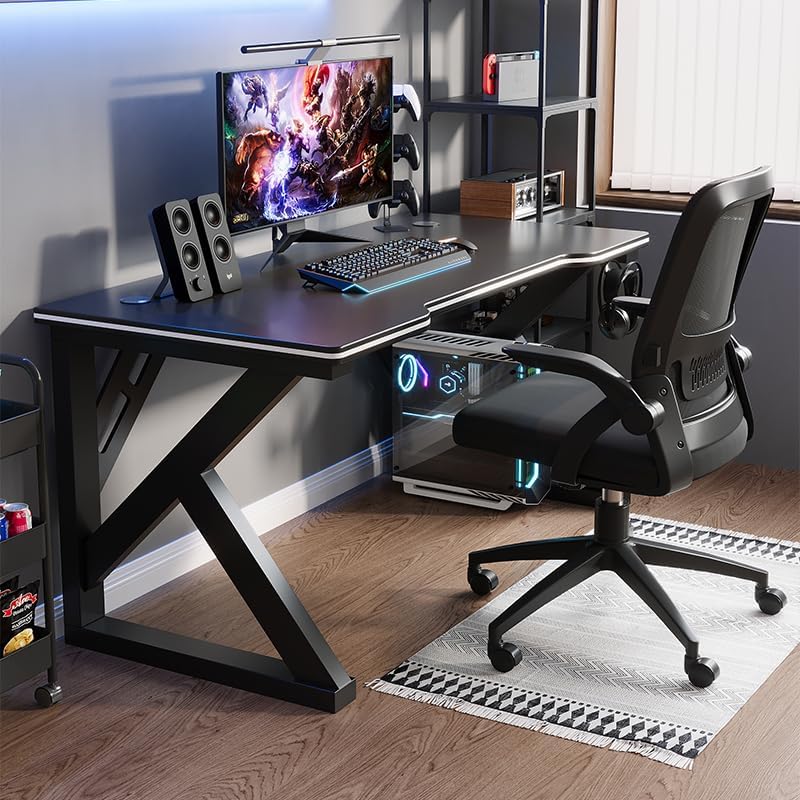
Image: A gaming setup on the Deli Gaming Table, illustrating its spacious surface.

Слика: Одозго надоле view of a user at the Deli Gaming Table, highlighting ergonomic design.
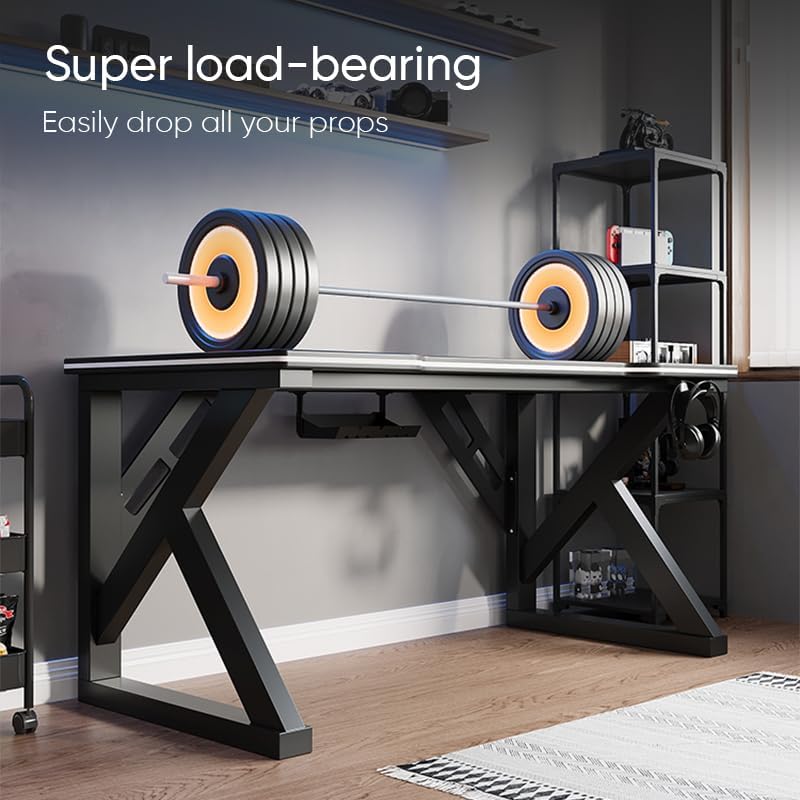
Image: The Deli Gaming Table demonstrating its load-bearing capability.
Одржавање
Regular maintenance will help preserve the appearance and functionality of your Deli Gaming Table.
- Чишћење: Wipe the desktop surface and legs with a soft, damp cloth. Avoid abrasive cleaners or harsh chemicals that could damage the painted finish or material.
- Просипање: Clean up spills immediately to prevent staining or damage to the surface.
- Провера хардвера: Периодично проверавајте све завртње и вијке да бисте били сигурни да су чврсто затегнути. По потреби их поново затегните да бисте одржали стабилност.
- Спречавање рђе: While the desk is made of metal, prolonged exposure to moisture can lead to rust. Keep the desk in a dry environment and wipe away any moisture promptly.
Решавање проблема
Desk is unstable or wobbly:
- Уверите се да су сви завртњи и вијци за склапање потпуно затегнути.
- Check that the desk is on a level surface. Adjust floor glides if present.
- Verify that all parts are correctly assembled according to the instruction manual.
Parts are missing or damaged:
- Review the package contents list in your assembly manual.
- Обратите се корисничкој подршци са бројем модела и описом недостајућег или оштећеног дела.
Тешкоће са монтажом:
- Re-read the assembly instructions carefully, paying attention to diagrams.
- Уверите се да користите исправну опрему за сваки корак.
- If issues persist, consider seeking assistance from another person.
Спецификације

Image: Dimensions of the Deli Gaming Table.
| Феатуре | Детаљ |
|---|---|
| Број модела | Е91511 |
| Димензије (Ш к Д к В) | 120 цм к 60 цм к 75 цм |
| Боја | Црно |
| Врста материјала | Metal and Composite (E1 grade material) |
| Материјал оквира | K-type Carbon Steel Frame |
| Финисх Типе | Паинтед |
| Тежина артикла | 13000 грама |
| Обавезна монтажа | Да |
| Препоручена употреба | Gaming, Streaming, Home Office, Student Workstation |
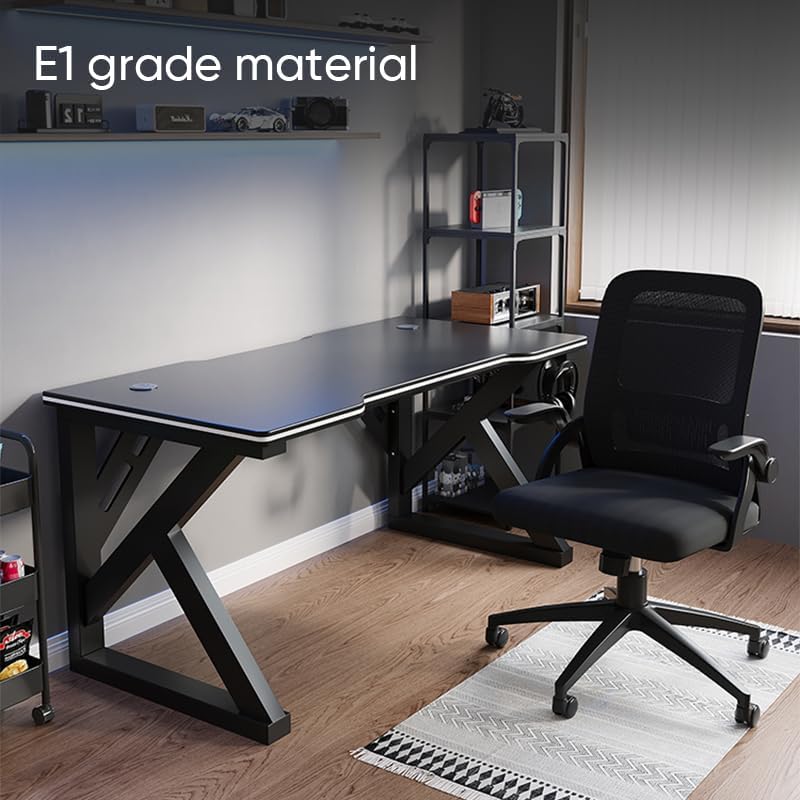
Image: The Deli Gaming Table highlighting E1 grade material.
Информације о гаранцији
For specific warranty details regarding your Deli Gaming Table E91511, please refer to the warranty card included with your purchase or visit the official Deli website. Warranty terms typically cover manufacturing defects under normal use conditions.
Корисничка подршка
If you have any questions, require assistance with assembly, or need to report a missing/damaged part, please contact Deli customer support through the following channels:
- Webсајт: Visit the official Deli webсајт за ресурсе подршке и контакт форме.
- Емаил: Адресе е-поште корисничке службе погледајте у документацији о куповини.
- Телефон: Check the product packaging or official webсајт за бројеве телефона корисничке службе.
Please have your model number (E91511) and proof of purchase ready when contacting support.