
1. Увод
Welcome to the user manual for your BNCF NewBook 11 2-in-1 Tablet PC. This device combines the portability of a tablet with the functionality of a laptop, powered by Windows 11 Pro. It features an Intel Twin Lake N150 processor, 12GB LPDDR5 RAM, and a 256GB NVMe SSD, all designed to provide a seamless and efficient computing experience. This manual will guide you through the setup, operation, and maintenance of your new device.

Figure 1: BNCF NewBook 11 in laptop mode, showcasinг његов елегантан дизајн.
2. Подешавање
2.1 Распакивање и почетни преглед
Carefully remove all components from the packaging. Inspect the device and accessories for any signs of damage. If any items are missing or damaged, please contact customer support.
Video 1: Unboxing and initial setup of a similar 2-in-1 tablet, demonstrating the components.
2.2 Пуњење уређаја
Before first use, fully charge your NewBook 11. Connect the provided power adapter to one of the Type-C ports on the device and then to a power outlet. The charging indicator light will show the charging status.
2.3 Powering On and Initial Windows Setup
Press and hold the power button located on the side of the device until the screen lights up. Follow the on-screen instructions to complete the Windows 11 Pro initial setup, including language selection, network connection, and user account creation.
3. Упутство за употребу
3.1 Understanding the 2-in-1 Design
The BNCF NewBook 11 offers versatile usage modes:
- Режим лаптопа: Attach the magnetic keyboard for a traditional laptop experience, ideal for typing and productivity.
- Режим таблета: Detach the keyboard or fold it back 360 degrees to use the device as a standalone tablet for touch-based interactions.
- Режим стајања: Use the integrated stand (or keyboard cover acting as a stand) to prop up the display for media consumption or presentations.

Figure 2: The NewBook 11 demonstrating its flexibility across different usage modes.
Video 2: Demonstration of the 2-in-1 functionality and various modes of a similar tablet.
3.2 Перформансе и обављање више задатака истовремено
The BNCF NewBook 11 is equipped with a 13th-generation Intel Twin Lake N150 processor and 12GB LPDDR5 RAM, ensuring smooth performance for a wide range of tasks. Its multi-core design (up to 3.6GHz) and Intel Thread Director technology minimize lag during multi-app usage.

Figure 3: Visual representation of the Intel Twin Lake N150 processor and its performance benefits.
The 256GB PCIe NVMe SSD provides high-speed storage, optimizing file operations and application launches. This durable storage solution is designed for stable performance even in challenging environments, with robust encryption for privacy protection.

Figure 4: Illustration of LPDDR5 RAM benefits, including speed and power efficiency.
3.3 Карактеристике екрана
The 11-inch Full HD IPS display with in-cell technology offers vibrant colors and clear visuals. Its high-brightness panel reduces outdoor glare, and the anti-reflective coating ensures comfortable viewing even near windows. The display is designed to minimize eye strain during prolonged use.

Figure 5: The 11-inch FHD IPS display, emphasizing visual quality and user comfort.
3.4 Тастатура и унос
The integrated Japanese JIS layout keyboard allows for immediate and comfortable typing without external accessories. It supports seamless switching between tablet and laptop modes, enhancing productivity for document creation and email.

Figure 6: The NewBook 11 with its detachable keyboard, ready for typing.
3.5 Повезивање
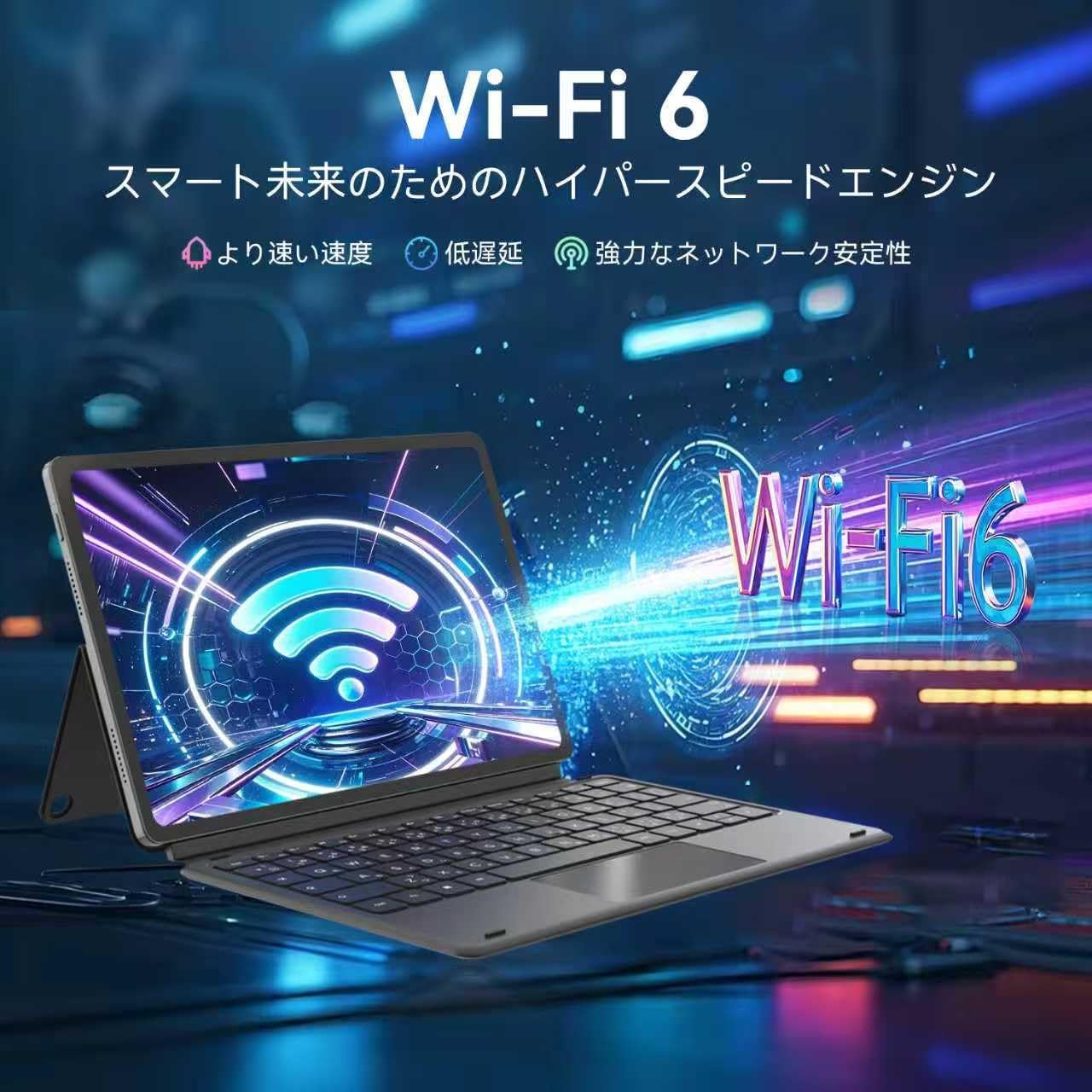
The device features Wi-Fi 6 and Bluetooth 5.0 for stable and fast wireless connections. It includes two Type-C ports (for charging and data transfer), USB 3.0, a TF card slot, Micro HDMI, and a 3.5mm audio jack, providing versatile connectivity for various peripherals and external displays.

Figure 7: Wi-Fi 6 connectivity for a fast and stable internet experience.
Слика 8: Страна view highlighting the multiple connectivity ports available on the device.
3.6 камере
The NewBook 11 features a 5MP front camera and an 8MP rear camera, providing clear image quality for online meetings, document scanning, and casual photography. Features like distortion correction and noise suppression enhance usability.

Figure 9: Dual cameras (5MP front, 8MP rear) for clear photos and video calls.
КСНУМКС Оперативни систем
The device comes pre-installed with Windows 11 Pro, offering enhanced security and productivity features. This includes Snap Layouts for efficient multitasking, TPM 2.0 with automatic encryption for robust defense, and WSL2 compatibility for running Linux and Windows apps concurrently.

Figure 10: The Windows 11 Pro operating system, optimized for productivity and security.
4. Одржавање
4.1 Чишћење уређаја
За чишћење екрана користите меку крпу без влакана, посебно дизајнирану за електронику. За тело, благоamp Може се користити тканина. Избегавајте јаке хемикалије или абразивне материјале.
4.2 Одржавање батерије
To prolong battery life, avoid extreme temperatures and fully discharging the battery frequently. It is recommended to keep the battery charge between 20% and 80% for optimal longevity.
4.3 Ажурирања софтвера
Редовно проверавајте и инсталирајте ажурирања за Windows како бисте били сигурни да ваш уређај има најновије безбедносне закрпе и побољшања перформанси. Идите на Подешавања > Windows Update да управља ажурирањима.
КСНУМКС. Решавање проблема
| Проблем | Могући узрок | Решење |
|---|---|---|
| Уређај се не укључује | Low battery, power button issue | Connect to charger and try again. Press and hold power button for 10-15 seconds. |
| Споро перформансе | Too many apps open, low storage, outdated software | Close unnecessary applications. Free up storage space. Check for Windows updates. |
| Проблеми са Ви-Фи везом | Router problem, incorrect password, device settings | Restart your router. Verify Wi-Fi password. Check network settings on the device. |
| Тастатура не реагује | Improper connection, software glitch | Ensure the keyboard is securely attached. Restart the device. |
6. Спецификације
- Бренд: БНЦФ
- Назив модела: NewBook 11
- Фактор форме: 2-у-1
- Боја: Греи
- Димензије производа: 25.7 к 16.8 к 1 цм
- Тежина артикла: 1.66 килограма
- Величина екрана: 11 инча
- Резолуција екрана: 1920x1200 пиксела (FHD IPS)
- Марка процесора: Интел
- Тип процесора: Intel Mobile CPU (Twin Lake N150)
- Брзина процесора: 3.6 GHz (Max)
- Број процесора: 4
- Величина РАМ-а: 12 ГБ
- Тип меморије: ЛПДДР5
- Величина чврстог диска: 256 ГБ
- Hard Disk Type: SSD (PCIe NVMe)
- Графички копроцесор: Интел УХД графика
- Тип графичке картице: Интегрисано
- Бежични тип: 802.11a/b/g/n, 802.11ax (Wi-Fi 6)
- Формат комуникације: BT 5.0, Wi-Fi
- УСБ портови: 2x USB 3.0 (Type-C), 2x USB 2.0
- ХДМИ портови: 1 (Micro HDMI)
- Резолуција предње камере: 5 МП
- Резолуција задње камере: 8 МП
- Оперативни систем: Виндовс 11 Про
- батерија: 2 Non-standard batteries (included), 34.2 Watt Hours
7. Гаранција и подршка
For warranty information and technical support, please refer to the warranty card included in your product packaging or visit the official BNCF webсајт. Уверите се да имате број модела производа и датум куповине када контактирате подршку.