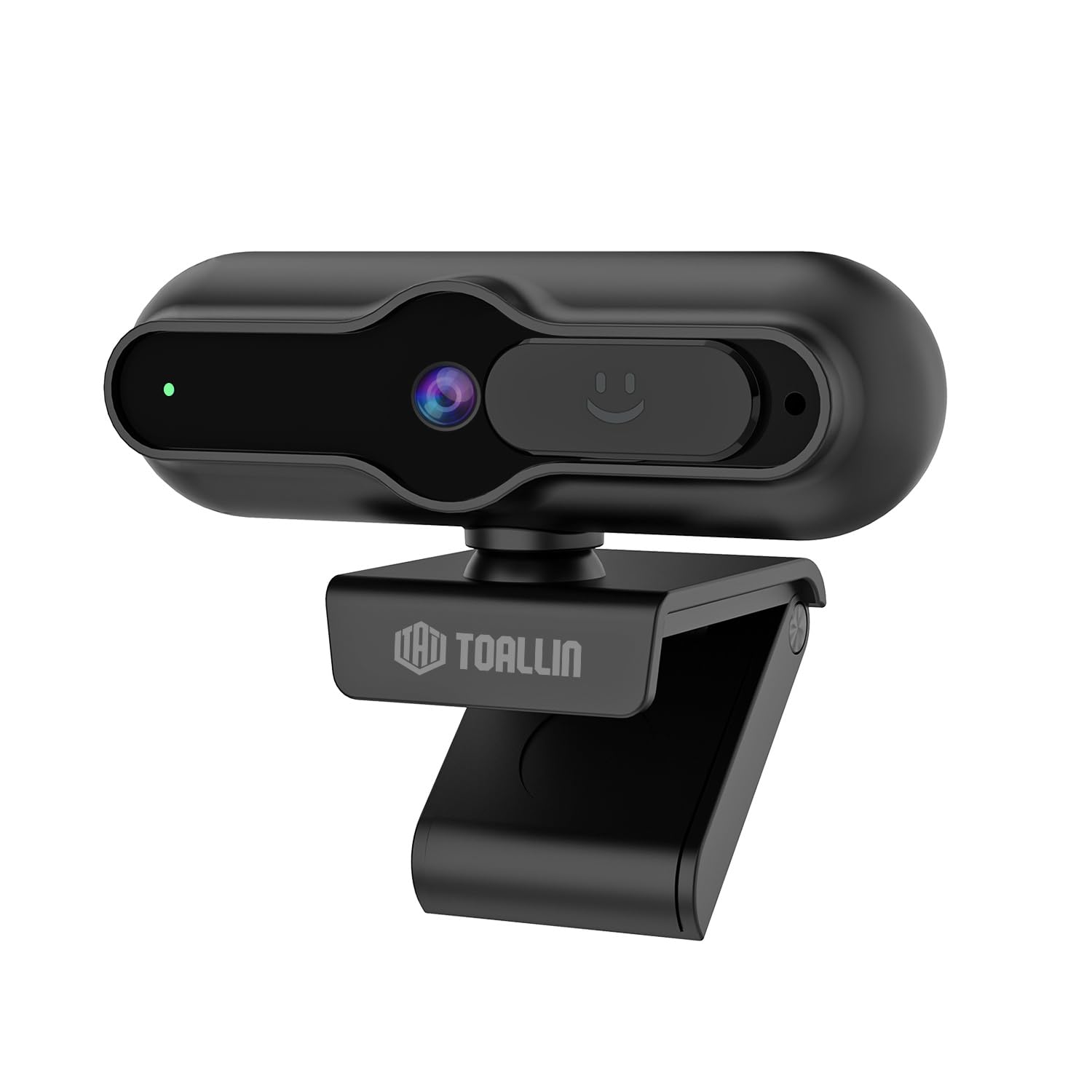
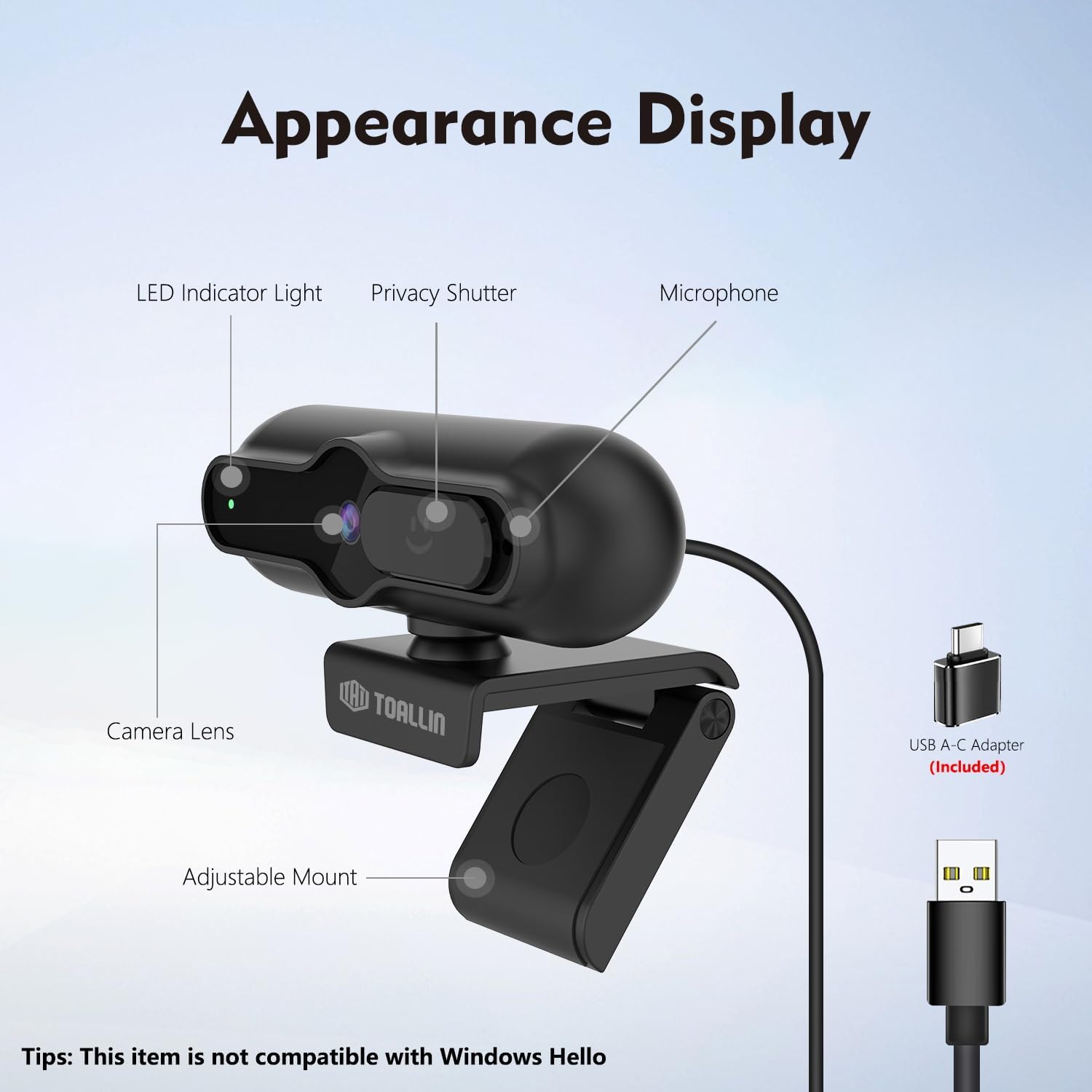
The TOALLIN SC90 4K Webcam is designed for high-quality video communication, streaming, and conferencing. It features a 4K 1/2.5" CMOS sensor, PDAF autofocus, a built-in noise-reducing microphone, and a sliding privacy cover. This manual provides instructions for setting up, operating, and maintaining your webцам.
Слика: Фронт view of the TOALLIN SC90 4K Webцам.
Сетуп
The TOALLIN SC90 webcam offers a simple plug-and-play setup, requiring no additional drivers or software installation for most operating systems.
1. Повезивање Webцам
Распакујте webcam, USB A-C cable, and USB adapter from the box.
Connect the USB A-C cable to the webцам.
If your computer has a USB-A port, connect the USB-A end of the cable directly. If your computer has a USB-C port, use the provided USB adapter to convert the USB-A end to USB-C, then plug it into your computer.
Поставите webcam securely on top of your monitor or laptop screen using its adjustable mount. Ensure the camera lens is facing you.
Тхе webcam will be automatically recognized by your operating system (Windows 7 or above, macOS, Android).
Image: The TOALLIN SC90 webcam connected to a laptop.
2. Прва употреба
Once connected, open any video conferencing or streaming application (e.g., Zoom, Skype, Webex, GoToMeeting, Microsoft Teams) and select the TOALLIN SC90 as your preferred camera and microphone device in the application's settings.
Видео водич за подешавање
Video: A demonstration of connecting and using the TOALLIN SC90 4K Webцам.
Упутство за употребу
Video Quality and Resolution
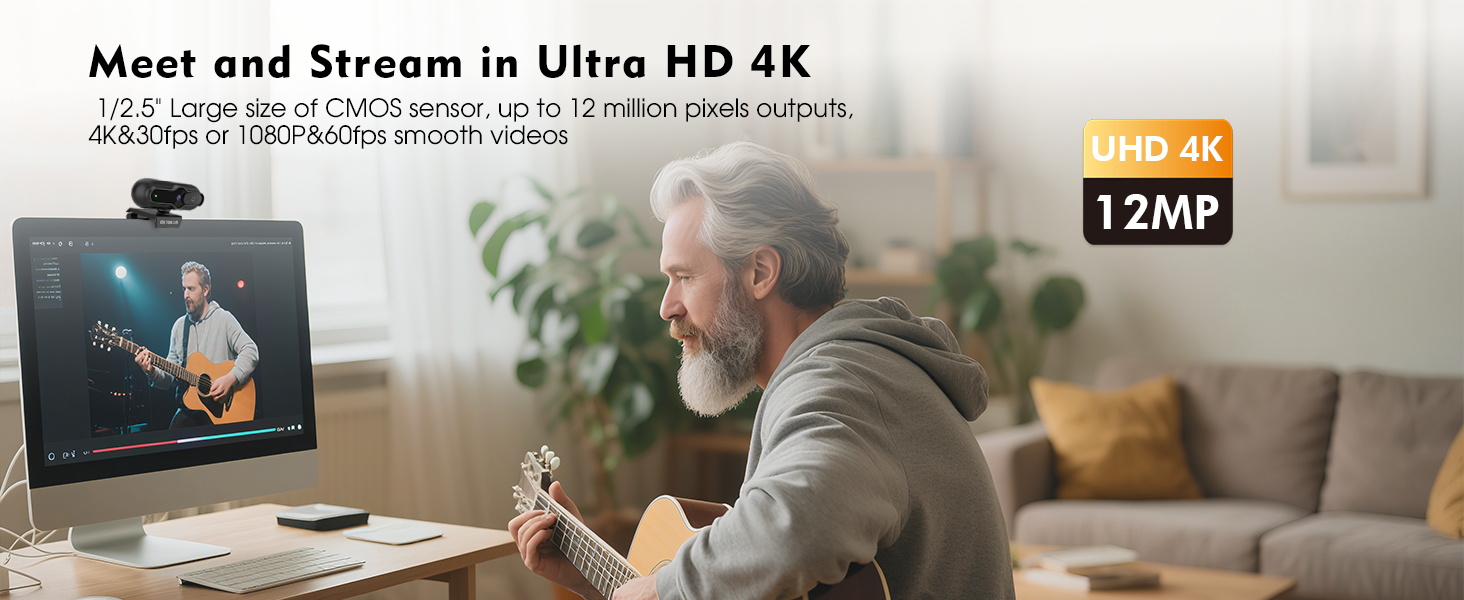
Тхе webcam features a 1/2.5" CMOS sensor capable of capturing up to 12 million pixels. It supports Ultra HD 4K resolution at 30 frames per second (fps) and 1080p resolution at 60 fps, providing clear and smooth video output for various applications.
Image: Visual comparison of 4K@30FPS/1080P@60FPS output versus standard video.
PDAF Autofocus
The advanced Phase Detection Auto Focus (PDAF) system ensures rapid and precise focusing. This feature automatically adjusts the focus to keep you or other specific objects clear and sharp, even during movement, making it ideal for live streaming and video calls.
Image: PDAF autofocus maintaining clarity on both a person and an object.
Built-in Noise-Reducing Microphone
The integrated microphone utilizes a noise reduction algorithm to minimize background noise and automatically amplify your voice, ensuring clear conversations. It is designed for far-field voice pickup.
Слика: Тхе webcam's noise-reducing microphone in action.
Sliding Privacy Cover
For enhanced privacy, the webcam includes a sliding privacy cover. Simply slide the cover over the lens when the webcam is not in use to prevent unauthorized access and protect your privacy without needing to disconnect the device or exit applications.
Image: The sliding privacy cover in both open and closed states.
Adjustable Mount and Mini Design
Тхе webcam features a mini, lightweight design, making it portable and easy to attach to various displays. The adjustable mount allows for flexible positioning on laptops, desktop monitors, or even tripods (tripod not included).
Image: The compact design of the TOALLIN SC90 webцам.
Одржавање
Чишћење сочива: Use a soft, lint-free cloth specifically designed for camera lenses to gently wipe the lens. Avoid using harsh chemicals or abrasive materials that could scratch the lens.
Чишћење тела: Обришите webОбришите тело камере меком, сувом крпом. Ако је потребно, мало дamp Може се користити крпа, али водите рачуна да влага не уђе у уређај.
Складиштење: When not in use, especially during transport, ensure the sliding privacy cover is closed to protect the lens from dust and scratches. Store the webcam in a clean, dry environment.
Нега каблова: Избегавајте оштра савијања или прекомерно повлачење USB кабла како бисте спречили оштећења.
Решавање проблема
Webcam Not Detected / No Image
Проверите везу: Уверите се да је USB кабл безбедно прикључен у оба webкамеру и рачунар. Покушајте са другим УСБ портом.
УСБ адаптер: If using the USB-A to USB-C adapter, ensure it is correctly connected and functioning.
Заштита приватности: Verify that the sliding privacy cover is open and not obstructing the lens.
Подешавања апликације: In your video conferencing or streaming software, check that the TOALLIN SC90 webcam is selected as the active video device.
Поново покрените рачунар: Понекад једноставно поновно покретање може решити проблеме са детекцијом.
Poor Video Quality / Blurry Image
Чиста сочива: Нежно очистите webобјектив камере меком крпом која не оставља влакна.
Услови осветљења: Ensure adequate lighting in your environment. Poor lighting can significantly impact video quality.
Аутоматско фокусирање: The PDAF autofocus system is designed to keep you in focus. If the image appears blurry, try moving slightly to allow the autofocus to re-engage.
Решење апликације: Check the video resolution settings within your application. Ensure it is set to 4K or 1080p for optimal quality.
Нема звука / Лош квалитет звука
Избор микрофона: In your application's audio settings, ensure the TOALLIN SC90 webcam's microphone is selected as the input device.
Нивои јачине звука: Check the microphone input volume in your operating system and application settings.
Позадински шум: Док је webcam has noise reduction, excessive background noise can still affect clarity. Try to use the webкамера у мирнијем окружењу.
Not Compatible with Windows Hello
Please note that the TOALLIN SC90 webcam je није компатибилан with Windows Hello facial recognition features. This is a known limitation of the product.
Спецификације
Бранд
ТОАЛЛИН
Назив модела
СЦ90
Цамцордер Типе
Webцам
Технологија повезивања
УСБ
Резолуција снимања видео записа
4K (3840 пиксела)
Ефективна резолуција мировања
12 МП
Технологија фото сензора
ЦМОС
Величина фото сензора
1/2.5 инча
Фоцус Типе
Auto Focus (PDAF)
Ленс Типе
Широки угао
Максимални отвор бленде
1.7 ф
Оперативни систем
Windows (7 or above), macOS, Android
Компатибилни уређаји
Лаптоп, лични рачунар, паметни телефон, таблет
Тежина артикла
0.1 килограма
Уграђени медији
Webcam, USB A-C Cable, USB Adapter, User Manual
Гаранција и подршка
Информације о гаранцији
The TOALLIN SC90 4K Webкамера долази са 1 година гаранције од датума куповине. Ова гаранција покрива производне недостатке и кварове при нормалној употреби. Молимо вас да сачувате доказ о куповини за потребе подношења захтева за гаранцију.
Корисничка подршка
For technical assistance, troubleshooting, or warranty inquiries, please contact TOALLIN customer support. You can typically find contact information on the TOALLIN official webсајту или преко продавца где сте купили производ.
Ask about setup, troubleshooting, compatibility, parts, safety, or missing instructions. Manuals+ will review the question and use this page’s manual context to help answer it.