
1. Увод
The Broadlink RM5plus is a 5th-generation universal smart remote designed to control over 5,000 infrared (IR) appliances. This device acts as a smart home hub, enabling remote control and automation of your TV, air conditioner, fans, set-top boxes, and other IR 38KHz devices. It integrates with voice assistants like Alexa and Google Home for hands-free operation. This manual provides essential information for setting up, operating, and maintaining your RM5plus device.

Image 1.1: The Broadlink RM5plus central hub with icons representing various IR-controlled devices it can manage, including set-top boxes, TVs, audio systems, fans, and air conditioners.
2. Садржај пакета
Молимо вас да проверите да ли су све ставке присутне у вашем пакету:
- Broadlink RM5plus Hub
- УСБ кабл
3. Производ је готовview
The RM5plus features a compact design with essential indicators and ports for easy use.

Слика 3.1: Предњи и задњи део view of the Broadlink RM5plus, highlighting the LED indicator, USB charging port, and reset button. Dimensions are also provided: 1.70 inches (4.32 cm) height and 1.89 inches (4.80 cm) diameter.
Статус ЛЕД индикатора
- Трепери плаво: Уређај је у режиму упаривања.
- Пуна плава: Device is connected to Wi-Fi and operating normally.
- Без светла: Device is powered off or in standby mode.
4. Подешавање
Follow these steps to set up your Broadlink RM5plus.

Image 4.1: Visual guide for the initial setup process, illustrating checking the LED, connecting to 2.4GHz Wi-Fi, adding IR devices via the app, and linking with voice assistants.
4.1. Преузимање и инсталација апликације
- Преузмите БроадЛинк апликацију из продавнице апликација на вашем паметном телефону (iOS или Android).
- Региструјте се за нови налог или се пријавите ако га већ имате.
4.2. Укључивање и Wi-Fi веза
- Connect the RM5plus to a power source using the provided USB cable.
- Ensure the LED indicator is flashing blue, indicating it's in pairing mode. If not, press and hold the reset button until it flashes.
- Open the BroadLink app, tap 'Add Device', and follow the on-screen instructions to connect the RM5plus to your 2.4GHz Wi-Fi network.
- Важно: The RM5plus only supports 2.4GHz Wi-Fi. It is not compatible with 5GHz or mesh routers. Your Wi-Fi SSID and password must be under 32 characters.
4.3. Adding IR Devices
Once the RM5plus is connected to Wi-Fi, you can add your infrared-controlled appliances.
- In the BroadLink app, select your RM5plus device.
- Tap 'Add Appliance' and choose the type of device (e.g., TV, AC, Fan).
- The app will guide you through selecting a brand from its database or using the manual IR learning function if your device is not listed.
5. Упутство за употребу
5.1. Remote Control from Anywhere
Control your IR appliances remotely using the BroadLink app from any location with internet access.
- Ensure your RM5plus is connected to your home Wi-Fi and has a stable internet connection.
- Use the virtual remote controls within the BroadLink app to operate your devices.

Image 5.1: A visual representation of remote control functionality, showing a user operating an air conditioner via a smartphone, with the RM5plus acting as the intermediary.
5.2. Hands-Free Voice Control
Integrate your RM5plus with Alexa or Google Home for voice-activated control.
- Link your BroadLink account with Alexa or Google Home through their respective apps.
- Use voice commands for preset functions (e.g., "Alexa, turn on the TV," "Hey Google, set AC to 22 degrees").
- Напомена: Buttons learned manually via "UserDefine" may not be directly recognized by third-party voice assistants.
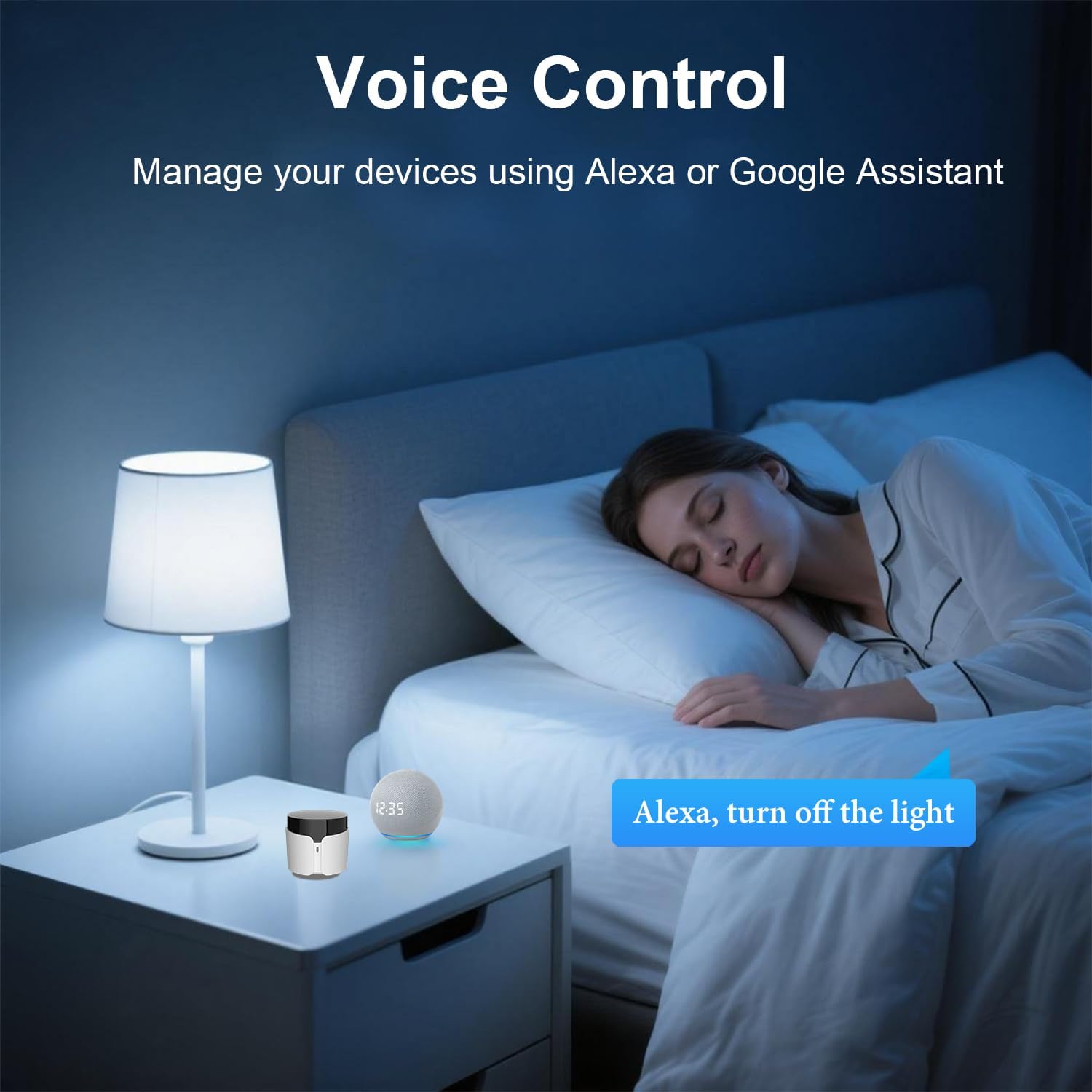
Image 5.2: An illustration of voice control in a bedroom setting, where the RM5plus and a smart speaker enable hands-free operation, such as turning off lights.
5.3. Smart Scenes, Scheduling & Automation
Create custom scenes and schedules to automate your home appliances.
- сцене: Combine multiple actions into a single command (e.g., "Movie Night" scene to turn on TV, speakers, and DVD player).
- Заказивање: Set timers for devices to turn on/off automatically at specific times (e.g., turn on AC before you arrive home).

Image 5.3: A screenshot of the BroadLink app demonstrating the 'Preset Scenes' feature, where users can configure single-tap actions for various routines like 'Sleep' or 'Come Home'.

Слика 5.4: Примерamples of timer and scheduling functions, showing an air conditioner turning on at 8:00 AM, a fan at 11:00 AM, a TV at 3:00 PM, and an air conditioner turning off at 11:00 PM.
5.4. Manual IR Learning ("UserDefine")
If your device is not found in the BroadLink database, you can manually teach the RM5plus commands from your original remote.
- In the BroadLink app, select the RM5plus and choose the "UserDefine" option for a new appliance.
- Follow the app's instructions to point your original remote at the RM5plus and press the desired buttons. The RM5plus will learn and store these IR signals.
- Важно: IR signals require direct line-of-sight and do not pass through walls or furniture. For optimal performance, place the RM5plus in the same room as the appliances you wish to control.
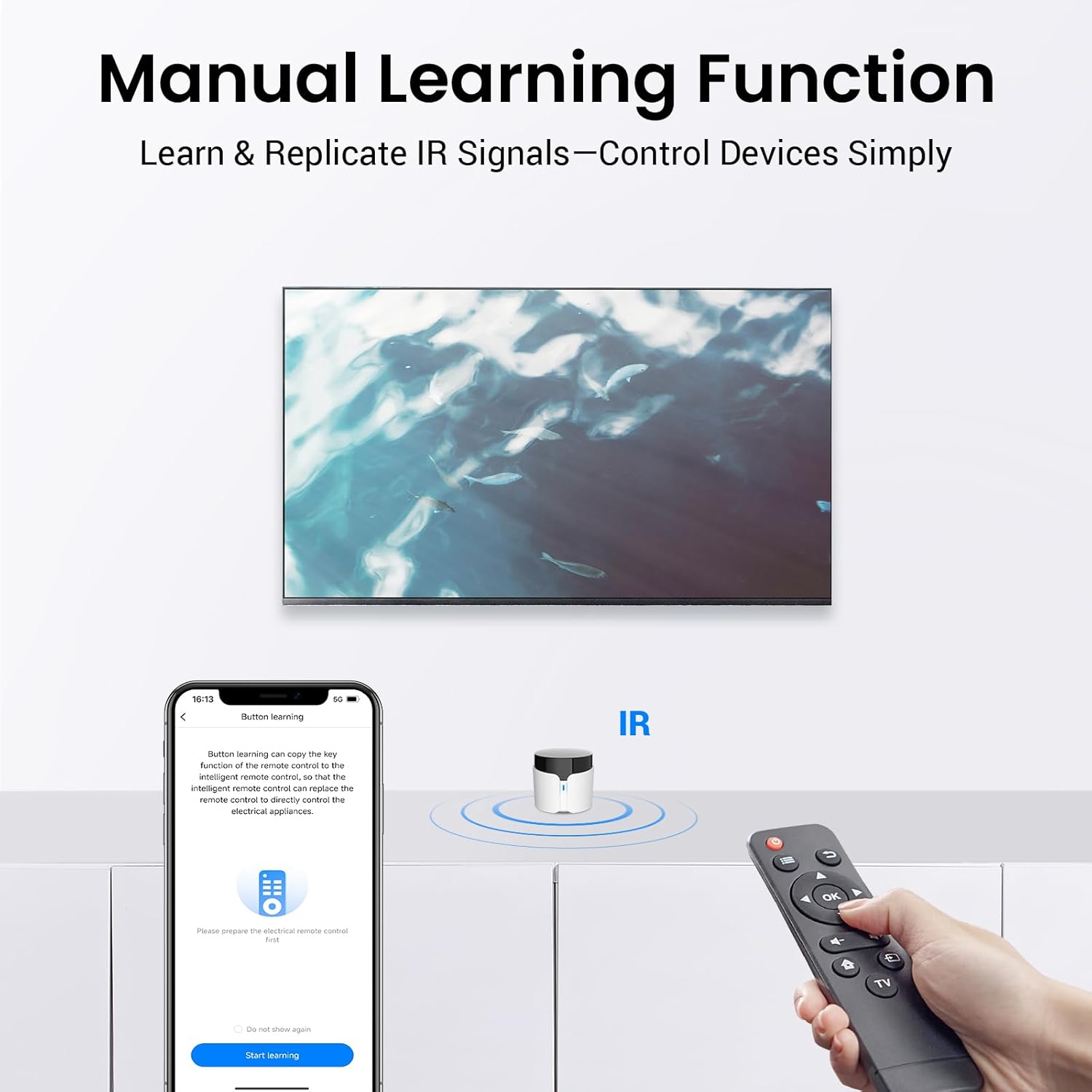
Image 5.5: The manual learning function in action, showing the BroadLink app guiding the user to teach the RM5plus commands from an existing IR remote control.
6. Одржавање
- Одржавајте уређај чистим тако што ћете га обрисати меком, сувом крпом.
- Избегавајте излагање уређаја директној сунчевој светлости, високим температурама или прекомерној влажности.
- Не покушавајте сами да растављате или поправљате уређај. Уколико се појаве проблеми, обратите се корисничкој подршци.
- Ensure the RM5plus has a clear line of sight to the IR appliances it controls for reliable operation.
КСНУМКС. Решавање проблема
| Проблем | Могући узрок | Решење |
|---|---|---|
| Уређај не може да се повеже са Wi-Fi мрежом. | Incorrect Wi-Fi band (5GHz), incorrect password, SSID/password too long, weak signal. | Ensure you are connecting to a 2.4GHz Wi-Fi network. Verify Wi-Fi password. Check if SSID/password is under 32 characters. Move the RM5plus closer to the router. |
| IR appliances not responding. | No line-of-sight, incorrect IR code, device not supported. | Ensure the RM5plus has a clear line of sight to the appliance. Try re-learning the IR code using the "UserDefine" function. Confirm the appliance uses 38KHz IR. |
| Гласовна контрола не ради. | BroadLink account not linked, manually learned buttons not recognized, incorrect commands. | Verify BroadLink account is correctly linked in Alexa/Google Home app. Use preset commands for voice control. Manually learned buttons may not be compatible with voice assistants. |
| ЛЕД индикатор је искључен. | No power, device malfunction. | Check USB cable connection and power adapter. Try a different power source. If the issue persists, contact support. |
8. Спецификације
| Феатуре | Детаљ |
|---|---|
| Бранд | Броадлинк |
| Назив модела | RM5plus |
| Технологија повезивања | Infrared (IR 38KHz), Wi-Fi 2.4GHz |
| Максимални број подржаних уређаја | 5000+ |
| Компатибилни уређаји | TVs, Air Conditioners, Fans, Set Top Boxes, Audio Systems, etc. (IR 38KHz only) |
| Компатибилност управљања гласом | Амазон Алека, Гоогле Хоме |
| Повер Инпут | USB (кабл укључен) |
| Боја | Бела |
| Земља порекла | Кина |
9. Безбедносне информације
- Не излажите уређај води или влази.
- Чувати ван домашаја деце.
- Use only the provided USB cable and a compatible power adapter.
- Избегавајте постављање уређаја у близини извора топлоте или на директном сунцу.
10. Гаранција и подршка
For warranty information and technical support, please refer to the official BroadLink website or contact BroadLink customer service through the app. Keep your purchase receipt for warranty claims.