
Rokid RA301
Rokid Max 2 AR Glasses User Manual
Модел: РА301
Увод
The Rokid Max 2 AR Glasses provide an immersive visual experience, projecting a large virtual screen directly into your field of view. Designed for comfort and versatility, these glasses are compatible with a wide range of devices, offering a portable solution for entertainment, gaming, and productivity. This manual provides essential information for the proper setup, operation, and maintenance of your Rokid Max 2 AR Glasses.
Шта је у кутији
Carefully unpack your Rokid Max 2 AR Glasses and ensure all components are present:
- Rokid Max 2 AR glasses
- Blackout cover and nose pads
- УСБ-Ц кабл
- Упутство за употребу (овај документ)
- Carrying case and cleaning cloth

Image: The Rokid Max 2 AR Glasses, USB-C cable, blackout cover, nose pads, user manual, carrying case, and cleaning cloth are displayed neatly arranged on a white surface.
Сетуп
1. Initial Fit and Comfort
The Rokid Max 2 AR Glasses are designed for comfort. Adjust the nose pads to ensure a secure and comfortable fit on your face. The glasses weigh approximately 75 grams, providing a lightweight experience.
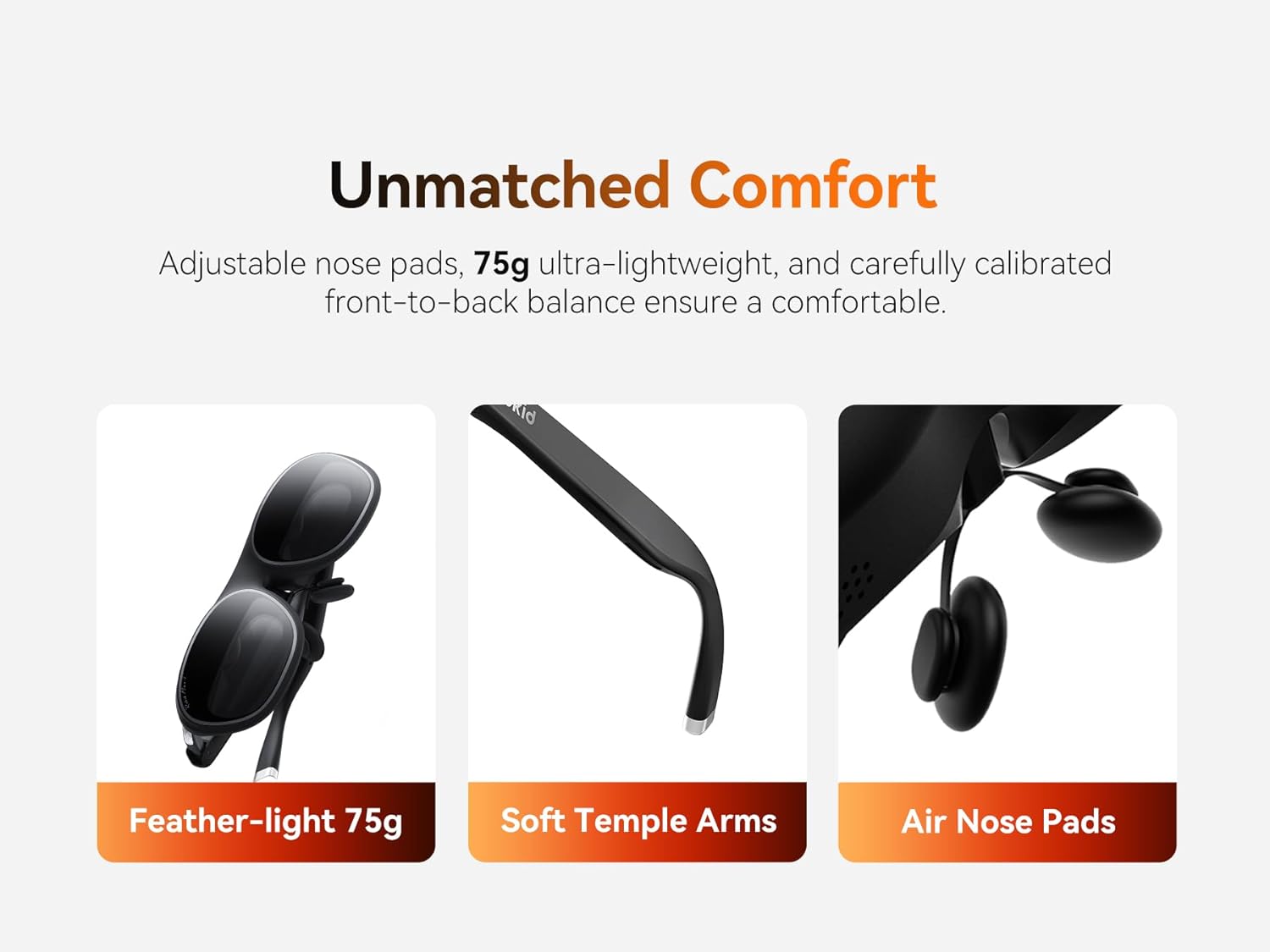
Image: A diagram illustrating the comfort features of the Rokid Max 2 AR Glasses, highlighting the feather-light 75g weight, soft temple arms, and air nose pads.
2. Myopia Adjustment
For users with myopia, the Rokid Max 2 features a built-in diopter adjustment. Use the adjustment dial located on the top of the glasses to fine-tune the focus for each eye, accommodating myopia up to 600 diopters (6.00D). This eliminates the need for prescription lenses for many users. Please note that astigmatism and presbyopia are not supported by this adjustment.

Слика: Детаљна view of the adjustment dial on the Rokid Max 2 AR Glasses, used for seamless built-in myopia correction from 0.00D to -6.00D.
3. Повезивање са уређајима
The Rokid Max 2 AR Glasses are powered directly via the included USB-C cable from a compatible device. They do not require internal charging or batteries.
- Мобилни телефони: Connect directly to most Android phones that support DisplayPort (DP) via USB-C. For iPhone 15 series and future Type-C iOS models, direct connectivity is supported.
- Таблете: Samsung, Huawei, and Vivo tablets released since 2021 with USB-C ports can connect directly.
- Лаптопови: Mac laptops with USB-C ports can connect directly. Windows laptops with a USB-C port can connect directly; those without a USB-C port may require an HDMI adapter.
- Конзоле за игре: Steam Deck supports direct connection. Nintendo Switch requires the Rokid Hub. PlayStation 4 Slim/5, Xbox Series X/S, and most major game consoles can be connected via an HDMI adapter.
If a device does not support DisplayPort or HDMI, screen casting via the Rokid Station may be an alternative.

Image: A visual guide demonstrating how to connect the Rokid Max 2 AR Glasses to various mobile phones, including USB-C Android phones, iPhone 15/16 series, and Android phones without Type-C/DP via the Station.

Image: A diagram illustrating connection methods for gaming devices, including direct connection to Steam Deck, Nintendo Switch via Rokid Hub, and PlayStation/Xbox via an HDMI adapter.

Image: A visual guide detailing how to connect the Rokid Max 2 AR Glasses to tablets (iPad, Samsung, Huawei, Vivo), Mac laptops, and Windows laptops (with or without USB-C).
Упутство за употребу
1. Power On/Off and Display
The glasses power on automatically when connected to a compatible device and receive power. The display will activate, showing content mirrored from your connected device. To power off, simply disconnect the USB-C cable from the power source or device.
2. Подешавање осветљености и јачине звука
The Rokid Max 2 AR Glasses feature integrated controls for brightness and volume. These controls are typically located on the temple arms of the glasses. Refer to the specific button layout on your device for exact locations.
3. Virtual Screen Experience
The glasses project a 215-inch virtual screen at a perceived distance of 6 meters. This Micro-OLED display offers FHD 1080P resolution, a 50° field of view (FOV), and a 120Hz refresh rate for smooth visuals. The adjustable brightness up to 600 nits ensures clear visibility in various lighting conditions.

Image: A person wearing Rokid Max 2 AR Glasses is shown relaxing on a couch, experiencing a large 215-inch virtual screen displaying a movie scene with action figures.
4. Заштита приватности
The optical design of the Rokid Max 2 reduces forward light leakage by 90%, ensuring that your viewing experience remains private. The built-in spatial sound system directs audio towards your ears, minimizing sound leakage to others nearby.
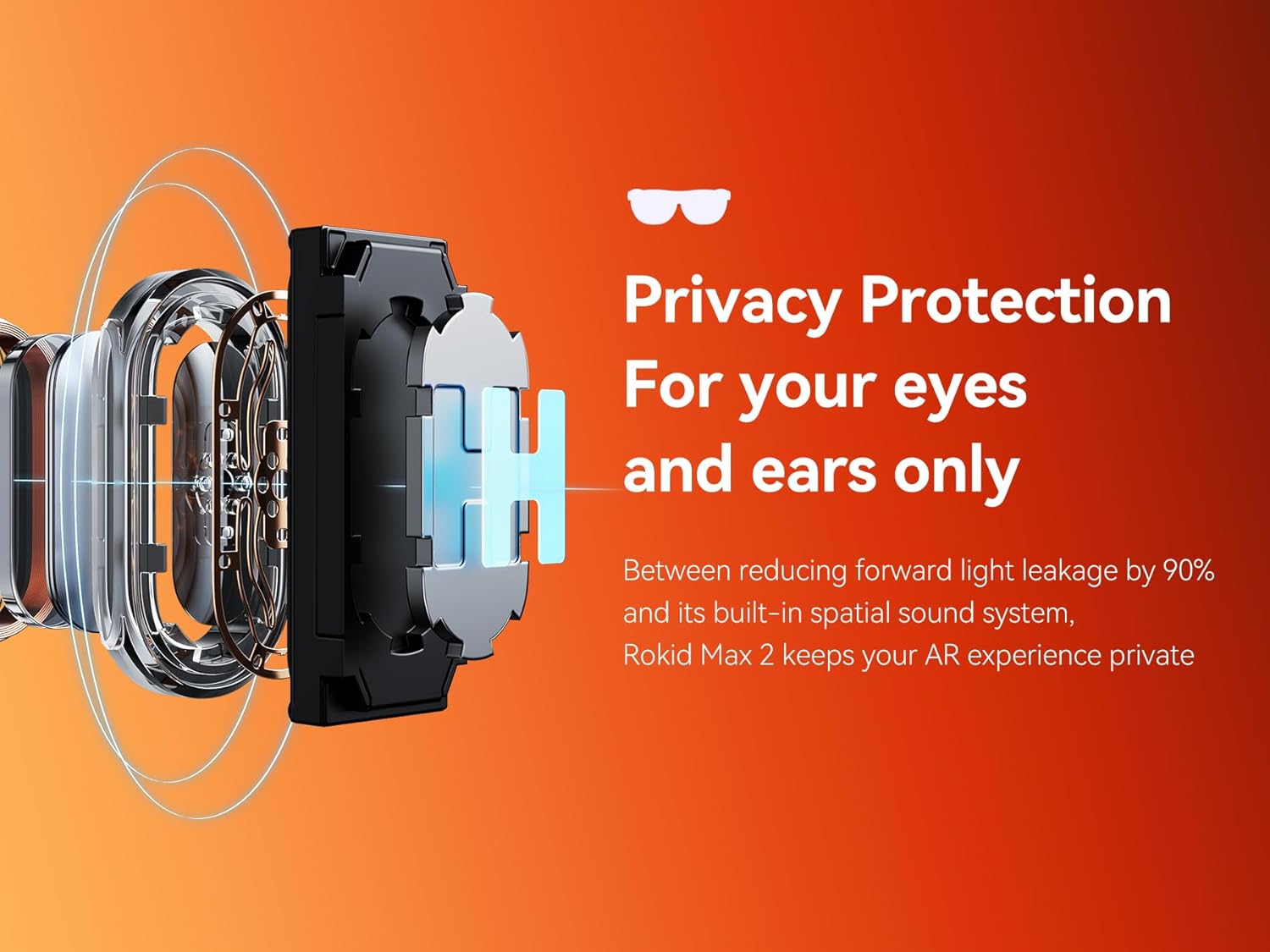
Image: An internal diagram of the Rokid Max 2 AR Glasses optics, highlighting how the design reduces light leakage and provides privacy for the user's eyes and ears.
Одржавање
1. Чишћење
To clean the lenses and frame of your Rokid Max 2 AR Glasses, use the provided cleaning cloth or a soft, lint-free microfiber cloth. Gently wipe the surfaces. Avoid using abrasive materials, alcohol, or chemical cleaners, as these can damage the lenses and coatings.
2. Складиштење
When not in use, store your Rokid Max 2 AR Glasses in the provided carrying case to protect them from dust, scratches, and impacts. Avoid exposing the glasses to extreme temperatures or direct sunlight for prolonged periods.
Решавање проблема
- Без приказа:
- Ensure the USB-C cable is securely connected to both the glasses and the source device.
- Verify that your source device is powered on and outputting video.
- Confirm that your source device supports DisplayPort Alt Mode over USB-C or is connected via a compatible adapter (e.g., HDMI adapter for consoles).
- Check the brightness setting on the glasses.
- Трепери екран:
- Ensure the USB-C cable is not damaged and is properly connected.
- Try connecting to a different compatible device to rule out the source device as the issue.
- Нема звука:
- Check the volume level on both the glasses and the source device.
- Ensure the audio output is directed to the glasses from your source device settings.
- Неудобно пристајање:
- Adjust the nose pads for a better fit.
- Ensure the temple arms are positioned correctly over your ears.
If you encounter persistent issues not covered here, please contact Rokid customer support for assistance.
Спецификације
| Феатуре | Спецификација |
|---|---|
| Број модела | РА301 |
| Дисплаи Тецхнологи | Мицро-ОЛЕД |
| Virtual Screen Size | 215 inches (at 6 meters) |
| Резолуција | ФХД КСНУМКСП |
| Поље оф View (ФОВ) | 50° |
| Рефресх Рате | 120Хз |
| Осветљеност | Adjustable up to 600 Nits |
| Myopia Adjustment | 0.00D to -6.00D (Diopter) |
| Тежина | Approx. 75 grams (glasses only) |
| Повезивање | УСБ-Ц (ДисплаиПорт алтернативни режим) |
| Подршка за ХДЦП | Да |
| Димензије производа | 8 к 4 к 0.5 инча |
| Произвођач | Рокид |
Гаранција и подршка
Информације о гаранцији
The Rokid Max 2 AR Glasses come with a standard manufacturer's warranty. Please refer to the warranty card included in your product packaging or visit the official Rokid webсајт за детаљне услове гаранције. Сачувајте доказ о куповини за потребе подношења захтева за гаранцију.
Корисничка подршка
For technical assistance, troubleshooting, or any questions regarding your Rokid Max 2 AR Glasses, please contact Rokid customer support. You can typically find contact information on the official Rokid webсајту или унутар паковања производа.
Онлине ресурси: Посетите Rokid Official Store for FAQs, software updates, and additional support materials.
Повезани документи - РА301
 |
Rokid Max 2 User Manual - Smart AR Glasses Comprehensive user manual for the Rokid Max 2 smart AR glasses, covering setup, usage, features, safety precautions, warranty, and legal information. |
 |
Rokid Max 2 (RA301) Návod k použití – Nastavení, Použití a Bezpečnost Komplexní návod k použití pro AR brýle Rokid Max 2 (model RA301). Naučte se nastavit, používat a bezpečně ovládat vaše zařízení Rokid Max 2. |
 |
Rokid Smart Glasses - Customer Service Contact Find out how to contact customer service for support and further details regarding Rokid smart glasses and related accessories. |
 |
Rokid Air User Manual: Your Guide to Smart Glasses Comprehensive user manual for Rokid Air smart glasses. Learn setup, usage, features, and safety guidelines for an immersive wearable experience. Visit air.rokid.com for more. |
 |
Rokid Max упутство за употребу - водич за подешавање, карактеристике и безбедност Свеобухватно корисничко упутство за паметне AR наочаре Rokid Max, детаљно подешавање, карактеристике производа, мере предострожности, спецификације и информације о усаглашености. |
 |
Упутство за употребу Rokid Max AR наочара Свеобухватно корисничко упутство за Rokid Max AR наочаре, које обухвата подешавање, карактеристике, мере предострожности, гаранцију и техничке спецификације. Сазнајте како да повежете, носите, подесите и одржавате своје Rokid Max наочаре за оптимално искуство проширене стварности. |