
1. Производ је готовview
The BUGANI Luster Bluetooth Speaker is a portable wireless stereo speaker designed for high-quality audio output with dynamic colorful lighting. It features Bluetooth 5.3 connectivity, IPX6 waterproofing, and extended playtime, making it suitable for various indoor and outdoor environments.

Image: The BUGANI Luster Bluetooth Speaker, showcasing its design and the vibrant light effects, surrounded by water splashes to highlight its waterproof capabilities.
2. Шта је у кутији
- BUGANI Luster Bluetooth Speaker
- УСБ-Ц кабл за пуњење
- АУКС улазни кабл
- Водич за брзи почетак
- Детацхабле Ланиард
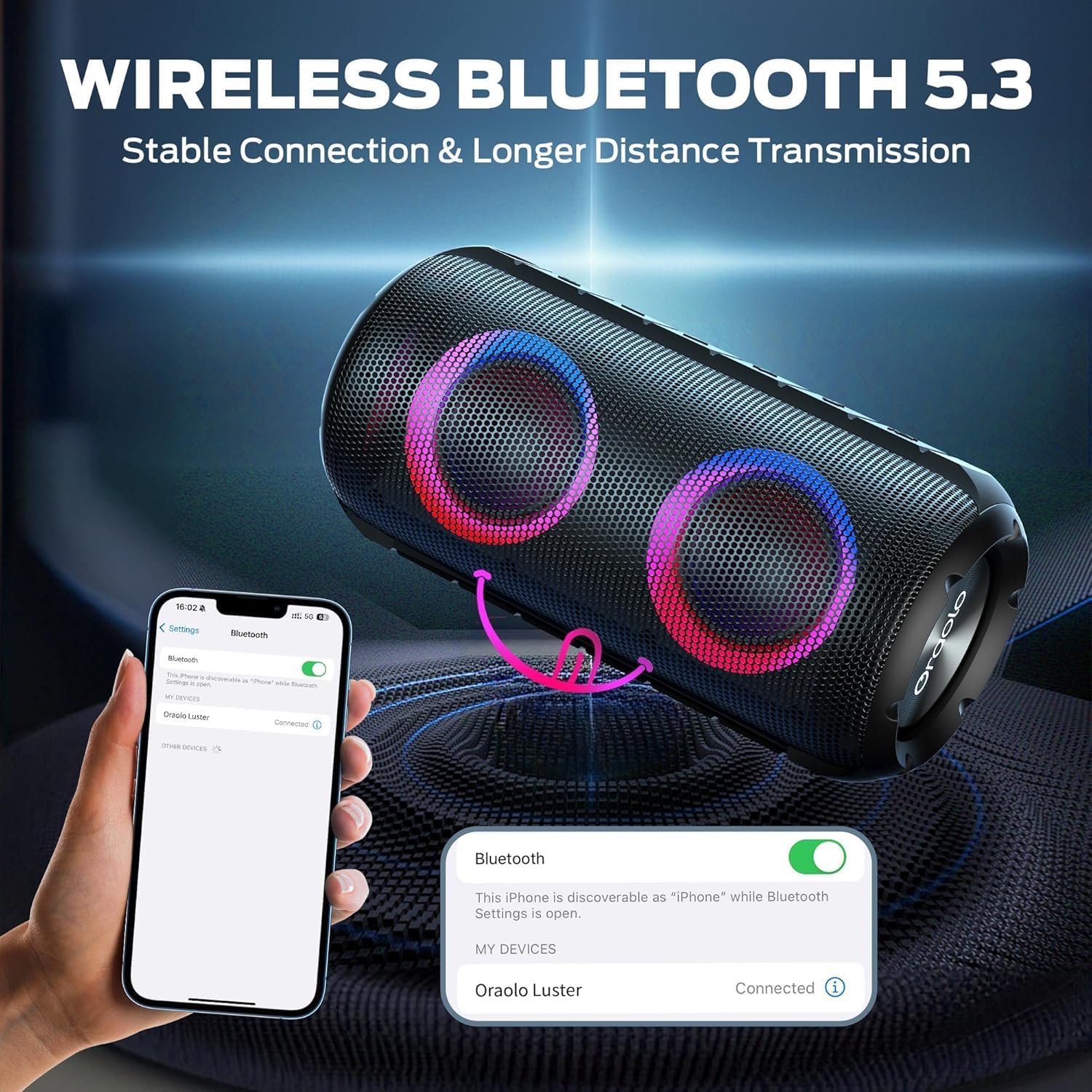
Image: The BUGANI Luster Bluetooth Speaker with its detachable lanyard, illustrating its portability and ease of carrying.
3. Подешавање
3.1 Почетно пуњење
Before first use, fully charge the speaker. Connect the provided USB-C cable to the speaker's charging port and the other end to a USB power adapter (not included) or a computer's USB port. The charging indicator light will show the charging status.
3.2 Укључивање/искључивање
- Укључено: Притисните и држите дугме за напајање (⏻) for 2-3 seconds until you hear an audible prompt and the lights illuminate.
- Искључивање: Притисните и држите дугме за напајање (⏻) for 2-3 seconds until you hear an audible prompt and the lights turn off.
3.3 Блуетоотх упаривање
- Уверите се да је звучник укључен и у режиму упаривања путем Bluetooth-а (што је назначено трепћућим плавим светлом).
- На свом уређају (паметном телефону, таблету итд.) омогућите Блутут и потражите доступне уређаје.
- Select "BUGANI Luster" from the list of devices.
- Once connected, you will hear a confirmation sound, and the Bluetooth indicator light will become solid blue.
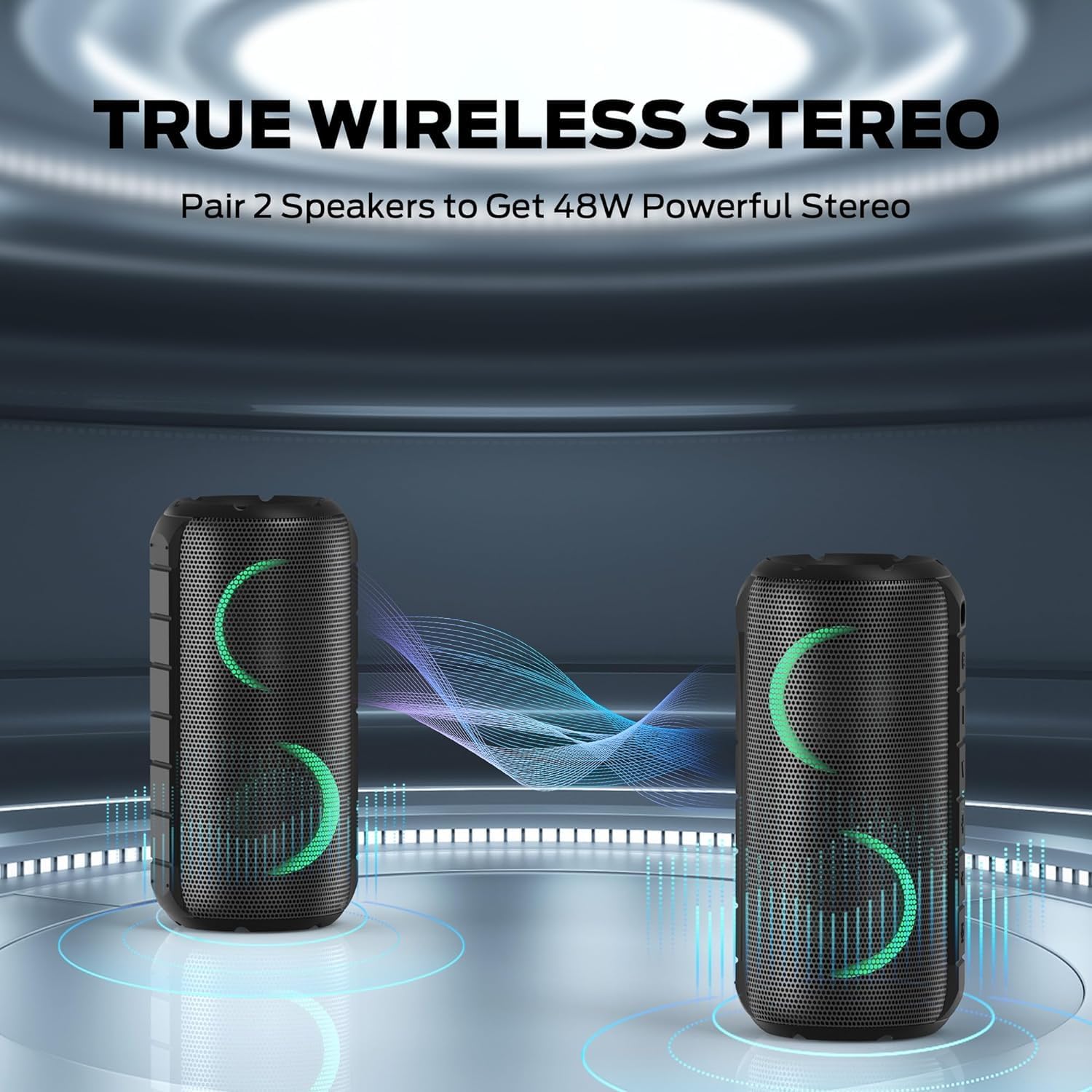
Image: A smartphone displaying its Bluetooth settings, showing a successful connection to the "Oraolo Luster" (BUGANI Luster) speaker, demonstrating the ease of Bluetooth 5.3 pairing.
3.4 Упаривање са правим бежичним стерео (TWS) системом
To achieve a more immersive stereo sound, you can pair two BUGANI Luster speakers together.
- Уверите се да су оба звучника укључена и да нису повезана ни са једним Bluetooth уређајем.
- On one speaker (this will be the primary speaker), press the TWS button (often indicated by two interlocking circles or a dedicated TWS icon). The speaker will enter TWS pairing mode.
- The primary speaker will automatically search for the secondary speaker. Once connected, you will hear a confirmation sound, and the lights on both speakers will synchronize.
- Сада повежите уређај са примарним звучником путем Bluetooth-а као што је описано у одељку 3.3. Звук ће се репродуковати преко оба звучника у стерео режиму.

Image: Two BUGANI Luster speakers positioned to illustrate their True Wireless Stereo (TWS) pairing capability, creating a wider soundstage.
3.5 Повезивање са AUX улазом
For non-Bluetooth devices, use the provided 3.5mm AUX-in cable.
- Connect one end of the 3.5mm AUX-in cable to the speaker's AUX-in port.
- Повежите други крај са аудио излазом вашег уређаја.
- The speaker will automatically switch to AUX-in mode.
4. Упутство за употребу
4.1 Функције дугмета

Слика: Крупни план view of the BUGANI Luster speaker's top panel, clearly showing the control buttons for various functions.
| Дугме | Функција (кратки притисак) | Функција (дуг притисак) |
|---|---|---|
| ⏻ (напајање) | Н/А | Укључивање/искључивање |
| + (Појачавање звука) | Волуме Уп | Нект Трацк |
| - (утишавање) | Утишавање звука | Превиоус Трацк |
| ▶‖ (Пусти/Пауза) | Плаи/Паусе; Одговори/Заврши позив | Reject Call; Activate Voice Assistant |
| 💡 (Light Mode) | Cycle through Light Modes | Укључите/искључите светла |
| ТВС (TWS Pairing) | Н/А | Уђите у ТВС режим упаривања |
4.2 Colorful Light Show
The speaker features a dynamic RGB light system with 7 colors and 5 light modes. Press the Light Mode button (💡) to cycle through the available modes. Long press the button to turn the lights on or off.

Image: The BUGANI Luster speaker showcasing its vibrant and dynamic colorful light patterns, which enhance the listening experience.
4.3 Позивање без употребе руку
Када је повезан путем Блутут-а, уграђени микрофон звучника омогућава позиве без употребе руку.
- Одговори/заврши позив: Short press the Play/Pause button (▶‖).
- Одбиј позив: Long press the Play/Pause button (▶‖).
4.4 Активација гласовног асистента
Long press the Play/Pause button (▶‖) to activate your phone's voice assistant (e.g., Siri, Google Assistant).
5. Одржавање
5.1 Чишћење
Обришите звучник меком, дamp cloth. Do not use abrasive cleaners, alcohol, or chemical solvents, as these may damage the surface or internal components.
5.2 Водоотпорност (IPX6)
The speaker has an IPX6 waterproof rating, meaning it is protected against powerful water jets. It is suitable for use in rainy conditions or near water bodies like pools and beaches. However, it is не designed for submersion in water. Ensure the charging port cover is securely closed before exposing the speaker to water.
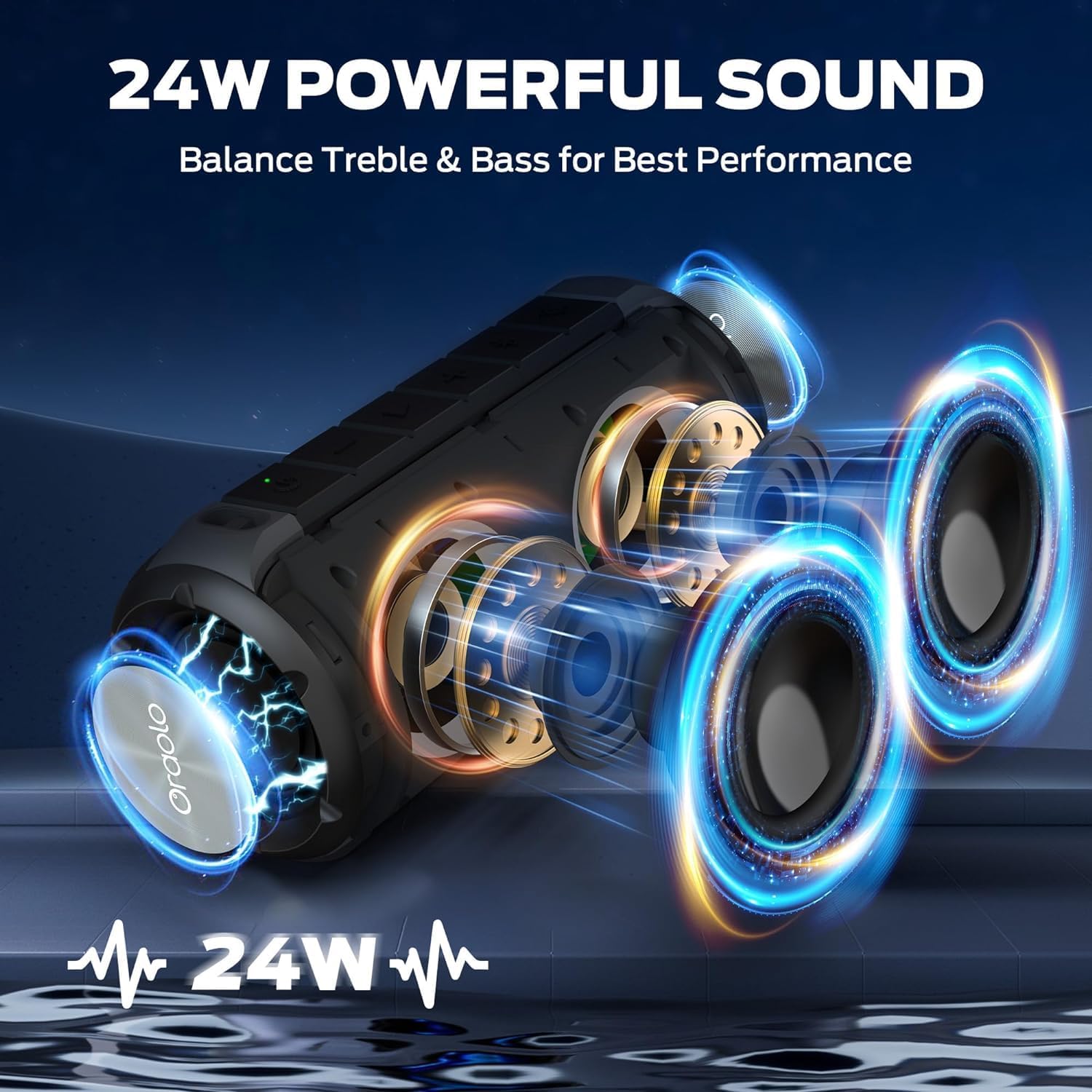
Image: The BUGANI Luster speaker resting on a wet rock with water droplets, visually confirming its IPX6 waterproof rating for outdoor use.
5.3 Складиштење
Чувајте звучник на хладном и сувом месту, даље од директне сунчеве светлости и екстремних температура. Ако га складиштите дуже време, пуните батерију до приближно 50% сваких неколико месеци како бисте одржали њено здравље.
КСНУМКС. Решавање проблема
6.1 Нема напајања
- Уверите се да је звучник потпуно напуњен.
- Притисните и држите дугме за напајање 2-3 секунди.
6.2 Нема звука
- Проверите ниво јачине звука и на звучнику и на повезаном уређају.
- Ensure the speaker is correctly paired via Bluetooth or the AUX-in cable is securely connected.
- If using Bluetooth, try disconnecting and re-pairing the device.
6.3 Проблеми са упаривањем преко Bluetooth-а
- Ensure the speaker is within the effective range (up to 33 feet/10 meters) of your device.
- Обришите историју упаривања путем Bluetooth-а на уређају и покушајте поново да упарите.
- Искључите и укључите и звучник и уређај.
- Уверите се да други Bluetooth уређаји не ометају рад.
6.4 TWS Pairing Fails
- Ensure both speakers are fully charged and not connected to any other Bluetooth device.
- Place the speakers close to each other during the TWS pairing process.
- Follow the TWS pairing steps precisely as described in section 3.4.
7. Спецификације
| Феатуре | Детаљ |
|---|---|
| Бранд | БУГАНИ |
| Назив модела | М166 |
| Спеакер Типе | Преносиви стерео звучник |
| Максимална излазна снага звучника | 24 Ваттс |
| Технологија повезивања | Bluetooth 5.3, Auxiliary (3.5mm AUX-in) |
| Водоотпорна оцена | ИПКС6 |
| Плаитиме | Up to 24 hours (at 50% volume, lights off) |
| Димензије производа | 4"Д к 8"Ш к 4"В |
| Тежина артикла | 1.34 фунте (0.61 килограма) |
| Батерије | Потребна је 1 АА батерија (укључена) |
8. Гаранција и подршка
BUGANI products are manufactured to high-quality standards. For specific warranty information and support, please refer to the warranty card included with your product or visit the official BUGANI webсајт. Сачувајте рачун као доказ о куповини за потребе гаранције.
For technical assistance or customer service inquiries, please contact BUGANI customer support through their official channels.