
ARCCTV P2
ARCCTV 2K безбедносна камера за спољашњу употребу P2 Упутство за употребу
Модел: П2
1. Увод
This manual provides detailed instructions for the installation, operation, and maintenance of your ARCCTV 2K Security Camera Outdoor P2. Please read this manual thoroughly before using the product to ensure correct usage and optimal performance. Keep this manual for future reference.

Слика 1.1: Предња страна view of the ARCCTV 2K Security Camera Outdoor P2.
2. Шта је у кутији
Проверите да ли су све компоненте присутне у пакету:
- Тело камере
- 5В1А адаптер за напајање
- Mounting Screws (set)
- Screw Positioning Sticker
- Налепница упозорења
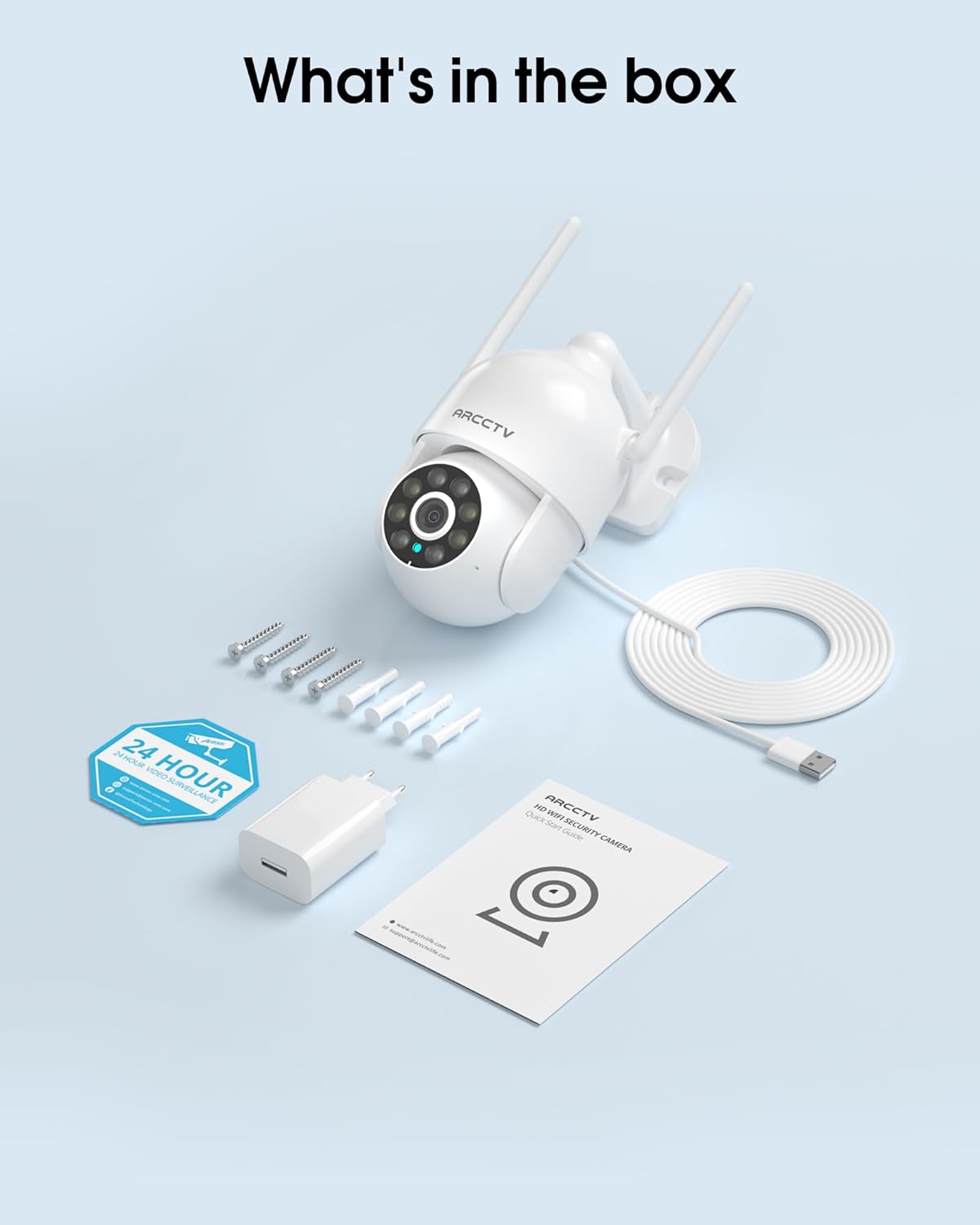
Image 2.1: All items included in the ARCCTV 2K Security Camera package.
3. Карактеристике производа
- 2К Ултра ХД резолуција: Provides clear 2304x1296p video.
- Ноћни вид у пуној боји: Built-in spotlight enables vivid color monitoring in low light.
- 360° Pan-Tilt-Zoom (PTZ): Remotely control 355° horizontal and 90° vertical rotation.
- Аутоматско праћење кретања: Smart AI automatically follows and records detected movement.
- Двопојасни ВиФи: Supports both 2.4G and 5G WiFi for stable connectivity.
- Двосмерни аудио: Уграђени микрофон и звучник за комуникацију.
- IP66 Отпоран на временске услове: Durable design for outdoor use in various weather conditions (-4°F ~ 122°F).
- Флексибилно складиштење: Supports local microSD card storage (up to 128GB, not included) and optional cloud storage.
- Снимање 24/7: Continuous recording capability with stable power supply.
4. Подешавање
4.1 Инсталација
- Изаберите локацију: Изаберите локацију на отвореном са чистим view of the area you wish to monitor. Ensure it is within range of your Wi-Fi network and a power outlet.
- Монтирајте камеру: Use the provided screw positioning sticker to mark drill holes. Drill holes, insert wall anchors, and secure the camera body to the wall using the mounting screws.
- Прикључите напајање: Plug the 5V1A power adapter into the camera and then into a power outlet. The camera will power on and begin its startup sequence.
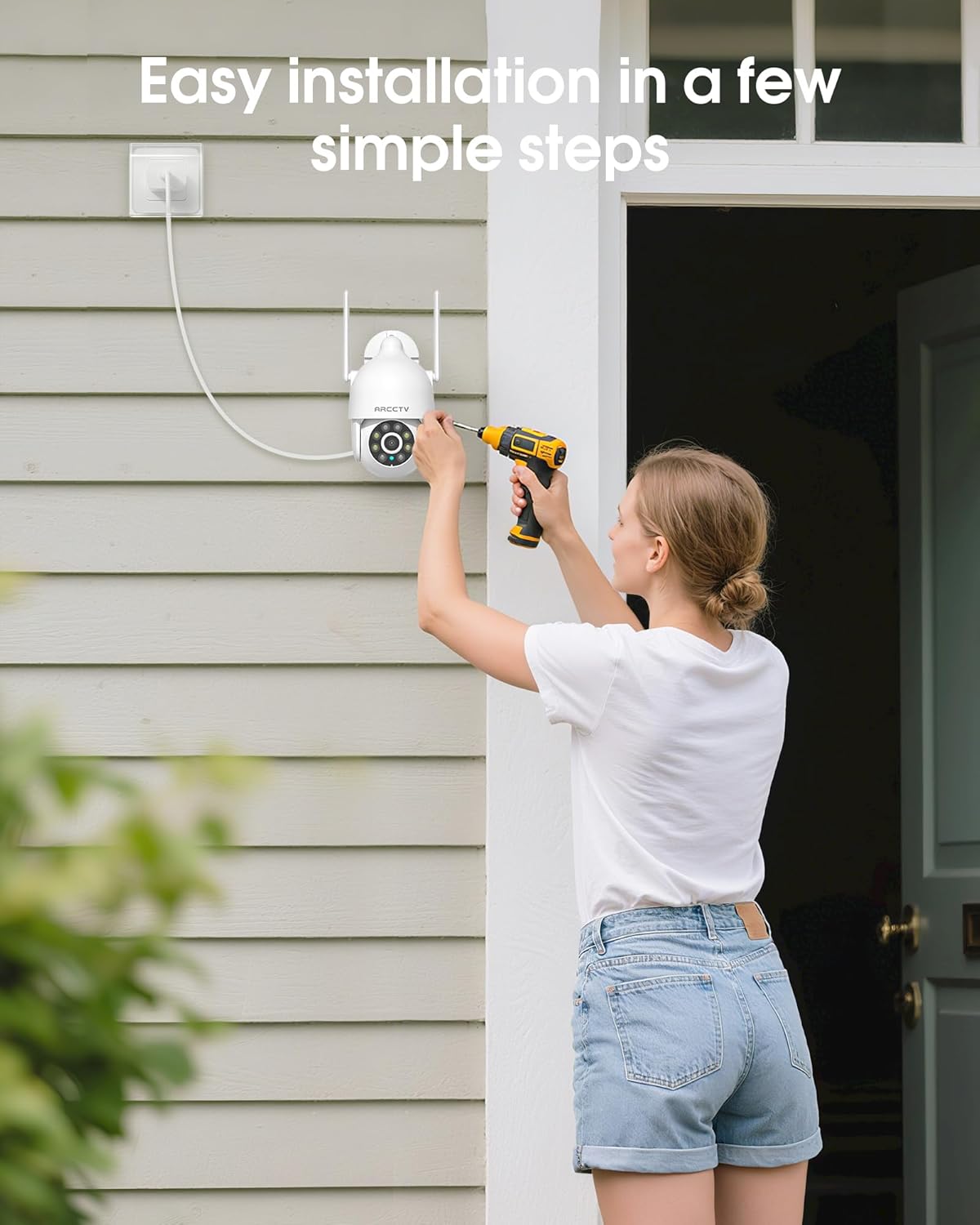
Image 4.1: Illustration of easy camera installation steps.
4.2 Преузимање апликације и креирање налога
- Download the official ARCCTV app from your smartphone's app store (iOS or Android).
- Отворите апликацију и пратите упутства на екрану да бисте креирали нови налог или се пријавите ако га већ имате.
4.3 Ви-Фи веза
- In the app, tap the "Add Device" or "+" icon.
- Select your camera model and follow the prompts to connect it to your Wi-Fi network. The camera supports both 2.4GHz and 5GHz bands for stable connectivity.
- Уверите се да је ваш паметни телефон повезан на исту Ви-Фи мрежу током процеса подешавања.
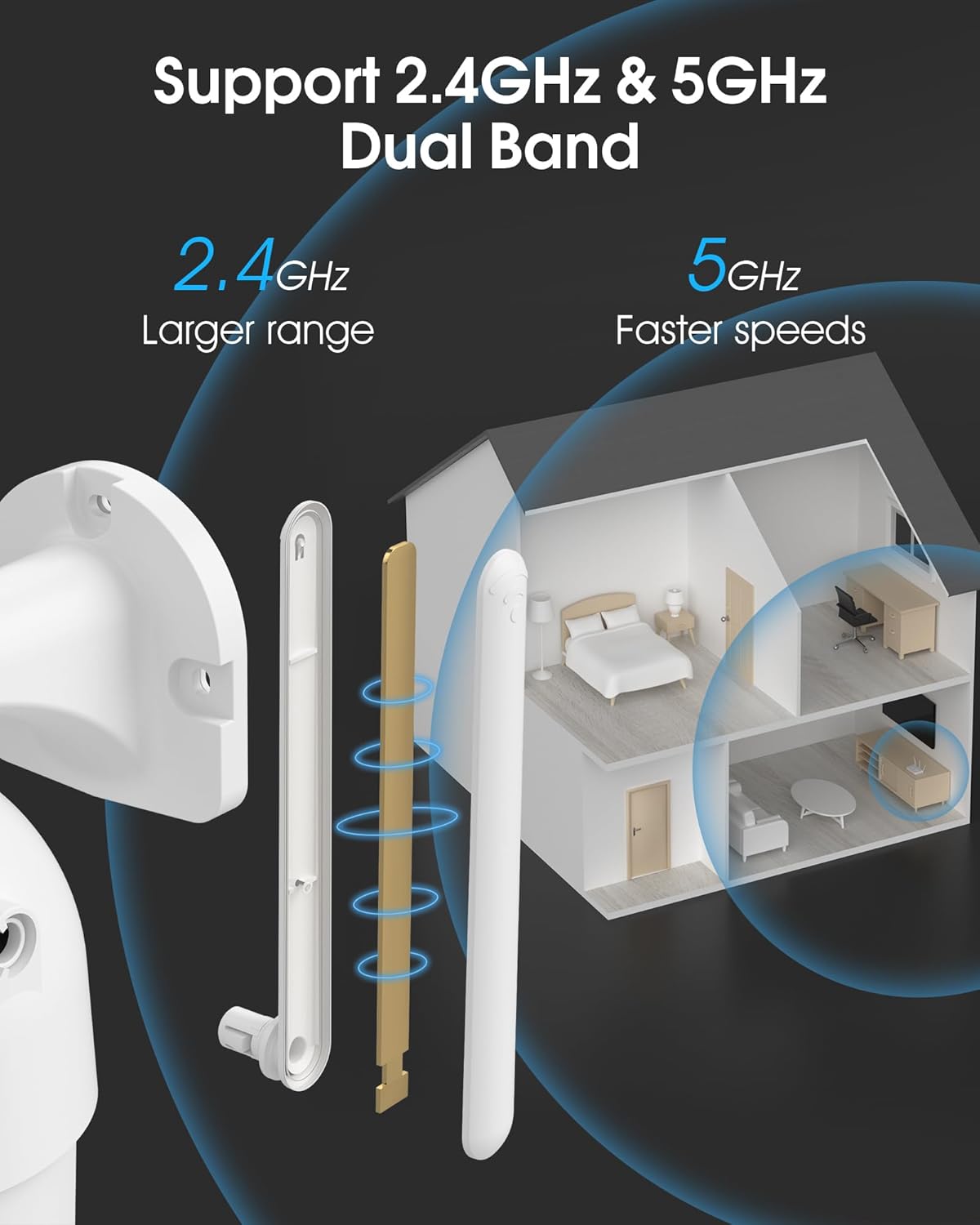
Image 4.2: The camera supports both 2.4GHz (larger range) and 5GHz (faster speeds) Wi-Fi bands.
4.4 MicroSD Card Installation (Optional)
For local storage, install a microSD card (up to 128GB, not included) into the designated slot on the camera. Ensure the camera is powered off before inserting or removing the card.

Image 4.3: Location of the microSD card slot on the camera.
5. Руковање камером
5.1 Уживо View
Open the ARCCTV app and select your camera to view the live feed. You can monitor your property in real-time.
5.2 Контрола панорамирања, нагињања и зумирања (PTZ)
Уживо view screen, use the directional controls to rotate the camera horizontally (Pan: 355°) and vertically (Tilt: 90°) to adjust the viewing angle. You can also set preset points for quick navigation.
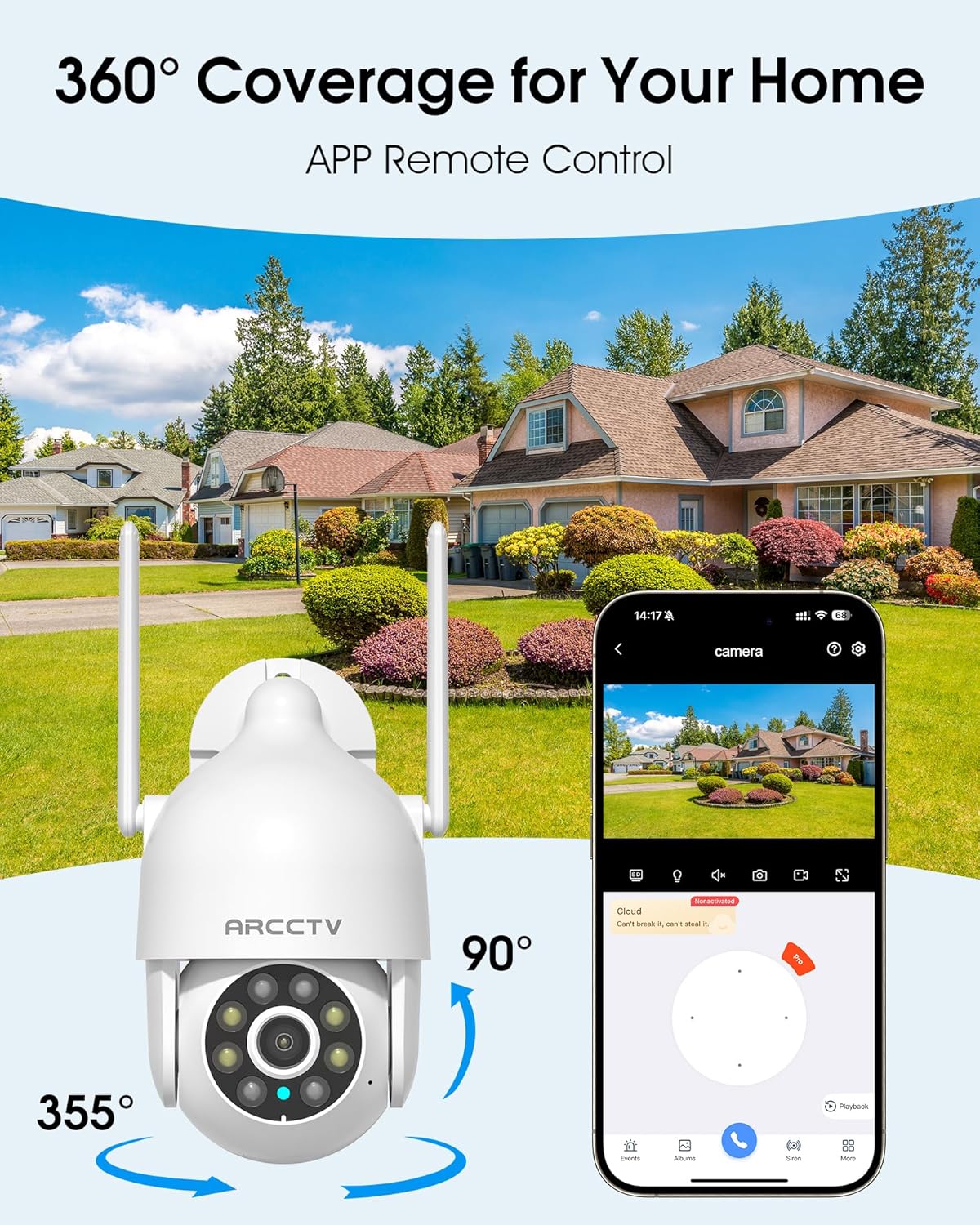
Image 5.1: The camera offers 360° coverage through remote pan and tilt controls.
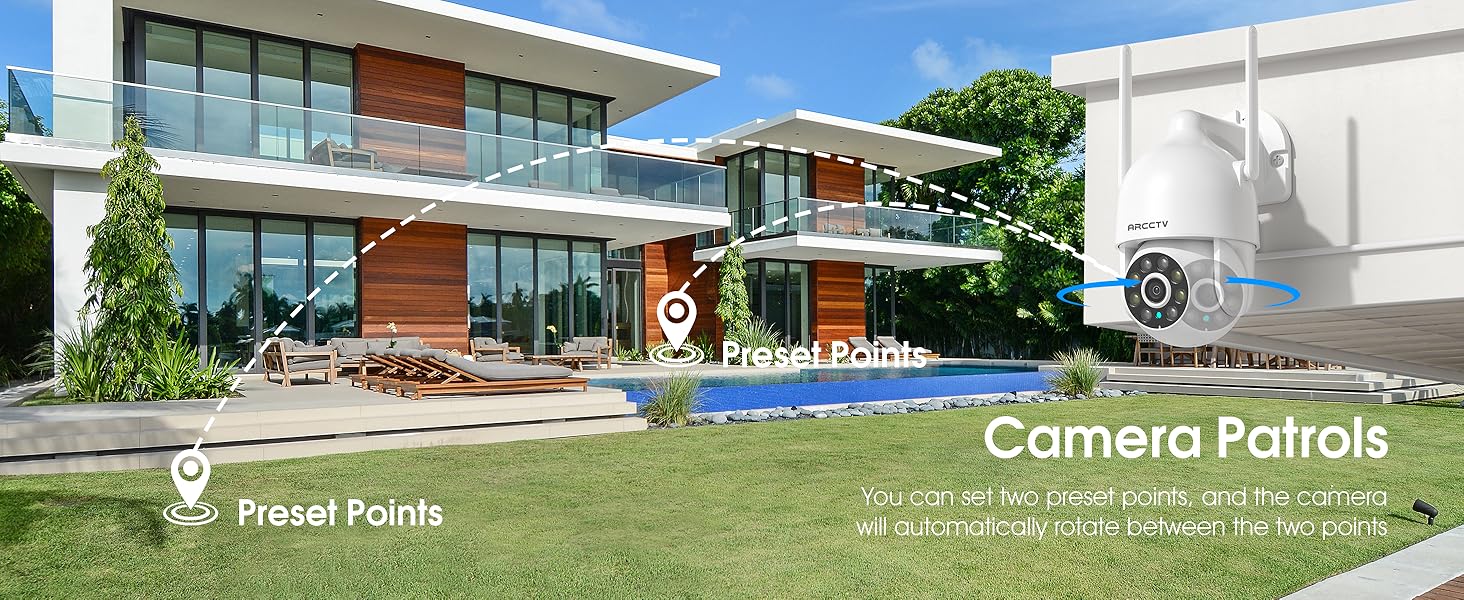
Image 5.2: Setting up camera patrol routes between preset points.
5.3 Motion Tracking and Alerts
The camera features smart AI motion tracking that automatically follows detected movement. You can customize alert zones and receive instant notifications on your smartphone when motion is detected.

Image 5.3: The camera's smart motion tracking feature in action.

Image 5.4: Instant alerts with customizable settings, including spotlight, siren, and two-way audio.
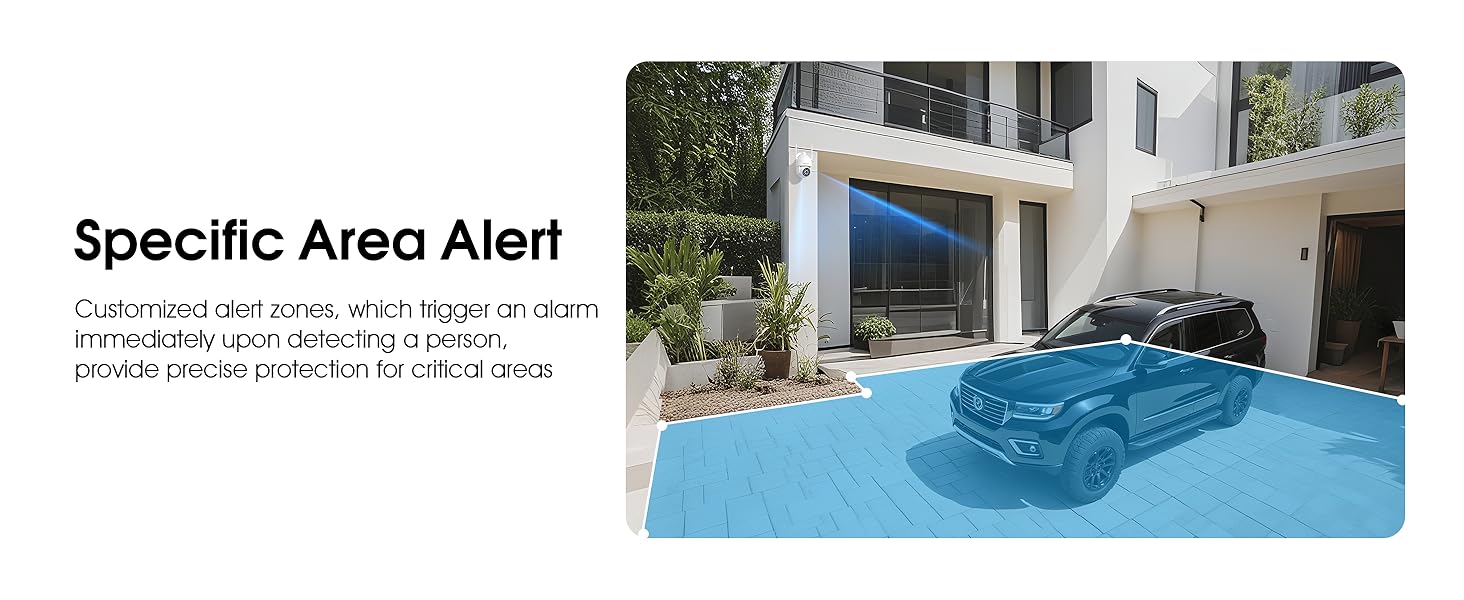
Image 5.5: Setting up specific area alerts for precise protection.
5.4 Режими ноћног вида
The camera offers both full-color night vision (activated by the built-in spotlight) and infrared night vision for clear monitoring in various low-light conditions.

Image 5.6: Comparison of Color Night Vision and Infrared Night Vision.
5.5 Двосмерни аудио
Use the two-way audio feature to communicate with visitors or deter unwanted guests directly through the camera's built-in microphone and speaker.
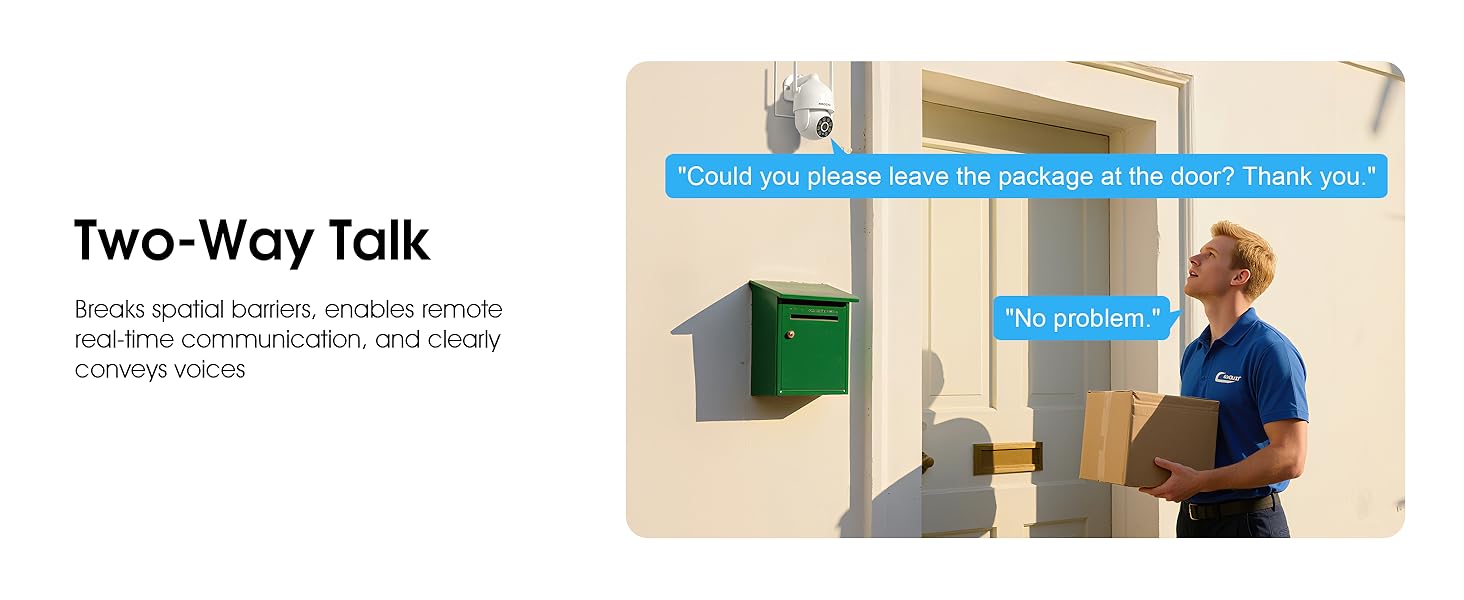
Image 5.7: Utilizing two-way talk for remote communication.
5.6 Снимање и репродукција
Камера подржава непрекидно снимање 24/7. Фуtage can be saved to a local microSD card (up to 128GB) or to optional cloud storage. Access recorded videos through the app's playback function.

Image 5.8: The camera provides 24/7 recording capabilities.
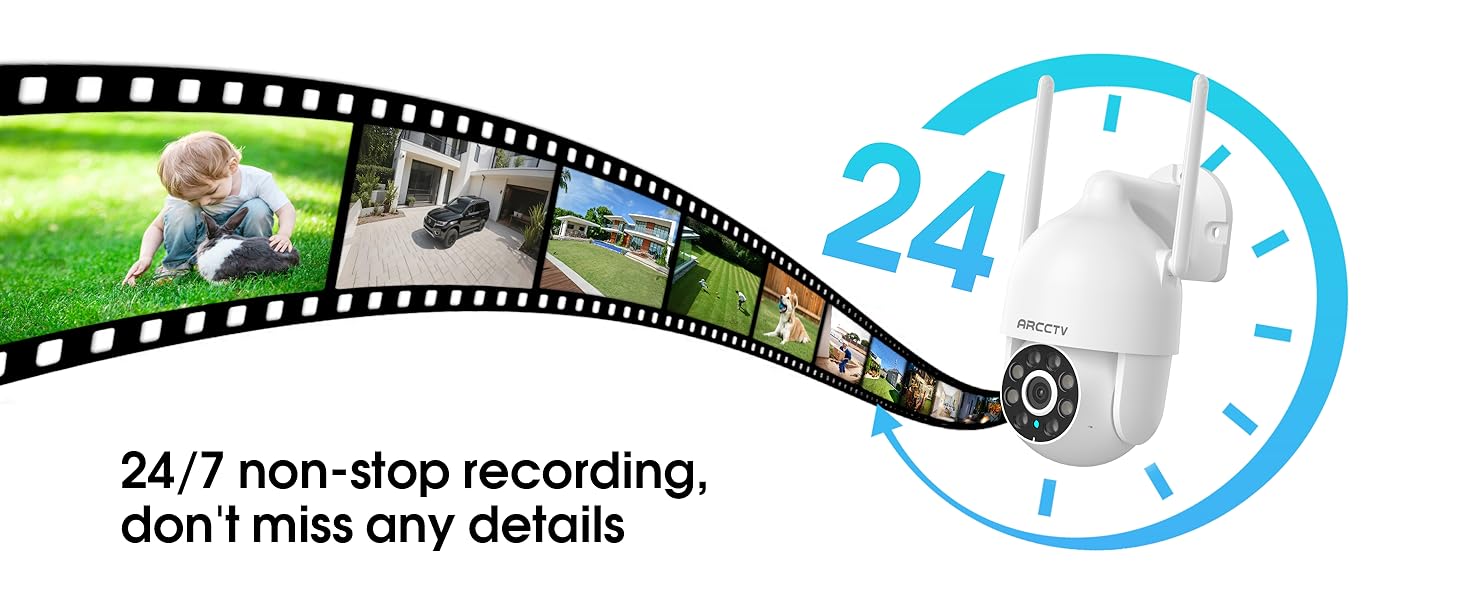
Image 5.9: Continuous 24/7 recording ensures no details are missed.
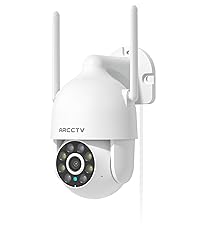
Image 5.10: Cloud storage encryption for secure and accessible recordings (subscription may apply).
5.7 Дељење са породицом
The app supports multi-member sharing, allowing family members to view the camera feed and collaborate on security monitoring.
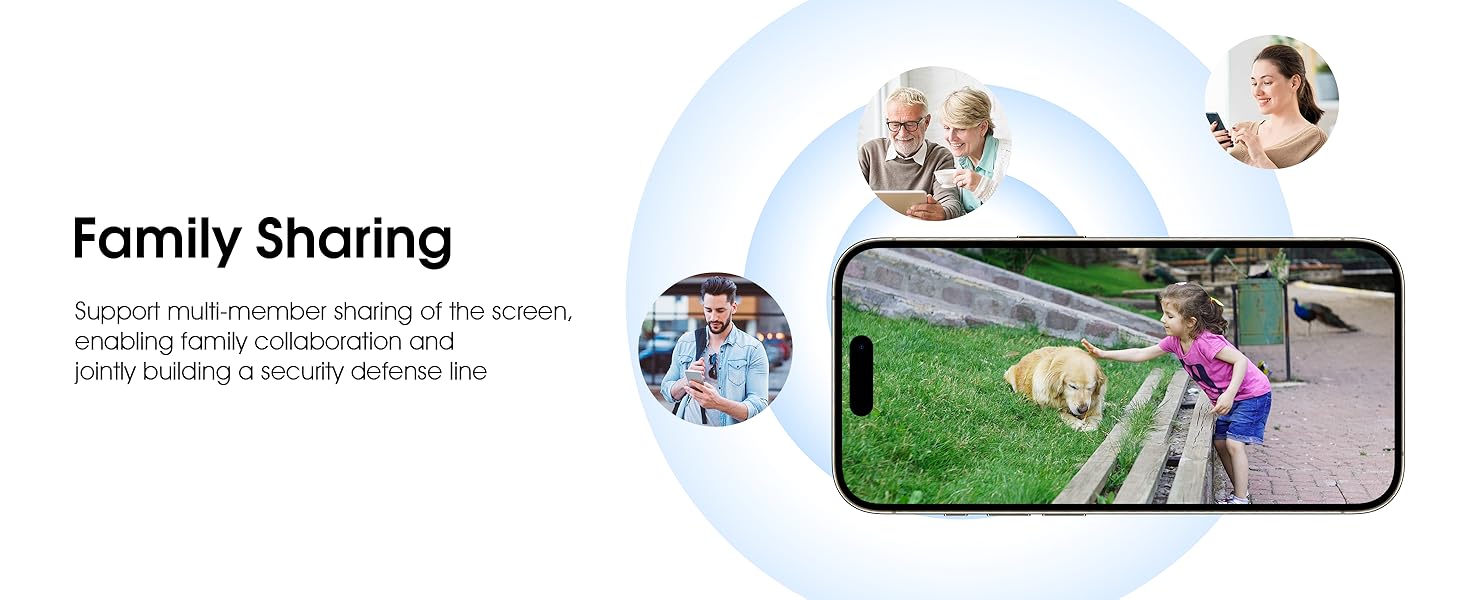
Image 5.11: The family sharing feature allows multiple users to access the camera feed.
5.8 Компатибилност са Алексом
The camera is compatible with Alexa, allowing you to check the monitoring screen using voice commands.
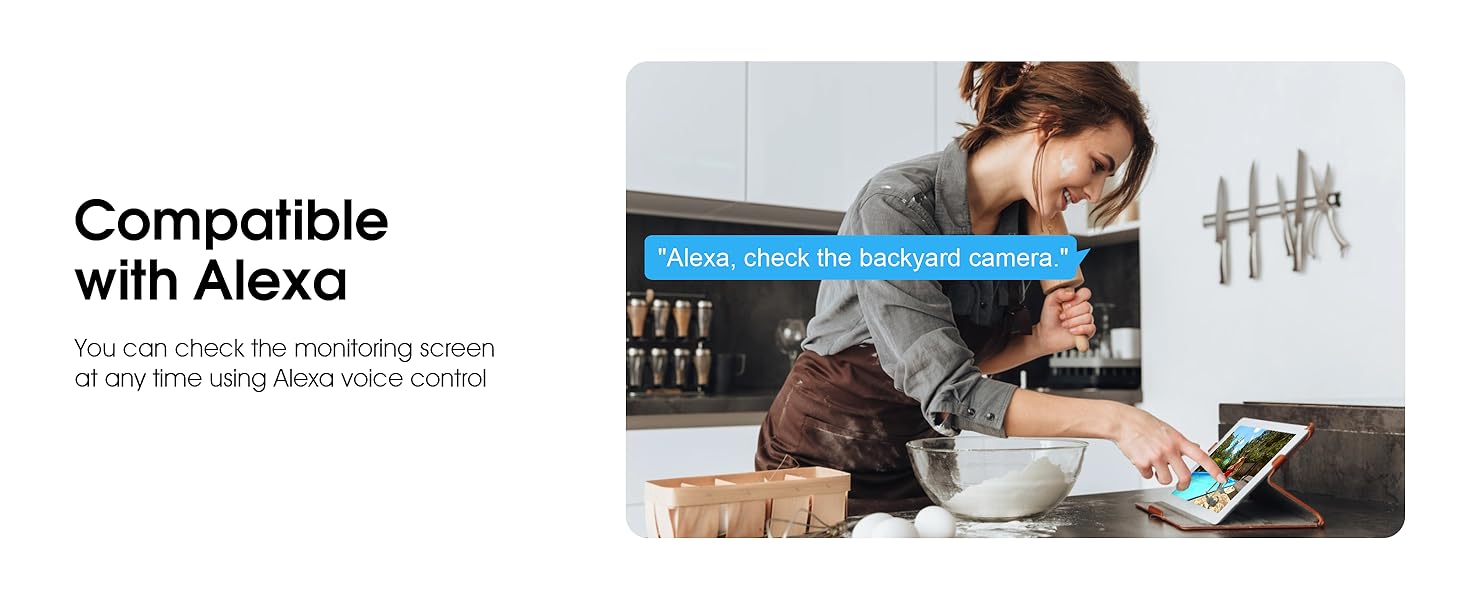
Image 5.12: Voice control via Alexa for convenient monitoring.
6. Одржавање
6.1 Чишћење камере
Периодично чистите сочиво и кућиште камере меком крпомamp крпом да бисте уклонили прашину и остатке. Не користите јаке хемикалије или абразивна средства за чишћење.
6.2 Ажурирања фирмвера
Ensure your camera's firmware is up to date for optimal performance and security. Check for updates within the ARCCTV app and follow the instructions to install them.
6.3 Управљање складиштем
If using a microSD card, regularly check its status in the app. Format the card periodically to maintain performance. For cloud storage, manage your subscription and storage space through the app.
КСНУМКС. Решавање проблема
- Камера се не повезује на Ви-Фи:
- Ensure your Wi-Fi network is 2.4GHz or 5GHz and has a strong signal at the camera's location.
- Проверите да ли је лозинка за Wi-Fi исправно унета.
- Рестартујте рутер и камеру.
- Лош квалитет слике:
- Очистите сочиво камере.
- Ensure adequate lighting for optimal night vision performance.
- Проверите брзину ваше интернет конекције.
- Детекција покрета не ради:
- Проверите да ли је детекција покрета омогућена у подешавањима апликације.
- Подесите подешавања осетљивости.
- Уверите се да нема препрека у видном пољу камере view.
- No Recording to MicroSD Card:
- Ensure a microSD card is properly inserted and formatted in the app.
- Check if the card is full; consider formatting or replacing it.
- Verify recording settings in the app.
8. Спецификације
| Феатуре | Спецификација |
|---|---|
| Назив модела | P2 |
| Унутрашња/спољна употреба | Оутдоор |
| Резолуција снимања видео записа | 2К (2304к1296п) |
| Технологија повезивања | бежични (Ви-Фи) |
| Бежична комуникациона технологија | Wi-Fi (2.4G/5G Dual-Band) |
| Viewинг Англе | 360 степени (355° панорамирање, 90° нагиб) |
| Ноћни вид | 50 стопа |
| Ниво отпорности на воду | ИП66 водоотпоран |
| Извор напајања | 5В1А адаптер за напајање |
| Максимална подржана величина флеш меморије | 128 GB (MicroSD) |
| Audio Visual Recording Capabilities | Видео & Аудио |
| Посебна карактеристика | 2-Way Audio, Motion Tracking, Full Color Night Vision |
| Димензије артикла Д к Ш к В | 7.8 к 6.6 к 5.3 инча |
| Тежина артикла | 1.39 фунти |
9. Гаранција и подршка
For warranty information and technical support, please refer to the official ARCCTV website or contact their customer service directly. Contact details are typically provided on the product packaging or within the mobile application.