
1. Увод
This manual provides essential information for the proper setup, operation, and maintenance of your Piegricdiat SF3000 Portable Handheld HD Gaming Set. Please read this manual thoroughly before using the device to ensure optimal performance and user safety. The SF3000 is a versatile handheld device designed for gaming, multimedia playback, and emergency charging.
2. Производ је готовview
The SF3000 features a compact design with a 4.5-inch IPS HD display, dual-core processor, and a 3000 mAh battery. It supports multiple emulators for a wide range of retro games and offers additional functionalities such as an e-book reader, video player, and emergency power bank.
2.1 Компоненте уређаја

Слика 1: Предња страна view of the SF3000 Handheld Gaming Set.
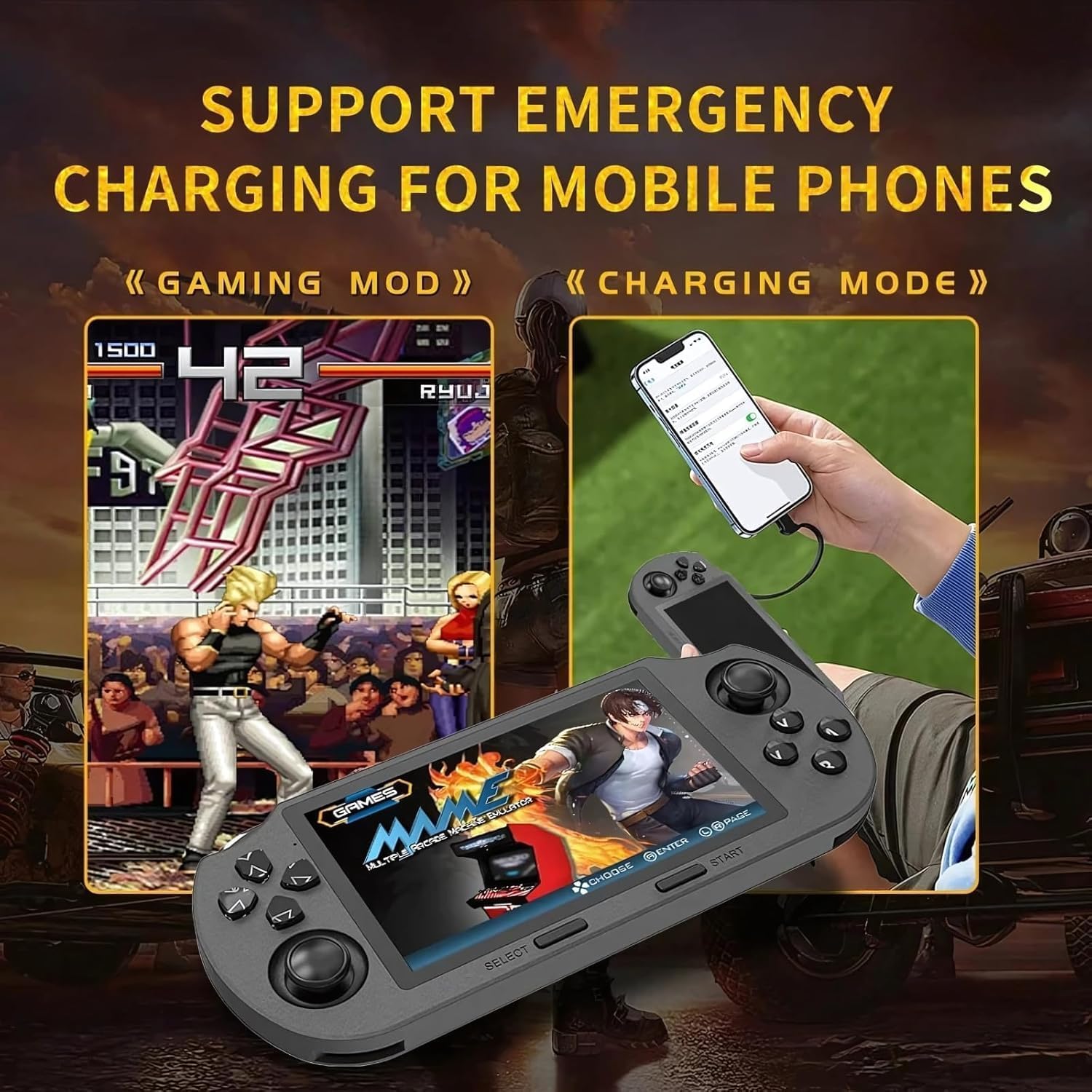
Figure 2: Labeled controls and ports on the SF3000.
- Д-Пад: Directional input for navigation and gameplay.
- Аналогни штапићи: Two analog sticks for precise movement in games.
- Function Buttons (A, B, X, Y): Primary action buttons for gameplay.
- Изаберите дугме: Used for menu selections and in-game functions.
- Старт дугме: Used to start games and pause.
- Bumper Buttons (L, R): Located on the top edge for additional controls.
- Дугме за напајање: Да бисте укључили/искључили уређај.
- Слот за ТФ картицу: For inserting the 64GB TF card containing games.
- Порт типа Ц: За пуњење и пренос података.
- Слушалице: 3.5 мм порт за аудио излаз.
- Волуме +/-: Buttons to adjust audio volume.

Слика 3: Позади view of the SF3000, showing the integrated stand.
- Интегрисани сталак: Located on the back for hands-free viewинг.
- Л2/Р2 дугмад: Additional shoulder buttons on the back for extended control.
3. Подешавање
3.1 Почетно пуњење
Before first use, fully charge the SF3000. Connect the included USB Type-C cable to the device's Type-C port and the other end to a compatible USB power adapter (not included) or a computer's USB port. The charging indicator will show the charging status. A full charge typically takes 3-4 hours.
3.2 Укључивање/искључивање
- За укључивање: Slide the 'ON' switch located on the top edge of the device. The screen will illuminate, displaying the welcome screen.
- За искључивање: Slide the 'OFF' switch. The device will shut down.
4. Упутство за употребу
4.1 Навигација кроз меније
Use the D-Pad or the left analog stick to navigate through the main menu and game lists. Press the 'A' button (or 'Enter' as indicated on-screen) to select an option or launch a game. Use the 'B' button (or 'Return') to go back to the previous menu.
4.2 Играње игара
The SF3000 supports various emulators including MAME, PS1, FC, SFC, and GBC. To play a game:
- From the main menu, select the desired emulator (e.g., 'PlayStation', 'Family Computer').
- Browse the list of available games using the D-Pad or analog stick.
- Select a game by pressing the 'A' button. The game will begin to load.
- Once loaded, use the D-Pad, analog sticks, and function buttons (A, B, X, Y, L, R, L2, R2) for gameplay. Refer to the specific game's controls for detailed instructions.
- To exit a game or access in-game menus (if available), press the 'Start' button.
4.3 Подешавање јачине звука
Adjust the game volume using the Volume +/- buttons located on the top edge of the device.
5. Multimedia Features
Beyond gaming, the SF3000 offers additional multimedia functionalities:

Figure 4: Icons representing multimedia features including video playback, digital photo album, and e-book reading.
- Читач е-књига: Access and read e-books directly on the device.
- Видео плејер: Play compatible video files.
- Digital Photo Album: View сачуване слике.
- Пуњач телефона за хитне случајеве: The device can function as an emergency power bank for mobile phones. Connect your mobile phone to the SF3000 using a compatible USB cable via the Type-C port.

Figure 5: The SF3000 being used to emergency charge a mobile phone.
6. Одржавање
- Чишћење: Користите меку, суву крпу за чишћење уређаја. Избегавајте употребу течних средстава за чишћење или абразивних материјала.
- Складиштење: Уређај чувајте на хладном и сувом месту, даље од директне сунчеве светлости и екстремних температура.
- Одржавање батерије: To prolong battery life, avoid fully discharging the device frequently. Charge the device regularly, even if not in use for extended periods.
КСНУМКС. Решавање проблема
- Уређај се не укључује: Ensure the device is fully charged. Check the power switch position.
- Games not loading: Verify that the TF card is properly inserted. Some games may require specific emulator settings (not user-adjustable in this manual).
- Проблеми са екраном: If the screen is unresponsive or displays abnormalities, try restarting the device.
- Проблеми са пуњењем: Ensure the Type-C cable and power adapter are functioning correctly.
8. Спецификације
| Феатуре | Спецификација |
|---|---|
| Величина екрана | 4.5 инча |
| Дисплаи Типе | ИПС ХД ЛЦД |
| ЦПУ | Двојезгарни 1.2 ГХз |
| Капацитет меморије | 64 GB (TF Card) |
| Капацитет батерије | 3000 мАх |
| Радно време | 5–7 сата |
| Извор напајања | Баттери Поверед |
| Интерфејс | Тип Ц |
| Материјал | Пластика |
| Димензије производа | 7.4 к 3.6 к 3.6 инча |
| Подржани емулатори | MAME, PS1, FC, SFC, GBC (and more) |
9. Безбедносне информације
Деца треба да користе овај уређај под надзором одрасле особе.
10. Званични видео снимци производа
SF3000 Portable Handheld HD Gaming Set Overview
Овај видео пружа општи прегледview of the SF3000 Portable Handheld HD Gaming Set, demonstrating its features and functionality. It highlights the device's design, screen quality, and game selection interface.