
1. Увод
Thank you for choosing the OSRAM LEDSTIXX USB Light Stick. This manual provides essential information for the safe and efficient use of your new light stick. Please read these instructions carefully before installation and operation, and retain them for future reference.
The OSRAM LEDSTIXX is a versatile, rechargeable LED light stick designed for flexible illumination in various indoor environments. It features a durable aluminum body, 3-level dimming, and a rotatable design for optimal light positioning.
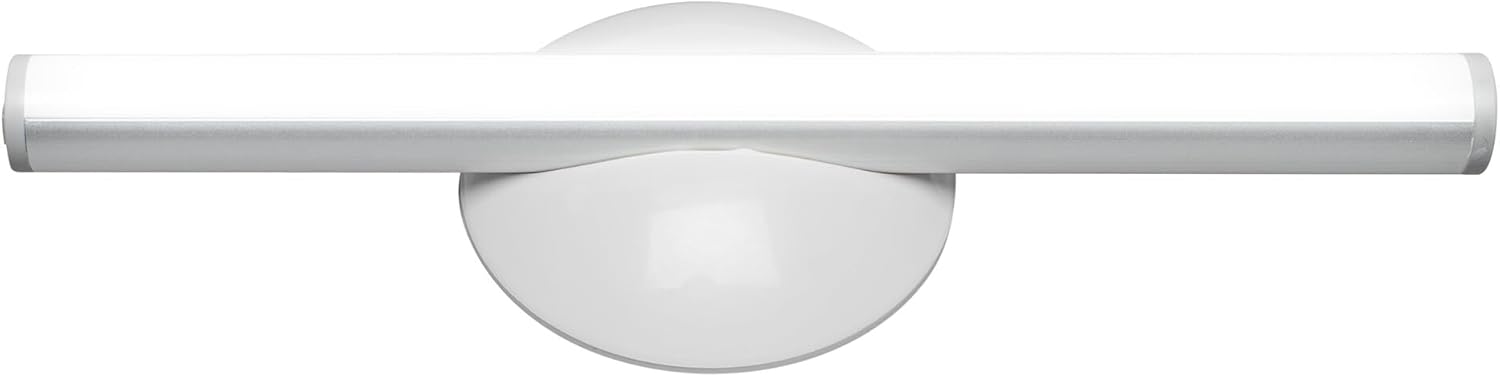
Слика 1.1: Предња страна view of the OSRAM LEDSTIXX USB Light Stick.
2. Безбедносне информације
- Овај производ је намењен само за унутрашњу употребу.
- Не излажите уређај екстремним температурама, директној сунчевој светлости или високој влажности.
- Do not attempt to open, modify, or repair the device. This may void the warranty and pose a safety risk.
- Чувати ван домашаја деце.
- Користите само приложени USB кабл или сертификовани еквивалент за пуњење.
- Пре инсталације, уверите се да је површина за монтажу чиста и сува.
3. Садржај пакета
Проверите да ли су све ставке присутне у пакету:
- 1x OSRAM LEDSTIXX USB Light Stick (Silver)
- Installation accessories (mounting bracket, adhesive pads)
- УСБ кабл за пуњење
- Упутство за употребу
4. Подешавање и инсталација
The LEDSTIXX offers flexible mounting options. Follow these steps for installation:
- Изаберите локацију: Select a clean, dry, and flat surface for mounting. Common applications include under cabinets, inside wardrobes, or near mirrors.
- Припремите површину: Clean the chosen surface thoroughly to ensure optimal adhesion of the mounting bracket.
- Причврстите носач за монтажу: Peel the protective film from the adhesive pad on the back of the mounting bracket. Firmly press the bracket onto the desired surface for at least 30 seconds. Allow the adhesive to set for a few hours before attaching the light stick.
- Attach the Light Stick: The LEDSTIXX light stick attaches magnetically to the mounting bracket. Simply place the light stick onto the bracket. It can be rotated and oriented as needed.
- Пуњење: Before first use, fully charge the light stick using the provided USB cable. Connect the USB cable to the charging port on the light stick and to a standard USB power source (e.g., computer, USB wall adapter). The charging indicator will show the charging status.
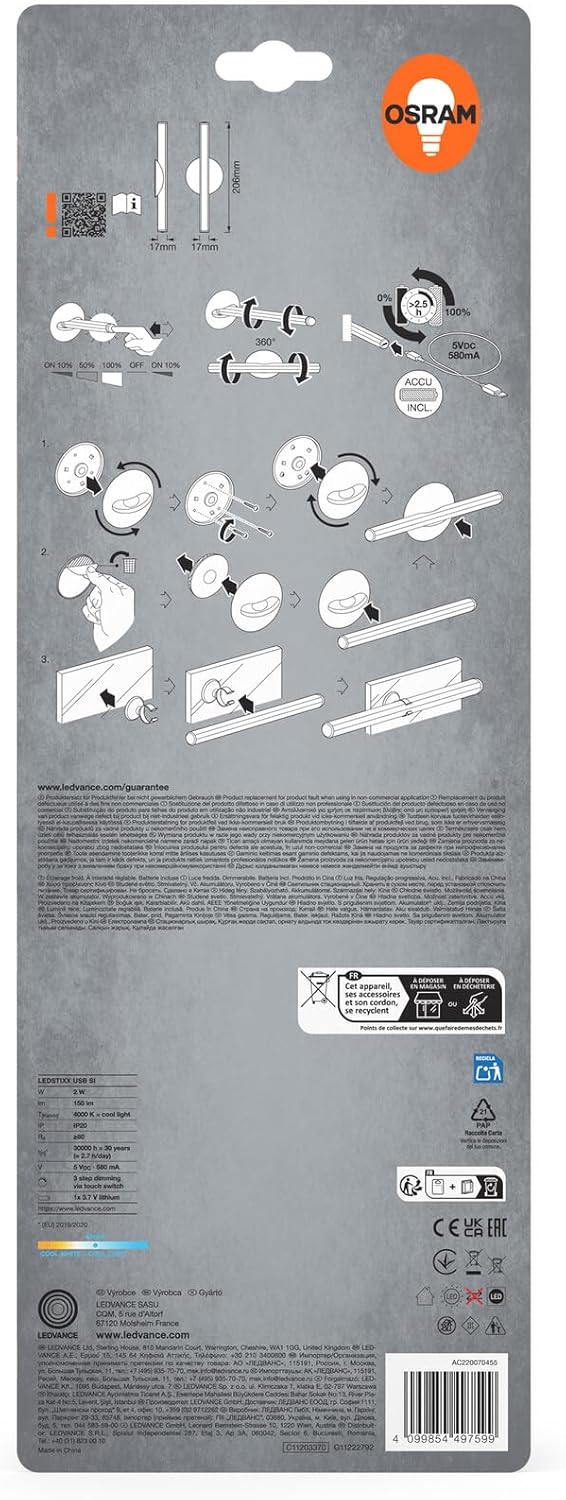
Image 4.1: Visual guide for installing the OSRAM LEDSTIXX using the adhesive mounting bracket.
5. Операција
The OSRAM LEDSTIXX features simple touch control for power and dimming.
- Укључивање/искључивање: Briefly touch the control area on the light stick to turn it on or off.
- Затамњење: The light stick has 3 dimming levels. After turning it on, repeatedly touch the control area to cycle through the brightness levels (e.g., 100% > 50% > 25% > Off).
- Индикатор пуњења: A small LED indicator will show the charging status. Typically, red indicates charging and green indicates fully charged.
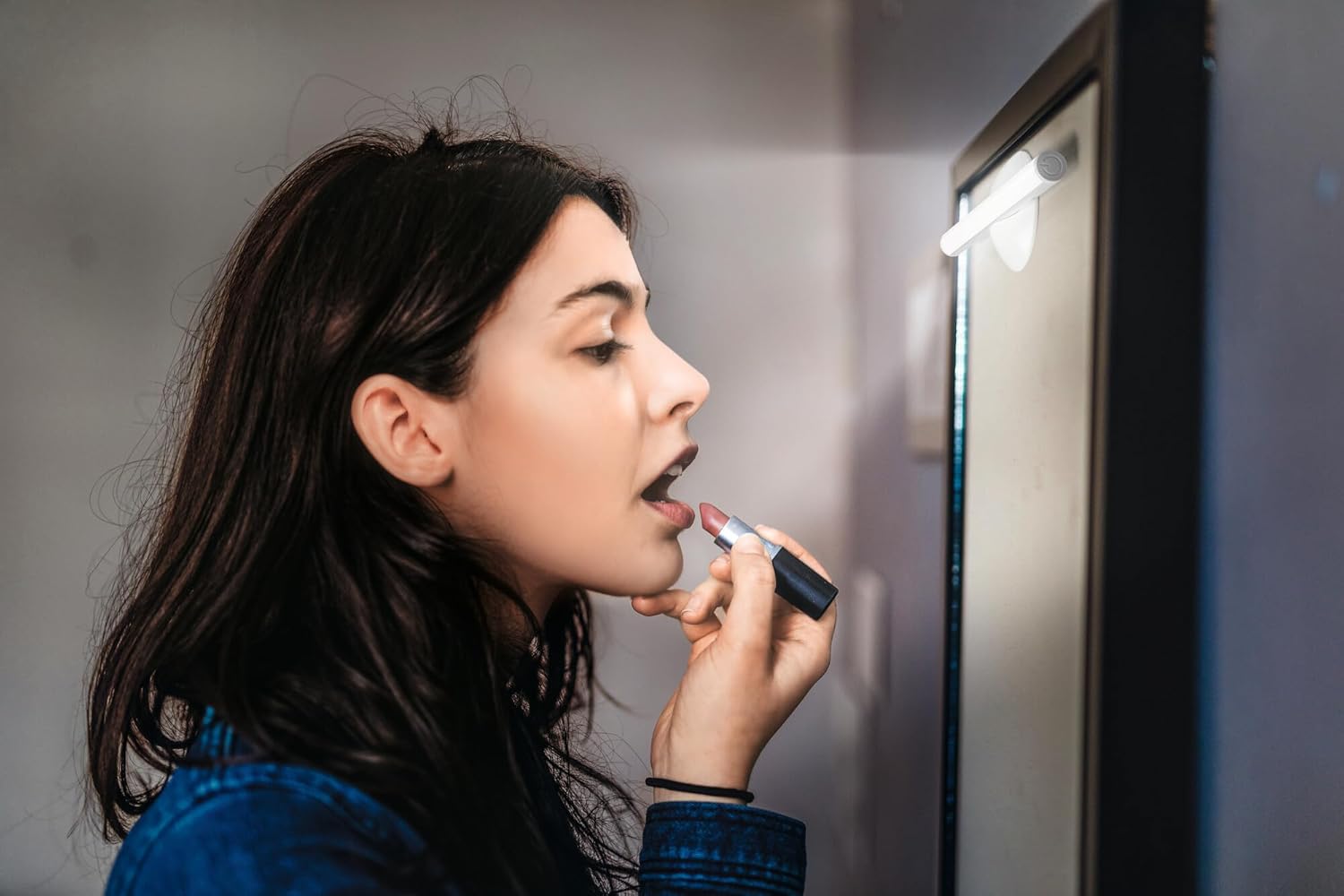
Image 5.1: The LEDSTIXX providing neutral white light for tasks such as applying makeup.
6. Одржавање
- Чишћење: Wipe the light stick with a soft, dry cloth. Do not use abrasive cleaners or solvents.
- Одржавање батерије: To prolong battery life, avoid fully discharging the battery frequently. Recharge the device regularly, especially if it will not be used for an extended period.
- Складиштење: Store the light stick in a cool, dry place when not in use.
КСНУМКС. Решавање проблема
| Проблем | Могући узрок | Решење |
|---|---|---|
| Светлост се не пали. | Батерија је испражњена. | Charge the light stick using the USB cable. |
| Светло је слабо или трепери. | Ниска батерија. | Recharge the light stick. |
| Light stick does not adhere to surface. | Surface is dirty or uneven. Adhesive not fully set. | Clean the surface thoroughly. Allow adhesive to set for several hours before attaching the light stick. |
| Cannot change brightness levels. | Неправилан рад. | Ensure you are briefly touching the control area repeatedly to cycle through the 3 dimming levels. |
8. Спецификације
| Феатуре | Детаљ |
|---|---|
| Бранд | Осрам |
| Назив модела | LEDstixx USB Silver |
| Број модела | 4099854497599 |
| Материјал | Алуминијум |
| Боја | Сребро |
| Извор светлости | Интегрисана ЛЕД |
| Луминоус Флук | 150 лумена |
| Температура боје | 4000 Келвина (неутрално бела) |
| Ватtage | 2 Ватт |
| Волtage | 5 Volt (USB) |
| Извор напајања | Battery powered (Rechargeable Lithium Battery) |
| Затамњивање | 3 нивоа |
| Отпорност на воду | Отпоран на воду (ИП44) |
| Димензије (Д к Ш к В) | 20.6 цм к 1.7 цм к 1.7 цм |
| Тежина производа | 85 грама |
| Ознака ЕУ за енергетску ефикасност | Г (View ЕПРЕЛ) |
| Земља порекла | Кина |

Image 8.1: Dimensional drawing of the OSRAM LEDSTIXX, showing its length of 206mm and width of 17mm.
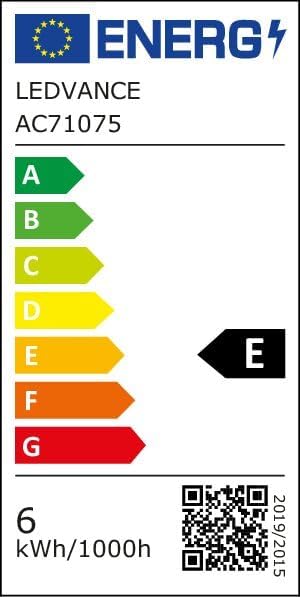
Image 8.2: EU Energy Efficiency Label for the LEDSTIXX, indicating class G and 6 kWh/1000h consumption.
9. Гаранција и подршка
OSRAM products are manufactured to high-quality standards. For warranty information and customer support, please refer to the official OSRAM webсајт или контактирајте локалног продавца. Сачувајте доказ о куповини за евентуалне рекламације.