
1. Увод
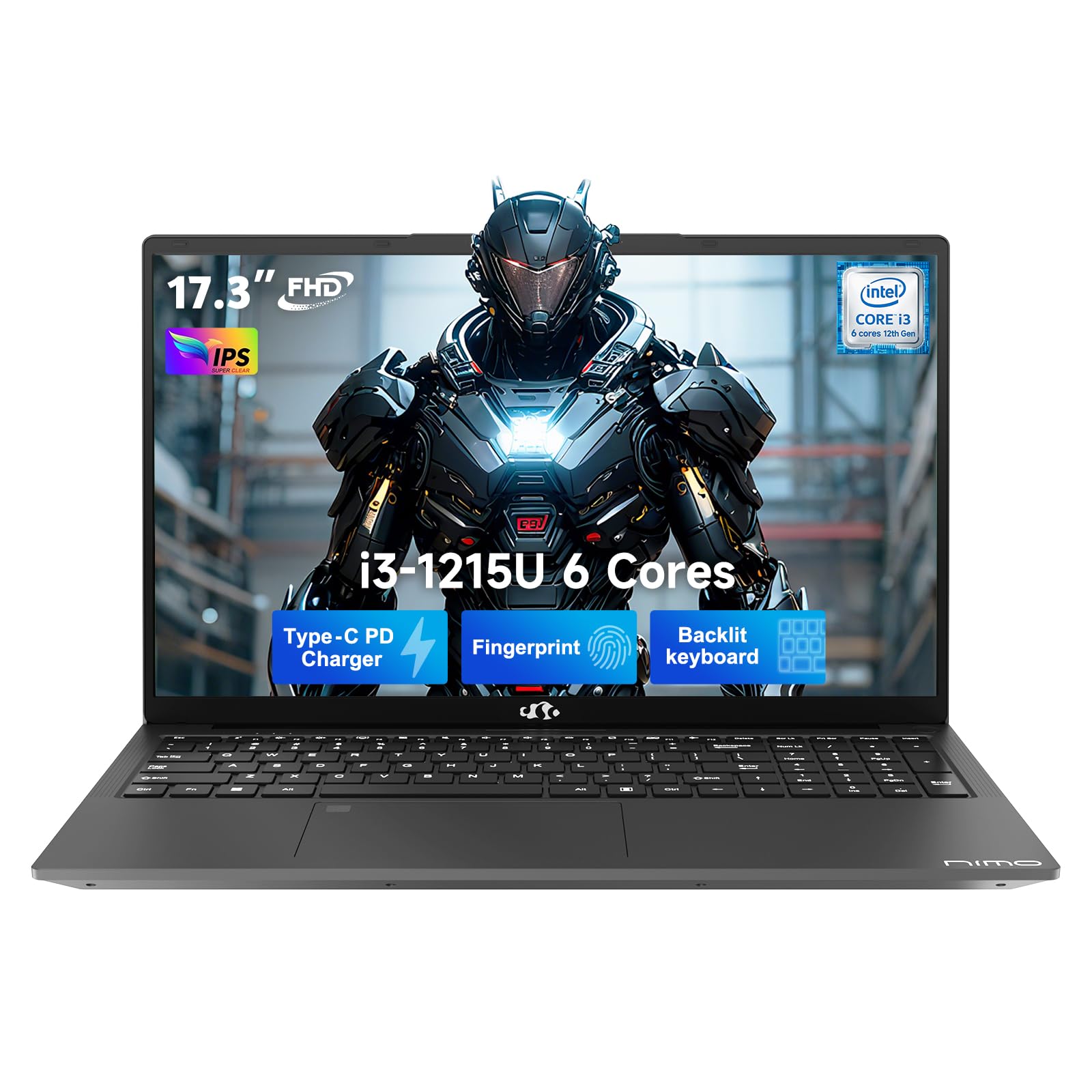
This manual provides essential information for setting up, operating, and maintaining your NIMO 17.3" FHD IPS Laptop. Please read this guide thoroughly before using your device to ensure proper function and longevity. This laptop features an Intel Core i3-1215U processor, 16GB RAM, and a 512GB SSD, designed for efficient everyday computing.
2. Шта је у кутији
- 1 x NIMO N171 Laptop
- 1 x Type-C 65W PD Fast Charger
- 1 x Упутство за употребу (овај документ)
- Windows 11 Home (pre-installed)
3. Водич за подешавање
3.1 Почетно укључивање
- Распакујте лаптоп: Пажљиво извадите лаптоп и сву додатну опрему из паковања.
- Прикључите напајање: Plug the Type-C 65W PD Fast Charger into the laptop's USB-C port and then into a power outlet.
- Укључено: Отворите поклопац лаптопа и притисните дугме за напајање, које се обично налази у горњем десном углу тастатуре или са стране.
- Виндовс подешавање: Пратите упутства на екрану да бисте завршили почетно подешавање система Windows 11 Home, укључујући језик, регион, мрежну везу и креирање корисничког налога.
3.2 Fingerprint Sensor Setup
For enhanced security and quick access, set up the integrated fingerprint sensor:
- Дођите до Подешавања > Налози > Опције пријављивања у оперативном систему Windows 11.
- Locate the "Fingerprint recognition (Windows Hello)" option and click Подесите.
- Follow the on-screen prompts to register your fingerprint.

4. Упутство за употребу
4.1 Тастатура и тачпед
- Тастатура са позадинским осветљењем: The full-size keyboard includes a numeric keypad and backlighting for use in low-light conditions. The backlight can typically be toggled using a function key combination (e.g., Fn + F5 or similar, refer to keyboard icons).
- Тоуцхпад: The integrated touchpad supports multi-touch gestures for navigation.

4.2 Webкамера са окидачем за приватност
The laptop features a 2MP HD camera with a physical privacy shutter. To ensure privacy, slide the shutter to cover the camera lens when not in use. Slide it open to activate the camera for video calls or other applications.

5. Кључне карактеристике
5.1 Перформансе
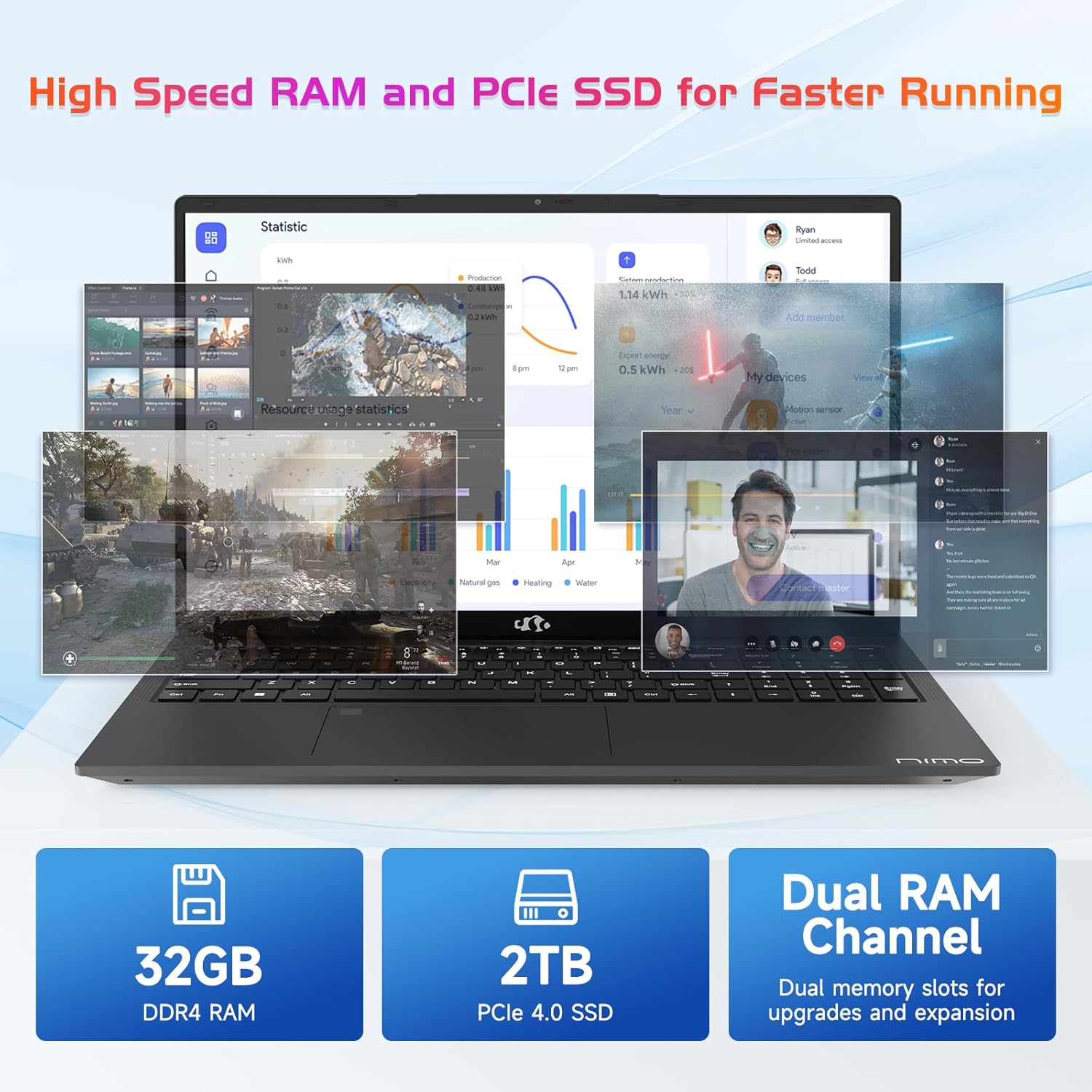
The NIMO N171 laptop is equipped with a 12th Gen Intel Core i3-1215U processor (6 Cores, up to 4.40 GHz), 16GB DDR4 RAM, and a 512GB SSD. This configuration provides responsive performance for multitasking, web browsing, and various applications.

5.2 Дисплеј
The laptop features a 17.3-inch Full HD (1920x1080) IPS display, offering a wide viewing experience with clear visuals and reduced eye strain. The screen-to-body ratio is approximately 85%.

5.3 Повезивање
The NIMO N171 supports Wi-Fi 6 for fast and stable wireless internet connectivity and Bluetooth 5.2 for pairing with wireless peripherals.
The laptop includes multiple ports for versatile connectivity:
- USB 3.2 Gen1 ports (x2)
- УСБ 2.0 порт (к1)
- USB Type-C 3.2 Gen1 port (x1)
- USB Type-C Gen1 port (Charge Only) (x1)
- Standard HDMI 1.4 port (x1)
- Audio Jack (x1)
- Micro SD card slot (x1)
- Kensington lock slot (x1)

5.4 Батерија и пуњење
The laptop is powered by a 53.58Wh battery, providing up to 9 hours of average battery life. It supports 65W PD Fast Charge via USB-C, allowing for quick recharging.


6. Одржавање
- Чишћење: Користите меку крпу која не оставља влакна за чишћење екрана и спољашњости. Избегавајте јаке хемикалије.
- Одржавање батерије: To prolong battery life, avoid fully discharging the battery frequently. Store the laptop in a cool, dry place.
- Ажурирања софтвера: Редовно ажурирајте оперативни систем Windows и управљачке програме како бисте осигурали оптималне перформансе и безбедност.
- Складиштење: Keep the SSD from becoming completely full to maintain performance. Utilize the Micro SD card slot for additional storage if needed.
КСНУМКС. Решавање проблема
| Иссуе | Могући узрок | Решење |
|---|---|---|
| Лаптоп се не укључује | Low battery or power adapter issue | Ensure the charger is properly connected and the power outlet is functional. Allow the laptop to charge for at least 30 minutes before attempting to power on again. |
| Екран је празан или црн | Display settings, external monitor connection, or system crash | Притисните Фн + Ф7 (or the key with a display icon) to cycle through display modes. Disconnect any external monitors. Perform a hard reset by holding the power button for 10-15 seconds. |
| Проблеми са Ви-Фи везом | Wi-Fi adapter disabled, incorrect password, or router problem | Проверите да ли је Wi-Fi омогућен у подешавањима Windows-а. Проверите лозинку за Wi-Fi. Поново покрените рутер и модем. |
| Сензор отиска прста не ради | Unregistered fingerprint, dirty sensor, or software glitch | Ensure your fingerprint is registered correctly. Clean the sensor with a soft cloth. Restart the laptop. |
8. Спецификације
| Феатуре | Детаљ |
|---|---|
| Бранд | NIMO |
| Назив модела | NIMO N171 |
| Величина екрана | 17.3 инча |
| Резолуција екрана | 1920 x 1080 пиксела (FHD) |
| Процесор | Intel Core i3-1215U (6 језгара, до 4.4 GHz) |
| РАМ | 16 GB DDR4 (3200 MHz) |
| Хард Дриве | 512 GB SSD (Solid State) |
| Грапхицс Цопроцессор | Integrated Graphics (Intel) |
| Оперативни систем | Виндовс 11 Хоме |
| Вирелесс Типе | Ви-Фи 6 (802.11а/б/г/н/ац) |
| Блуетоотх | Блуетоотх 5.2 |
| УСБ 2.0 портови | 1 |
| УСБ 3.0 портови | 3 (includes USB 3.2 Gen1) |
| USB портови типа C | 2 (1x 3.2 Gen1, 1x Gen1 Charge Only) |
| ХДМИ порт | 1 (Standard HDMI 1.4) |
| Аудио Јацк | 1 (Combo Jack) |
| Утор за микро СД картицу | Да |
| Позади Webцам Ресолутион | 2 МП |
| Трајање батерије (просечно) | 9 сата |
| Капацитет батерије | 53.58 Вх |
| Извор напајања | Battery Powered (65W PD Fast Charger) |
| Тежина артикла | 4.6 фунти |
| Димензије производа (ДкШкВ) | 15.61 к 9.84 к 0.76 инча |
| Посебне карактеристике | Fingerprint Reader, HD Audio, Memory Card Slot, Numeric Keypad, Backlit Keyboard, Privacy Shutter |
9. Гаранција и подршка
NIMO provides a 2 година гаранције за овај производ. Поред тога, 90-day hassle-free return policy is offered. For technical assistance, warranty claims, or product-related inquiries, please contact NIMO customer support.
- Гарантни период: 2 године
- Политика враћања: 90 Days (hassle-free)
- Контакт: Refer to the official NIMO website or product page for current contact information.


10. Видео производа прекоview
Овај видео пружа визуелни прегледview of the NIMO 17.3" FHD Intel i3-1215U Laptop, showcasing its design, features, and various usage scenarios.