
1. Увод
The Topping DX5 II is a high-performance, fully balanced Digital-to-Analog Converter (DAC) and Headphone Amplifier combo unit. It features dual ES9039Q2M DAC chips, an X-Hybrid headphone amplifier circuit, and supports high-resolution audio formats including DSD512 and PCM768kHz. This device is designed to deliver exceptional audio fidelity for both headphones and active speakers.
2. Безбедносне информације
- Do not disassemble or modify the unit. Unauthorized modifications may void the warranty and pose safety risks.
- Држите уређај даље од воде, влаге и екстремних температура.
- Осигурајте одговарајућу вентилацију око јединице како бисте спречили прегревање.
- Користите само приложени кабл за напајање и додатну опрему.
- Избегавајте постављање тешких предмета на уређај.
- Disconnect the power cable during lightning storms or when not in use for extended periods.
3. Садржај пакета
Проверите да ли су све ставке присутне у пакету:
- Topping DX5 II Unit
- Повер Цабле
- УСБ кабл
- Remote Control (if included, not explicitly listed but common for such devices)
- Кориснички приручник (овај документ)
Note: Specific accessories may vary by region or package version.
4. Производ је готовview
4.1 Предња плоча

Слика: Фронт view of the Topping DX5 II, showing the display, headphone outputs (6.35mm and 4-pin XLR), and control knobs/buttons.
- Екран: Приказује тренутни улаз, јачину звука, sample rate, and other status information.
- 6.35 мм излаз за слушалице: Single-ended headphone jack.
- 4-pin XLR Headphone Output: Балансирани прикључак за слушалице.
- Контролна типка: Multi-function knob for volume adjustment, menu navigation, and selection.
- Buttons (MENU, INPUT, HOME): For navigating settings and selecting input sources.
4.2 Задња плоча

Слика: Позади view of the Topping DX5 II, displaying various input and output ports including XLR, RCA, Coaxial, Optical, USB, and the power inlet.
- Balanced XLR Outputs (L/R): For connecting to balanced ampлифиерс или активни говорници.
- RCA Outputs (L/R): For connecting to unbalanced ampлифиерс или активни говорници.
- Коаксијални улаз: Дигитални аудио улаз.
- Оптички улаз: Дигитални аудио улаз.
- USB Input (Type-B): За повезивање са рачунаром или другим УСБ аудио извором.
- 12В окидач: За синхронизовану контролу напајања са другим компатибилним уређајима.
- Улаз за напајање: Прикључак за наизменичну струју.
- Прекидач: Укључивање/искључивање главног напајања.
5. Подешавање
5.1 Прикључак за напајање
- Ensure the DX5 II's power switch on the rear panel is in the OFF position.
- Connect the provided power cable to the power inlet on the rear panel of the DX5 II.
- Укључите други крај кабла за напајање у одговарајућу утичницу за наизменичну струју.
5.2 Повезивање аудио улаза
Изаберите један од следећих начина уноса:
- УСБ: Connect the provided USB cable from your computer (or other USB audio source) to the USB input on the DX5 II.
- Оптички/коаксијални: Connect an optical or coaxial cable from your digital audio source (e.g., CD player, TV) to the corresponding input on the DX5 II.
- Блуетоотх: The DX5 II supports Bluetooth 5.1 with LDAC. Refer to section 6.4 for pairing instructions.
5.3 Повезивање аудио излаза
Connect your headphones or speakers:
- Слушалице: Plug your headphones into either the 6.35mm single-ended or 4-pin XLR balanced headphone jack on the front panel.
- Активни звучници/Ampдизалица: Connect the DX5 II's XLR or RCA outputs to your active speakers or a power ampЛифиер користећи одговарајуће каблове.
5.4 Driver Installation (for USB connection)
For Windows operating systems, a driver may be required for optimal performance. Visit the official Topping website to download the latest USB driver for the DX5 II. Follow the installation instructions provided with the driver package.
Note: macOS, Linux, and iOS/Android devices typically do not require special drivers for USB audio.
6. Упутство за употребу
6.1 Укључивање/искључивање
- Flip the main power switch on the rear panel to the ON position.
- The unit will power on and display the Topping logo, then show the current status.
- To power off, flip the main power switch on the rear panel to the OFF position.
6.2 Избор улаза
Притисните тастер ИНПУТ button on the front panel or remote control to cycle through available input sources (USB, Optical, Coaxial, Bluetooth).
6.3 Контрола јачине звука
Rotate the control knob on the front panel clockwise to increase volume and counter-clockwise to decrease volume. The volume level will be displayed on the screen.
Caution: Before connecting headphones, ensure the volume is set to a low level to prevent hearing damage.
6.4 Bluetooth Pairing (LDAC)
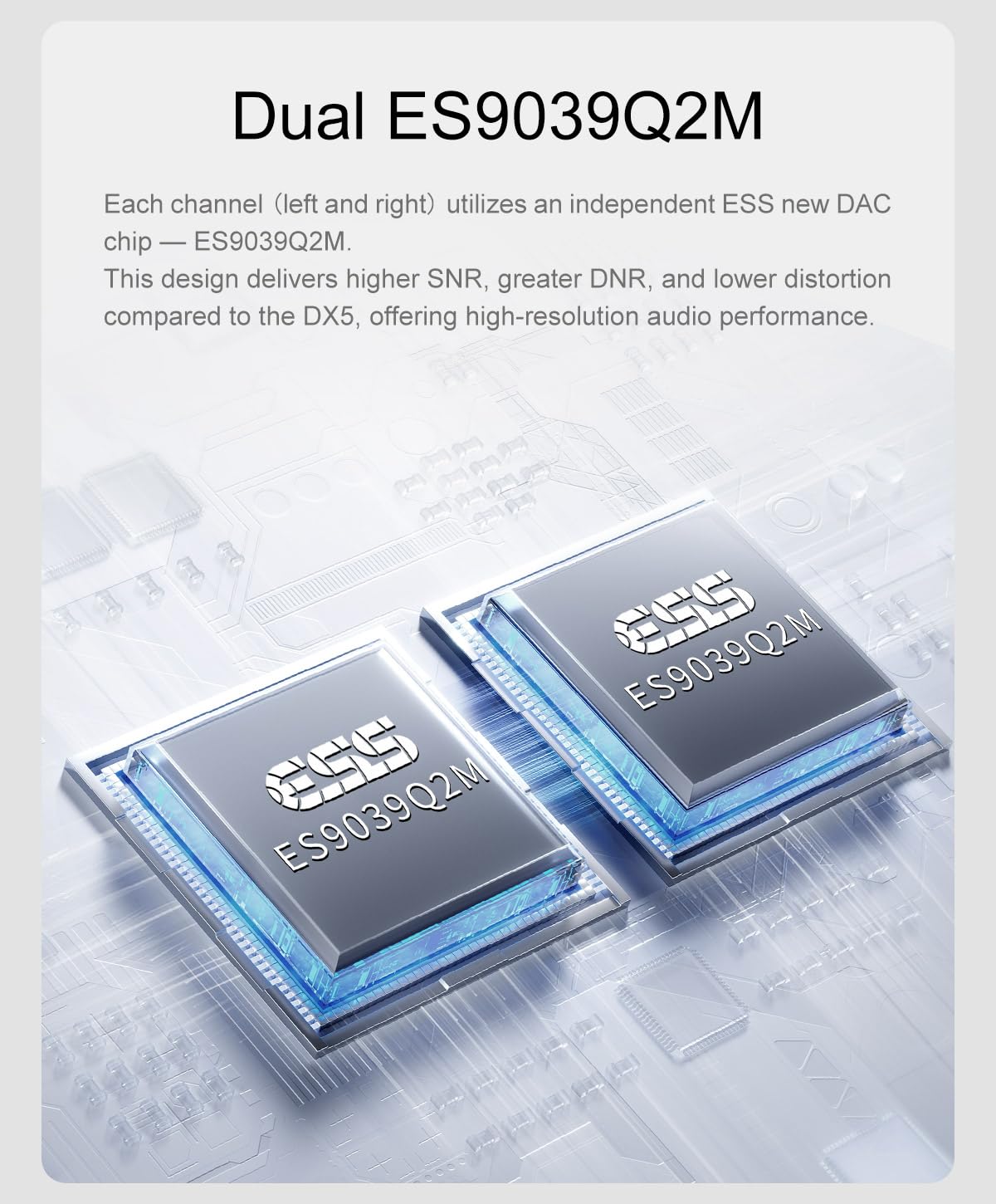
Image: The Topping DX5 II connected wirelessly via Bluetooth to a smartphone, demonstrating its LDAC capability.
- Изаберите Bluetooth као улазни извор помоћу ИНПУТ дугме.
- The DX5 II will automatically enter pairing mode, indicated on the display.
- On your Bluetooth device (e.g., smartphone, tablet), search for available devices and select "Topping DX5 II".
- Once paired, the display will confirm the connection. The DX5 II supports LDAC, aptX-Adaptive, aptX, aptX HD, AAC, and SBC codecs.
6.5 Навигација кроз мени и подешавања
Притисните тастер МЕНУ button to access the settings menu. Use the control knob to navigate through options and press the knob to select. Press ХОМЕ да бисте се вратили на главни екран.
Key settings may include:
- Режим излаза: Select between DAC mode (fixed output) or Preamp mode (variable output).
- Филтери: Digital filter settings.
- Осветљеност: Подесите осветљеност екрана.
- ПЕК: Parametric Equalizer settings.
6.6 Подешавање параметарског еквилајзера (PEQ)

Image: A graphical representation of the 10-band high-precision PEQ adjustment interface, showing frequency, gain, and Q factor controls.
The DX5 II features a 10-band high-precision PEQ. Access this feature through the menu. You can fine-tune the frequency, gain, and bandwidth (Q factor) for each of the ten bands to customize your sound profile. The PEQ function supports up to PCM 192kHz/32bit.
6.7 Преamp Режим

Image: The Topping DX5 II connected to a pair of active speakers, illustrating its use in preamp mode for direct volume adjustment.
У преamp mode, the DX5 II's output volume is variable, allowing you to directly adjust the volume for connected active speakers or a power amplifier. This eliminates the need for a separate preamplifier. The device remembers the last set volume when switching outputs.
7. Одржавање
- Чишћење: Use a soft, dry cloth to wipe the exterior of the unit. Do not use liquid cleaners or abrasive materials.
- вентилација: Уверите се да отвори за вентилацију нису блокирани како би се одржао правилан проток ваздуха.
- Складиштење: Ако складиштите уређај дуже време, искључите га из струје и чувајте га на хладном и сувом месту.
КСНУМКС. Решавање проблема
| Проблем | Могући узрок | Решење |
|---|---|---|
| Нема струје | Power cable not connected; Power switch off; Power outlet fault. | Check power cable connection; Ensure rear power switch is ON; Test power outlet with another device. |
| Нема излаза звука | Incorrect input selected; Volume too low; Output cables loose; Headphones not connected; DAC mode selected with no external ampлифиер. | Verify correct input source; Increase volume; Check all audio cable connections; Ensure headphones are fully plugged in; If using line outputs, ensure an amplifier or active speakers are connected and powered. |
| Изобличен звук | Input signal too strong; Faulty cable; Sampле рате неусклађеност. | Reduce source volume; Try different cables; Check source sampле рате сеттингс. |
| Неуспешно Блуетоотх упаривање | DX5 II not in pairing mode; Device too far; Interference. | Ensure Bluetooth input is selected and DX5 II is discoverable; Move device closer; Reduce other wireless interference. |
| Проблеми са УСБ везом | Driver not installed (Windows); Faulty USB cable; Incorrect USB port. | Install or update USB drivers; Try a different USB cable; Use a different USB port on your computer. |
9. Спецификације
| Феатуре | Детаљ |
|---|---|
| ДАЦ Цхип | Dual ES9039Q2M |
| ТХД+Н @1кХз (А-вт) | <0.00006% |
| Amplifier Architecture | X-Hybrid Fully Balanced Headphone Amp |
| СНР @МАКС ОУТ 1кХз (А-вт) | 133дБ |
| Динамички опсег @1кХз (А-вт) | 133дБ |
| Излазна снага за слушалице (16Ω) | 7600mW x 2 (THD+N<1%) |
| Излазна снага за слушалице (32Ω) | 6400mW x 2 (THD+N<1%) |
| Излазна снага за слушалице (64Ω) | 4300mW x 2 (THD+N<1%) |
| Излазна снага за слушалице (300Ω) | 990mW x 2 (THD+N<1%) |
| Излазна снага за слушалице (600Ω) | 490mW x 2 (THD+N<1%) |
| ПЕК | 10-band high-precision PEQ |
| Дисплаи | Full-Color Display (Aurora UI) |
| 12В окидач | Подржано |
| Блуетоотх чип | QCC5125 (Блутут 5.1) |
| Блуетоотх кодеци | LDAC, aptX-Adaptive, aptX, aptX HD, AAC, SBC |
| Макс Сample Rate (USB) | DSD512, PCM768kHz |
| Димензије | 11.38 x 9.37 x 2.44 инча (паковање) |
| Тежина | 3.55 Pounds (Package) |
Напомена: Спецификације се могу променити без најаве.
10. Гаранција и подршка
This product is covered by a manufacturer's warranty. Please refer to the warranty card included with your product or visit the official Topping webсајт за детаљне услове гаранције.
For technical support, troubleshooting assistance, or warranty claims, please contact LEAUDIO customer service or your authorized dealer. Contact information can typically be found on the LEAUDIO webсајт или вашу документацију о куповини.
Молимо вас да сачувате доказ о куповини ради гаранције.


