Увод
This manual provides essential information for setting up, operating, maintaining, and troubleshooting your TECNO Spark GO 2 smartphone. Please read this guide carefully to ensure optimal performance and longevity of your device.
Сетуп
1. Распакивање и први преглед
Carefully remove all items from the packaging. Verify that all components listed in the 'What's in the Box' section are present and undamaged.
2. Уметање SIM картице и меморијске картице
- Пронађите лежиште за СИМ картицу са стране уређаја.
- Уметните приложени алат за избацивање лежишта СИМ картице у мали отвор поред лежишта и лагано притисните док лежиште не искочи.
- Поставите своје Nano-SIM картице и/или microSD картице (ако постоје) у предвиђене слотове на лежишту, водећи рачуна о исправној оријентацији.
- Пажљиво гурните лежиште назад у уређај док не кликне на своје место.
3. Пуњење уређаја
Before first use, fully charge your TECNO Spark GO 2. Connect the provided USB cable to the phone's charging port and the power adapter. Plug the adapter into a wall outlet. The device supports 15W fast charging.

Готовоview of TECNO Spark GO 2 features, including AI, durability, display, and battery.
4. Укључивање и почетно подешавање
Press and hold the Power button until the TECNO logo appears. Follow the on-screen instructions to select your language, connect to Wi-Fi, and set up your Google account.
Управљање уређајем
1. Основна навигација
The TECNO Spark GO 2 features a responsive touchscreen. Use gestures such as tap, swipe, pinch-to-zoom, and long-press to navigate the interface, open apps, and interact with content.
2. Карактеристике екрана
Experience smooth visuals on the 6.67-inch Punch-Hole Display with a 120Hz refresh rate. This high refresh rate provides a fluid scrolling and viewинг искуство.

The 120Hz Dynamic Punch-hole Display offers smooth visuals.
3. Ella AI with Indian Language Support
Your device includes Ella, an AI assistant that supports voice commands in various Indian regional languages. Utilize Ella for productivity tasks and smart interactions.

Ella AI provides support for multiple Indian languages.
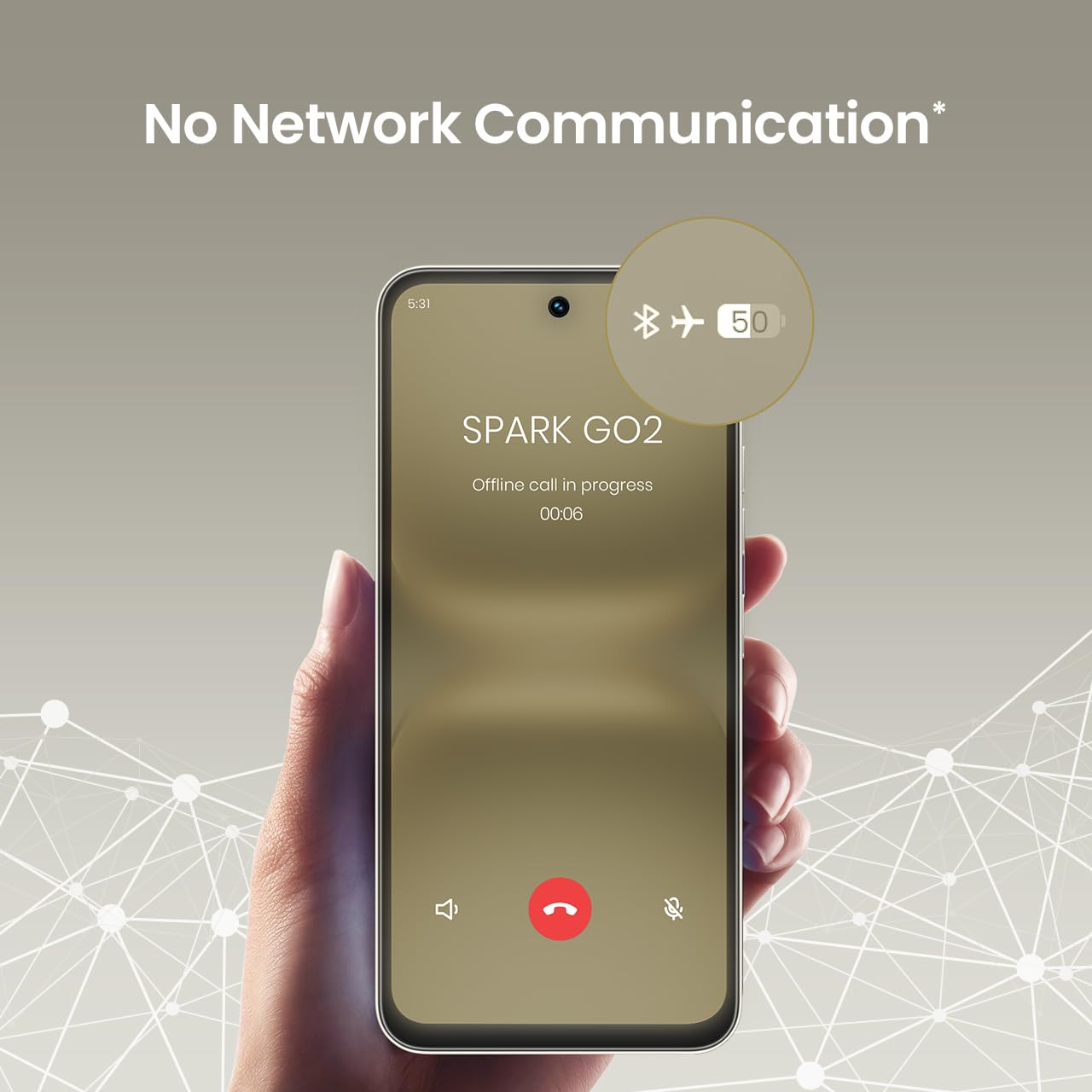
4. No Network Communication Feature
The TECNO Spark GO 2 features a unique 'No Network Communication' capability, allowing certain functions even in areas without cellular signal. Refer to the device's settings for details on how to utilize this feature.

The 'No Network Communication' feature allows limited functionality without cellular service.
5. Употреба камере
Your device is equipped with a 13MP main camera and an 8MP front camera. Open the Camera application to capture photos and videos. Explore various modes and settings for different photographic effects.
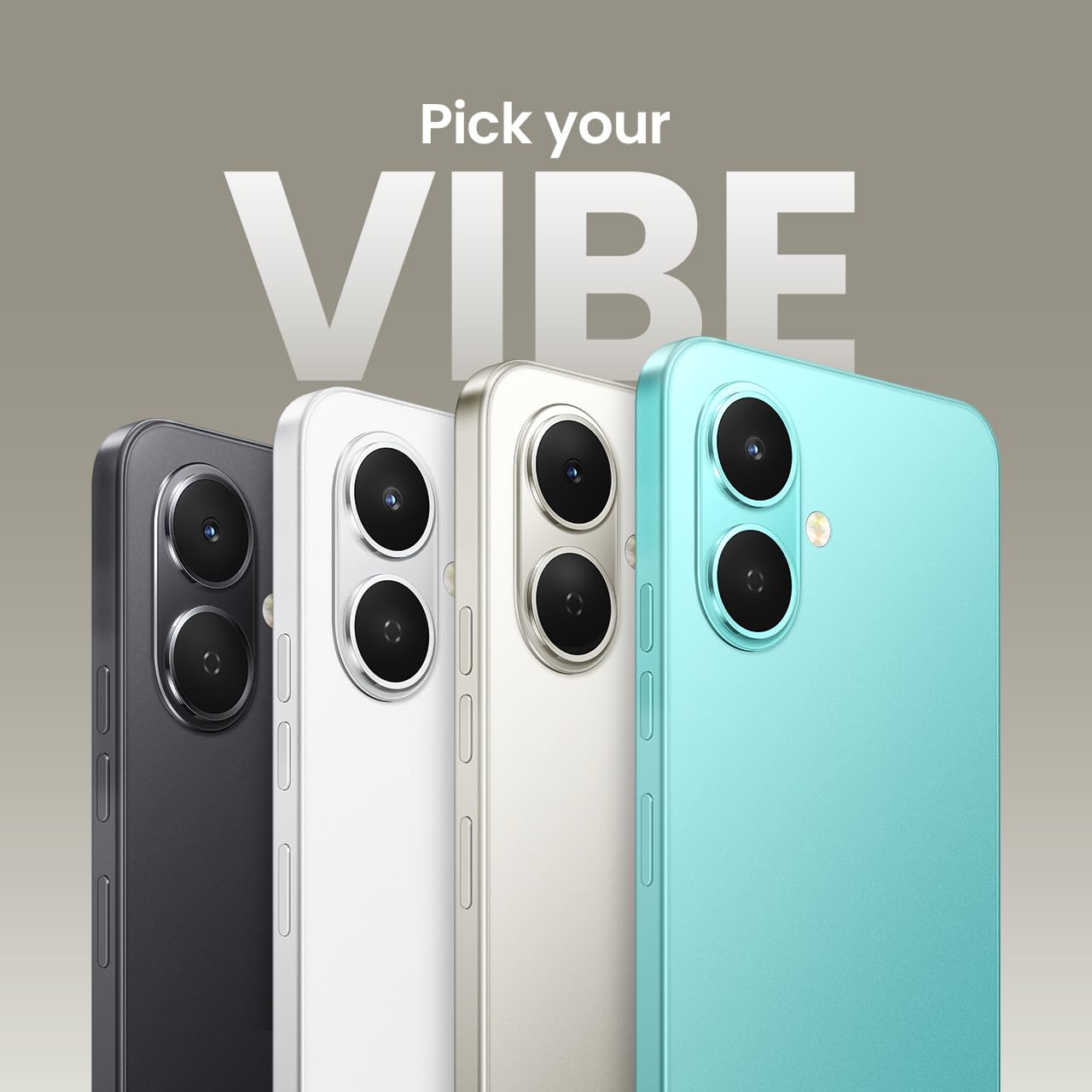
The TECNO Spark GO 2 features a 13MP main camera and an 8MP front camera.
6. AI Active Noise Cancellation
Benefit from AI Active Noise Cancellation during calls to ensure clearer audio by reducing background noise.

AI Active Noise Cancellation enhances call clarity.
Одржавање
1. Издржљивост и заштита
The TECNO Spark GO 2 is IP64 rated and SGS certified, offering protection against dust and splashes. While durable, avoid submerging the device in water or exposing it to excessive dust.

The TECNO Spark GO 2 is IP64 rated for dust and splash resistance.
2. Брига о батерији
To maximize battery life, avoid extreme temperatures. Use only the provided charger and cable. For optimal performance, keep the battery charge between 20% and 80% when possible.
The 5000mAh battery supports 15W fast charging.
3. Ажурирања софтвера
Regularly check for and install software updates to ensure your device has the latest features, security patches, and performance enhancements. This contributes to the promised 4 years of lag-free performance.
4. Чишћење
Користите меку крпу која не оставља влакна да бисте очистили екран и кућиште телефона. Избегавајте употребу јаких хемикалија или абразивних материјала.
Решавање проблема
1. Уређај не реагује
If your device becomes unresponsive, press and hold the Power button for approximately 10-15 seconds to force a restart.
2. Брзо пражњење батерије
Check for background apps consuming power. Adjust screen brightness, disable unnecessary features like GPS or Bluetooth when not in use, and ensure your software is up to date.
3. Проблеми са мрежном повезивањем
If you experience issues with cellular or Wi-Fi connectivity, try restarting your device. Verify that your SIM card is correctly inserted and that you are within network coverage. For Wi-Fi, ensure the router is functioning correctly.
4. Кашњење у перформансама
Close unused applications, clear cache, and ensure sufficient storage space. The device is designed for lag-free performance for up to 4 years, supported by its UNISOC T7250 processor and up to 8GB RAM (including virtual RAM).

The TECNO Spark GO 2 is engineered for 4 years of lag-free performance.

The device offers up to 8GB RAM for smooth multitasking.
Спецификације
| Феатуре | Детаљ |
|---|---|
| Оперативни систем | Андроид 15 |
| РАМ | 4 GB (до 8 GB са виртуелном RAM меморијом) |
| Интерна меморија | 64 ГБ |
| Број модела | КМ4 |
| Димензије производа | 16.6 к 7.7 к 0.8 цм |
| Тежина артикла | 186 г |
| Оцена снаге батерије | 5000 мАх |
| Подршка за пуњење | 15В брзо пуњење |
| Дисплаи | 6.67" Punch-Hole Display, 120Hz Refresh Rate, 720 x 1600 Resolution |
| Главна камера | 13 МП |
| Предња камера | 8 МП |
| Повезивање | Блутут, инфрацрвени порт, УСБ, Ви-Фи, 4Г агрегација оператера 2.0 |
| Аудио Јацк | 3.5 мм |
| Посебне карактеристике | Ella AI with Indian Language Support, IP64 SGS Certified, No Network Communications, AI Active Noise Cancellation |
| Боја | Титаниум Греи |
Шта је у кутији
The TECNO Spark GO 2 package typically includes the following items:
- TECNO Spark GO 2 паметни телефон
- Навлака за телефон
- Повер Адаптер
- Избацивач СИМ лежишта
- УСБ кабл
Гаранција и подршка
For warranty information and customer support, please refer to the warranty card included with your product or visit the official TECNO Mobile India website. The manufacturer is G Mobiles India.
For technical assistance or service inquiries, please contact TECNO customer service through their official channels.