
NIMO Nimo N155
NIMO 15.6-inch FHD Laptop Nimo N155 User Manual
Model: Nimo N155
1. Увод
This manual provides essential information for setting up, operating, and maintaining your NIMO 15.6-inch FHD Laptop Nimo N155. Please read this manual thoroughly before using your device to ensure proper function and longevity.

Figure 1: NIMO 15.6-inch FHD Laptop Nimo N155 Overview
The NIMO N155 laptop is equipped with an AMD Ryzen 7 6800H processor, 32GB DDR5 RAM, and a 1TB PCIe 4.0 SSD, designed for efficient performance in various computing tasks. It features a 15.6-inch Full HD IPS anti-glare display, a backlit keyboard, and an integrated fingerprint sensor for enhanced security and user experience.
2. Шта је у кутији
Проверите да ли су све ставке присутне у пакету:
- 1 x Nimo N155 Laptop
- 1 x Type-C 100W PD Fast Charger
- 1 x Упутство за употребу (овај документ)
- Windows 11 Home Operating System (pre-installed)
3. Почетно подешавање
3.1. Charging the Laptop
Before first use, connect the laptop to the power adapter and charge it fully. The Type-C 100W PD Fast Charger provides rapid charging capabilities.
- Connect the Type-C charger to a power outlet.
- Plug the Type-C connector into one of the Type-C ports on your laptop.
- The charge LED indicator will illuminate, indicating that the laptop is charging.

Figure 2: Connecting the Type-C 100W PD Fast Charger
3.2. Укључивање
Press the power button located on the keyboard to turn on the laptop. Follow the on-screen instructions to complete the initial Windows 11 setup, including language selection, network connection, and user account creation.
4. Laptop Components and Ports
Familiarize yourself with the various components and ports of your NIMO N155 laptop.

Слика 3: Портови и конектори лаптопа
4.1. Портови са леве стране
- УСБ 2.0 порт: За повезивање старијих УСБ уређаја.
- УСБ 3.0 порт: За повезивање USB уређаја велике брзине.
- Утор за микро СД картицу: За читање и писање на микро СД картице.
- Слушалице: За повезивање слушалица или екстерних звучника.
- Utor za Kensington Lock: За осигуравање лаптопа компатибилном бравом.
4.2. Десни бочни портови
- ЛЕД за пуњење: Означава статус пуњења.
- Type-C (PD/Charging) Port: Primarily for power delivery and charging.
- Type-C (Multifunction) Port: Supports data transfer and display output.
- УСБ 3.0 портови (к2): За повезивање USB уређаја велике брзине.
- ХДМИ порт: За повезивање са екстерним екранима или пројекторима.
4.3. Internal Components
- процесор: AMD Ryzen 7 6800H (8 Cores, 16 Threads, up to 4.7 GHz).
- Графика: Integrated AMD Radeon 680M GPU.
- РАМ: 32GB DDR5 (upgradeable).
- Складиштење: 1TB PCIe 4.0 SSD (upgradeable).
- Приказ: 15.6-inch FHD (1920x1080) IPS Anti-Glare Display.
- Webкамера: 2.0 MP with privacy shield.
- бежични: 802.11a/b/g/n/ac (Wi-Fi 5) and Bluetooth 5.2.

Figure 4: AMD Ryzen 7 6800H Processor Details

Figure 5: High-Speed RAM and PCIe SSD
5. Управљање лаптопом
5.1. Дисплеј
The 15.6-inch Full HD IPS display offers a resolution of 1920x1080 pixels. Adjust brightness and display settings through Windows settings (Right-click on desktop > Display settings).
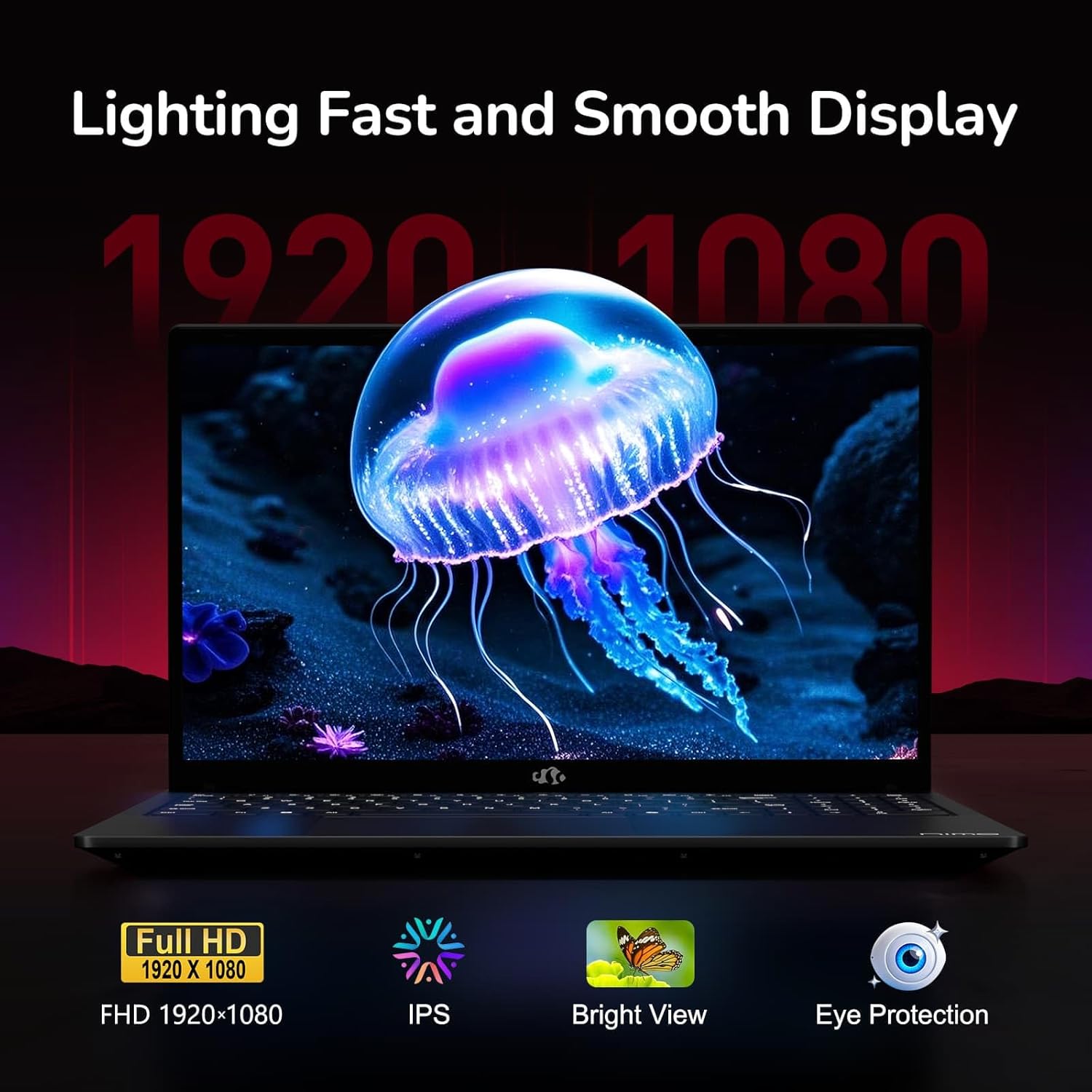
Figure 6: Laptop Display Features
5.2. Тастатура и тачпед
The laptop features a backlit keyboard and a responsive touchpad with multi-touch gesture support. The integrated fingerprint sensor is located on the touchpad for secure login.
- Тастатура са позадинским осветљењем: Притисните Fn + Fx (where Fx is the backlight key, typically F3 or F4) to adjust keyboard backlight brightness.
- Сензор отиска прста: Enroll your fingerprints via Windows Settings > Accounts > Sign-in options for quick and secure access.
- WebЗаштита приватности камере: Slide the physical cover over the webcam for privacy when not in use.

Figure 7: Keyboard and Input Features

Figure 8: Seamless Security Integration (Fingerprint and Webcam Shield)
5.3. Управљање напајањем
The laptop is equipped with a 4700mAh (53.58Wh) Lithium Polymer battery. Battery life can vary based on usage. To optimize battery life, adjust power settings in Windows and close unnecessary applications.

Слика 9: Спецификације батерије
6. Одржавање и њега
6.1. Чишћење
- Користите меку крпу која не оставља влакна за чишћење екрана и спољашњости.
- За тврдокорне трагове, дampОбришите крпу водом или средством за чишћење екрана. Избегавајте јаке хемикалије.
- Уверите се да је лаптоп искључен и искључен из струје пре чишћења.
6.2. Складиштење и руковање
- Чувајте лаптоп на хладном и сувом месту, даље од директне сунчеве светлости и екстремних температура.
- Избегавајте стављање тешких предмета на лаптоп.
- Не излажите лаптоп течностима.
6.3. Надоградње
The NIMO N155 laptop supports detachable RAM and SSD, allowing for user upgrades. Refer to the official NIMO support website or contact customer service for detailed upgrade instructions to avoid voiding your warranty.
КСНУМКС. Решавање проблема
This section addresses common issues you might encounter with your NIMO N155 laptop.
| Проблем | Могуће решење |
|---|---|
| Лаптоп се не укључује. | Ensure the charger is properly connected and the battery has sufficient charge. Try a different power outlet. |
| Екран је празан. | Check if the laptop is powered on. Adjust screen brightness. Connect to an external monitor to check if the issue is with the laptop's display. |
| Проблеми са Wi-Fi везом. | Уверите се да је Wi-Fi омогућен у подешавањима Windows-а. Поново покрените рутер и лаптоп. Ажурирајте Wi-Fi драјвере. |
| Позадинско осветљење тастатуре не ради. | Press the Fn key combined with the appropriate function key (e.g., F3 or F4) to toggle or adjust the backlight. |
| Fingerprint sensor not responding. | Ensure your finger is clean and dry. Re-enroll your fingerprints in Windows settings. Update fingerprint sensor drivers. |
If you encounter issues not listed here or require further assistance, please contact NIMO customer support.
8. Техничке спецификације
| Феатуре | Спецификација |
|---|---|
| Назив модела | Nimo N155 |
| Дисплаи | 15.6-inch FHD (1920x1080) IPS Anti-Glare |
| Процесор | AMD Ryzen 7 6800H (8 Cores, 16 Threads, up to 4.7 GHz) |
| Графика | Интегрисана AMD Radeon 680M видеокарта |
| РАМ | 32GB DDR5 4800 MHz (Dual-channel, upgradeable) |
| Складиштење | 1TB PCIe 4.0 SSD (upgradeable) |
| Оперативни систем | Виндовс 11 Хоме |
| Бежично повезивање | Wi-Fi 5 (802.11a/b/g/n/ac), Bluetooth 5.2 |
| Портс | 1x USB 2.0, 3x USB 3.0, 2x Type-C (1x PD, 1x Multifunction), 1x HDMI, 1x Micro SD, 1x Headphone Jack, 1x Kensington Lock |
| Webцам | 2.0 MP (with privacy shield) |
| Батерија | 4700mAh / 53.58Wh Lithium Polymer |
| Повер Адаптер | Type-C 100W PD Fast Charger |
| Димензије (ДкШкВ) | 14.07 к 8.98 к 0.76 инча (357.4 к 228 к 19.2 мм) |
| Тежина | 3.8 фунте (1.7 кг) |
| Посебне карактеристике | Позадинско осветљење тастатуре, читач отиска прста, HD аудио, нумеричка тастатура |
9. Гаранција и подршка
9.1. Гаранција произвођача
Your NIMO N155 laptop comes with a Двогодишња гаранција произвођачаОва гаранција покрива недостатке у материјалу и изради при нормалној употреби. Молимо вас да сачувате доказ о куповини за потребе подношења захтева за гаранцију.
9.2. Политика враћања робе
NIMO offers a 90-day hassle-free return policy from the date of purchase. For details on eligibility and the return process, please refer to your purchase documentation or contact customer support.
9.3. Корисничка подршка
For technical assistance, warranty claims, or any other inquiries, please visit the official NIMO support website or contact their customer service team. Contact information can typically be found on the NIMO brand store page or included documentation.
NIMO Brand Store: Visit NIMO Store on Amazon
Ask a question about this manual
Ask about setup, troubleshooting, compatibility, parts, safety, or missing instructions. Manuals+ will review the question and use this page’s manual context to help answer it.