
Увод
Thank you for choosing the OPPO Enco Buds3 Wireless Earbuds. This manual provides essential information for the safe and efficient use of your device. Please read it thoroughly before use and retain it for future reference.
Шта је у кутији
- OPPO Enco Buds3 Wireless Earbuds (Left and Right)
- Футрола за пуњење
- УСБ кабл за пуњење типа Ц
- Упутство за употребу

Image: OPPO Enco Buds3 earbuds and charging case, illustrating the contents of the package.
Производ је завршенview
The OPPO Enco Buds3 are designed for comfort and high-quality audio. Familiarize yourself with the components:
- Еарбудс: Left and Right earbuds with touch control areas.
- Футрола за пуњење: Houses and charges the earbuds, with a Type-C charging port and an LED indicator.

Слика: Фронт view of the OPPO Enco Buds3 earbuds placed inside their open charging case, showing the 'oppo' branding on the case.

Слика: Са стране view of two individual OPPO Enco Buds3 earbuds, highlighting their ergonomic design.
Сетуп
1. Пуњење слушалица и футроле
Пре прве употребе, потпуно напуните слушалице и кућиште за пуњење.
- Ставите слушалице у кућиште за пуњење.
- Повежите USB Type-C кабл за пуњење са портом за пуњење на кућишту и са извором напајања.
- The LED indicator on the case will show charging status. A full charge takes approximately 2 hours.
2. Упаривање са вашим уређајем
The OPPO Enco Buds3 utilize Bluetooth 5.4 for a stable connection.
- Open the charging case. The earbuds will automatically enter pairing mode (LED indicator will flash).
- On your smartphone or Bluetooth device, go to Bluetooth settings and enable Bluetooth.
- Select "OPPO Enco Buds3" from the list of available devices.
- For Android devices, Google Quick Connect allows for one-tap pairing when the case is opened near your phone.
- Once paired, the LED indicator on the case will turn solid, and you will hear a confirmation tone.
Упутство за употребу
Додирните контроле
The earbuds feature intuitive touch controls. The default functions are:
| Акција | Функција |
|---|---|
| Double-tap (Left/Right Earbud) | Play/Pause, Answer/End Call, Take Photo (customizable via app) |
| Triple-tap (Left/Right Earbud) | Next Track, Activate Google Assistant (customizable via app) |
| Touch and Hold (Left/Right Earbud) | Volume Up/Down (customizable via app) |
Note: Specific touch control functions can be customized through the OPPO HeyMelody app.
Режими звука
The Enco Buds3 offer customizable sound profiles:
- Подразумевано: Стандардни балансирани звук.
- Clear Vocals: Enhances vocal clarity for podcasts and calls.
- Басс Боост: Amplifies low frequencies for a richer bass experience.
- Оригинални звук: Provides an authentic, uncolored audio reproduction.
These modes, along with 6 other sound settings, can be accessed and adjusted via the OPPO HeyMelody app.
Гоогле помоћник
You can activate Google Assistant by triple-tapping one of the earbuds (if configured). This allows for voice commands and quick access to information.
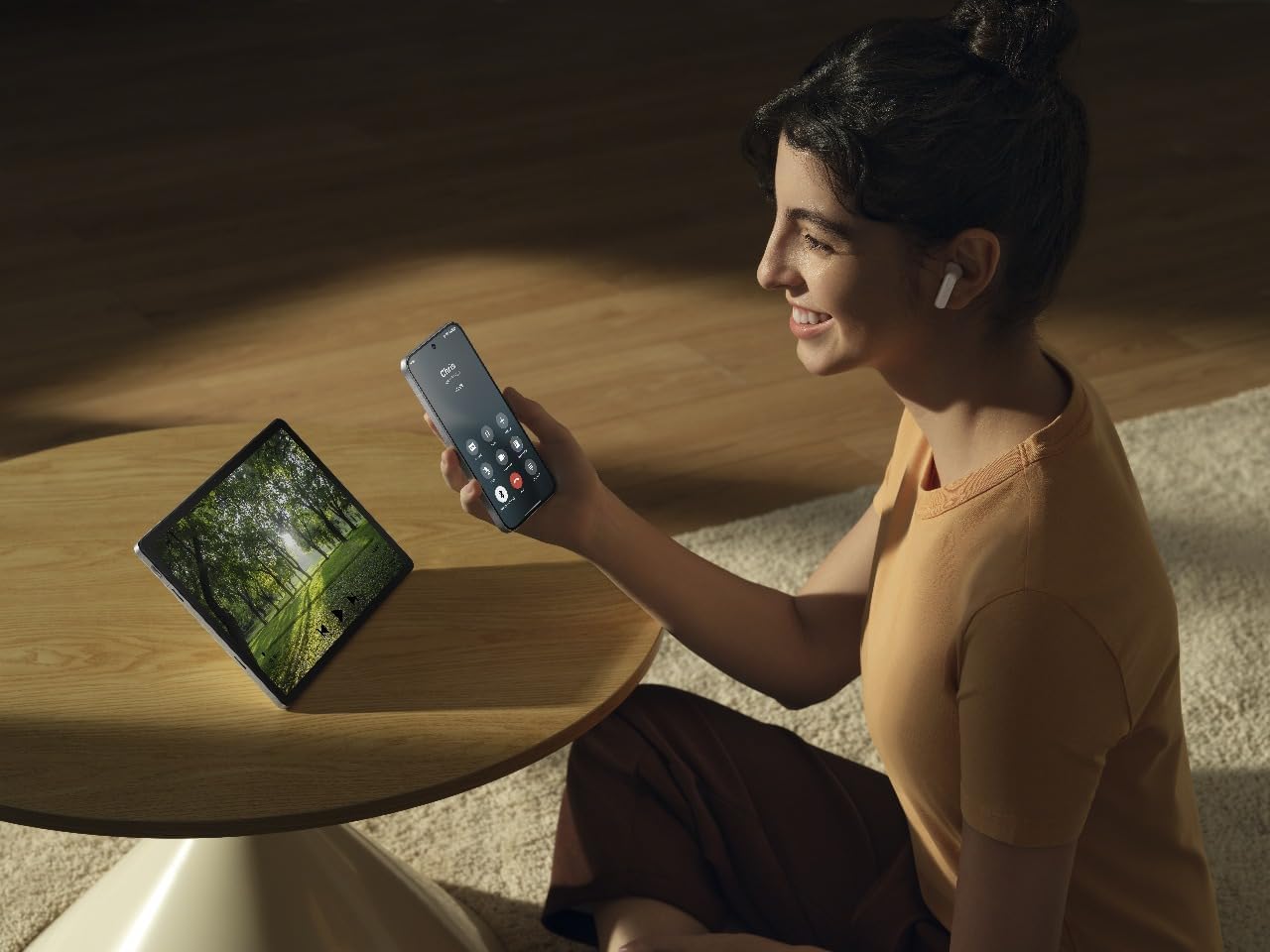
Image: A person wearing OPPO Enco Buds3 earbuds, smiling while holding a smartphone, demonstrating active use and connectivity.
Одржавање
Чишћење
Редовно чишћење помаже у одржавању квалитета звука и хигијене.
- Нежно обришите слушалице и кућиште за пуњење меком, сувом крпом која не оставља влакна.
- Не користите абразивна средства за чишћење, алкохол или хемијске раствараче.
- Уверите се да су контакти за пуњење чисти и суви.
Складиштење
Када се не користе, чувајте слушалице у њиховој футроли за пуњење како бисте их заштитили и осигурали да остану напуњене.
- Избегавајте екстремне температуре и високу влажност.
- Чувати ван домашаја деце и кућних љубимаца.
Решавање проблема
Нема звука / Прекид везе
- Уверите се да су слушалице напуњене.
- Check if Bluetooth is enabled on your device and the earbuds are paired.
- Try re-pairing the earbuds: Place them in the case, close the lid, then open it again to enter pairing mode.
- Приближите се уређају да бисте избегли сметње.
Слушалице се не пуне
- Уверите се да је кабл за пуњење безбедно повезан и са кућиштем и са извором напајања.
- Проверите да ли су контакти за пуњење на слушалицама и унутар кућишта чисти.
- Пробајте други кабл за пуњење или адаптер за напајање.
Контроле додиром не реагују
- Уверите се да су вам прсти чисти и суви када користите контроле на додир.
- Поново покрените слушалице тако што ћете их ставити у футролу и затворити поклопац на неколико секунди.
- Check the OPPO HeyMelody app for any firmware updates.
Спецификације
| Феатуре | Детаљ |
|---|---|
| Бранд | ОППО |
| Назив модела | Enco Buds3 (ETEG1) |
| Боја | Црно |
| Постављање уха | Ин-Еар |
| Технологија повезивања | Блуетоотх 5.4 |
| Дривер Сизе | 12мм |
| Фреквенцијски одзив | 1 kHz (Note: This value seems unusually low for a full frequency response range. It might refer to a specific test point or be an error in the source data.) |
| Осетљивост | 123 дБ |
| Трајање батерије (слушалице + футрола) | До 48 сати |
| Време пуњења | Приближно 2 сати (за потпуно пуњење) |
| Материјал | Пластика |
| Отпорност на воду | IP55 Certified (from product title) |
Безбедносне информације
- Do not expose the earbuds or case to extreme temperatures, direct sunlight, or fire.
- Избегавајте слушање на високим нивоима јачине звука током дужег периода да бисте спречили оштећење слуха.
- Не покушавајте сами да растављате или поправљате уређај. Обратите се овлашћеном сервисеру.
- Keep the device away from water and liquids, unless specified by its IP rating.
- Одложите уређај и његову батерију одговорно у складу са локалним прописима.
Гаранција и подршка
For warranty information and technical support, please refer to the warranty card included in your product packaging or visit the official OPPO website. You can also contact OPPO customer service for assistance.
Note: The included user manual in the box contains specific warranty details for your region.